Quick answer
Start by unplugging everything and sorting cables into power, data, and peripheral groups. Route each group along a single under-desk spine, anchor them with adhesive clips or a tray, and keep only the cables you use daily on top. This five-step process takes about an hour and prevents the tangled mess from returning.
Why cables tangle and where to start
Cables tangle because they are routed individually, not as groups. Each device adds its own path, and gravity pulls slack into a knot. The fix is to treat cables as three systems: power (AC adapters and power strips), data (USB, HDMI, Ethernet), and peripherals (controllers, headsets, charging cables). Grouping by system reduces the number of paths you need to manage. Before buying anything, unplug every cable and lay them flat. You will likely find duplicates you no longer need.
Route cables along a single spine
Choose one under-desk path, such as the back edge or a leg, and run all cables along it. This concentrates clutter in one hidden zone instead of spreading it across the floor. Use adhesive cable clips or a raceway to hold the bundle. Leave a service loop at each device end so you can pull a cable out without unclipping the whole run. Avoid routing power and data cables tightly together for long distances; separation reduces interference and makes troubleshooting easier.
Hide the power strip and manage slack
Mount your power strip under the desk with screws or heavy-duty hook-and-loop tape. This removes the floor pile and keeps outlets reachable. Coil excess cable into figure-eight loops rather than tight circles; figure-eight coils reduce strain and stay neat. Use hook-and-loop ties instead of zip ties so you can adjust later. Label both ends of each cable with tape or tags, especially if you swap devices often.
Keep daily-use cables accessible
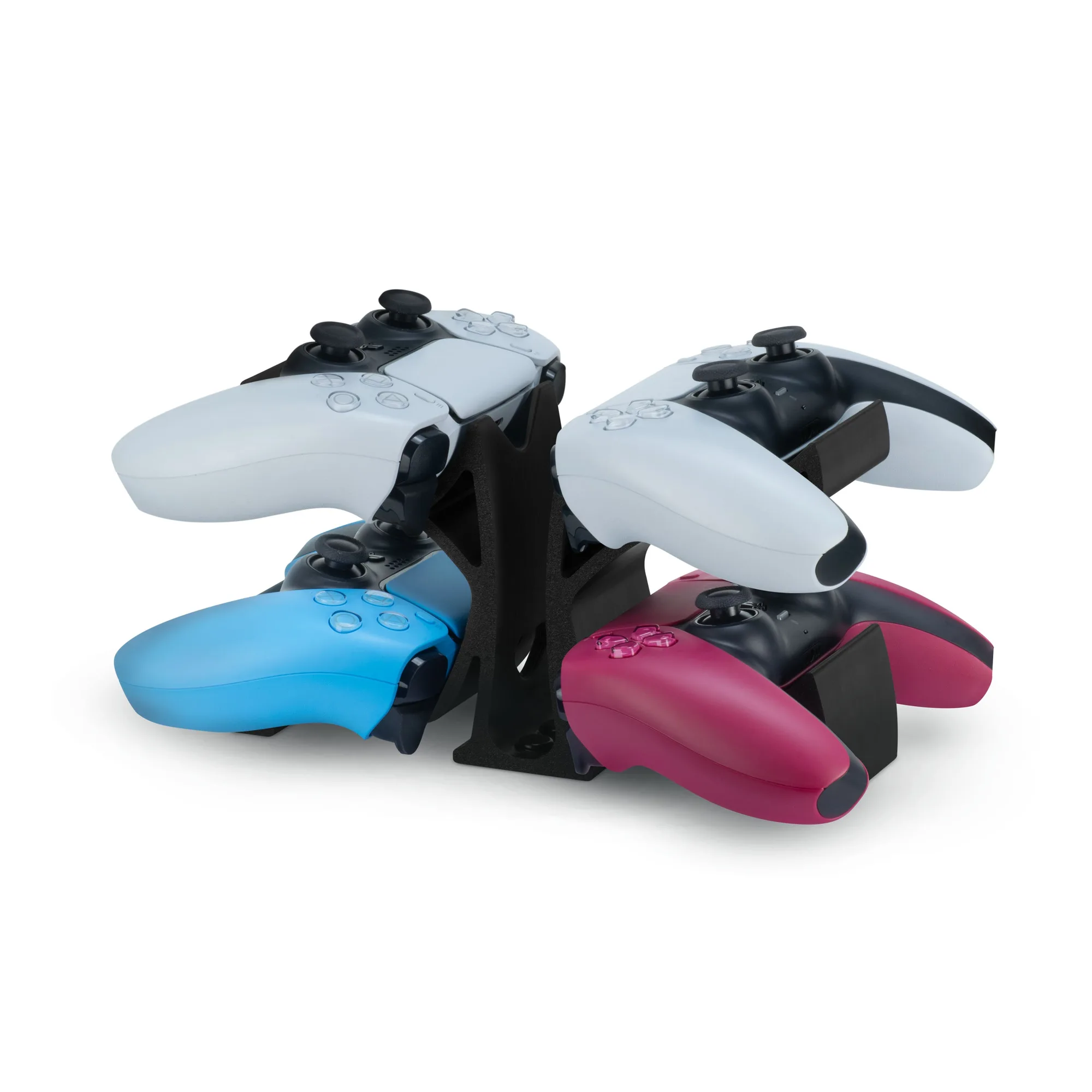
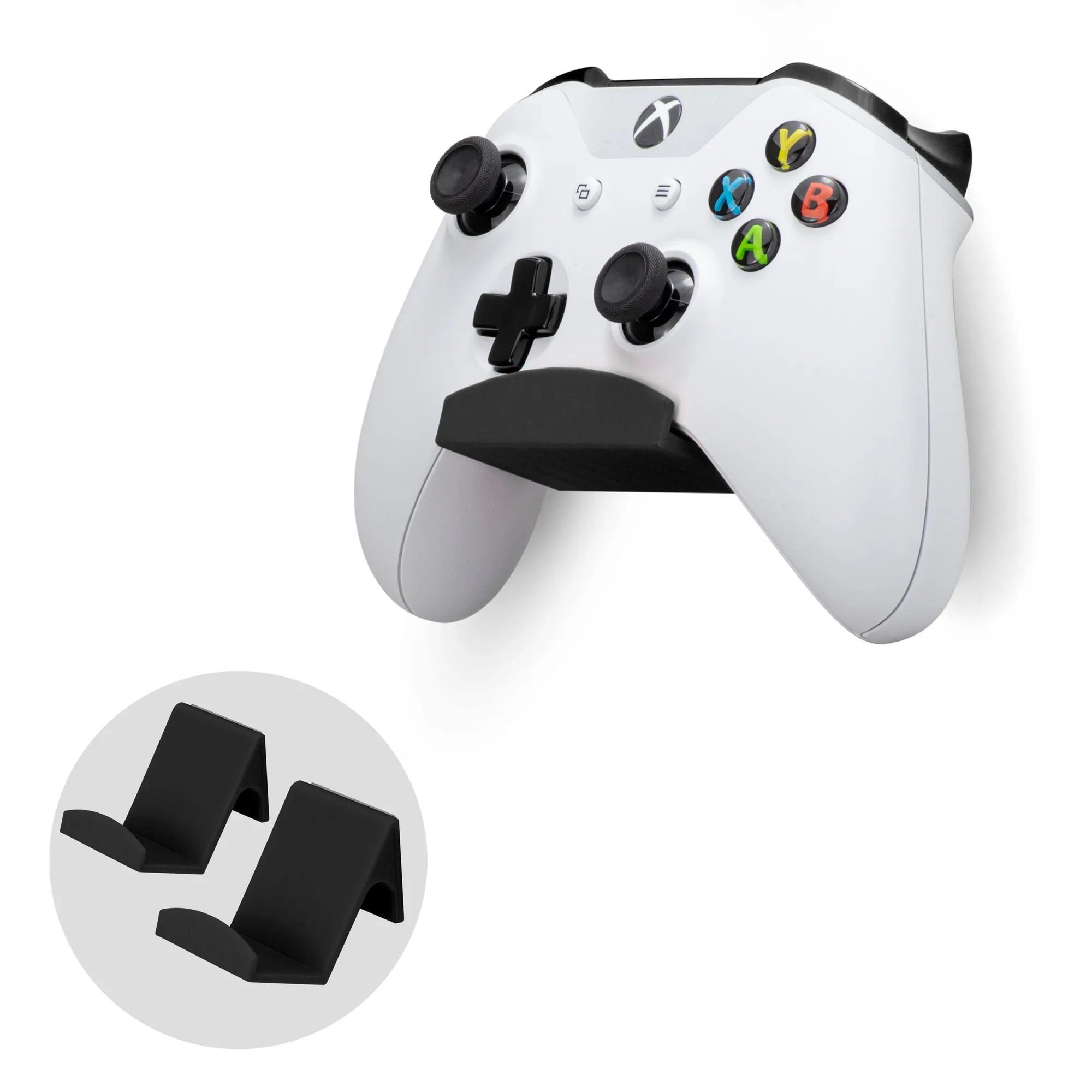
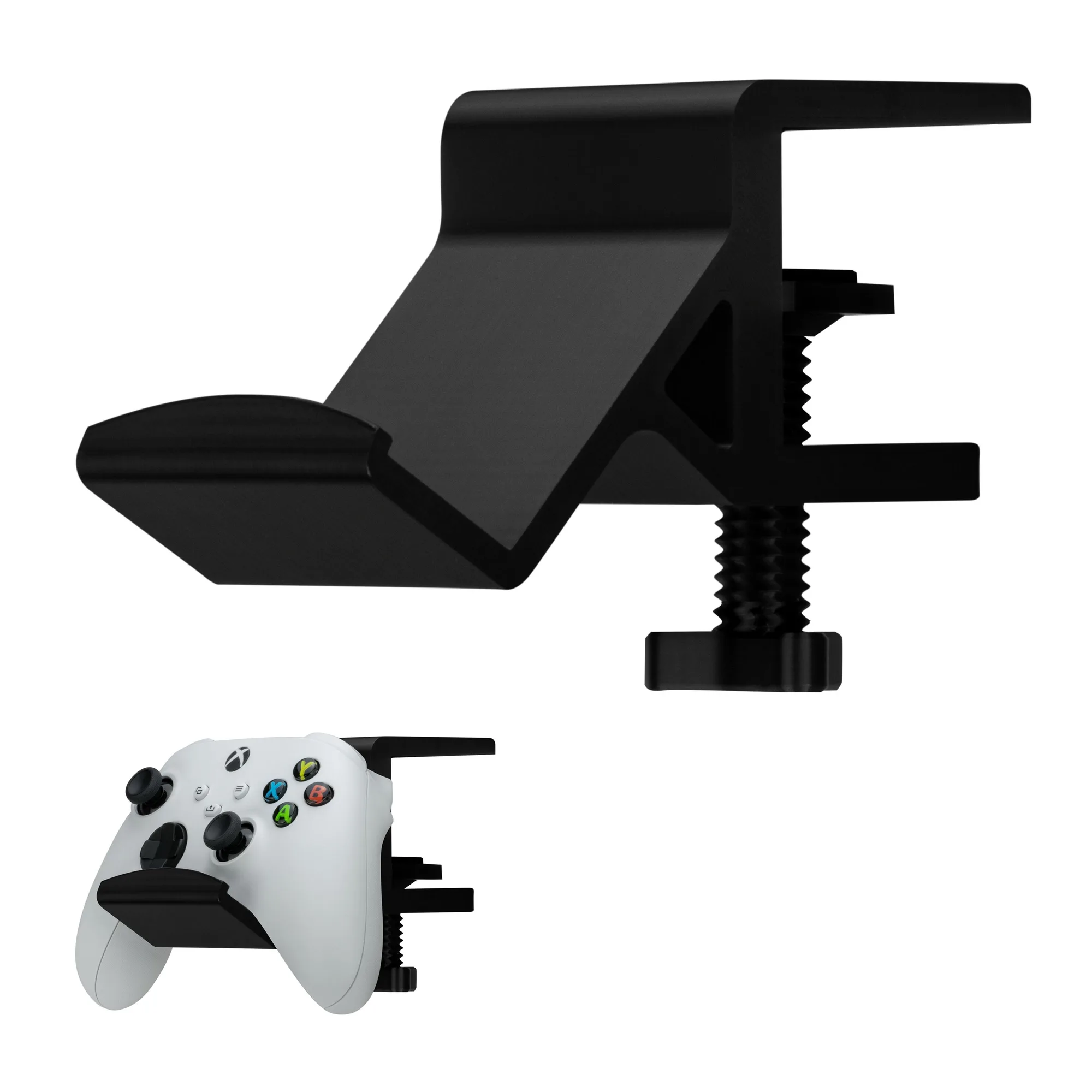
Cables you unplug daily, like a controller charging cable or headset, should not be buried in the under-desk bundle. Leave a short pigtail on the desktop, secured with a clip or a weighted holder. This prevents you from pulling the whole routing loose every time. For controllers, a dedicated stand or wall mount keeps them off the desk surface and doubles as storage. Brainwavz Audio offers several controller holders that can help here, such as the Desktop Game Controller Stand (holds four controllers) and the Desk Game Controller Holder Stand with Adjustable Clamp.
Five-step cable management process
- Unplug and sort: Disconnect every cable and group them into power, data, and peripheral piles. Remove any cables you no longer use. Checkpoint: if a cable hasn't been plugged in for six months, store it separately.
- Plan one under-desk route: Choose a single path along the back edge or a leg. Measure the longest run and add 20% slack for service loops. Common mistake: routing cables before planning, which creates crossing paths and wasted length.
- Anchor the bundle: Use adhesive clips or a raceway to hold cables along your chosen path. Keep power and data cables slightly separated. Checkpoint: tug each cable gently to confirm it stays put without pulling others.
- Mount the power strip and coil slack: Attach the power strip under the desk. Coil excess cable in figure-eight loops and secure with hook-and-loop ties. Common mistake: using tight zip ties that crush cables and make future changes difficult.
- Set up daily-access cables: Leave short pigtails on the desktop for charging and audio cables. Use a controller stand or wall mount to keep gamepads off the desk. Checkpoint: every cable you touch daily should be reachable without moving anything else.
Products that help with cable and controller organization
- Multi-Pack - Universal Game Controller Wall Mount Hanger Holder (UGC1) for XBOX, PlayStation, PC & More: Universal game controller wall mount hanger (UGC1) fits controllers of all shapes and sizes, made from high strength plastic that won't bend or flex. Wall-mounting controllers removes them from the desk surface, freeing space and reducing the chance of cables snagging on them.
- Desktop Game Controller Stand - Holds 4 Controllers, Gamepad Stand for PS5, Xbox, PlayStation, Nintendo, Legacy, Retro & More: Desktop game controller stand holds up to four controllers and is compatible with PlayStation, Xbox, SteelSeries, and many other brands. A multi-controller stand keeps several gamepads organized in one spot, so their charging cables stay grouped and untangled.
- Desk Game Controller Holder Stand with Adjustable Clamp - Universal Design for XBOX, PS5, PS4, PC, Steelseries, Steam: Desk game controller holder stand with adjustable clamp fits desks and shelves of various sizes and is made with strong, lightweight materials. The clamp mount keeps a controller within reach without adding clutter to the desktop, and the adjustable fit works with different desk thicknesses.