Quick answer
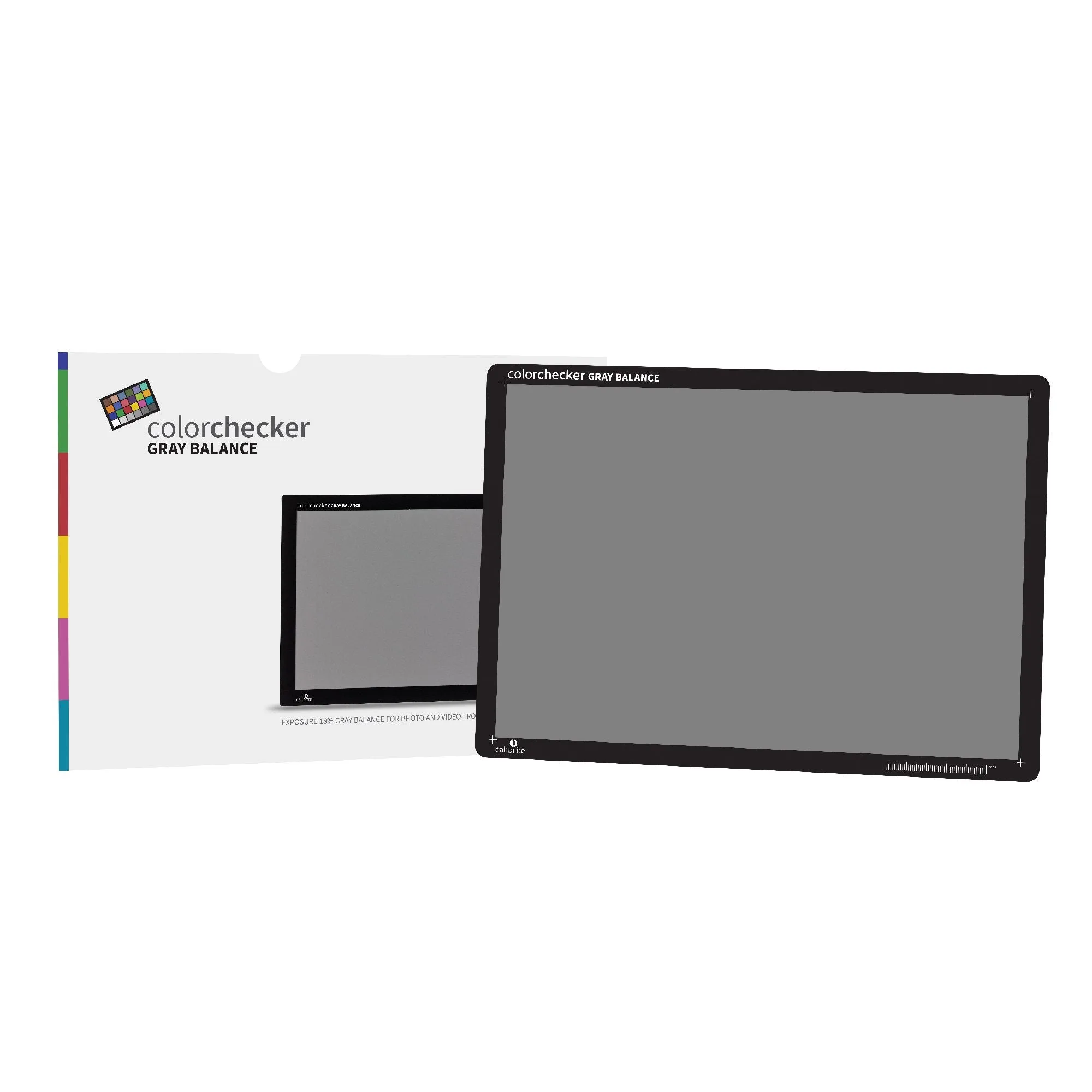
A grey card gives your camera and editing software a known neutral reference, so white balance and exposure stop being guesswork. The Calibrite ColorChecker Gray Balance is an 18% grey card sized like the ColorChecker Classic Target, and it is the practical starting point for a repeatable colour management workflow. Use it for reflective spot metering and for setting a custom white balance in mixed or changing light.
What a grey card actually does that auto white balance cannot
Auto white balance looks for the brightest area in a scene and assumes it should be white. That works in a studio with a white wall, and fails under coloured stage light, mixed window and tungsten light, or when a subject wears a strong colour. A grey card removes the guesswork: it is a neutral surface with no colour cast of its own, so the camera can measure the light falling on the scene rather than the objects in it.
The Calibrite ColorChecker Gray Balance is an 18% grey card, which is the same reflectance value your camera's meter is calibrated to. That is why it works for both white balance and exposure. A white sheet of paper is roughly 90% reflective, so metering from it will underexpose your image by about two stops.
Using a grey card for white balance and exposure in the same shot
Place the card in the same light as your subject, facing the camera, and fill enough of the frame that the camera can read it without including background. Set a custom white balance from that frame, then take a reflective spot meter reading from the card to lock exposure. Once both are set, remove the card and shoot. If the light changes, repeat the process rather than trusting the previous setting.
For video, the same card works as a reference shot at the head of each scene or lighting setup. In editing, use the eyedropper on the grey card frame to neutralise the clip, then apply that correction to the rest of the footage from that setup. This is faster and more consistent than adjusting each clip by eye.
Where a grey card fits in a colour management workflow
A colour management workflow has three links: capture, display, and output. A grey card fixes the capture end by giving you a neutral reference in the file itself. It does not replace monitor calibration or printer profiling, but it stops you from correcting a colour cast that was never in the scene.
Keep the card clean and store it away from direct sunlight, because a faded or contaminated grey card will introduce the very cast you are trying to remove. If the surface becomes shiny or scuffed, replace it. A card that lives loose in a camera bag will pick up fingerprints and dust.
Common mistakes when using a grey card
The most frequent error is holding the card at a different angle to the subject. If the card faces the light and the subject faces the camera, the reading is wrong. Angle the card so it reflects light the same way your subject does.
The second mistake is metering from the card in shade while the subject is in sun, or vice versa. The card must sit in the same light as the subject. The third is assuming one grey card reading lasts all day outdoors. As the sun moves and clouds pass, the colour temperature shifts, so re-shoot a reference frame when the light changes noticeably.
Do you need a grey card if you shoot raw?
Raw gives you more latitude to correct white balance after the fact, but it does not tell you what neutral actually was. A grey card reference in the first frame of a sequence lets you batch-correct an entire shoot in seconds instead of eyeballing each image. It also helps when you hand files to a client or another editor, because the reference travels with the file.
If you shoot JPEG, a grey card matters even more, because the white balance is baked into the file and heavy correction will degrade the image. Setting it in camera is the cleaner option.
Grey card FAQ
Can I use a white wall or a piece of paper instead?
A white surface is not a reliable neutral reference. Paper and paint often contain optical brighteners that fluoresce under UV and read slightly blue. A dedicated 18% grey card is manufactured to a known neutral value. Use a proper grey card when colour accuracy matters.
How often should I take a new grey card reading?
Every time the light changes: moving between rooms, turning on or off a flash, or when clouds pass outdoors. In a stable studio setup, one reading per lighting change is enough. Re-shoot a reference frame whenever the light shifts.
Does the Calibrite ColorChecker Gray Balance work for video too?
Yes. Its catalog description covers photo and video from capture to edit. Shoot a frame with the card at the head of each scene, then use it as the white balance reference in your editor. One reference frame per scene saves correction time later.
Is a grey card the same as a colour checker?
No. A grey card gives you one neutral reference for exposure and white balance. A colour checker adds a set of coloured patches for building a camera profile. The Gray Balance card is the same physical size as the ColorChecker Classic Target, so it fits the same workflow. Start with grey balance, then add a full colour target if you need profile-level accuracy.
How should I store and clean it?
Keep it in a sleeve or case, away from direct sunlight, and handle it by the edges. If the surface becomes glossy, scuffed, or stained, replace it, because a damaged card will bias your readings. A clean card is the only card worth metering from.
Product facts
- Calibrite ColorChecker Gray Balance: Calibrite ColorChecker Gray Balance is an 18% grey balance card for photo and video from capture to edit, and at 215.9 x 279.4mm it is the largest size available in the range, the same size as the ColorChecker Classic Target. The larger surface makes it easier to fill the frame for a custom white balance reading and to place it in a scene without it being hidden by your subject. The 18% reflectance is the value your camera meter expects, so the same card works for exposure and white balance.
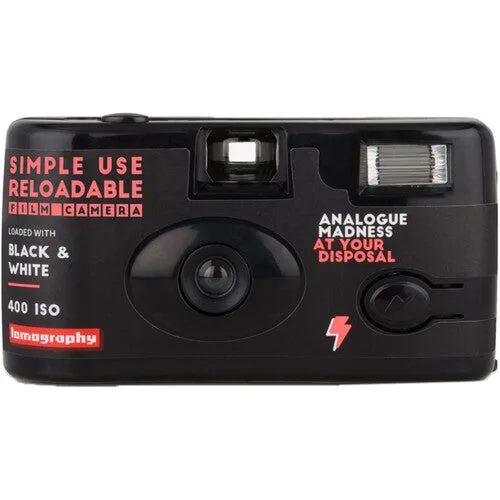
- Lomography Black and White Simple Use Camera: Lomography Black and White Simple Use Camera is a multi-use 35mm camera pre-loaded with a choice of films, complete with lens and flash. A grey card is not useful with a fixed-exposure disposable-style camera, but this camera is a low-cost way to shoot black and white film without committing to a full SLR kit.
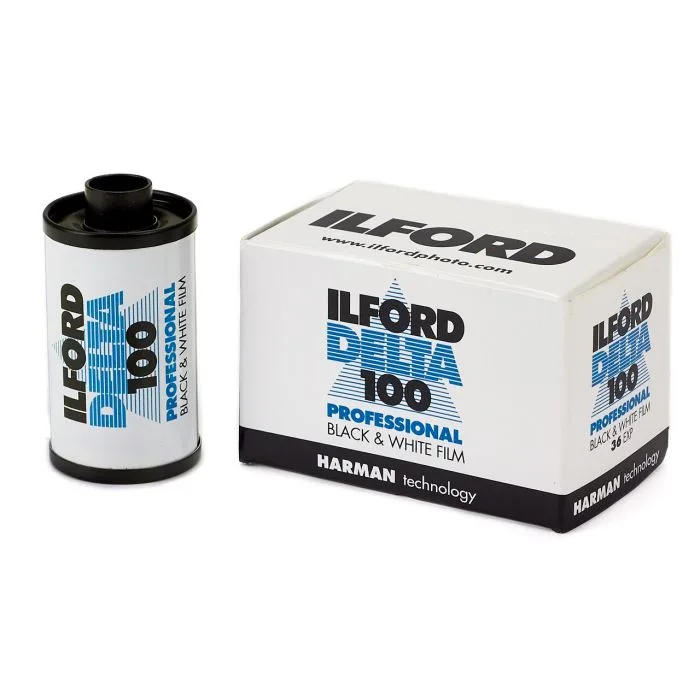
- Ilford Delta Pro 100 - 35mm 24Exp: Ilford Delta Pro 100 is a medium speed, fine grain black and white film that can be processed in spiral tanks, rotary processors, dishes, deep tanks and automatic processors, with slightly longer fixing times than conventional film recommended for best results. If you are shooting black and white film, a grey card still helps you expose negatives consistently, and fine grain film like Delta 100 rewards accurate exposure with smoother tonality.