Quick Answer
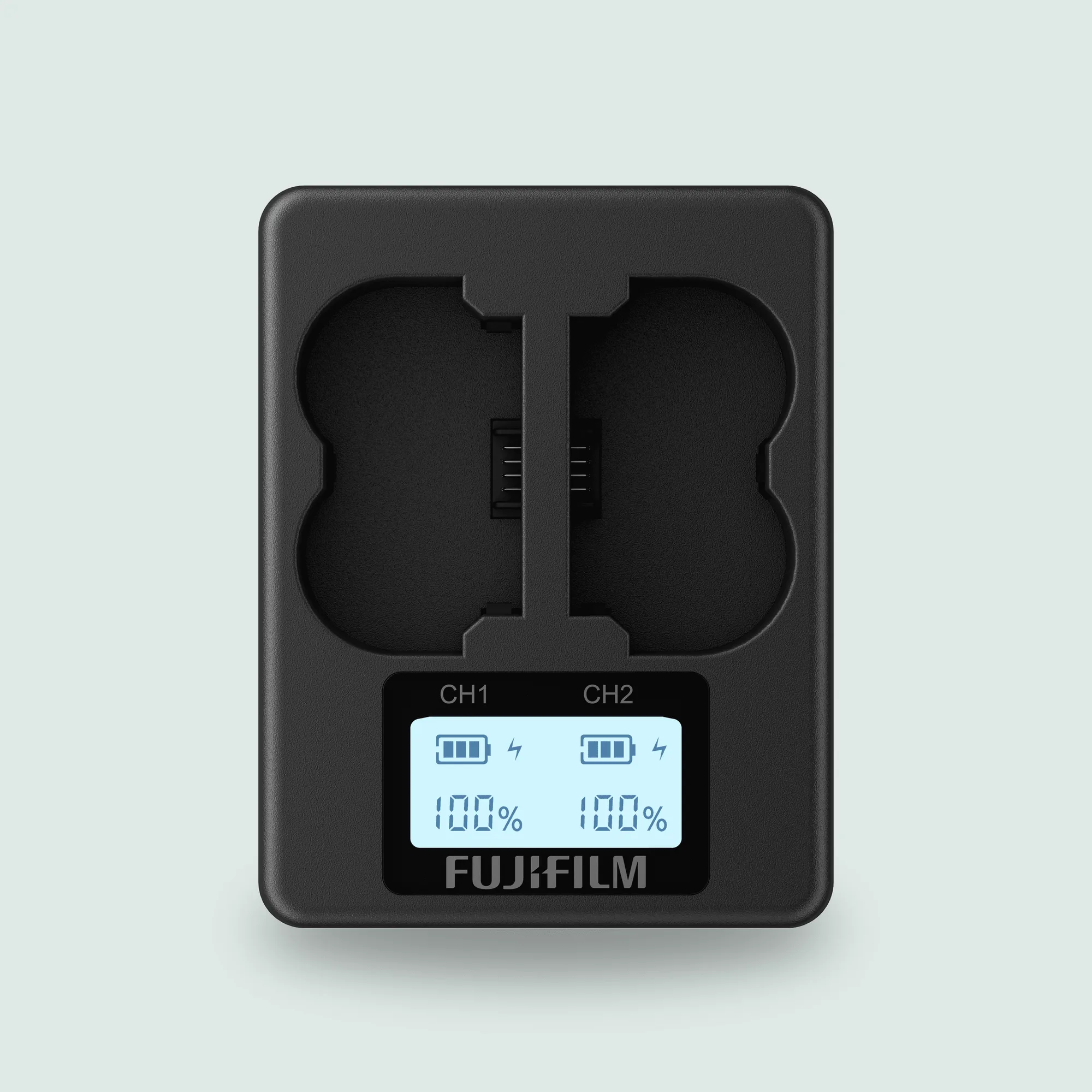
Most Fujifilm camera battery problems trace back to three things: a battery that is genuinely worn out, a charging setup that is too slow or too hot, or a camera setting that drains power faster than you expect. If your NP-W235 batteries are healthy but charging one at a time has become a bottleneck, the BC-W235 Dual Battery Charger is the practical fix because it charges two NP-W235 batteries simultaneously using the AC-5VJ adaptor and USB-C cable that came with your camera. If a battery is swollen, hot, or no longer holds a charge, stop using it and replace it rather than trying to revive it.
Why Fujifilm Cameras Show Power Problems
Before you buy anything, separate the symptom from the cause. A camera that shuts down early, a battery that never reaches full, and a charger that blinks an error can all look similar but need different responses. Fujifilm bodies are sensitive to voltage sag: when a battery is old or cold, the camera may report a low-battery warning even if the cell still has some charge left. That is a battery health issue, not a camera fault. On the other hand, if your camera only drains quickly when IBIS, high-frame-rate bursts, or long video clips are active, the battery may be fine and the workload is simply heavier than expected.
- Early shutdown or sudden percentage drops usually point to a worn or cold battery.
- Slow charging or a charger that never completes often points to the charging setup, not the camera.
- Fast drain only during bursts or video is usually normal power demand, not a defect.
Camera Battery Care Tips That Actually Extend Life
Lithium-ion camera batteries age fastest when they are stored fully charged in heat. If you shoot occasionally, charge to roughly half, store the battery in a cool, dry place, and top it up before a shoot. Avoid leaving a battery in a hot car or in direct sun, and do not leave it on the charger for days after it reaches full. For NP-W235 batteries, the BC-W235 is useful here because it charges two cells at once, so you can rotate a pair instead of running one battery through constant charge cycles. Clean the contacts with a dry cloth if you notice intermittent power, and never force a swollen battery into the camera or charger.
When a Dual Battery Charger Solves the Problem
A dual battery charger is not a repair for a dead battery. It solves a workflow problem: you have multiple NP-W235 batteries and only one in-camera charging path. In-camera charging works, but it ties up the camera and charges one battery at a time. The BC-W235 charges two NP-W235 batteries at the same time, which shortens your turnaround between shoots and lets you keep the camera body free for tethered work or setup. One practical detail: the accessories included with the camera are required to charge batteries with the BC-W235, specifically the AC Power Adaptor (AC-5VJ) and a USB-C cable. If you have lost either, the charger will not work until you replace them.
Storage Cards and Power Symptoms: A Common Mix-Up
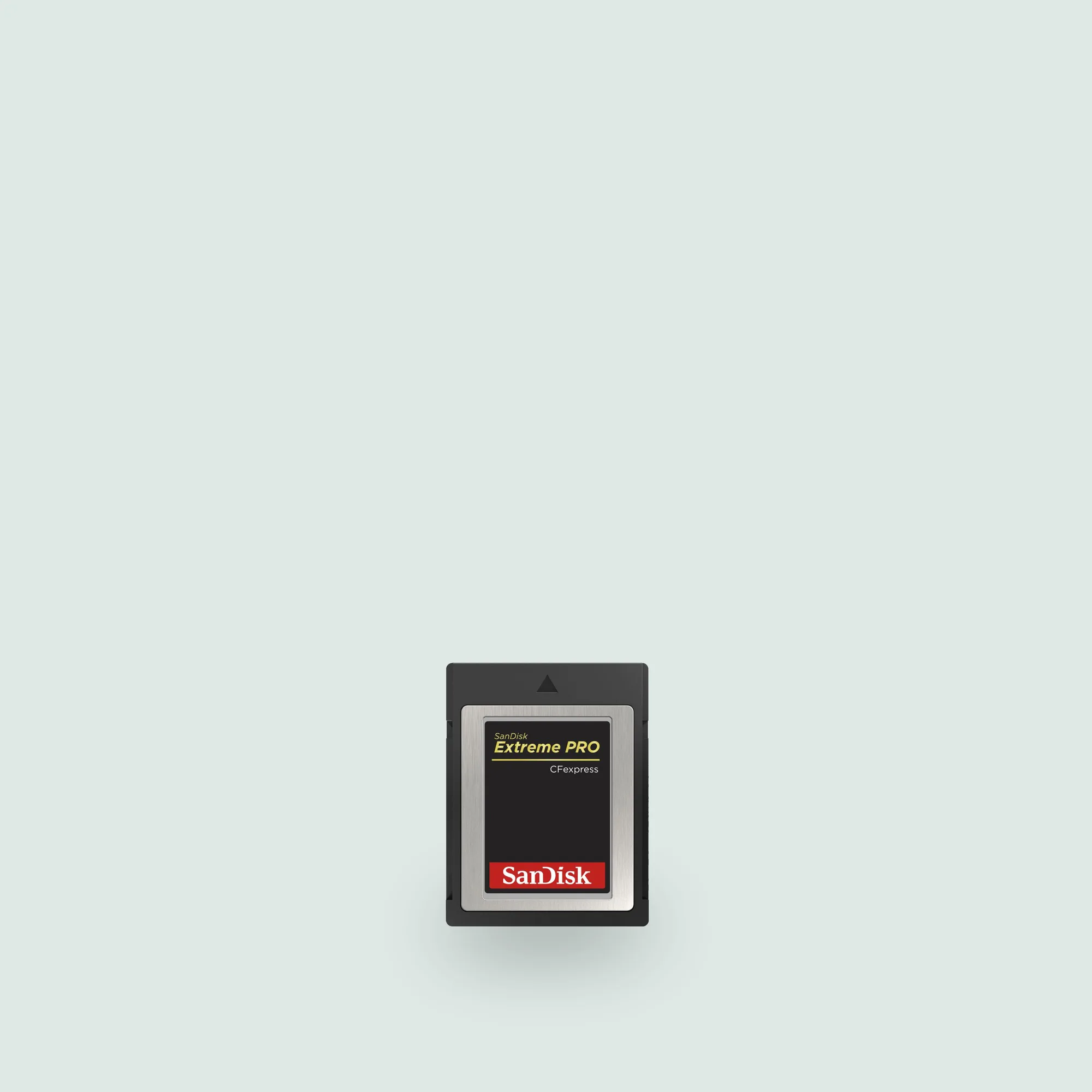
Some power-looking problems are actually card problems. A slow or failing card can make the camera buffer longer, keep the processor busy, and drain the battery faster during bursts. If your battery life dropped at the same time you started shooting more high-speed stills or 4K clips, check your card before blaming the battery. The SanDisk Extreme PRO 512GB CFexpress Card Type B is rated for read speeds up to 1700MB/s and write speeds up to 1400MB/s, which helps clear the buffer quickly and reduces the time the camera spends writing. The SanDisk Extreme PRO 64GB CFexpress Card Type B offers read speeds up to 800MB/s and write speeds up to 1500MB/s, a different balance that suits shorter sessions. Neither card fixes a worn battery, but a card that keeps up can reduce unnecessary power draw during heavy shooting.
Power Problem Diagnosis
- Battery swells, gets hot, or will not hold a charge: This is a failed cell, not a charging problem. Stop using it immediately and do not put it back in the camera or charger. Replace the battery. Do not try to revive a swollen NP-W235.
- Camera shuts down early but the battery is not old: Cold weather, dirty contacts, or a firmware quirk can cause early low-battery warnings. Warm the battery, clean the contacts with a dry cloth, and test a second known-good battery. If a second battery behaves normally, the first one is the problem.
- Charging is slow or you can only charge one battery at a time: In-camera charging is convenient but slow and occupies the camera. The BC-W235 charges two NP-W235 batteries simultaneously, provided you use the AC-5VJ adaptor and USB-C cable that came with the camera. If you regularly shoot with two or more batteries, a dual charger is the right upgrade.
- Battery drains fast only during bursts or video: High-speed continuous shooting and 4K capture draw more power, and a slow card can extend the time the camera spends writing. Check whether a faster CFexpress Type B card changes the pattern before replacing batteries. If drain normalizes with a faster card, the battery was not the issue.
Product Facts
- BC-W235 Dual Battery Charger: This charger can charge two NP-W235 batteries at the same time. The accessories included with the camera are required to charge batteries with BC-W235: AC Power Adaptor (AC-5VJ) and USB-C cable. If you already own a Fujifilm body that ships with those accessories, the BC-W235 lets you charge a pair of NP-W235 batteries without tying up the camera. Check that you still have the AC-5VJ and USB-C cable before buying.
- SanDisk Extreme PRO 512GB CFexpress Card Type B 1400MB/s W 1700MB/s R: This SanDisk Extreme PRO CFexpress Card Type B delivers dependable, high-speed performance for demanding photography and videography. 512GB capacity provides ample space for thousands of high-resolution images or extended video clips. Read speeds up to 1700MB/s and write speeds up to 1400MB/s. A card that clears the buffer quickly can reduce how long the camera stays in a high-power write state, which matters if you shoot long bursts or 4K video and notice faster battery drain.
- SanDisk Extreme PRO 64GB CFexpress Card Type B 1500MB/s W 800MB/s R: Designed for professional photographers and videographers, the SanDisk Extreme PRO 64GB CFexpress Card Type B delivers high-speed performance to handle demanding workflows. 64GB storage capacity. Type B CFexpress form factor. Read speeds up to 800MB/s and write speeds up to 1500MB/s. A smaller-capacity card with high write speed suits shorter shoots where you offload frequently. If your battery complaints started after you switched to a slower card, this is a reasonable comparison point.