Quick Answer
If your camera battery won't charge, first clean the contacts, check for swelling, and verify the charger is working. If those don't help, try a different charger or cable, and if the battery still won't charge, it's likely time for a replacement.
Why a battery might refuse to charge
A battery that won't charge usually has one of three issues: a dirty or oxidized contact, a protection circuit that has shut down due to deep discharge or heat, or the battery has simply reached the end of its life. Swelling is a clear sign of internal failure—stop using it immediately.
Chargers can also be the culprit. A worn cable, a faulty USB port, or an incompatible charger can all prevent charging. Some chargers have a status light that changes color or blinks to indicate a problem—know what your charger's lights mean.
Trade-offs: fast charging vs. battery health
Fast chargers are convenient, but they generate more heat, which can shorten a battery's lifespan over time. If you're not in a hurry, a standard charger is gentler on the battery. Also, avoid charging in extreme temperatures—cold slows the chemical reaction, and heat can damage the cells.
For travel, a USB charger lets you top up from a power bank or laptop, but it may charge slower than a wall charger. That's a fair trade-off if you need flexibility on the road.
Diagnose Your Charging Problem
- Symptom: The battery won't charge, or the charger's indicator light doesn't turn on or stays red. The battery may be completely dead or only partially charged.
- Likely Cause: Dirty contacts, a deeply discharged battery, a faulty charger or cable, or an aging battery that has lost capacity. Swelling indicates internal damage.
- Corrective Action: Clean the battery and charger contacts with a dry cloth. Check for swelling or damage. Try a different USB cable or wall adapter. If using a dedicated charger, try a different outlet. If the battery still won't charge, try a different charger that is known to work with your battery model. If the battery charges in a different charger, your original charger is faulty—replace it.
- Stop or Choose Another Option: If the battery still won't charge after trying a different charger, or if the battery is swollen, do not force it. Stop using the battery and replace it. For Sony NP-FW50, consider the ProMaster USB Dually Charger; for Panasonic DMW-BLG10, consider the Panasonic travel bundle. Never attempt to open or repair a swollen battery—replace it immediately.
Products that help with charging
-
ProMaster USB Dually Charger for Sony NPFW50: The ProMaster USB Dually Charger for Sony NPFW50 is priced at USD 21.26, a savings from the USD 29.95 comparison price, and comes with a Price Guarantee. If your Sony NP-FW50 battery won't charge, this USB charger lets you test whether the problem is your old charger, and it's a budget-friendly replacement that works with the same battery.
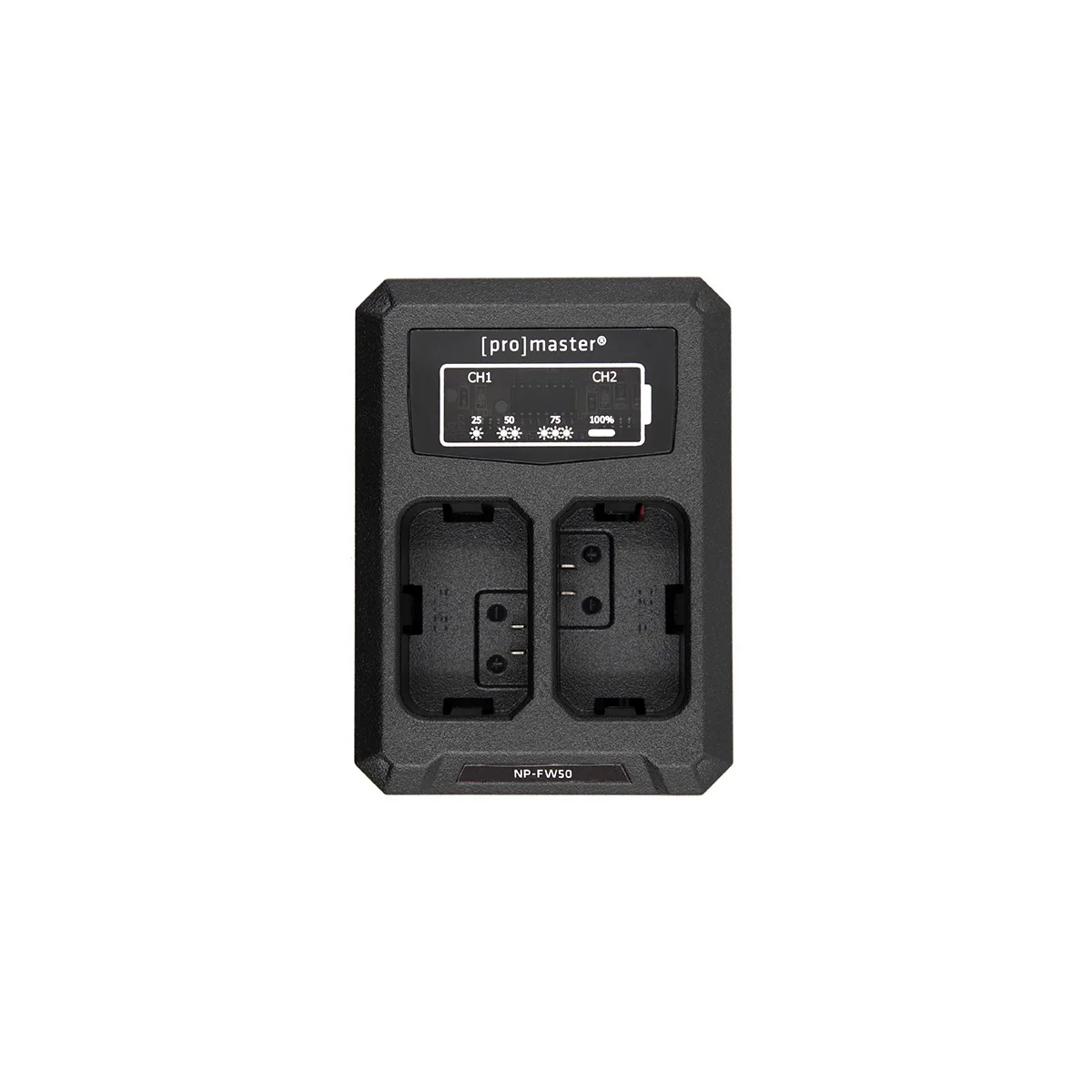
ProMaster USB Dually Charger for Sony NPFW50
-
Panasonic DMW-BLG10 Li-Ion Battery & Charger Travel Bundle: The Panasonic DMW-BLG10 Li-Ion Battery & Charger Travel Bundle is priced at USD 63.69, a savings from the USD 97.99 comparison price, and includes a battery and charger. If your Panasonic battery is dead and won't charge, this bundle gives you a fresh battery and a dedicated charger, so you don't have to guess which part failed.
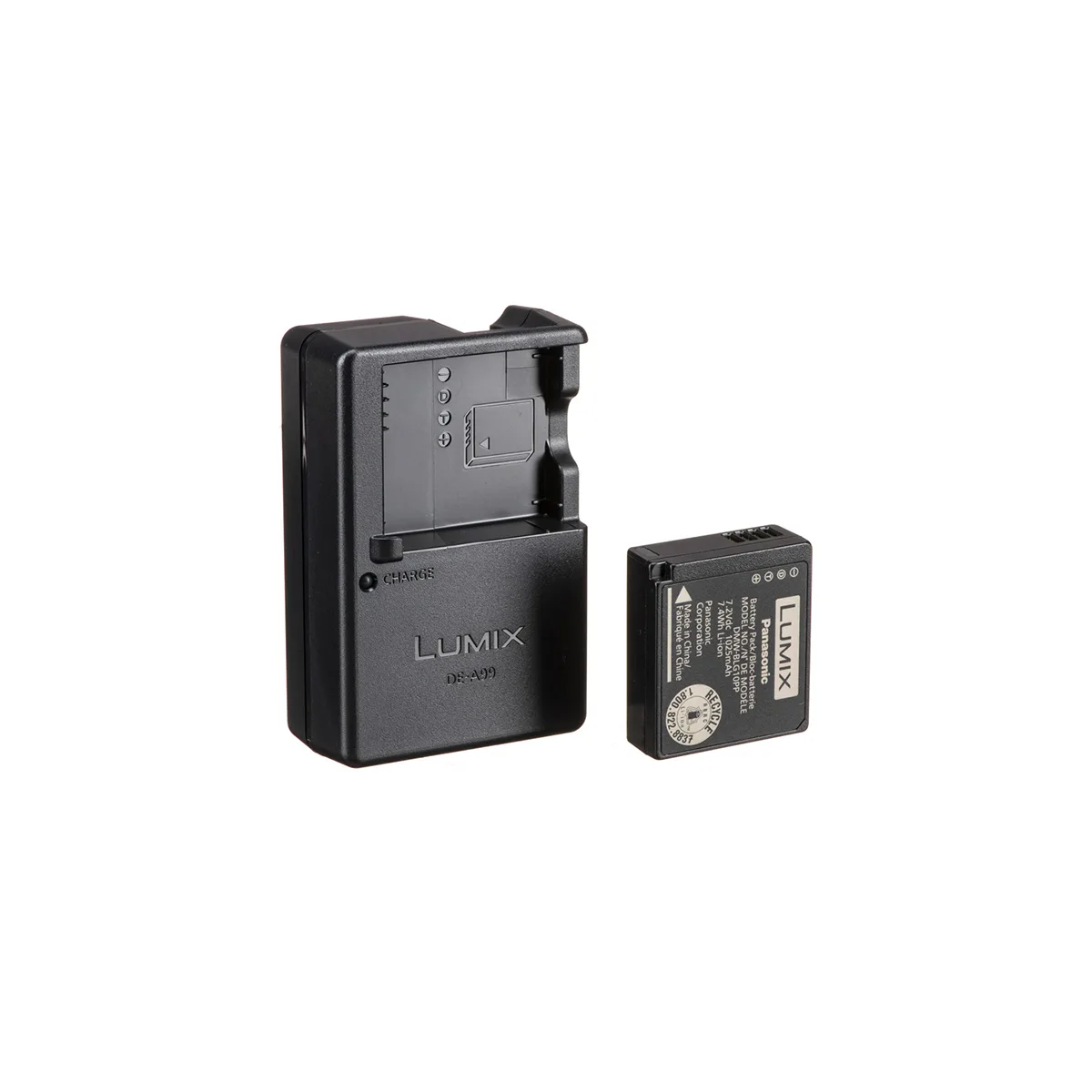
Panasonic DMW-BLG10 Li-Ion Battery & Charger Travel Bundle


