Quick answer
Camera body caps and lens caps are not one-size-fits-all: body caps match the mount (Canon EF/EF-S, Nikon F, Sony E, and so on), while front lens caps match the filter thread diameter printed on the lens barrel. Buy one spare set per mount and per common filter size, and store caps on the gear or in a labelled pouch rather than loose in a bag.
How to find your camera body cap size
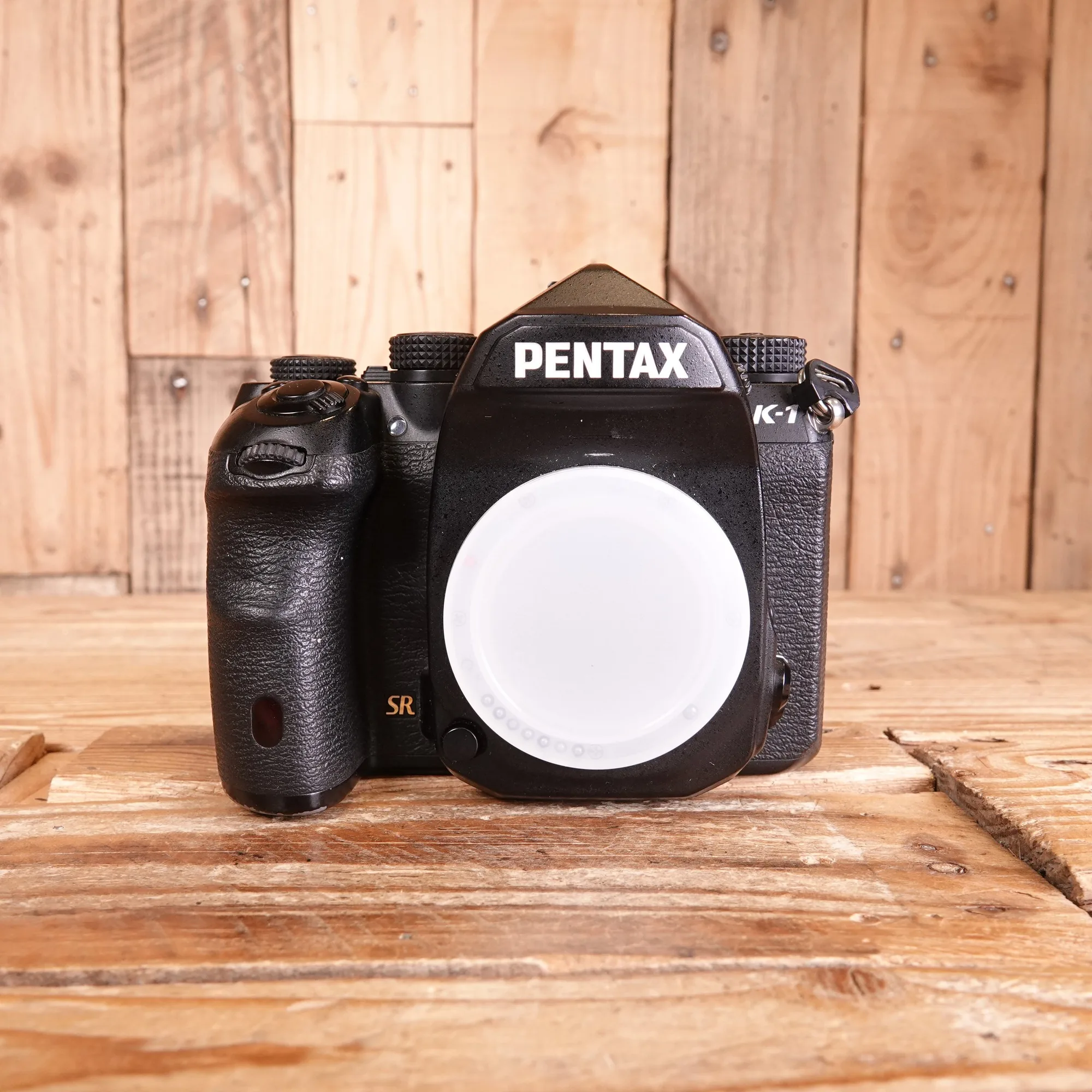
A body cap is sized by the lens mount, not by the camera's megapixels or model tier. Look at the mount ring or the camera manual: Canon EF and EF-S share the same cap, Nikon F-mount bodies share one, and Sony E-mount bodies share one. Micro Four Thirds and Fujifilm X also each use their own pattern.
If you cannot find it written down, remove the lens and compare the bayonet lugs with a known cap. A cap that wobbles or needs force is the wrong pattern. Third-party caps are widely available and usually fine as spares, but a loose-fitting cap is worse than no cap because it can fall off inside a bag.
How to find your lens cap replacement size
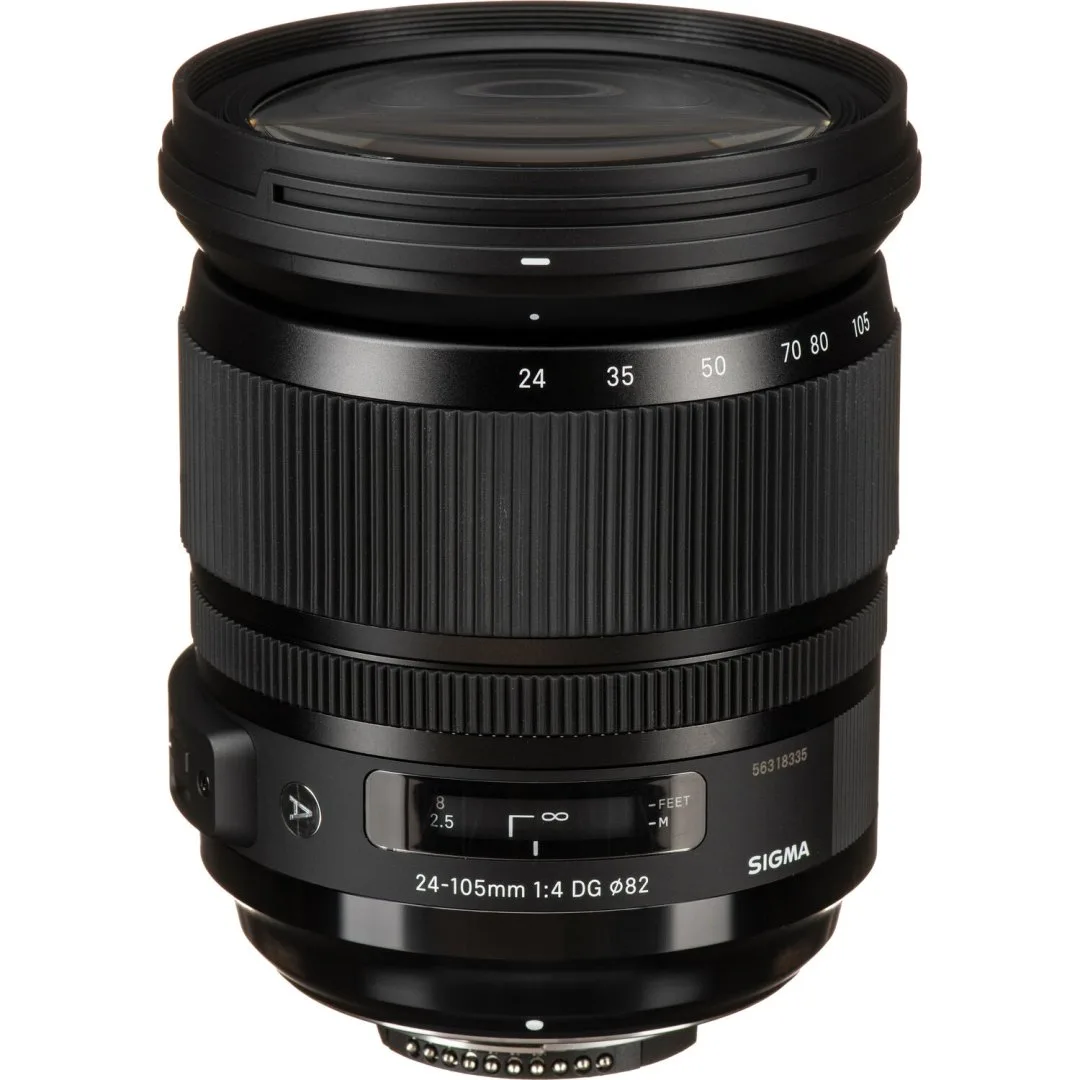
Front lens caps are measured in millimetres and match the filter thread. That number is printed on the front of the lens barrel or inside the original cap, often next to a Ø symbol. Common sizes include 49mm, 52mm, 58mm, 67mm, 72mm and 77mm, but your lens may differ.
A cap that is 1mm off will either fall off or refuse to clip. If the printing has worn away, measure the filter thread across the inside of the lens front with a ruler, or check the lens specification online. Do not assume two lenses from the same brand share a cap size.
Do you need spare lens caps?
Yes, if you shoot in the field or lend gear. Caps are the cheapest insurance in your bag and the easiest item to leave on a wall or in a coat pocket. A spare front cap for your most-used filter size and a spare rear cap for your mount will cover most emergencies.
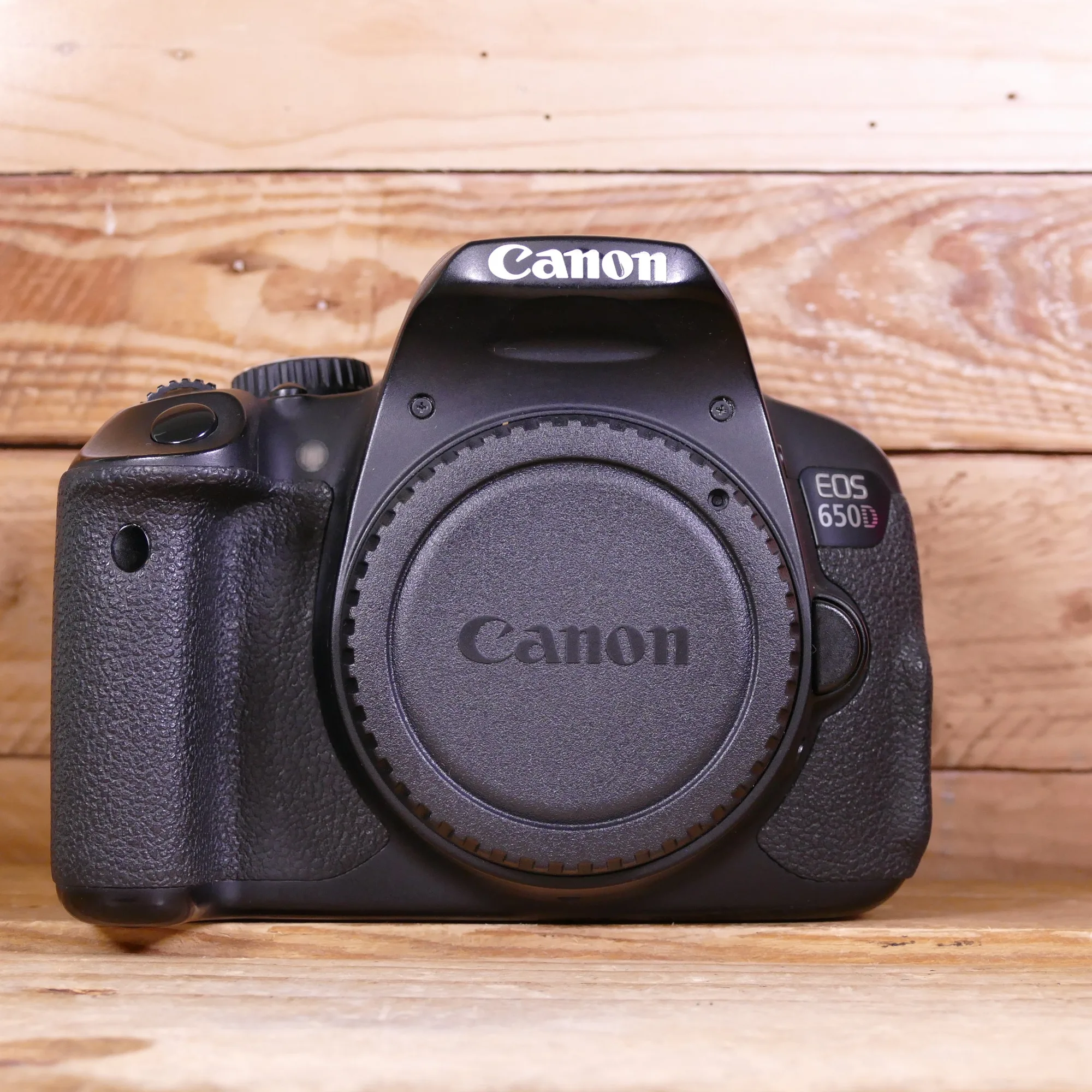
Spares also let you keep a cap on every lens while it is stored, rather than robbing one lens to protect another. If you use a camera such as a used Canon EOS 650D body, a spare body cap is worth carrying so the mirror box is covered whenever a lens is off.
Rear lens cap fit: what actually matters
Rear caps are mount-specific. A Canon EF rear cap will not fit a Nikon F or Sony E lens, even if the diameter looks similar. The bayonet tabs and locking recess must match the mount exactly.
When buying used lenses, check that the rear cap is included and that it seats with a firm quarter-turn. A worn rear cap that spins freely is a sign it has been forced onto the wrong mount. Keep at least one spare rear cap per mount you own, because rear elements are exposed and easy to scratch.
Body cap and lens cap storage that keeps caps clean
Store caps clipped to their lens or body whenever possible. That keeps them paired, stops them rolling around, and reduces the chance of grit transferring from a bag lining to the cap's inner surface. For lenses in a cabinet, leave the front cap on and the rear cap on, and stand lenses upright or in a padded insert.
If you keep loose caps, use a small zip pouch or a labelled compartment. Never store caps face-down on a dusty shelf, because the inner surface is what touches your glass and mount. A quick blower brush before refitting a cap removes loose dust without touching the glass.
How to keep caps clean and when to replace them
Wipe plastic caps with a microfibre cloth and, if needed, a lightly dampened cloth, then let them dry fully before putting them back on the camera. Felt-lined caps can hold grit; brush the felt rather than soaking it. Avoid solvents, which can cloud plastic or lift the felt.
Replace a cap when the clips no longer hold, the felt is shedding, or the plastic is cracked. A cracked body cap can let dust reach the sensor, and a loose front cap can fall off mid-walk. If you use a lens cap keeper, check the adhesive or loop regularly so it does not fail and leave the cap dangling.
Cap questions answered
What size body cap do I need?
Match the lens mount: Canon EF/EF-S, Nikon F, Sony E, Micro Four Thirds and Fujifilm X each use a different body cap pattern. Check the mount ring or manual rather than guessing from the camera model. Buy one spare body cap per mount you own.
How do I find lens cap replacement size?
Read the filter thread diameter printed on the lens barrel, usually with a Ø symbol. It is the same number you would use for a filter, such as 58mm or 77mm. If the print is worn, measure the inside of the lens front or check the lens spec online.
Are spare lens caps worth buying?
Yes. Caps are inexpensive, easy to lose, and protect the two surfaces that matter most: front glass and rear elements. A spare front cap in your most-used filter size and a spare rear cap for your mount cover most situations. Keep spares in a labelled pouch so you are not searching mid-shoot.
How should I store caps to keep them clean?
Leave caps clipped to their lens or body when possible. For loose caps, use a zip pouch or compartment and avoid storing them face-down on dusty surfaces. Brush the inner surface before refitting a cap.
When should I replace a cap?
Replace it when the clips no longer hold, the felt sheds, or the plastic is cracked. A loose cap can fall off, and a cracked body cap can let dust reach the sensor. Check lens cap keepers and adhesive loops at the same time.
Gear that makes cap management easier
- Used Canon EOS 650D Camera Body: The Canon EOS 650D is a mid-range DSLR with an 18-megapixel APS-C sensor, an articulating touchscreen LCD, a 9-point autofocus system and 5fps continuous shooting. A used body like this should arrive with a body cap; if it does not, a spare Canon EF/EF-S cap keeps the mirror box covered between lenses.
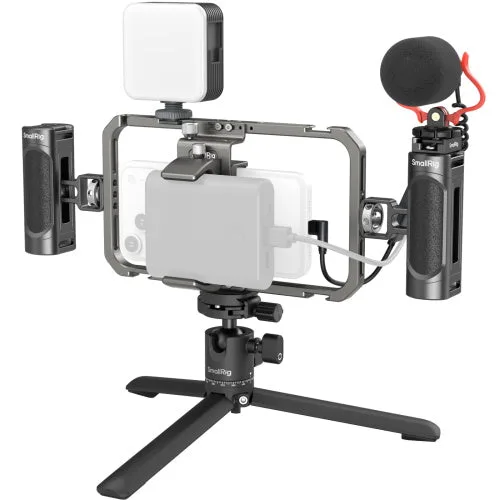
- SmallRig 3384D All-in-One Video Kit for Smartphone Creators: The SmallRig 3384D All-in-One Video Kit is designed for vloggers, filmmakers, livestreamers and social media creators to turn a smartphone into a mobile production studio. Phone-based kits often mix lens adapters and filters, so it pays to carry spare caps in the sizes those accessories use.
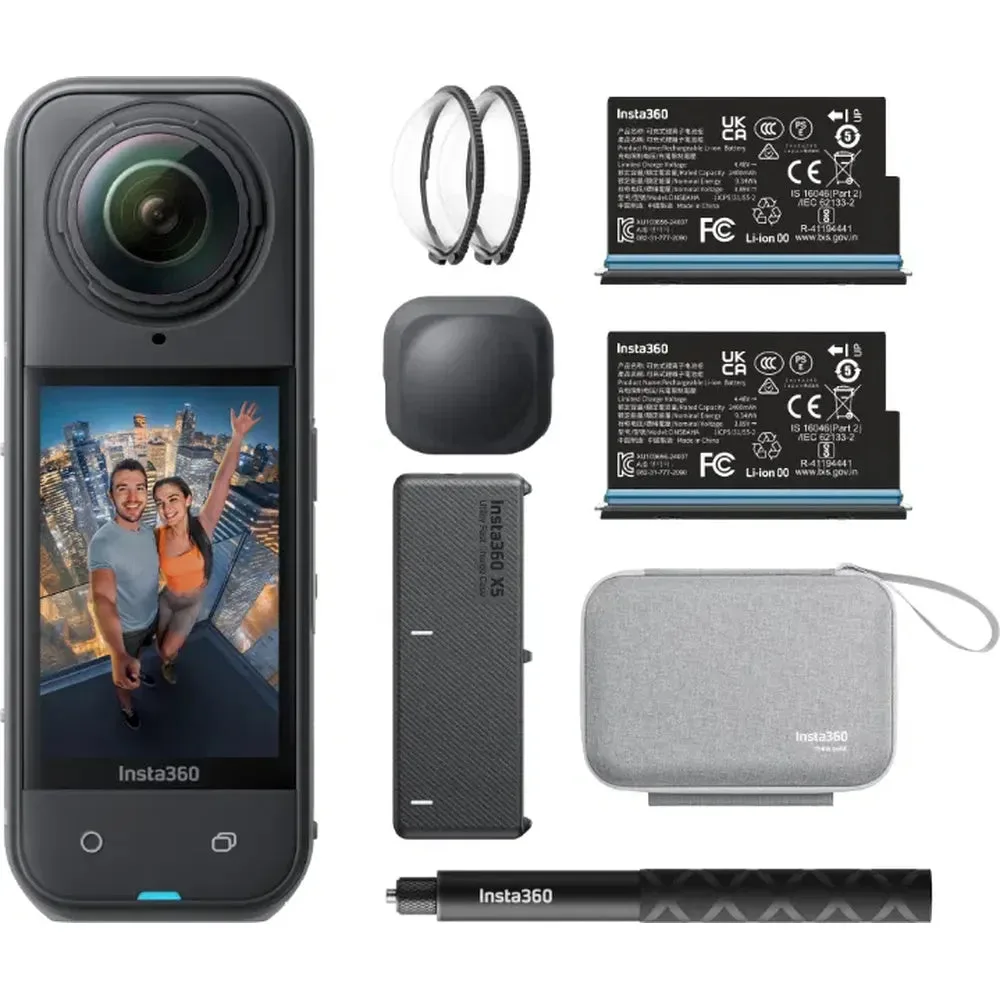
- Insta360 X5 Essentials Bundle: The Insta360 X5 Essentials Bundle is an all-in-one 360-degree camera package with low-light performance and flexible shooting modes in a compact, rugged design. A rugged action camera still benefits from a lens cap or protective cover when it is not in use, and the bundle format makes it easy to keep the right accessory with the camera.