Quick Answer
Yes, you can use a desk light for video calls, and it often gives more flattering, even light than a ceiling fixture. The key is choosing a model with adjustable brightness and warmth, then positioning it correctly to avoid shadows or glare. For the most professional look, a two-point setup or a dedicated broadcast kit may be worth considering.
What to Look for in a Desk Light for Video Calls
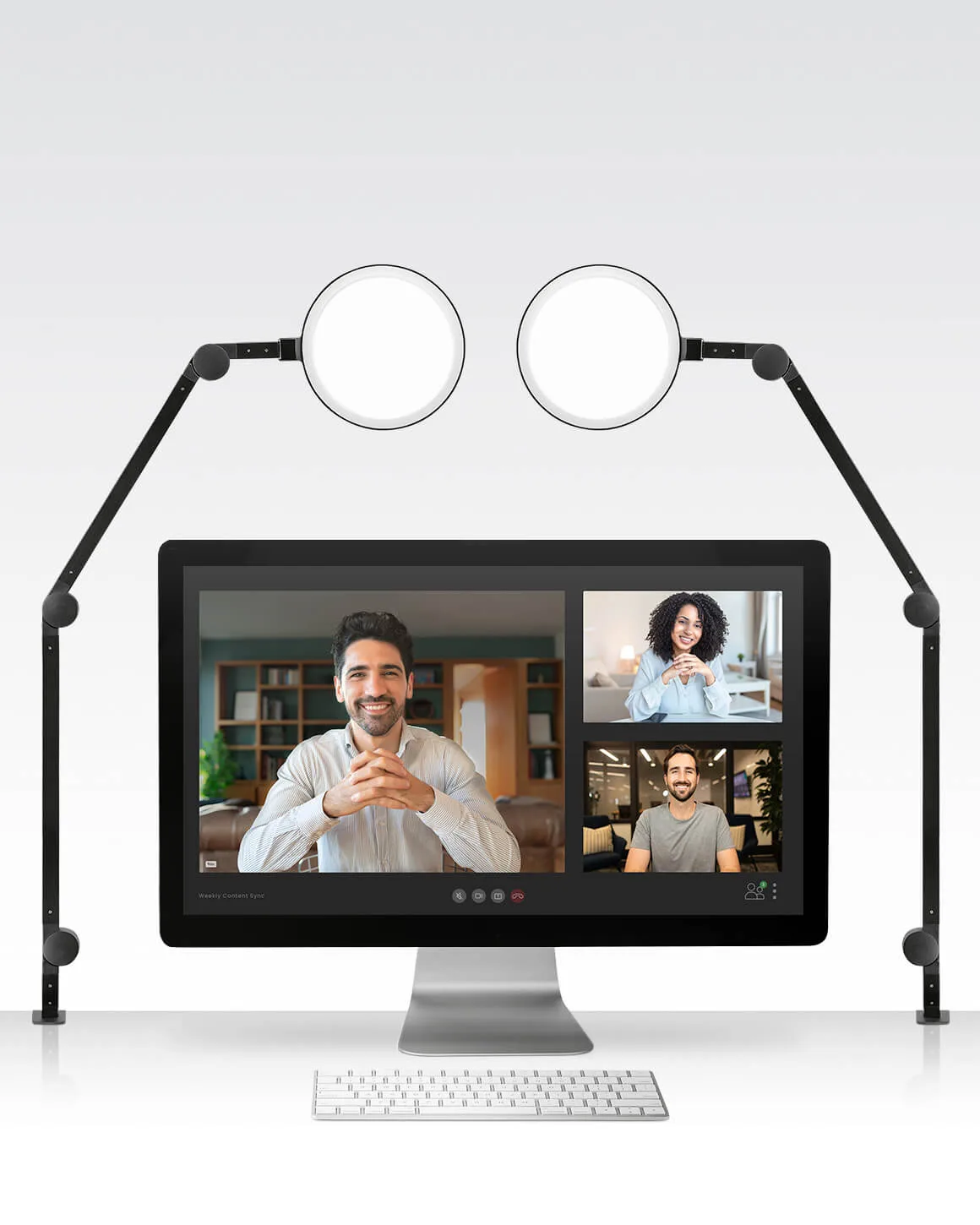
A desk light used for video calls should offer adjustable brightness and color temperature so you can match the ambient room light. Look for a model with a wide, diffused beam that reduces harsh shadows on your face. Clamp-on or adjustable arms help you position the light at eye level, which is the most flattering angle. A two-point setup, like having two desk lamps, can eliminate shadows from one side and provide full illumination.
How to Position Your Desk Light for the Best Video Appearance
Place the desk light slightly above and in front of you, angled down toward your face at about 45 degrees. Avoid having the light directly behind your monitor, as that can cause glare on the screen. If you have a single light, put it to one side and slightly forward to create depth without harsh shadows. For a more balanced look, use two lights positioned on either side of your camera.
When a Desk Light Isn't Enough: Consider a Broadcast Kit
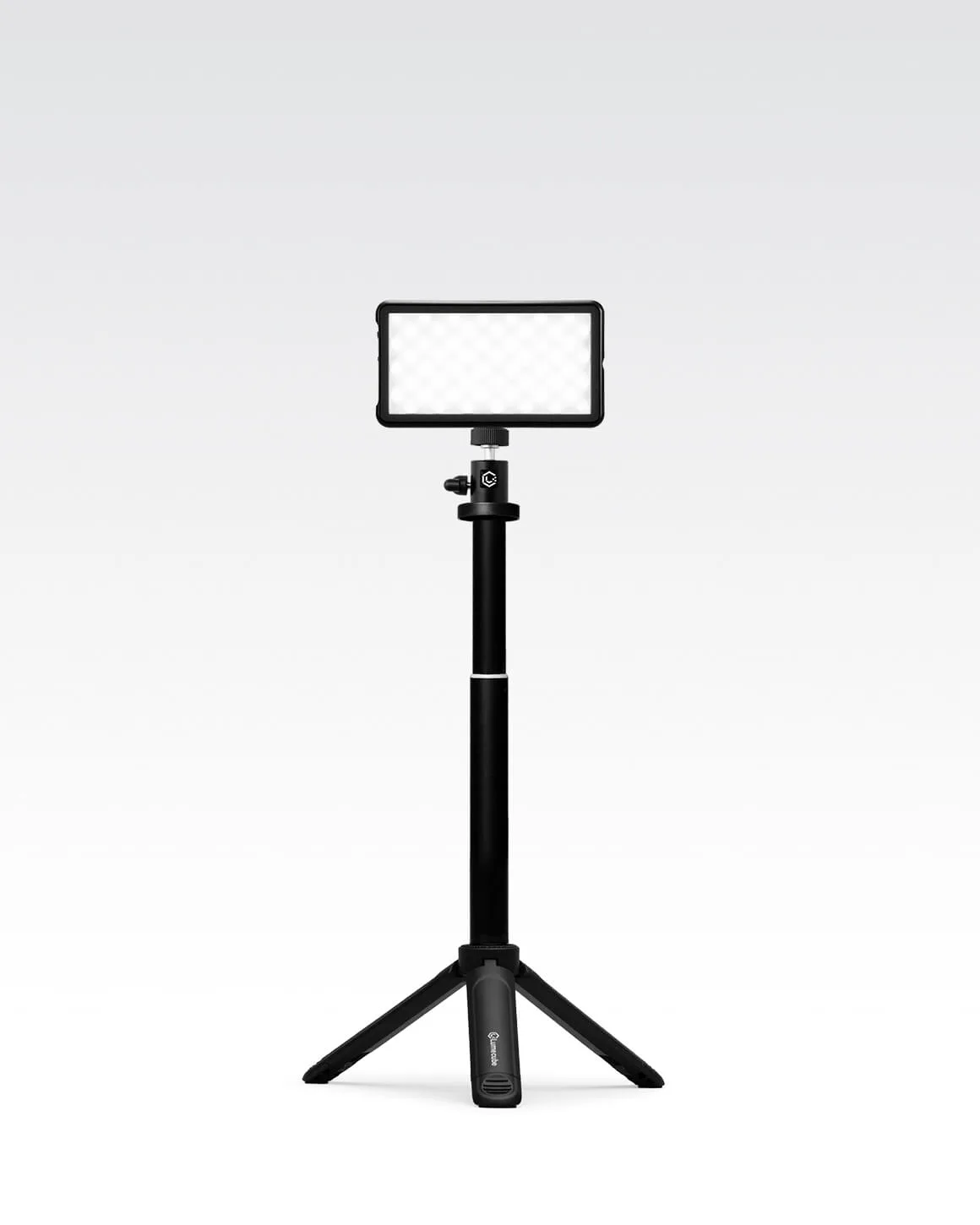
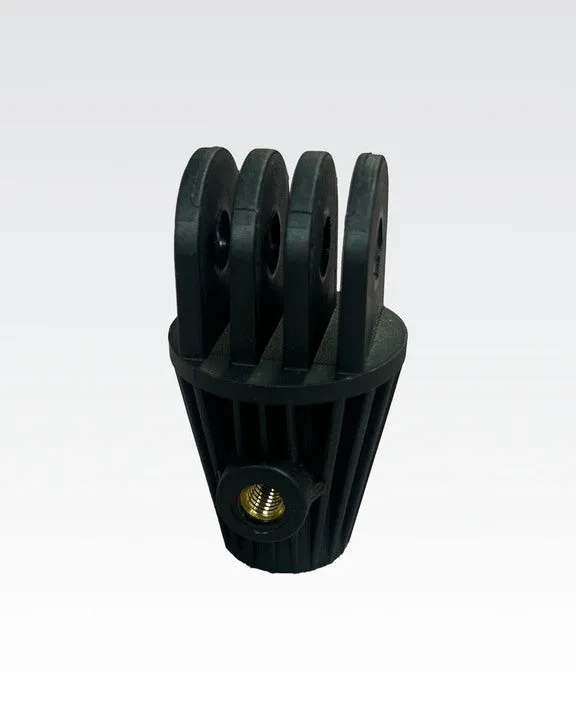
If you frequently take video calls in different rooms or need a quick, portable setup, a dedicated broadcast lighting kit might be a better fit. These kits often include a stand, mount, and a light designed specifically for video, giving you consistent, flattering light without the need to adjust a desk lamp. They also free up your desk space for other tasks.
Frequently Asked Questions
Can I use any desk lamp for video calls?
Most desk lamps work, but those with adjustable brightness and color temperature give you more control. Avoid lamps that cast a single harsh beam directly on your face. Look for a lamp with diffused, adjustable light.
Is a ring light better than a desk light for video?
Ring lights provide a distinctive catchlight in the eyes and even illumination, but they can be less flexible for desk work. A desk light can double as task lighting, making it more versatile for a home office. Choose a ring light for a specific video look; choose a desk light for multipurpose use.
How do I avoid glare on my monitor when using a desk light?
Position the light to the side or above your monitor, not directly behind it. Use a lamp with a directional head or a clamp-on arm to angle the light away from the screen. Angle the light away from the screen to reduce glare.
Product Facts
- Lume Cube Edge Light 2.0 2-Pack Two LED Desk Lamps: The Lume Cube Edge Light 2.0 2-Pack is a two-point office desk lighting solution designed to reduce shadows, prevent monitor glare, and provide full illumination. Two lights let you eliminate shadows from both sides, giving you a professional, evenly lit face on video calls without monitor glare.
- Lume Cube Broadcast Lighting Kit Video Conference LED Light with Stand & Mount: The Lume Cube Broadcast Lighting Kit is a professional-quality kit that boosts your appearance and confidence wherever you're calling in from. If you need a portable, all-in-one solution for video calls in different locations, this kit provides consistent lighting without relying on a desk lamp.