Quick answer
Yes, Makeblock mBuild modules work seamlessly with mBot2. You plug them into the CyberPi or the mBot2 mainboard using the included cables, and the software automatically recognizes them.
Which mBuild modules can I use with mBot2?
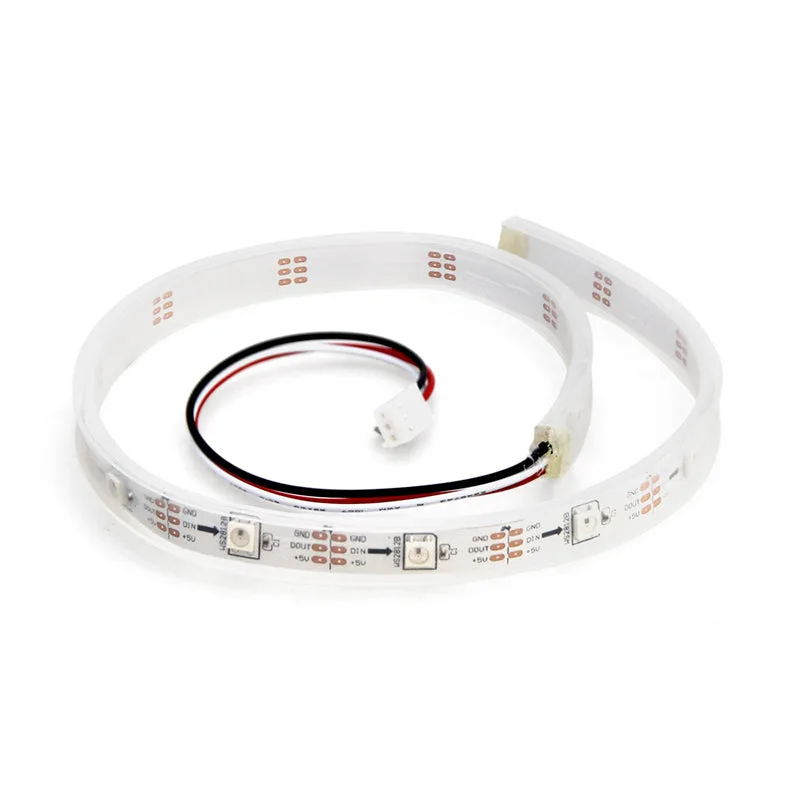
Makeblock offers over 30 mBuild modules, including sensors (ultrasonic, line follower, temperature/humidity), actuators (servo motors, DC motors, LED strips), and communication modules (Wi-Fi, Bluetooth). All of them are designed to work with the CyberPi and mBot2. The modules connect via a standardized interface, so no breadboard or soldering is needed.
How do I connect mBuild modules to mBot2?
Each mBuild module comes with a short cable that plugs into the CyberPi's expansion ports or the mBot2 mainboard's dedicated mBuild sockets. The modules stack or attach using the included mounting brackets. Once connected, the mBuild modules appear in the mBlock 5 software as programmable blocks, ready for drag-and-drop or Python coding.
What can I build with mBuild modules on mBot2?
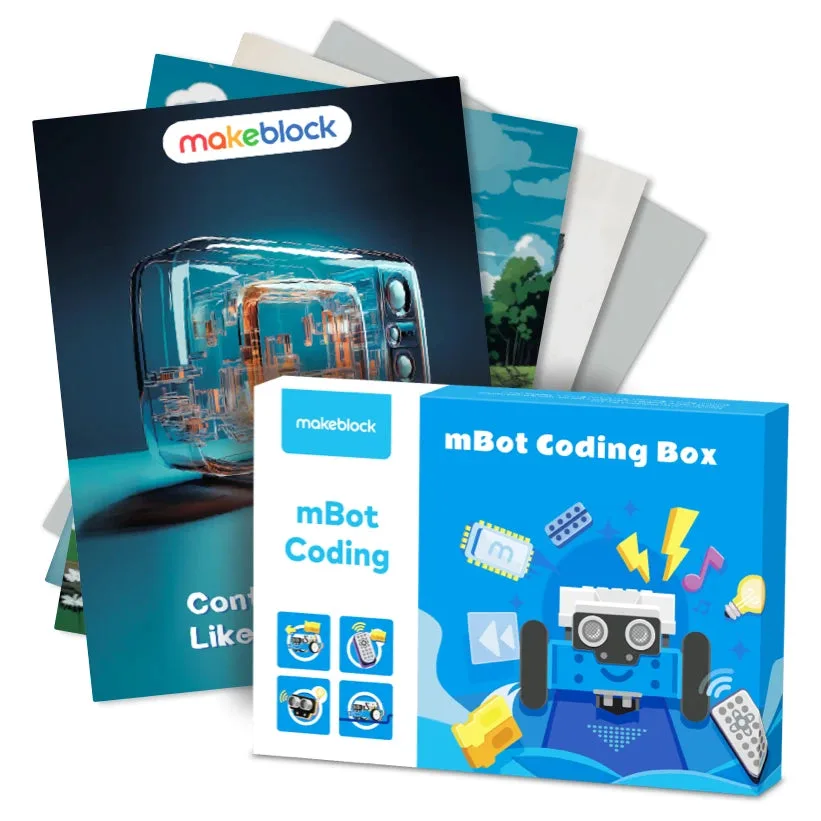
You can turn your mBot2 into a line-following race car, a obstacle-avoiding rover, or a weather station that logs data. Adding a servo motor lets you create a robotic arm that picks up objects. The modules are also great for science projects, like measuring light intensity or distance. The mBot Coding Box provides a structured set of activities to learn these functions step by step.
Are there any limitations?
The main limitation is the number of available ports on the CyberPi or mBot2 mainboard. You can connect up to four mBuild modules at once without an expansion hub. If you need more, you'll need a separate mBuild hub or multiplexer. Also, some advanced modules (like the camera module) may require additional software libraries or firmware updates.
FAQ: mBuild modules with mBot2
Do I need a separate adapter?
No, mBuild modules use a standard cable that plugs directly into the CyberPi or mBot2 mainboard. Plug and play.
Can I use mBuild modules with other Makeblock robots?
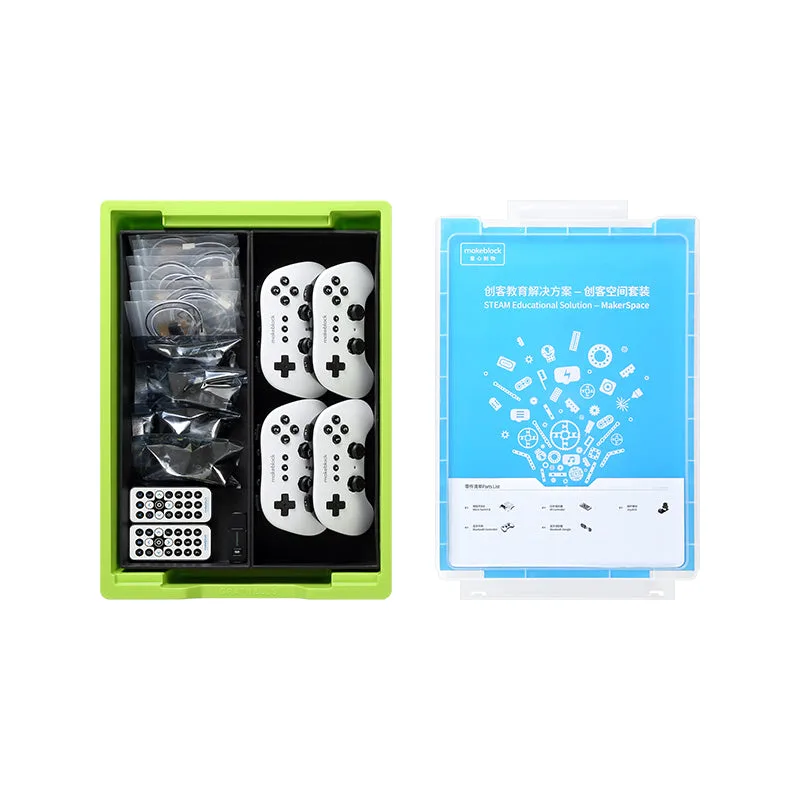
Yes, they work with any robot that has a CyberPi or compatible Makeblock controller, like the mBot and mBot Ranger. Versatile across kits.
What coding language do I use?
You can program mBuild modules using mBlock 5's block-based coding or Python. The software detects the module automatically. No extra setup needed.
Recommended mBuild modules for mBot2
- Makeblock mBuild modules for mBot2 & CyberPi: Over 30 mBuild electronic modules have been developed, including sensors, actuators, and communication modules. Use them to create projects based on fantastic ideas, popularize programming education, promote maker education, or participate in robotic competitions. Breadboard-free. You can pick the exact sensor or motor you need without any wiring complexity, making it easy to expand your mBot2 for school projects or competitions.
- mBot Coding Box: Explore essential robotics functions such as LEDs control, remote control, line following, and obstacle avoidance. The instant response of the robot stimulates kids's interest in programming. Paper-based materials are designed to develop children's concentration and double the learning effect. The mBot Coding Box gives you a structured, screen-free way to learn each function with your mBot2 and mBuild modules, perfect for classrooms or home use.
![[Conference] NJTEEA 2024 Annual Conference (New Jersey Technology & Engineering Educators Association)](https://xilands.com/api/media/sync/e5/e56d2d540254b0a22d29ea89494a6ed6b55aa3fe5f84e9797159737e431c280a.webp)