Quick Answer
The Canon EOS R100 is an excellent entry point into mirrorless photography. Start with the Auto mode to learn the basics, then gradually explore the Creative Assist and manual settings to take full control of your images.
Why the EOS R100 suits beginners
The EOS R100 is the most compact and lightweight camera in the R system, making it easy to carry and handle for long shooting sessions. Its 24.1-megapixel APS-C sensor delivers sharp, detailed images that are perfect for learning the fundamentals of composition and exposure.
One trade-off of its small size is that the body lacks some of the larger dials and buttons found on bigger cameras. You will rely more on the touchscreen and menu system, which is intuitive but takes a little practice to navigate quickly.
Understanding your camera modes
The EOS R100 offers a range of shooting modes, from fully automatic to fully manual. For beginners, the Scene Intelligent Auto mode is a great starting point because the camera chooses the best settings for you. As you gain confidence, you can move to Program (P) mode to have more control over ISO and white balance while the camera still sets the shutter speed and aperture.
When you are ready to experiment, try Aperture Priority (Av) mode to control depth of field, or Shutter Priority (Tv) mode to freeze or blur motion. These modes give you creative freedom without overwhelming you with every setting at once.
Step-by-Step Setup and Shooting Guide
- Charge and insert the battery: Use the supplied charger to fully charge the battery before first use. Insert it into the battery compartment, ensuring the gold contacts face the correct direction. A common mistake is forcing the battery in the wrong way, which can damage the contacts. Always check the battery icon before a shoot to avoid running out of power.
- Attach a lens and set the mode dial to Auto: Align the lens mount index marks and rotate the lens until it clicks. Then set the mode dial to the green 'A+' (Scene Intelligent Auto) position. This lets the camera handle settings while you focus on framing. A common mistake is not hearing the click, which means the lens isn't locked securely. Double-check that the lens is locked before powering on to prevent errors.
- Set the image quality to JPEG Large: Press the Menu button, go to the first shooting tab, and select 'Image quality'. Choose 'Large' JPEG for the best balance of quality and file size. Avoid RAW for now, as it requires post-processing. A common mistake is leaving the camera on a lower quality setting, which reduces your final image resolution. If you plan to edit later, switch to RAW+Large, but be prepared for larger files.
- Practice focusing with the touchscreen: In Auto mode, simply tap the subject on the screen to focus. The camera will track it as it moves. A common mistake is tapping too quickly and accidentally taking a photo; instead, use the 'Touch Shutter' setting to disable this if it happens often. Try using the viewfinder for stability in bright sunlight.
- Experiment with Creative Assist: Press the 'Q' button and select 'Creative Assist' to adjust background blur, brightness, and color tones with simple sliders. This is a great way to learn how settings affect your image without diving into manual mode. A common mistake is over-adjusting brightness, which can wash out highlights. Use Creative Assist to see real-time previews and understand the effect of each adjustment.
- Review and transfer your photos: Use the play button to review your shots, and press the trash button to delete unwanted ones. To transfer photos, connect the camera to your phone via Canon's Camera Connect app using Wi-Fi, or use a card reader. A common mistake is deleting photos on the camera before backing them up. Always back up your images to a computer or cloud before erasing them from the card.
About the Canon EOS R100
-
EOS R100: The EOS R100 is the most compact and lightweight camera in the R system, with a 24.1-megapixel APS-C sensor. Its small size and high resolution make it easy to carry anywhere while still delivering detailed photos for learning and sharing.
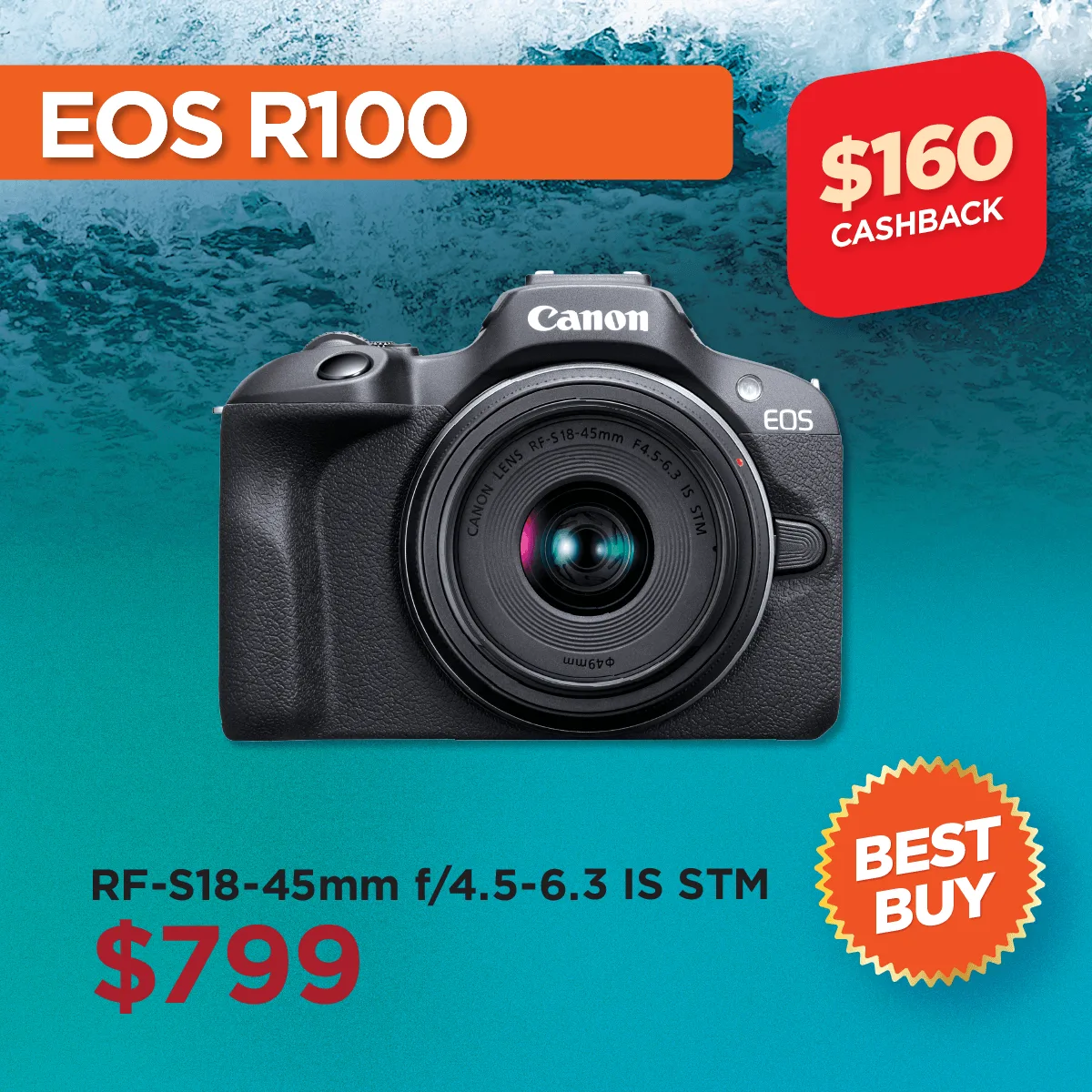
EOS R100
-
EOS R100: It can shoot bursts at up to 6.5 frames per second and record 4K 25p or HD 120p video. This lets you capture fast action and create slow-motion clips, giving you room to explore both photography and videography as a beginner.


