Start With Storage That Matches the R5 Mark II's Video Demands
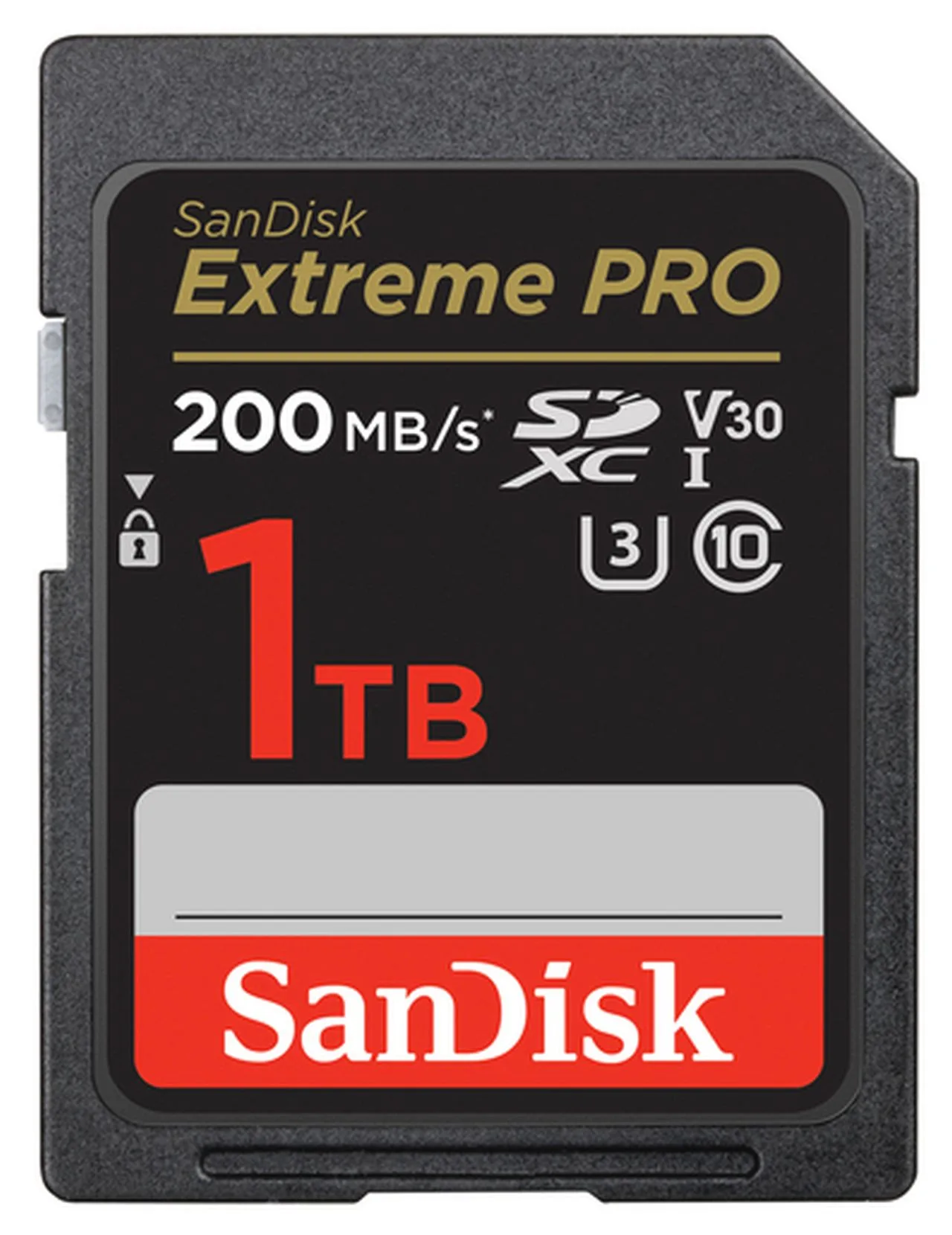
The Canon EOS R5 Mark II Body records up to 8K video with no crop, so your first setup decision is the memory card. The camera has one CFexpress Type B slot (CFexpress 2.0) that supports cards up to 2 TB, and the supplied information recommends VPG-400 or faster. Choose a card rated for that sustained write speed before you plan a hybrid shoot; a slower card may limit high-bitrate recording, though the exact supported formats for any given card are not confirmed in the supplied information.
For stills, the 45-megapixel full-frame sensor produces large files, so a 2 TB card gives generous headroom for both photo and video work. Format the card in the camera before your first shoot, and keep a second card on hand if you plan to switch between 8K capture and high-speed bursts.
Storage and card slot details
-
Canon EOS R5 Mark II Body: Slot 1: CFexpress Type B (CFexpress 2.0) [2 TB Maximum / VPG-400 or Faster Recommended] This is the only card slot listed in the supplied specs, so your hybrid workflow depends on a single CFexpress Type B card. Match the VPG-400 recommendation to avoid write-speed surprises during 8K recording.
Canon EOS R5 Mark II Body
Set Up Audio Inputs Before You Record
The R5 Mark II provides a 3.5 mm TRS stereo microphone input and a 3.5 mm TRS stereo headphone output on the camera body. Connect an external mic for cleaner dialogue and use headphones to monitor levels in real time. The supplied specs list 2-channel 16-bit 48 kHz AAC audio and 4-channel 24-bit 48 kHz LPCM audio, so check which format your project needs before recording.
If you plan to record scratch audio only, the built-in microphone may be enough for reference, but the supplied information does not confirm internal mic quality. For interviews or run-and-gun video, an external mic plugged into the 3.5 mm input is the safer choice.
Audio connections on the body
- Canon EOS R5 Mark II Body: 1x 1/8" / 3.5 mm TRS Stereo Microphone Input on Camera Body This input lets you connect an external microphone without an adapter, which is essential for clean audio in hybrid shooting.
- Canon EOS R5 Mark II Body: 1x 1/8" / 3.5 mm TRS Stereo Headphone Output on Camera Body Headphone monitoring helps you catch clipping or interference before a take is ruined.
Pair the Camera With Your Phone for Remote Control and Transfers
Built-in Wi-Fi and Bluetooth let you transfer photos and videos wirelessly to compatible devices. The supplied information also lists a mobile app with functions including accessing stored files, adjusting settings, firmware updates, remote control, and viewing a live feed. Install the app and pair the camera before your shoot so you can control the camera remotely or review footage from a distance.
The exact app name and pairing steps are not confirmed in the supplied information, so follow the on-screen prompts in the camera menu. Once paired, you can use the live feed for framing when the camera is on a gimbal or tripod in an awkward position.
Wireless and app features
- Canon EOS R5 Mark II Body: This camera comes equipped with built-in Wi-Fi and Bluetooth connectivity, allowing you to instantly transfer your photos and videos wirelessly to your compatible devices or share them directly on social media platforms. Wireless transfer speeds up your workflow when you need to deliver images or clips quickly.
- Canon EOS R5 Mark II Body: Functionality: Access Stored Files, Adjust Settings, Firmware Update, Remote Control, View Live Feed These app functions let you control the camera and update firmware without a computer, which is useful for hybrid shooters on location.
Choose Shutter and Drive Settings for Stills and Video
The R5 Mark II offers a mechanical focal plane shutter and an electronic rolling shutter. The electronic shutter reaches 1/32000 to 30 seconds, while the mechanical shutter covers 1/8000 to 30 seconds and supports bulb mode. For hybrid shoots, the electronic shutter is silent and fast, but rolling shutter can distort moving subjects; the mechanical shutter avoids that trade-off at the cost of some speed. The supplied information does not specify flash sync speed, so test flash behavior before a paid shoot.
For stills, the camera can shoot up to 12 frames per second in burst mode, according to the product description. That is enough for moderate action, but the exact buffer depth and sustained rate are not confirmed in the supplied specs. Set your drive mode deliberately rather than leaving it on high-speed continuous for every situation.
Shutter and burst specifications
- Canon EOS R5 Mark II Body: Electronic Shutter: 1/32000 to 30 Seconds; Mechanical Shutter: 1/8000 to 30 Seconds Knowing the shutter ranges helps you pick the right mode for bright light or motion without exceeding the camera's limits.
- Canon EOS R5 Mark II Body: High-speed continuous shooting: Capture action-packed moments with ease thanks to the camera's burst shooting capability of up to 12 frames per second. This gives you a baseline for action photography, though the supplied information does not confirm how long the burst lasts.
Set White Balance and ISO for Mixed Lighting
The camera offers white balance presets including auto, cloudy, color temperature, custom, daylight, flash, fluorescent, shade, and tungsten. For hybrid work, set a custom white balance under your shooting lights so photos and videos match without extra correction. The ISO range for photos is 100 to 51,200, expandable to 50 to 102,400. The supplied information does not give a separate video ISO range, so verify video noise performance in your own tests.
If you switch between indoor and outdoor scenes, save a custom white balance for each location. That reduces editing time and keeps color consistent across stills and clips.
White balance and ISO range
- Canon EOS R5 Mark II Body: Presets: Auto, Cloudy, Color Temperature, Custom, Daylight, Flash, Fluorescent (White), Shade, Tungsten Custom and color temperature presets are the most useful for hybrid shoots where lighting changes between takes.
- Canon EOS R5 Mark II Body: ISO Sensitivity Range (Photo): 100 to 51,200 (Extended: 50 to 102,400) This range covers most lighting conditions, but the supplied information does not confirm video ISO limits, so test before relying on high ISO for video.
Plan for Power and Handling on Long Shoot Days
The R5 Mark II weighs 1.5 lb / 670 g and measures 5.45 x 3.87 x 3.48" / 13.84 x 9.83 x 8.84 cm, so it balances well on most gimbals and tripods without adding excessive bulk. The magnesium alloy body is weather-sealed against dust and moisture, which helps in light rain or dusty environments, but the supplied information does not specify an IP rating or exact weather limits. Use common sense and protection in extreme conditions.
Battery life is not confirmed in the supplied information, so bring spare batteries for a full day of hybrid shooting. The camera uses a Canon LP-E6P battery according to the product name, but the supplied specs do not list battery capacity or expected shot count. Plan to carry at least one spare and a way to charge on location.
Body size and weight
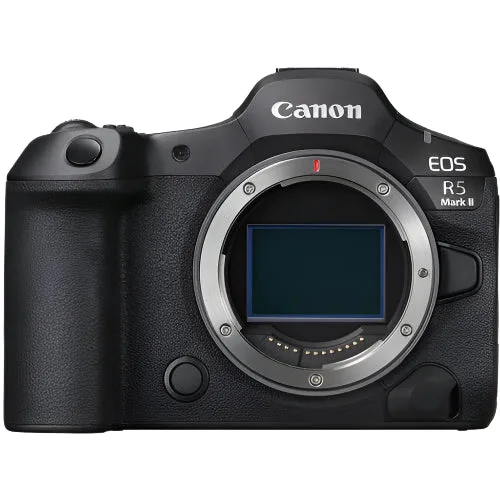
- Canon EOS R5 Mark II Body: Dimensions (W x H x D): 5.45 x 3.87 x 3.48" / 13.84 x 9.83 x 8.84 cm These dimensions help you check compatibility with cages, gimbals, and bags before you buy accessories.
- Canon EOS R5 Mark II Body: Weight: 1.5 lb / 670 g Knowing the body weight helps you estimate total rig weight when adding lenses, mics, and monitors.