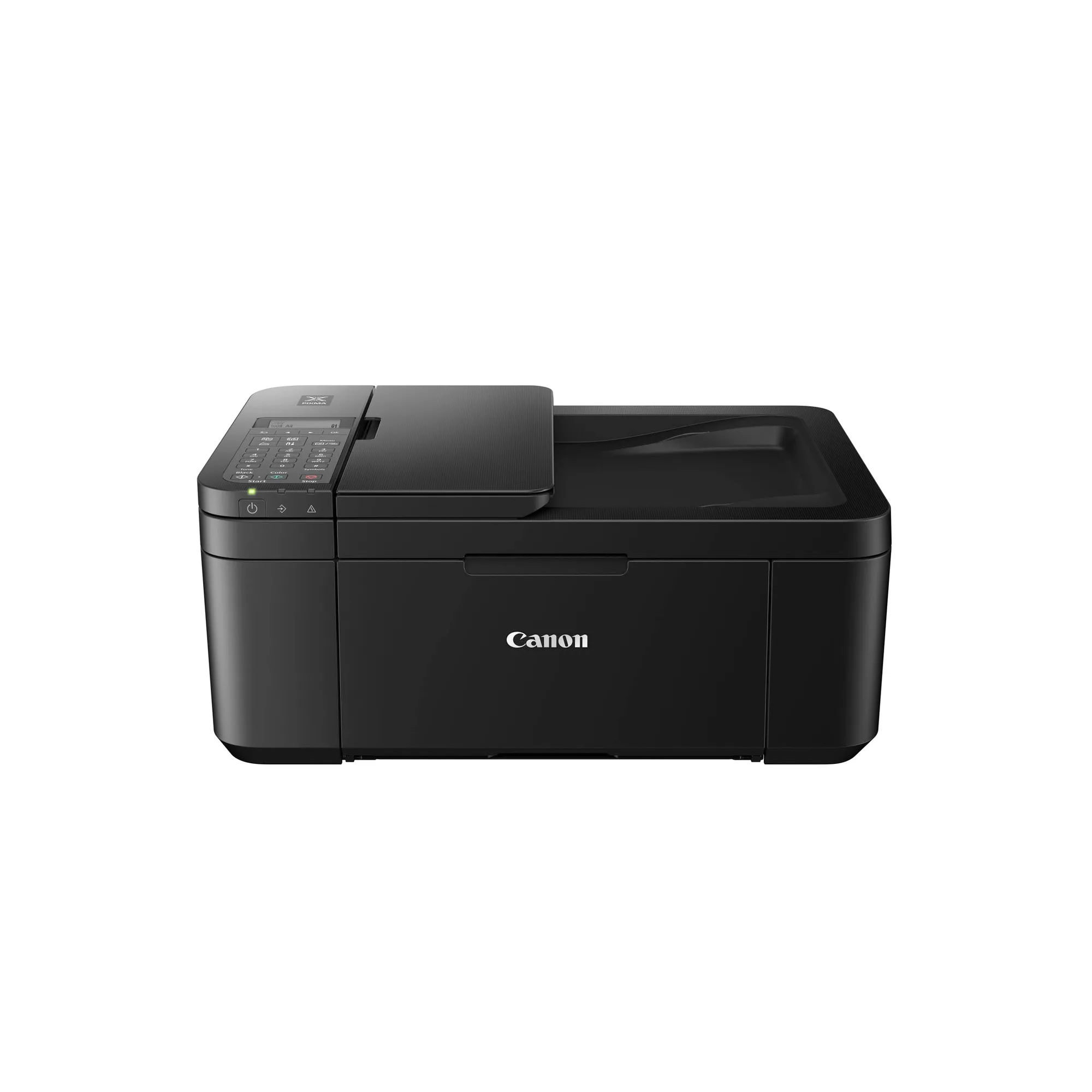
Quick answer
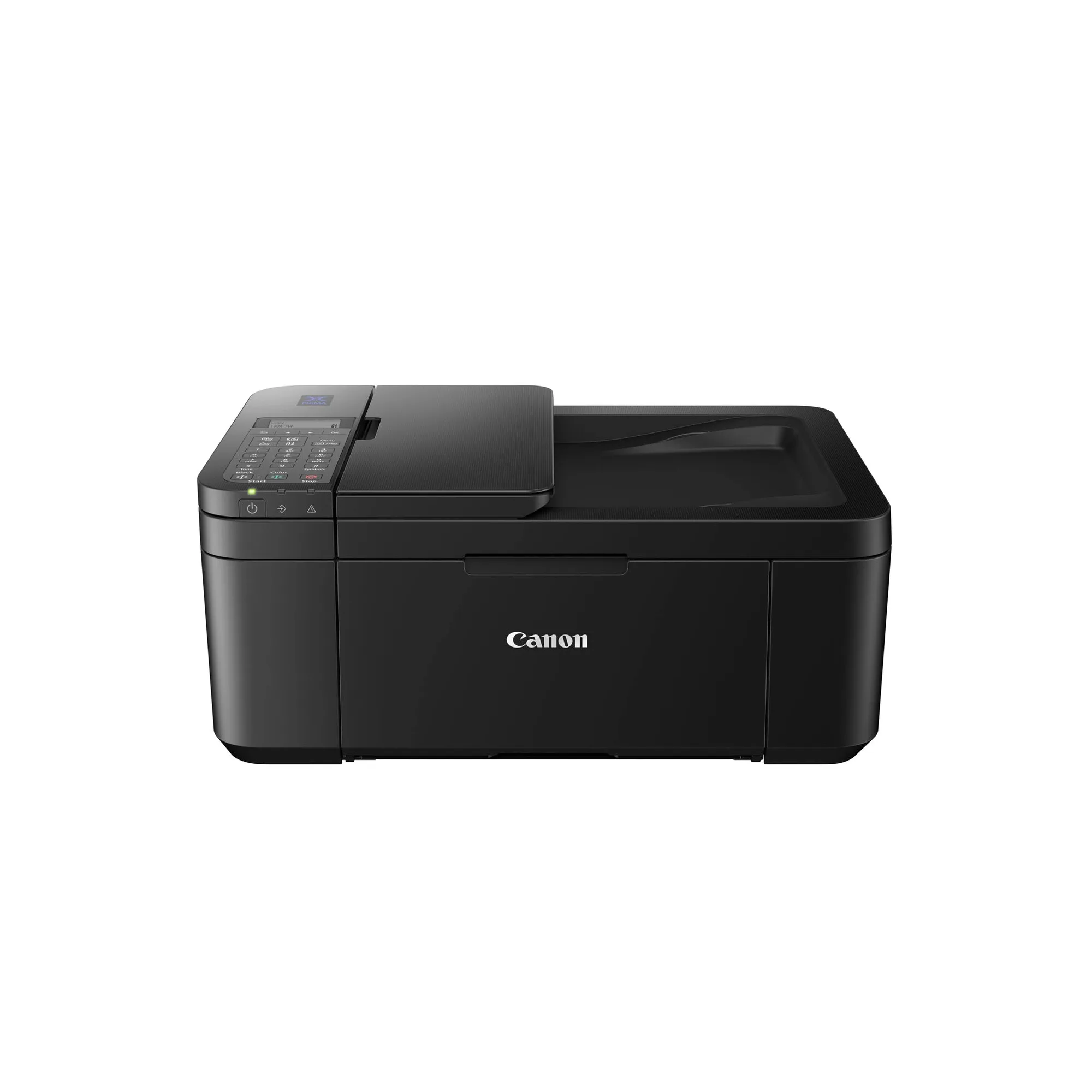
Choose the PIXMA TR4670S if you want the lowest upfront cost and still need fax and automatic two-sided printing. Pick the PIXMA E4570 if you print more pages and want to lower your per-page cost with high-capacity ink cartridges. Both are compact wireless all-in-ones with a 20-sheet Auto Document Feeder, but the E4570 is built for higher volume.
What they share
Both the TR4670S and E4570 are compact wireless all-in-one printers with print, scan, copy, and fax capabilities. Each includes a 20-sheet Auto Document Feeder (ADF) for multi-page jobs, and both support automatic two-sided printing. Wireless connectivity covers Wi-Fi, Mopria, AirPrint, and Direct Wireless, so you can print from a phone or tablet without a cable. Their ISO print speeds are identical at up to 8.8 ipm black and 4.4 ipm colour.
Key differences at a glance
The biggest difference is in running cost and print volume. The PIXMA E4570 uses high-capacity ink cartridges that yield up to 400 pages, while the TR4670S offers XL cartridge options but does not match that page yield. Canon recommends the E4570 for 50 to 200 pages per month and the TR4670S for 30 to 100 pages. The E4570 costs more upfront but can save you money over time if you print regularly. The TR4670S is cheaper to buy but may need cartridge replacements sooner.
Fax and connectivity
Both models include fax, which is becoming less common in home printers. If you still send or receive faxes, either printer can handle it. The TR4670S and E4570 share the same wireless standards, so there is no advantage in connectivity. The choice here comes down to print volume and budget, not features.
Trade-offs at a glance
- Upfront cost vs running cost: The TR4670S costs less to buy but uses standard cartridges with a lower page yield. The E4570 costs more initially but uses high-capacity cartridges that can cut your per-page cost. If you print under 100 pages a month, the TR4670S is cheaper to start. If you print 100–200 pages, the E4570 pays off over time.
- Print volume range: Canon recommends the TR4670S for 30–100 pages per month and the E4570 for 50–200 pages. The E4570 is built for steadier use, while the TR4670S suits occasional printing. Match the printer to your typical monthly volume to avoid frequent cartridge swaps.
- Identical core features: Both printers share the same print speed, ADF, duplex printing, and wireless connectivity. You are not sacrificing fax or auto-duplex by choosing the cheaper model. The decision is purely about volume and cost, not missing features.
Product facts
- PIXMA TR4670S: Compact Wireless Office All-In-One with Fax and Automatic 2-Sided Printing. ISO standard print speed (A4): up to 8.8 ipm black / 4.4 ipm. Recommended print volume: 30 to 100 pages. The TR4670S is designed for light home or home-office use. If you print fewer than 100 pages a month, this printer keeps your initial investment low while still giving you fax and duplex printing.
- PIXMA E4570: Compact Wireless All-In-One with Fax and Automatic 2-sided Printing for Low-Cost Printing. Delivers up to 400 pages yield with high-capacity ink cartridges. Recommended print volume: 50 to 200 pages. The E4570 targets users who print more often. The high-capacity cartridges reduce the frequency of replacements, making it a better value for monthly volumes between 50 and 200 pages.
Which one fits you?
Best for
- Light home or home-office users who print fewer than 100 pages a month and want the lowest purchase price
- Anyone who needs fax and automatic two-sided printing on a tight budget
Not for
- Users who print 100–200 pages a month and want lower long-term ink costs
- Those who prefer the convenience of high-capacity cartridges that need fewer replacements