Quick answer
Replace the receiver kit inside the fan canopy. The Parrot Uncle Ceiling Fan Remote Control and Receiver Kit is a direct replacement for VZA01A117 fans.
Why the receiver fails
The receiver is the component inside the fan that listens for the remote signal. Over time, voltage spikes, heat, or simple wear can cause it to stop responding. A new receiver kit restores full function without replacing the entire fan.
Diagnosis and replacement steps
- Symptom: The fan remote does nothing when you press buttons. The fan works only from the wall switch or pull chain. If the fan works without the remote, the issue is likely the receiver or remote, not the fan motor.
- Likely cause: The receiver inside the fan canopy has stopped receiving or processing the remote signal. This is a common failure point. Check if the remote has fresh batteries first. If that doesn't help, the receiver is the next suspect.
- Corrective action: Turn off power at the breaker. Remove the fan canopy and locate the receiver. Disconnect the old receiver and connect the new Parrot Uncle Ceiling Fan Remote Control and Receiver Kit following the wiring diagram. Reinstall the canopy and restore power. Take a photo of the wiring before disconnecting to ensure correct reconnection.
- Stop or choose another option: If you are not comfortable working with electrical wiring, stop and call a licensed electrician. If the fan is under warranty, contact the manufacturer first. Safety first. Incorrect wiring can damage the fan or cause a fire.
Product facts
-
Parrot Uncle Ceiling Fan Remote Control and Receiver Kit for VZA01A117: This remote and receiver are a set, not sold separately. You get both parts needed for a complete fix in one purchase, ensuring compatibility.
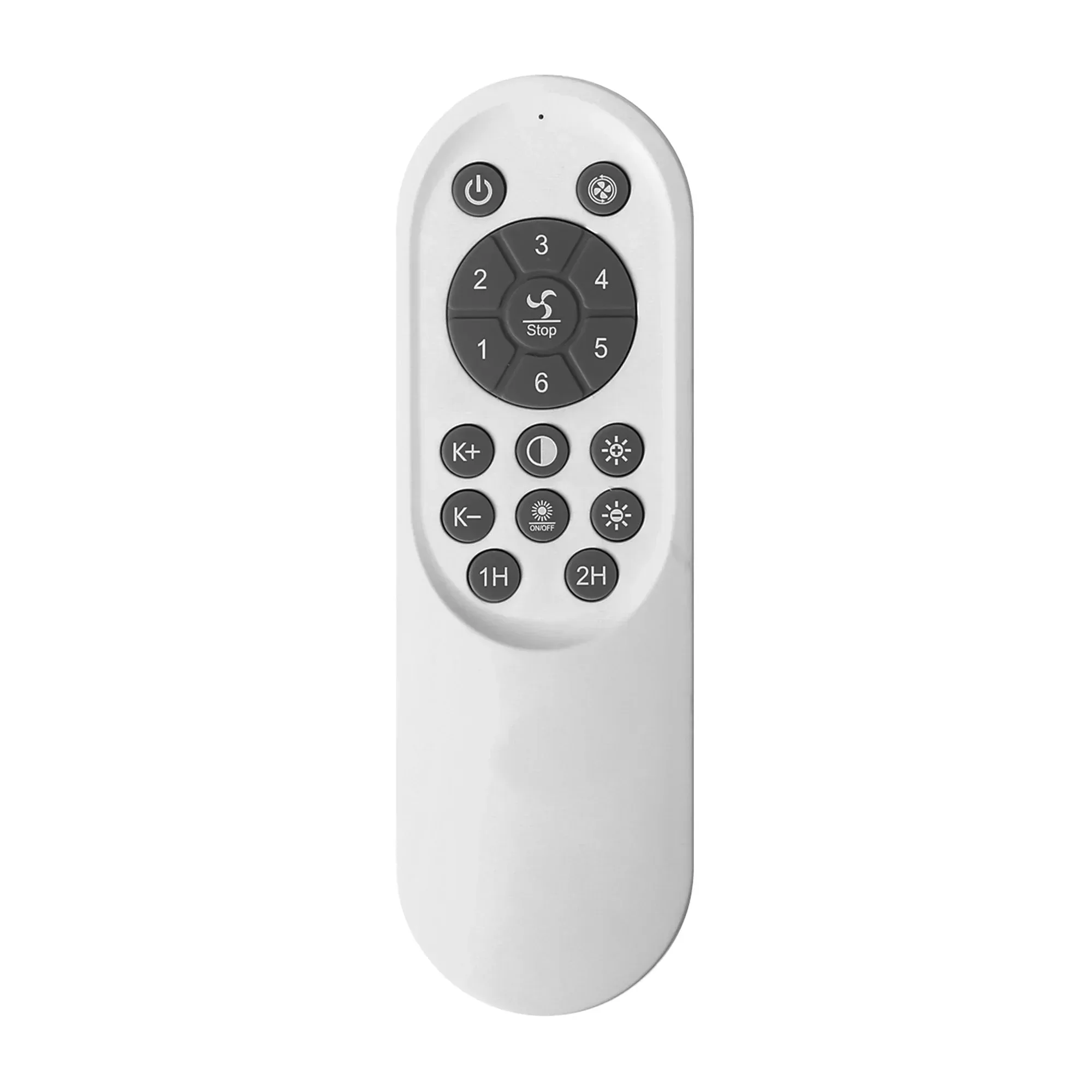
Parrot Uncle Ceiling Fan Remote Control and Receiver Kit for VZA01A117


