Quick answer
Buy CFexpress Type A if your camera has a Type A slot and you shoot high-bitrate video or long bursts; it offers faster write speeds and lower latency. Stick with SD cards if your camera only takes SD, you need maximum compatibility, or your budget is tight. Many hybrid shooters use both: CFexpress for primary capture and SD as a backup or for less demanding work.
Speed and buffer clearing: what actually changes on set
CFexpress Type A cards use a PCIe interface, while SD cards use the older UHS bus. In practice, that means a CFexpress Type A card can write data faster and clear your camera buffer sooner after a burst. If you shoot 10-bit 4K or higher frame rates, or you fill the buffer during action sequences, the difference is noticeable. SD cards, even fast UHS-II models, often become the bottleneck when the camera is capable of higher throughput. However, card speed only matters if your camera can take advantage of it. A camera with a single SD slot will not write faster just because you insert a CFexpress card via an adapter.
Compatibility: slots, adapters, and future-proofing
CFexpress Type A cards fit only into Type A slots, which are found on select Sony mirrorless bodies and a few other models. They are physically smaller than Type B cards but not interchangeable. SD cards fit into the vast majority of cameras, from entry-level to pro, and are universally readable by laptops and card readers. If you own multiple camera brands or frequently hand off cards to clients, SD remains the safer choice. Some cameras offer one CFexpress Type A slot and one SD slot, letting you use CFexpress for primary recording and SD for backup or proxy files. Adapters exist to use SD cards in CFexpress slots, but they do not give you CFexpress speed; they only provide convenience. Always check your camera manual for supported card types before buying.
Cost per gigabyte and long-term value
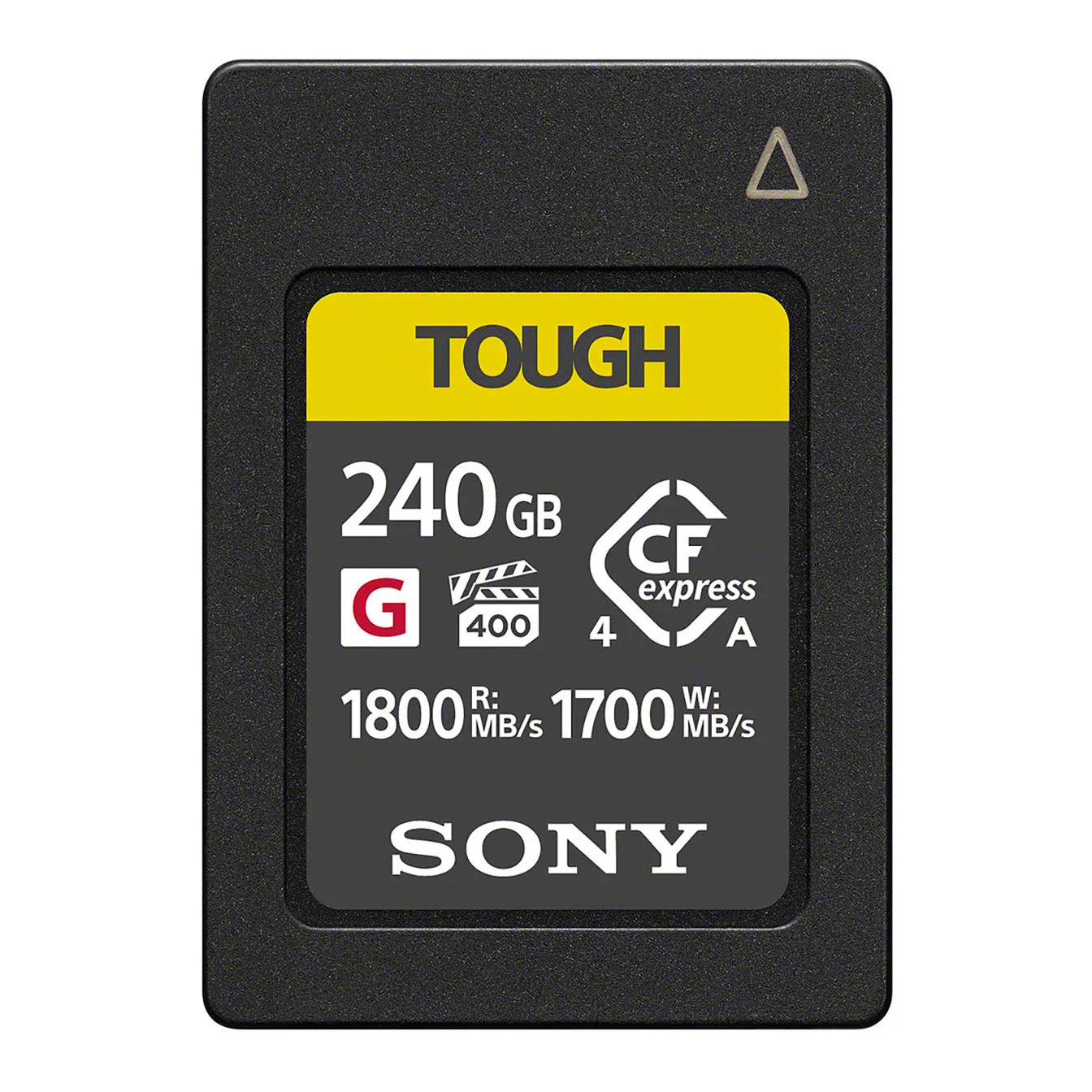
CFexpress Type A cards typically cost more per gigabyte than SD cards. For example, the Sony 240GB CFexpress 4.0 Type A TOUGH Memory Card is priced at USD 191.66, while comparable SD cards can be significantly cheaper. However, CFexpress cards often use more robust construction and may offer better sustained performance, which can matter for professional work. If you are on a tight budget or only shoot occasional photos, SD cards deliver excellent value. If you regularly shoot high-bitrate video or need fast buffer clearing, the higher upfront cost of CFexpress may be justified by fewer dropped frames and less waiting.
Durability and environmental tolerance
Both card types are available in ruggedized versions. The Sony CFexpress Type A TOUGH card is designed to be tough, but the catalog does not specify exact temperature, shock, or bend ratings. SD cards also come in durable variants, but again, specific ratings vary by model. If you frequently shoot in harsh conditions, look for cards with explicit durability specifications from the manufacturer. Neither type is inherently indestructible; proper storage and handling matter more than marketing claims.
How to choose without overbuying
Start by identifying your camera's card slots. If it has only SD slots, you cannot use CFexpress Type A without an adapter, and even then you will not gain speed. If it has a CFexpress Type A slot, decide whether your shooting style demands the extra speed. For stills-only shooters who rarely fill the buffer, a fast SD card may be sufficient. For video shooters using high bitrates or log profiles, CFexpress Type A is often the better tool. Consider buying one CFexpress card for critical work and a couple of SD cards for overflow or backup. That approach balances cost and performance without forcing you to replace all your media at once.
Trade-offs at a glance
- Speed vs compatibility: CFexpress Type A offers faster write speeds and quicker buffer clearing, but only works in Type A slots. SD cards are slower but fit almost every camera and are universally readable. Choose CFexpress if your camera supports it and you need speed; choose SD if you need maximum compatibility.
- Cost vs performance: CFexpress Type A cards cost more per gigabyte than SD cards. The Sony 240GB CFexpress 4.0 Type A TOUGH is USD 191.66, while comparable SD cards are often cheaper. If you shoot high-bitrate video or fast action, the performance gain may justify the higher price. Otherwise, SD is more economical.
- Future-proofing vs immediate need: CFexpress Type A is newer and may be supported in future high-end cameras, but SD remains the dominant standard for the foreseeable future. Buy for the camera you own today. If it has both slots, use CFexpress for primary and SD for backup.
Product facts
- Sony 240GB CFexpress 4.0 Type A TOUGH Memory Card: Sony 240GB CFexpress 4.0 Type A TOUGH Memory Card, catalog price USD 191.66 (comparison price USD 269.95) This card offers high capacity and is built for demanding workflows, but it only works in CFexpress Type A slots. The price reflects the speed and durability premium.
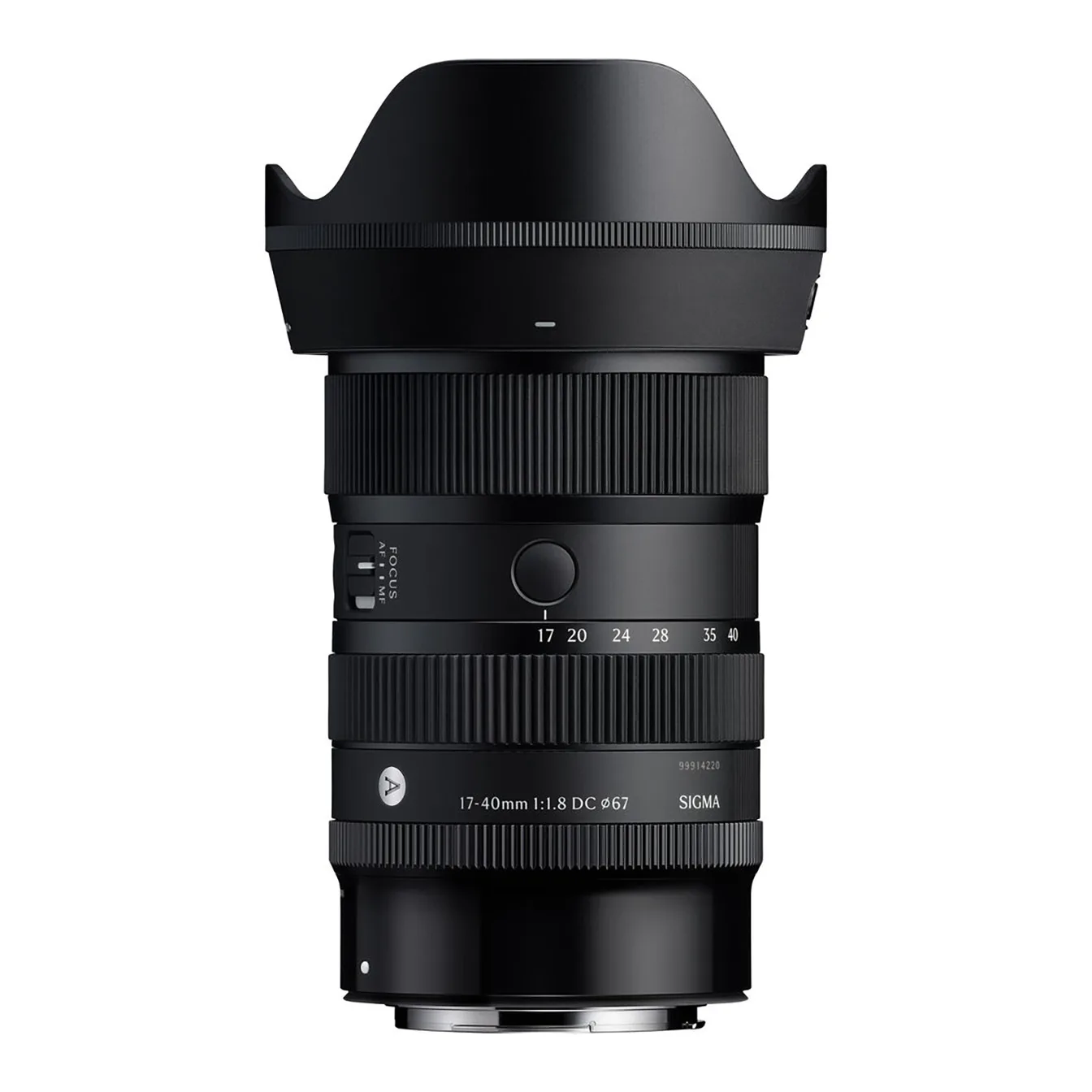
- Sigma 17-40mm f/1.8 DC Art Lens (Canon RF): Sigma 17-40mm f/1.8 DC Art Lens (Canon RF), catalog price USD 643.30 (comparison price USD 919.00) A fast lens like this benefits from a camera that can clear its buffer quickly, making CFexpress Type A a logical pairing for burst shooting.
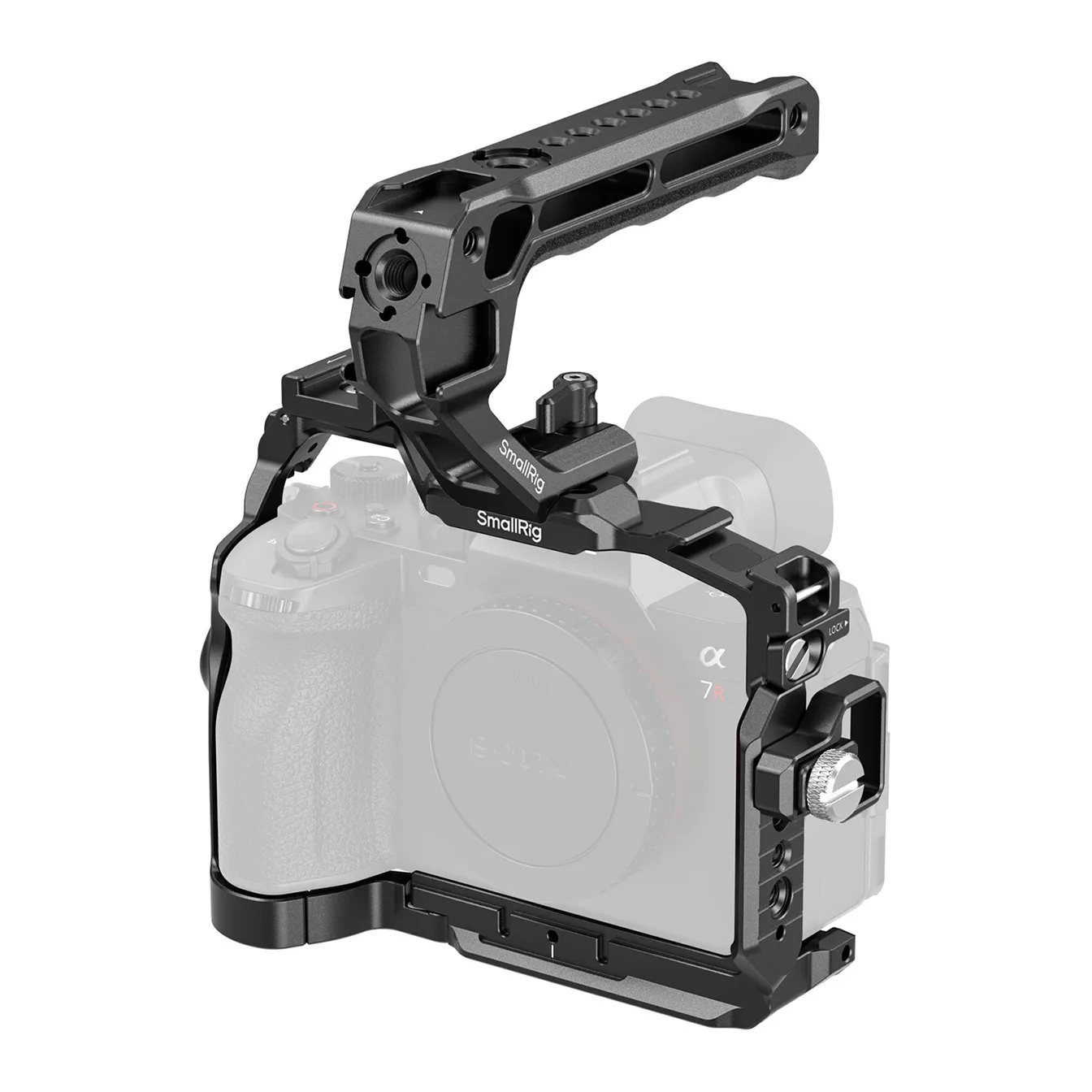
- SmallRig Cage Kit for Sony a7R VI: SmallRig Cage Kit for Sony a7R VI, catalog price USD 74.79 (comparison price USD 109.99) If you rig your camera for video, you will likely appreciate the faster write speeds of CFexpress Type A to avoid interruptions during long takes.
Who should buy which
Best for
- Hybrid shooters with a CFexpress Type A slot who record high-bitrate video or shoot long bursts
- Professionals who need fast buffer clearing and can justify the higher cost per gigabyte
- Photographers who want a durable, high-capacity card for demanding conditions
Not for
- Cameras with only SD slots, where CFexpress Type A is not natively compatible
- Budget-conscious buyers who rarely exceed the speed of a good UHS-II SD card
- Users who need to share cards across multiple camera brands or devices without adapters