Quick answer
Choose a CFexpress card reader if you shoot with a camera that uses CFexpress Type A or Type B cards and need the fastest transfer speeds. Stick with a versatile SD card reader if you use standard SD or microSD cards and value compatibility over raw speed.
Speed and interface differences
The biggest difference between CFexpress and SD card readers is the data transfer speed they support. CFexpress readers like the Sony MRW-G3 support USB 40 Gbps, which can move large video files and high volumes of images in seconds. SD readers typically top out at UHS-I speeds, which is fine for most still photography but slower for 4K or 6K video workflows.
Keep in mind that your card and computer also need to support the same speed standard to get the full benefit. A CFexpress 4.0 card in a USB 3.2 reader will still be faster than an SD card, but not as fast as it could be.
Compatibility and card formats
CFexpress readers are format-specific. The Sony MRW-G3 is designed exclusively for CFexpress Type A cards, while the Delkin Devices USB 3.2 CFexpress Memory Card Reader works with CFexpress Type B cards. If you switch camera systems or use multiple card formats, you may need more than one reader.
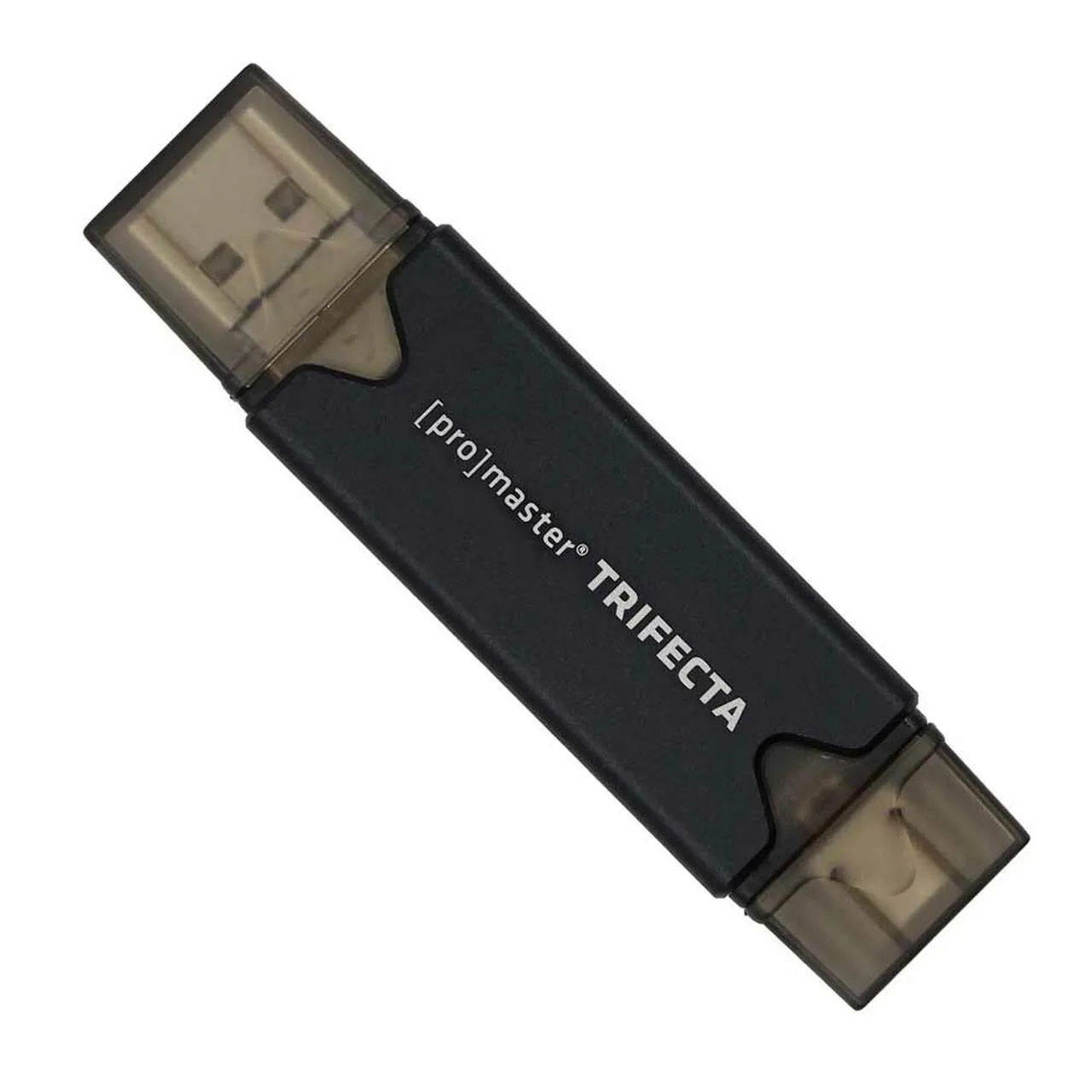
SD readers, like the ProMaster Trifecta models, accept both SD and microSD cards. They also include multiple connection options (USB-A, USB-C, USB Micro-B) and OTG support for tablets and phones. This makes them a better choice if you work with different devices or share files with clients on location.
Build quality and heat management
High-speed transfers generate heat, which can slow down or damage electronics. The Delkin Devices CFexpress reader uses anodized aluminum construction with built-in heat sinks to prevent overheating during long transfers. This is a practical advantage if you frequently offload large video projects.
SD readers are generally plastic and rely on lower power draw to stay cool. They are less likely to overheat but also less rugged if you work in demanding environments.
Decision rules: CFexpress vs SD card reader
- If you shoot with CFexpress Type B cards: Choose a dedicated CFexpress Type B reader like the Delkin Devices USB 3.2 CFexpress Memory Card Reader. It delivers 10 Gbps speeds and includes heat sinks to prevent throttling during long transfers.
- If you shoot with Sony CFexpress Type A cards: Get the Sony MRW-G3 card reader. It supports CFexpress 4.0 and USB 40 Gbps, giving you the fastest possible offload for large video files and image sequences.
- If you use standard SD or microSD cards: A multi-format reader like the ProMaster Trifecta UHS-I Card Reader is the practical choice. It handles both SD and microSD, works with USB-A, USB-C, and USB Micro B, and supports OTG for tablets and phones. If you also need to copy files between cards without a computer, look for a reader that supports simultaneous card access.
- If you need one reader for multiple card types: No single reader covers both CFexpress and SD. You will need two separate readers unless you use a hub or dock that accepts multiple formats. Prioritize the card type you use most and buy a dedicated reader for it.
Product facts
-
Delkin Devices USB 3.2 CFexpress Memory Card Reader: Supports CFexpress Type B cards via USB 3.2 Type-C interface at 10 Gbps, with anodized aluminum construction and heat sinks. This reader is built for sustained high-speed transfers without overheating, making it ideal for video professionals who offload large files repeatedly.
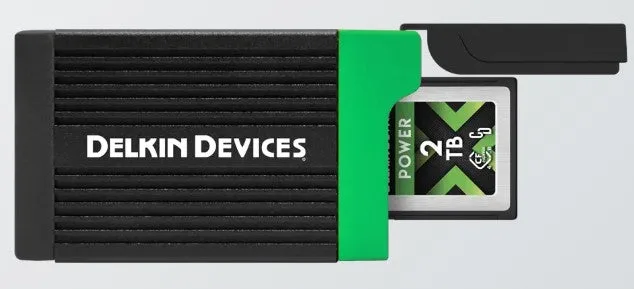
Delkin Devices USB 3.2 CFexpress Memory Card Reader
-
Sony CFexpress Type A Card Reader: CFexpress 4 compatible card reader for Type A cards, supporting USB 40 Gbps for high-speed transfer of large video files and high volumes of images. If you use Sony cameras with CFexpress Type A cards, this reader maximizes card performance and cuts transfer time significantly.
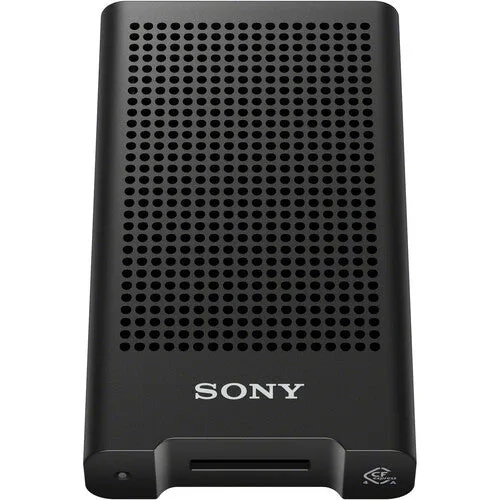
Sony CFexpress Type A Card Reader
-
Promaster 7962 Trifecta SD/ Micro SD to USB A & C 3.0, USB-B 2.0: Dual slots for SD and microSD cards, with USB-A, USB-C, and USB Micro B connections plus OTG support. This reader works with nearly any device you own, from laptops to smartphones, and can copy files between cards without a computer.
Which reader fits your workflow?
Best for
- Photographers and videographers using CFexpress Type A or Type B cards who need maximum transfer speed
- Users who work with SD and microSD cards across multiple devices and want broad compatibility
Not for
- Users who need a single reader for both CFexpress and SD cards – no universal reader exists
- Budget-conscious users who only transfer small JPEG files and don't need the extra speed of a CFexpress reader