Quick answer
Start with your camera's approved media list, not the biggest number on the packaging. For 4K at 100-200 Mbps, a V60 or U3 SDXC card is usually enough; for 6K, high-bitrate 4K, or long bursts, a V90 SDXC or a CFexpress Type B card is the safer choice. If your camera has a CFexpress slot, buy CFexpress for your main recording and keep an SDXC card as backup.
Why the card matters more than the camera for 4K and 6K
A camera that records 6K at a high bitrate writes data faster than most older cards can absorb it. When the buffer fills and the card can't keep up, recording stops or frames drop, and you usually only notice in post. The card is the weakest link in the chain, so it deserves the same attention as your lens.
The two families you'll see in 2026 are SDXC (UHS-I and UHS-II) and CFexpress (Type A and Type B). SDXC is cheap, universal, and fine for most 4K work. CFexpress Type B is faster and built for sustained writes, which is why it appears on cameras that shoot 6K or 8K internally.
Decode the labels before you compare prices
Manufacturers print several ratings on one card, and they measure different things. UHS Speed Class (U1/U3) and Speed Class (C10) describe minimum sequential write speed for video. Video Speed Class (V30, V60, V90) is stricter and more useful for modern cameras. UHS-II cards add a second row of pins and can reach much higher bus speeds, but only if your camera's slot supports UHS-II.
A V90 SDXC card guarantees a 90 MB/s minimum write speed, which covers most 4K and some 6K modes. CFexpress Type B cards use PCIe and NVMe, so their sustained write speeds are far higher, and they handle heat and long takes better. Don't compare a CFexpress card's peak read speed to an SD card's minimum write speed; they're not the same measurement.
Match the card to your actual recording mode
Look up your camera's bitrate for the mode you shoot most. A 4K 30p clip at 100 Mbps needs about 12.5 MB/s, so a V30 card is technically enough. A 4K 120p or 6K mode at 400 Mbps needs about 50 MB/s sustained, and that's where V60, V90, or CFexpress becomes necessary. Add headroom for dual-card recording, proxy files, or long interviews.
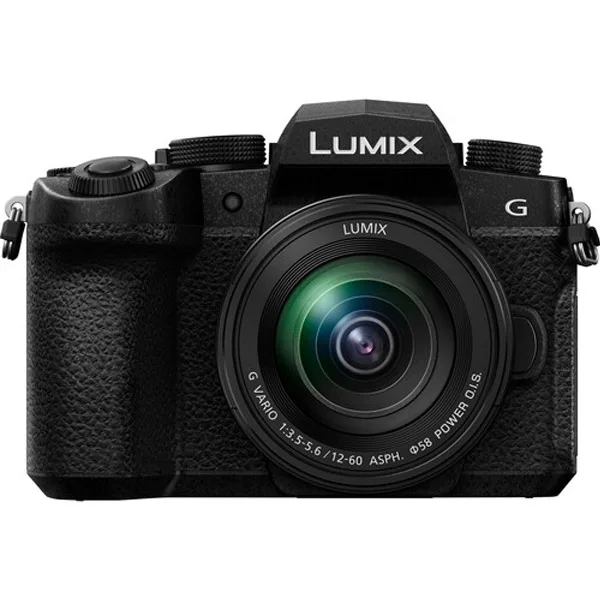
If you shoot with a Panasonic Lumix DC-G97 kit, its 4K modes are well served by a V30 or V60 UHS-II SDXC card, and the camera's SD slot means CFexpress isn't an option. If you're on a body with a CFexpress Type B slot, use that for your main card and keep a V90 SDXC as a backup or for offloading.
Capacity, heat, and card health
Buy two 128 GB or 256 GB cards instead of one 512 GB card. You spread risk, and you avoid a single point of failure on a paid shoot. High-bitrate recording also generates heat, and cheaper cards throttle or slow down when they get warm. Cards with a stated sustained write speed and a warranty from a known brand handle heat better.
Format cards in the camera, not on your computer, and re-format before important shoots. Never delete individual clips to free space; that fragments the card and can cause dropped frames. Keep cards in a case, avoid leaving them in a hot car, and retire any card that shows errors or slow offloads.
Step-by-step: choosing your card
- Check your camera's approved media list: Open the manual or the manufacturer's compatibility page and find the exact card models tested for your camera's highest bitrate mode. Common mistake: buying a card that matches the speed number but isn't on the approved list. Some cameras reject cards that look fast enough on paper.
- Note the bitrate of your most demanding mode: Find the Mbps figure for the 4K or 6K mode you actually use, then convert it to MB/s by dividing by 8. That's your minimum sustained write requirement. Checkpoint: if your mode is 400 Mbps, you need at least 50 MB/s sustained, so a V60 or V90 card, not a V30.
- Choose the card family your camera supports: If the camera has a CFexpress Type B slot, buy CFexpress Type B for main recording. If it only has SD slots, buy UHS-II SDXC and confirm the slot supports UHS-II speeds. Common mistake: buying a UHS-II SD card for a UHS-I-only slot. It works, but you pay for speed you can't use.
- Pick the right speed class for your mode: V30 for 4K up to about 100-200 Mbps, V60 for 4K 60p and moderate 6K, V90 or CFexpress Type B for 6K, 4K 120p, and high-bitrate internal recording. Checkpoint: the V rating is a minimum sustained write guarantee, which matters more than the peak read speed printed on the front.
- Buy two mid-capacity cards instead of one huge one: Two 128 GB or 256 GB cards cost about the same as one 512 GB card and reduce the risk of losing an entire shoot to one failure. Common mistake: relying on a single large card for a paid job. If it fails, you lose everything.
- Format in-camera and test before the shoot: Format the card in the camera, record a two-minute clip in your highest-bitrate mode, and confirm it plays back without stopping. Next step: label your cards, rotate them between shoots, and retire any card that drops frames or offloads slowly.
Gear that pairs with the right card
- Panasonic Lumix DC-G97 + 12-60mm f/3.5-5.6 – Kit Photo: The Panasonic Lumix DC-G97 + 12-60mm f/3.5-5.6 kit uses a 20.3 MP 4/3 Live MOS sensor and records 4K video. Its SD slot means you should buy a V30 or V60 UHS-II SDXC card, not CFexpress, and 128-256 GB is plenty for a day of 4K.
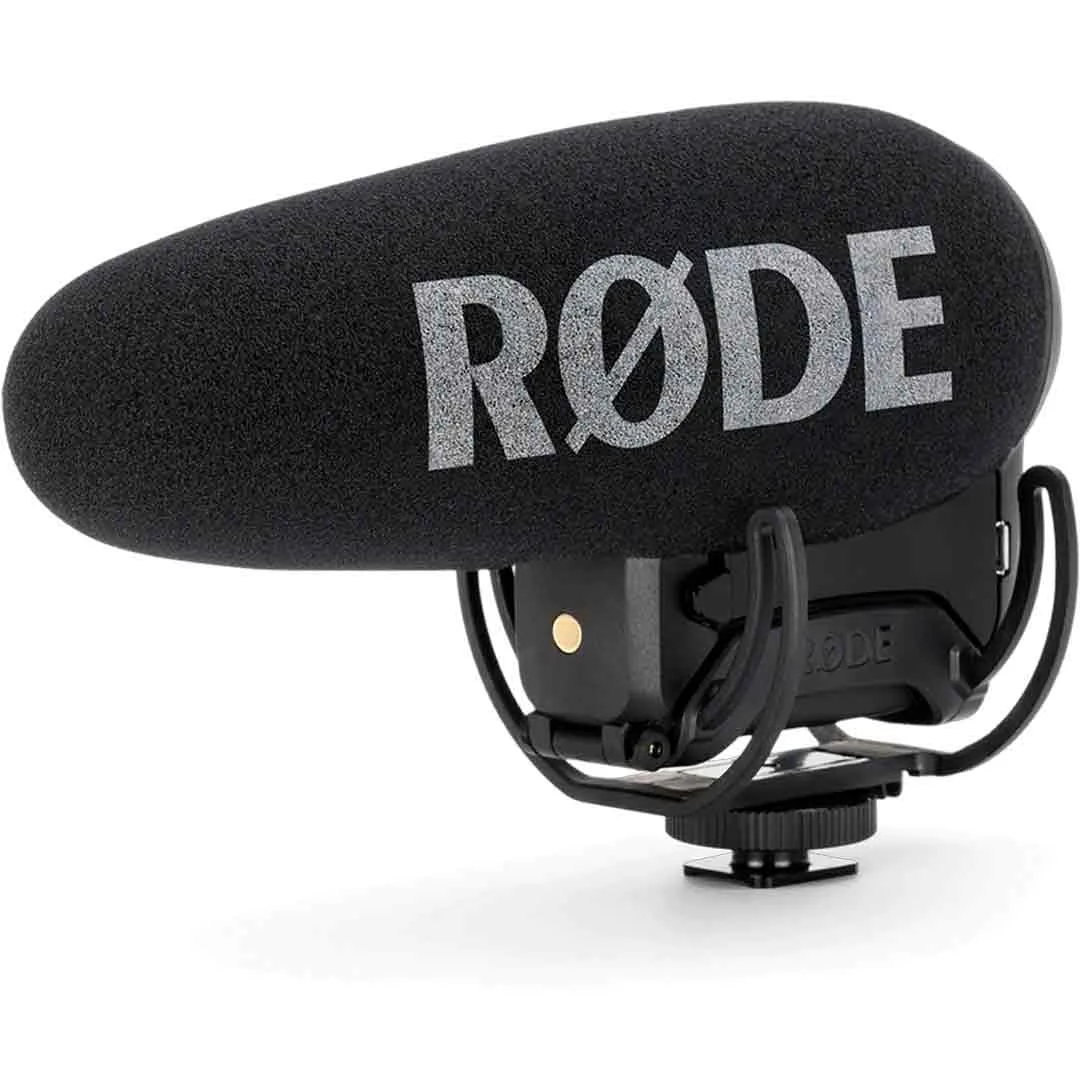
- RODE VideoMic Pro+ – Micro Caméra: The RODE VideoMic Pro+ is a supercardioid on-camera condenser microphone for broadcast-quality audio. Good audio doesn't fix a dropped frame, so budget for a reliable card before upgrading your mic.
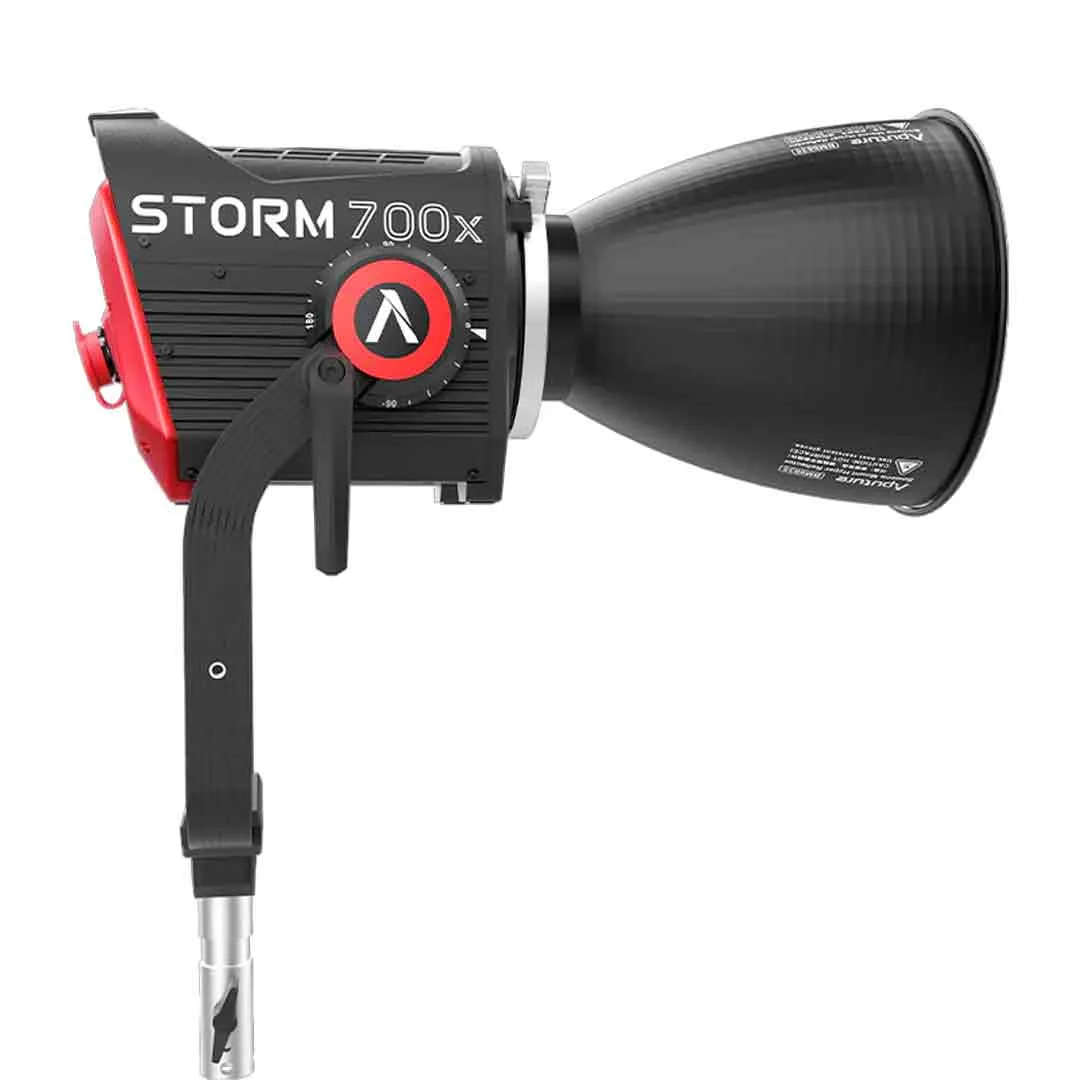
- Aputure STORM 700x – Projecteur LED: The Aputure STORM 700x is a 700 W tunable-white point-source LED with a BLAIR chipset for cinema and broadcast. If you're shooting 6K on a high-end production, match that level of camera and lighting with CFexpress Type B media that won't bottleneck the take.