Quick answer
Match the mount to the light and the surface. If you shoot video calls or mobile content with a Panel Mini or Panel Pro, the Universal Clip Mount for Lume Cube Panel Lights is the simplest fit. If you own the Ring Light Pro and need to attach it to a light stand, the Ring Pro Tilt Mount for Light Stand Attachment replaces the lower bracket. For everything else, start with the surface you can actually clamp or thread, then pick the mount that matches it.
Start with the surface, not the light
Most mounting mistakes happen because the buyer picks a mount by brand name instead of by surface. A laptop lid, a phone, a light stand, and a desk edge all accept different hardware. Before you compare mounts, answer one question: what will hold the light? If the answer is a laptop or phone, you need a clip-style mount. If the answer is a light stand, you need a stand attachment. If the answer is a desk or shelf, you may need a stand you do not own yet.
Clip mounts: best for laptops, phones, and tight spaces
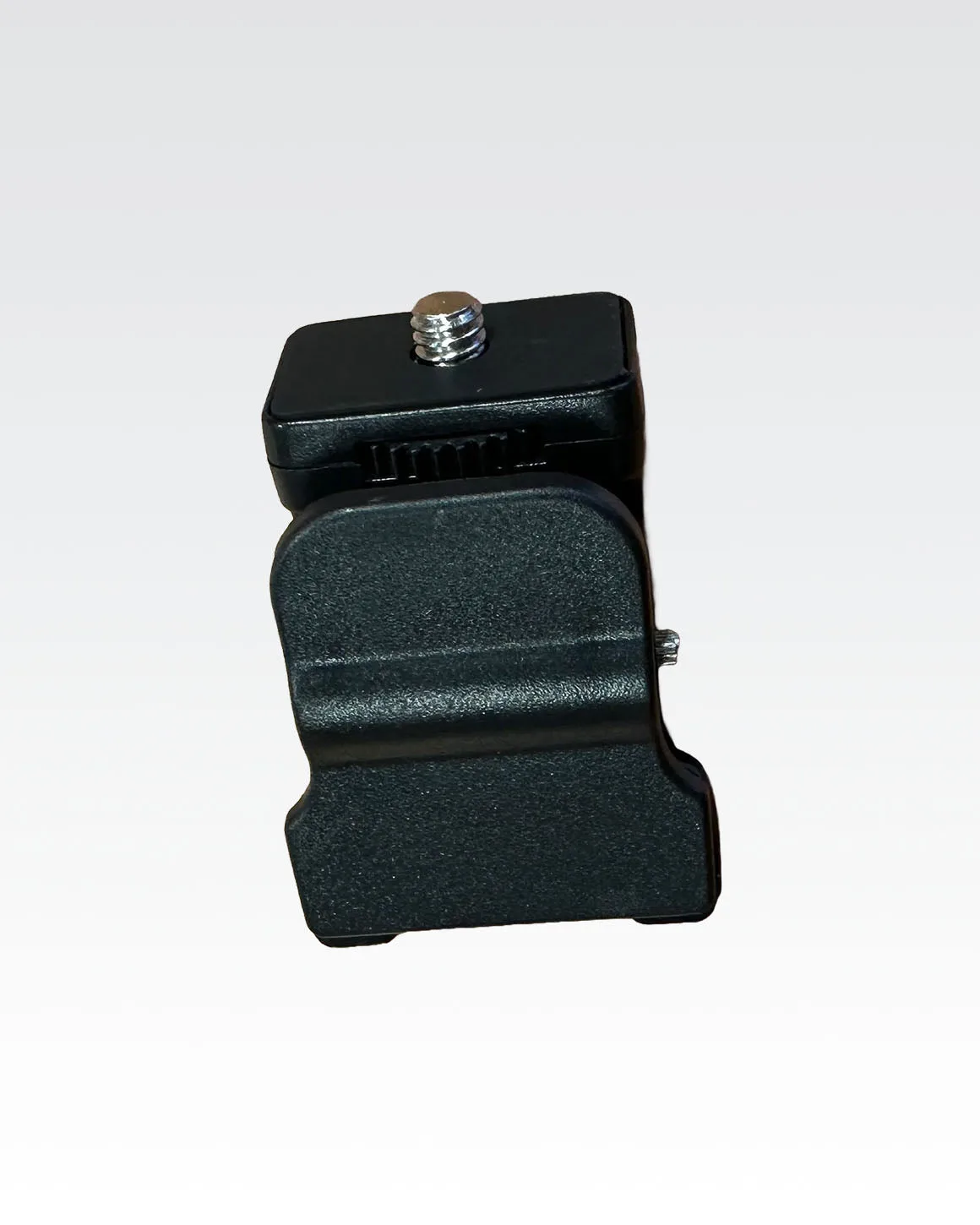
A clip mount is the lowest-friction option because it does not require a stand. The Universal Clip Mount for Lume Cube Panel Lights is designed for both laptops and smartphones, so it covers the two most common surfaces for video calls, livestreams, and mobile shoots. The rubber grip interior protects the device and keeps the light from slipping. The tradeoff is weight and reach: a clip holds a small panel well, but it is not meant to carry a large ring light or a heavy tube light. If your light is bigger than a panel, move to a stand-based mount.
Stand mounts: when you need height and angle control
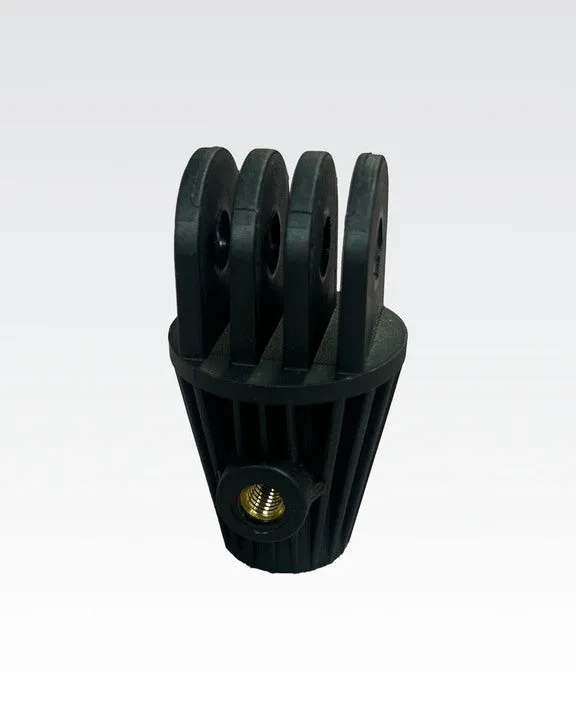
Stand mounts trade portability for stability and positioning. The Ring Pro Tilt Mount for Light Stand Attachment is a replacement lower bracket designed to attach the Ring Light Pro to a light stand, with secure positioning and smooth angle adjustments. This is the right choice when your light is too large for a clip or when you need to raise the light above eye level. Note that this part is the lower portion only, so it is a replacement component rather than a complete stand kit. If you are starting from scratch, confirm you already have a compatible light stand before buying the mount alone.
What about magnetic and tube-light mounting?
The supplied catalog does not list a dedicated magnetic light mounting bracket, and it does not list a separate mount for the RGB Tube Light Mini 4-Pack. That absence is a real decision limitation: if you want a magnetic or tube-specific solution, you should not assume one exists in this catalog. For tube lights, plan around the surfaces and stands you already own, or choose a clip mount only if the light is small enough for the clip's intended use. Do not force a panel clip onto a tube light just because both are Lume Cube products.
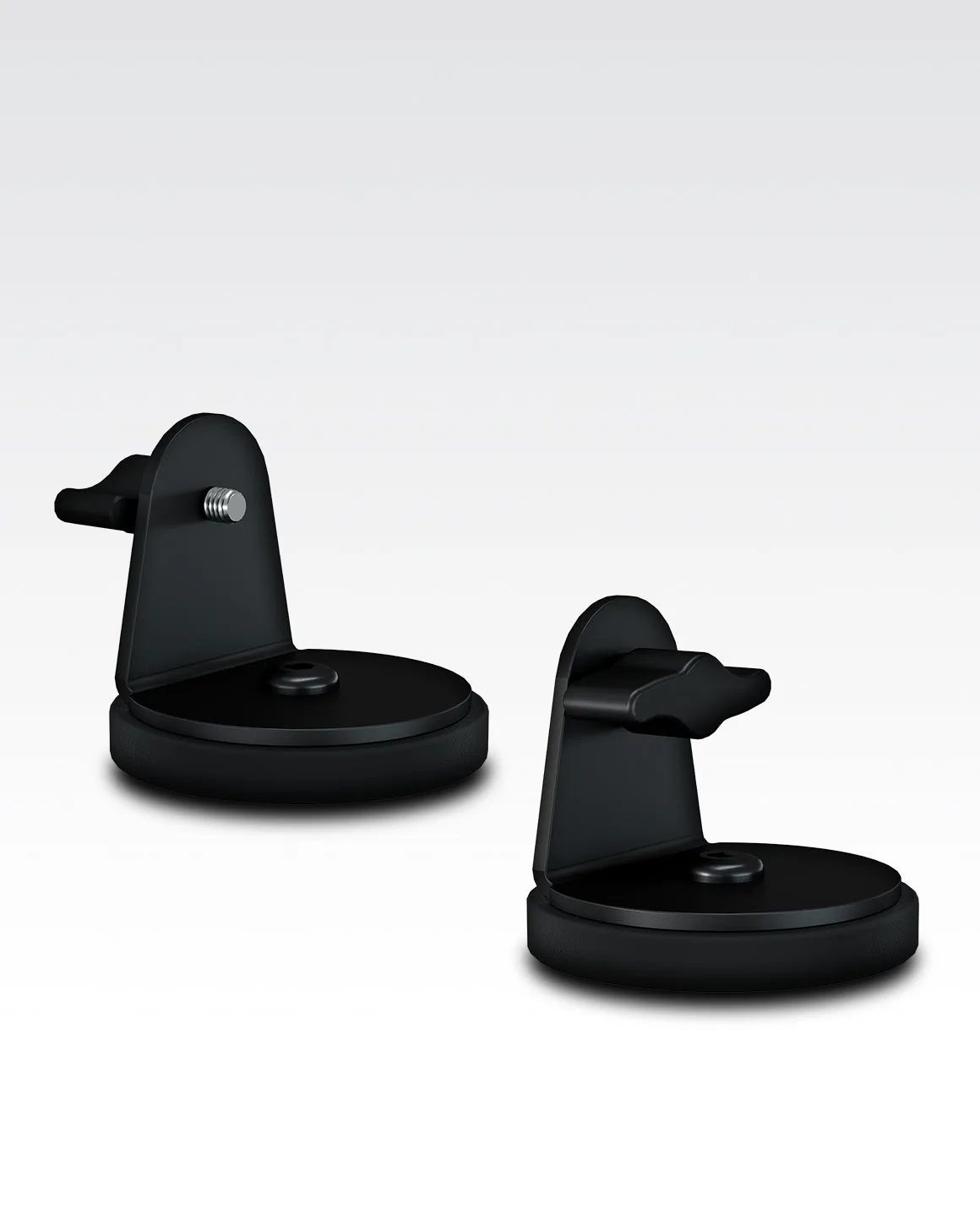
magnetic light mounting bracket
Match the mount to the job, not the brand
The most reliable way to choose is to write down three things: the light model, the surface you can attach to, and whether you need to change the angle during the shoot. A clip mount wins when the surface is a laptop or phone and the light is a panel. A stand attachment wins when the light is a ring light and you need height and tilt. If you cannot name the surface, you are not ready to buy a mount. Buy the mount that fits the surface you actually have, then upgrade the light later if needed.
Decision rules for buying a mount
- If your light is a Panel Mini or Panel Pro and your surface is a laptop or phone: Choose the Universal Clip Mount for Lume Cube Panel Lights. It is designed for both laptops and smartphones, and the rubber grip protects the device while holding the light in place. Buy the clip only if the light is a panel, not a ring or tube light.
- If your light is a Ring Light Pro and you already own a light stand: Choose the Ring Pro Tilt Mount for Light Stand Attachment. It is the lower portion only, so it replaces the bracket that connects the ring light to the stand. Do not buy this as a complete stand kit; confirm you have the stand first.
- If you want a magnetic bracket or a tube-light mount: The supplied catalog does not list a magnetic light mounting bracket or a dedicated mount for the RGB Tube Light Mini 4-Pack. Treat that as a limitation rather than assuming a hidden option exists. Plan around the surfaces and stands you already own, or ask support before buying.
Mount options in this catalog
- Universal Clip Mount for Lume Cube Panel Lights: Easily mount your Lume Cube Panel Mini or Panel Pro with this versatile clip designed for both laptops and smartphones. If you shoot video calls, livestreams, or mobile content with a panel light, this is the most direct fit because it does not require a stand.
- Ring Pro Tilt Mount for Light Stand Attachment: Lume Cube replacement tilt mount, lower portion only, designed for attaching the Ring Light Pro to a light stand. This is the right part if you already own a Ring Light Pro and a compatible light stand and need to replace the lower bracket or add tilt control.
Who should buy which mount
Best for
- Video call and livestream users with a Panel Mini or Panel Pro who want to clip a light to a laptop or phone
- Ring Light Pro owners who already have a light stand and need a replacement lower bracket with tilt adjustment
Not for
- Owners of the RGB Tube Light Mini 4-Pack who need a dedicated tube mount, since the catalog does not list one
- Buyers who need a complete stand kit rather than a replacement part