Quick answer
Look for a bag with a padded compartment that fits your laptop's exact dimensions, not just the screen size. A waterproof exterior and organized pockets make daily use easier.
Screen size vs. actual dimensions
A "15-inch" laptop can vary significantly in width, depth, and thickness. Always measure your computer's height, width, and depth before choosing a bag. Many bags list a screen size range, but the actual fit depends on the device's chassis. A padded compartment that's too tight can stress the zipper, while one that's too loose lets the laptop slide around.
Padding and protection trade-offs
Thicker padding adds bulk and weight, which can make the bag feel larger when commuting or traveling. Thinner padding keeps the profile slim but offers less drop protection. Decide what level of impact risk you face daily. A bag with a suspended laptop sleeve can absorb shocks better than a simple padded slot.
Waterproofing vs. water resistance
A truly waterproof bag uses sealed seams and a waterproof membrane. Water-resistant bags repel light rain but can leak through zippers and stitching in a downpour. If you commute in wet weather, prioritize a bag with a waterproof fabric and covered zippers. For occasional drizzle, a water-resistant exterior with a dry laptop sleeve inside may be enough.
How to choose
- Measure your laptop: Write down the height, width, and depth of your closed laptop. Compare these numbers against the internal compartment dimensions of any bag you consider. A bag that says "fits 15-inch" may not fit your specific model.
- Check padding and suspension: Look for at least 5 mm of foam padding around the laptop compartment. A raised or suspended bottom helps absorb impact if you set the bag down hard. Avoid bags with only a thin fabric sleeve. A padded sleeve reduces the risk of screen damage from drops.
- Confirm waterproofing level: If you walk or bike in rain, pick a bag with a waterproof rating and taped seams. For car or indoor commutes, water-resistant fabric with a coated zipper is sufficient. Always check the product details—not just the marketing photos. A waterproof bag like the Laptop Bag 15″/16″ keeps your laptop dry without needing a separate rain cover.
- Evaluate organization needs: Count what else you carry daily: charger, mouse, phone, notebook, pens. A single large compartment forces everything into one pile. A divided main compartment or external pockets help you access items quickly without digging. More pockets reduce clutter but add weight. Choose based on your daily carry.
Product facts
-
Laptop Bag 15″/16″: The Laptop Bag 15″/16″ has a divided main compartment for organization and an external pocket that fits a 15" laptop (may fit some 16"). It is waterproof with a near-concealed revit-fastened handle strap and rubberized zip pullers. This bag gives you the clean look of a sleeve with extra room for a charger or documents, and the waterproof build keeps your gear dry in wet conditions.
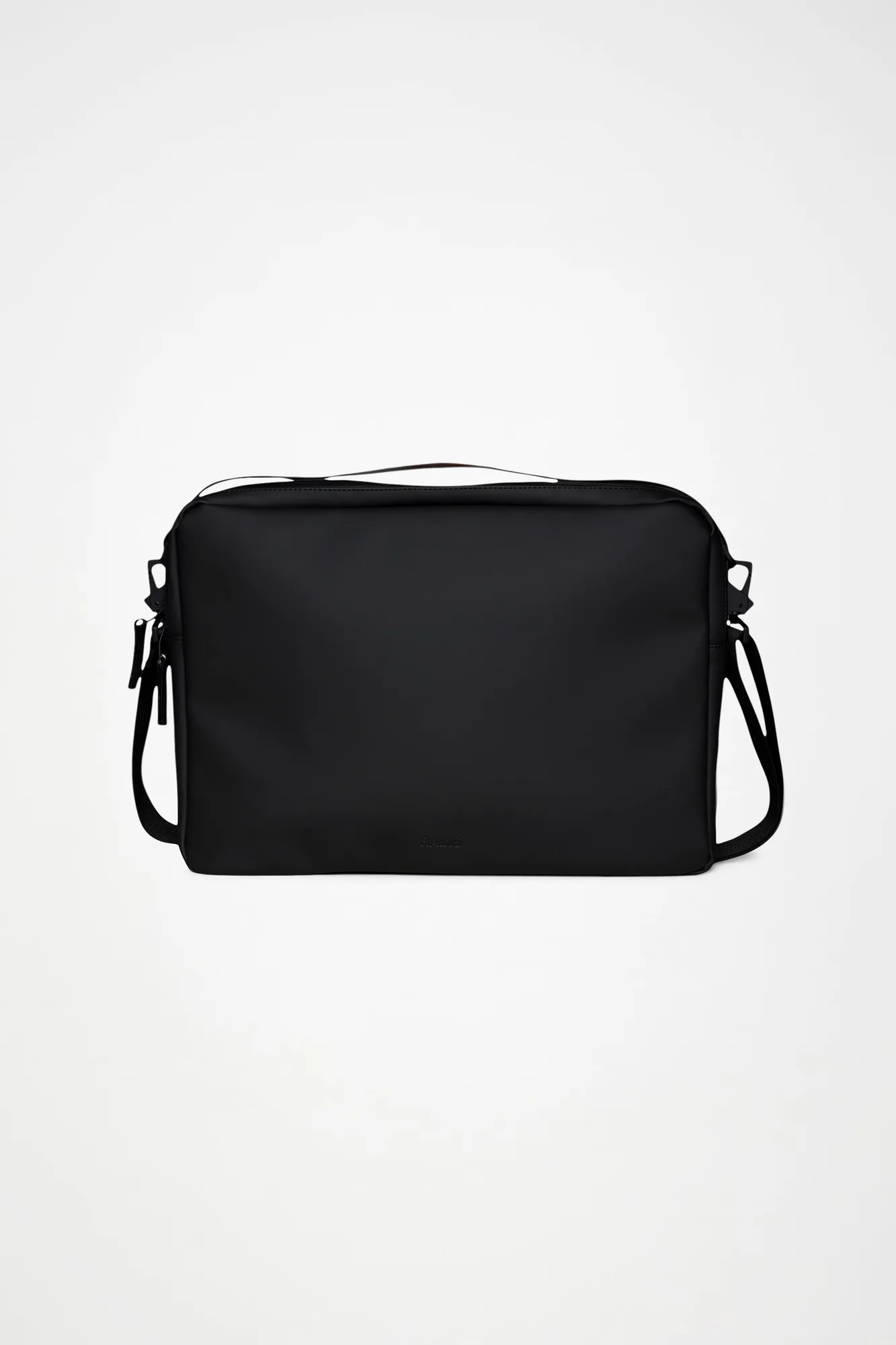
Laptop Bag 15″/16″
Who it's for
Best for
- Commuters who need a waterproof bag for a 15-inch laptop with extra organization for accessories
- Anyone wanting a slim, padded laptop bag that fits both 15-inch and some 16-inch models
Not for
- Users who need a bag for a laptop smaller than 14 inches or larger than 16 inches (check internal dimensions)
- People who prefer a backpack-style carry with two shoulder straps