Quick answer
For a 4K NVR system, HDD size depends on the number of cameras, desired retention days, and recording mode (continuous vs. motion-triggered). A 12TB HDD supports 16 4K cameras recording continuously for about 10-14 days; smaller drives suit fewer cameras or shorter retention.
Why 4K video changes your storage math
A single 4K camera at 15 frames per second can produce 30-40 GB of video per day when recording continuously. Multiply that by 8, 16, or more cameras, and the total quickly exceeds what a standard 1TB or 2TB drive can hold for more than a few days. Understanding your actual bitrate and retention requirements is the first step to picking the right drive.
Recording mode matters more than you think
Continuous recording uses the most storage. Motion-triggered recording can reduce daily data by 50-80% depending on activity levels. Scheduled recording (e.g., only at night) offers another middle ground. If you want 30 days of footage from 16 4K cameras, continuous recording will demand a 12TB or larger drive, while motion-triggered recording might fit on 6TB or 8TB.
The trade-off between retention and cost
Larger HDDs cost more upfront but reduce the need for frequent overwrites or external backup. A 12TB drive offers roughly 3x the storage of a 4TB drive at about 2x the price, making it more cost-effective per terabyte. However, if you only need 7 days of retention for a small system, a 4TB drive is sufficient and cheaper.
Decision rules for choosing your NVR HDD size
- Count your cameras and resolution: Multiply the number of cameras by the daily storage per camera. For 4K at 15 fps continuous recording, estimate 35 GB per camera per day. For 8 cameras: 8 × 35 = 280 GB/day. For 16 cameras: 16 × 35 = 560 GB/day. Use 35 GB/day/camera as a baseline for 4K continuous; adjust down by 50-70% for motion-triggered.
- Decide your retention target: Multiply daily total by desired retention days. Example: 560 GB/day × 14 days = 7,840 GB (about 8 TB). For 30 days: 560 × 30 = 16,800 GB (about 17 TB). Choose a drive that exceeds this number to allow for system overhead. Always buy a drive slightly larger than your calculated minimum to avoid running out of space.
- Match drive size to system capacity: Most NVRs support up to 10TB, 12TB, or 16TB per bay. Check your NVR's maximum supported drive size before purchasing. For a 16-channel system, a single 12TB drive is a popular sweet spot, balancing capacity and cost. If your NVR has multiple bays, consider two smaller drives for redundancy or longer retention.
Product spotlight
-
AI POWERED Sentinel 4K Wired 16 Channel PoE NVR Security System, 16 Metal Cameras, 12TB HDD: The Defender AI Powered Sentinel 4K Wired 16 Channel PoE NVR Security System includes a 12TB HDD for extensive local storage. With 12TB pre-installed, this system can store 10-14 days of continuous 4K footage from all 16 cameras, or up to 30 days with motion-triggered recording, without needing an immediate upgrade.
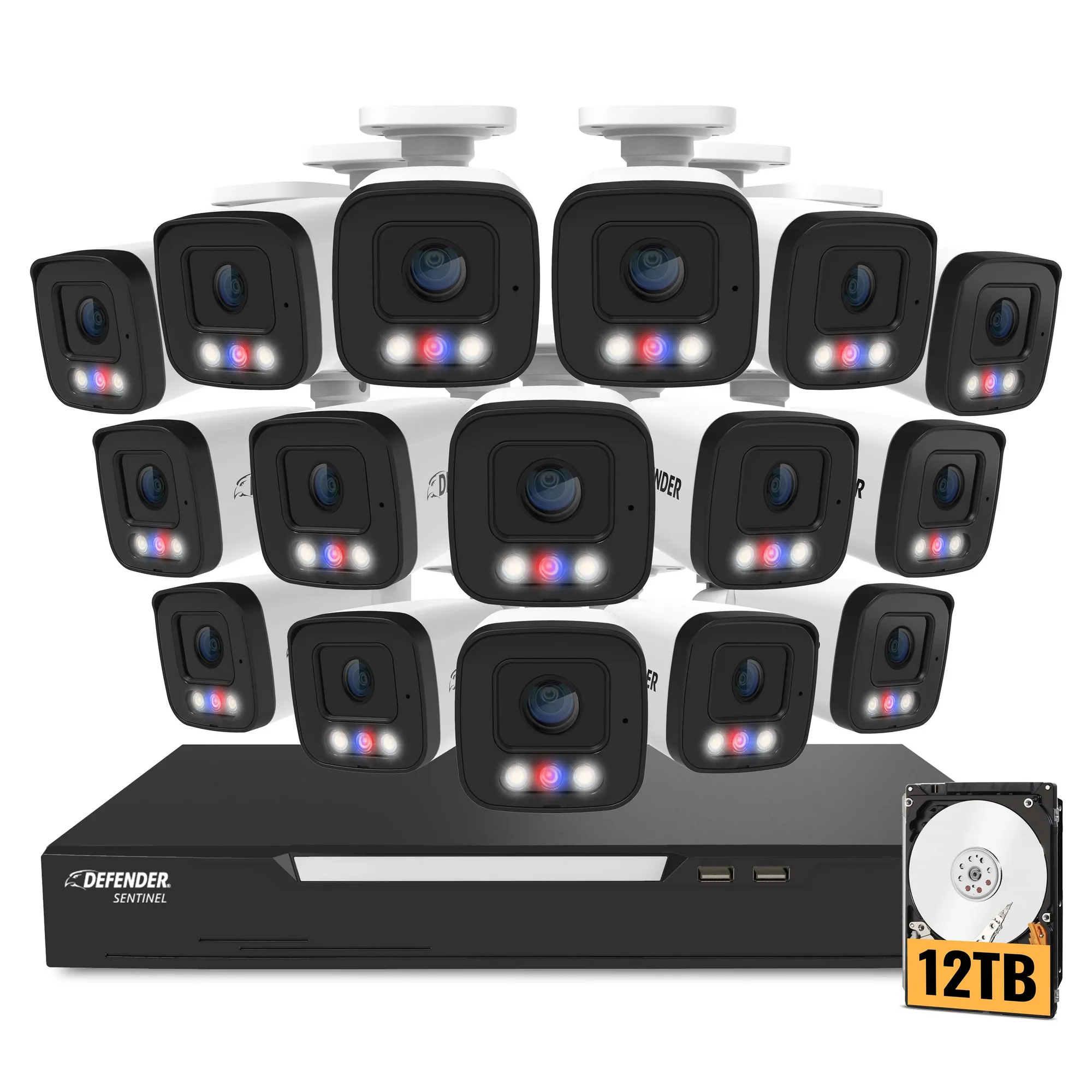
AI POWERED Sentinel 4K Wired 16 Channel PoE NVR Security System, 16 Metal Cameras, 12TB HDD
Who should choose which size
Best for
- Homeowners with 4-8 4K cameras wanting 7-14 days retention: 4TB to 8TB drive
- Businesses or large properties with 12-16 4K cameras needing 14-30 days retention: 12TB or larger drive
Not for
- Users who only need 2-3 days of footage: a 1TB or 2TB drive may be sufficient and cheaper
- Systems with less than 4 cameras: a 12TB drive is overkill; consider 2TB or 4TB