Quick Answer
For most retro handheld gamers, a 128GB microSD card with a UHS-I U1 or U3 speed class offers the best balance of storage and performance. If you plan to build a large library of CD-based games (like PS1), a 256GB card provides extra headroom without breaking the bank. Only opt for 512GB if you want to store entire console libraries plus media, and ensure your device supports it.
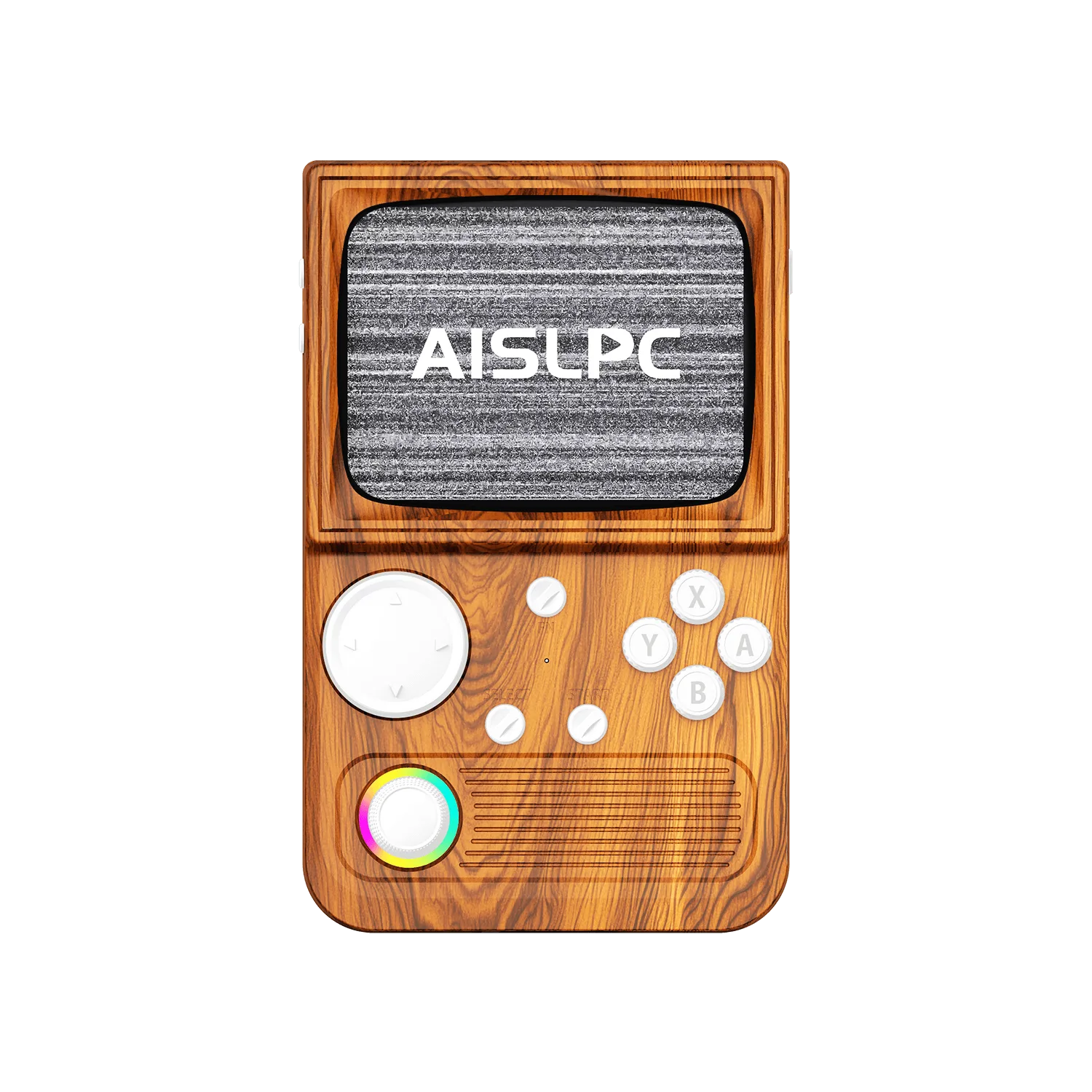
When you buy a retro handheld console like the AISLPC R36T or R36 MAX, the internal storage often fills up fast. Preloaded game lists can consume tens of gigabytes, and adding your own ROMs requires additional space. That's where a high-capacity microSD card becomes essential.
But not all microSD cards are the same. Capacity and speed directly affect how many games you can store and how smoothly they run. This guide breaks down the key factors—size, speed class, and compatibility—so you can choose the right card for your retro gaming setup.
Understanding microSD Card Sizes
microSD cards come in three main size families: microSDHC (up to 32GB), microSDXC (64GB to 2TB), and microSDUC (above 2TB). Most retro handhelds support microSDXC, which includes the common 128GB, 256GB, and 512GB options. Always check your console's specifications to confirm maximum supported capacity.
The right size depends on your game library. Retro games from NES, SNES, and Genesis are small—typically under 10MB each. Even a 128GB card can hold thousands of these. However, CD-based systems like PS1 use larger ISO files, often 300-700MB per game. If you plan to store many PS1 titles, a 256GB card offers more comfortable headroom.
- 128GB: Great for most users; holds thousands of 8-bit and 16-bit games plus a few hundred PS1 titles.
- 256GB: Balances cost and capacity; ideal for extensive PS1 libraries or adding movies and music.
- 512GB: For hoarders; store entire console collections and media, but verify your device supports this size.
Speed Classes and Why They Matter
Speed is indicated by the UHS Speed Class (U1 or U3) and the Application Performance Class (A1 or A2). For retro gaming, the primary benefit of faster cards is quicker loading times when booting games and transferring ROMs. While many classic games load instantly even on slow cards, larger PS1 games can benefit from a U3 card's higher minimum write speed.
Another factor is random read/write performance, which affects how quickly the console accesses files. A1 or A2 rated cards are optimized for small random operations, making them ideal for emulators that load many small files. If you often add new games to your card, a faster card also reduces the time spent copying files.
- Look for at least U1 speed for basic use; U3 if you plan to run more demanding systems.
- A1 or A2 rating helps with app-like usage and many small files.
- Remember: the console's own card reader may limit speed, so an ultra-fast card won't always be used to its full potential.
128GB vs 256GB vs 512GB: Making the Choice
The best capacity for you depends on your gaming habits. If you tend to play a few favorites and rotate games, 128GB is sufficient. If you like to have a large library ready without swapping cards, 256GB offers a sweet spot. 512GB is overkill for most, but it's perfect for collectors who want every game from multiple consoles on one card.
Cost is also a factor. Higher capacities cost more per card, but the price per gigabyte often decreases. A 256GB card might be only slightly more expensive than two 128GB cards, and it lets you keep everything in one place. Consider your budget and how many games you realistically play.
- For casual players: 128GB is enough.
- For enthusiasts with many PS1 games: 256GB is recommended.
- For ultimate collectors: 512GB, if supported.
Compatibility with Your AISLPC Handheld
Before buying, check your console's maximum supported capacity. The AISLPC R36T and R36 MAX series typically support cards up to 512GB, but always verify in the manual or product page. Also, some consoles may have issues with cards formatted as exFAT; you might need to format the card to FAT32 for maximum compatibility.
When you insert a new card, it's a good practice to back up any existing data and format the card properly. Most retro handhelds work best with a single card containing the OS and games, or a two-card setup where one card holds the system and the other holds ROMs. Choose a card that fits your preferred setup.
- Check the console's spec sheet for max supported capacity.
- Format the card to FAT32 if the console doesn't recognize exFAT.
- Consider a two-card setup: one for the system, one for games.
Decision Rules for microSD Cards
- Capacity Rule: If you play mostly 8-bit and 16-bit games, 128GB is plenty. If you collect PS1 or other CD-based games, go for 256GB. Choose 512GB only if you want to store entire libraries without ever deleting. Match capacity to your largest game files.
- Speed Rule: Choose at least a U1 speed card for reliable performance. For faster transfers and smoother loading of larger games, pick a U3 card with A1 or A2 rating. Speed matters for load times and file transfers.
- Compatibility Rule: Verify your console supports the card size you plan to buy. If unsure, start with 128GB, which is widely supported. Format the card to FAT32 if needed. Check specs before buying to avoid wasted money.
AISLPC Storage Options
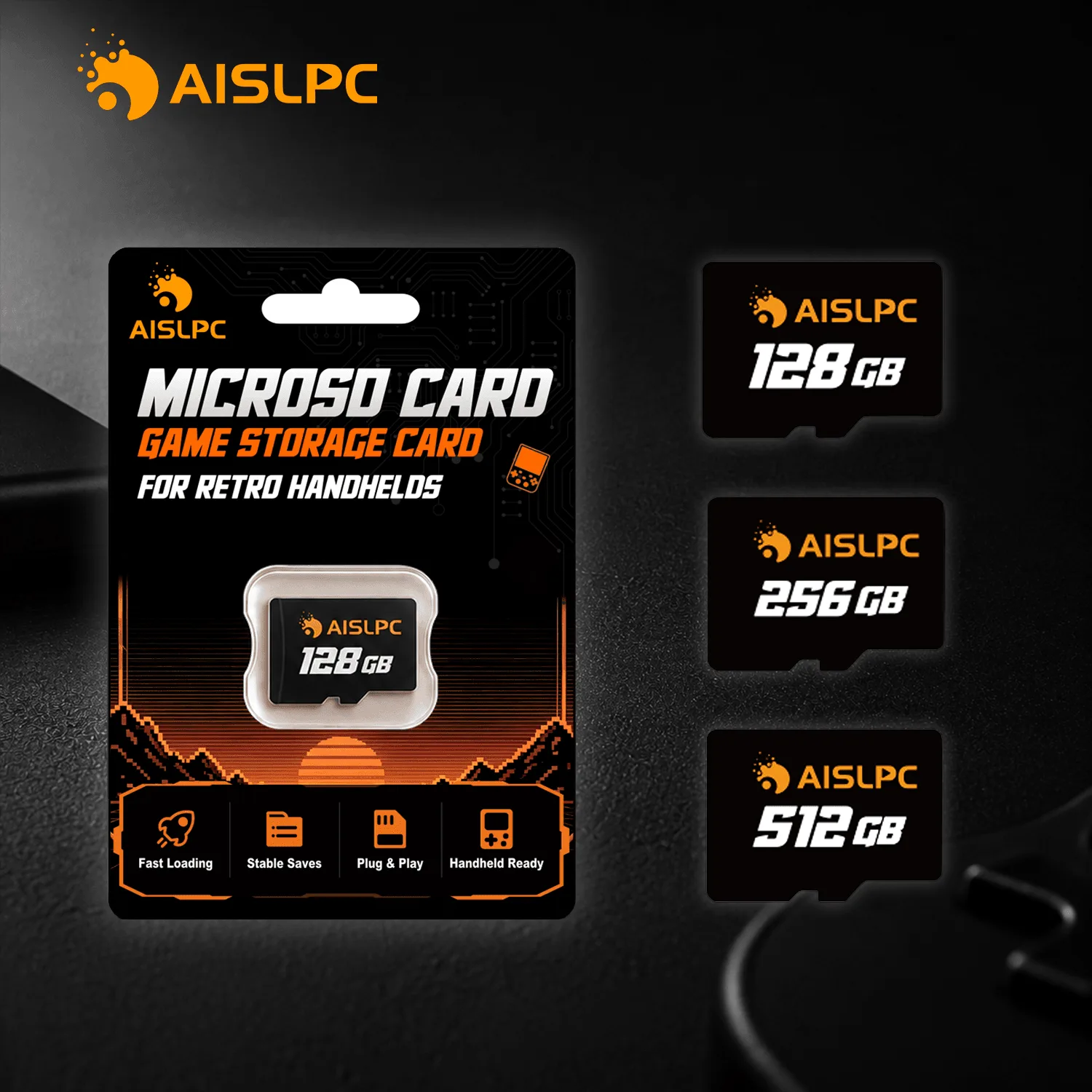
- AISLPC microSD TF Memory Card with Storage Case for Retro Handheld Consoles 128GB 256GB 512GB: This high-speed storage card provides reliable performance, smooth data access, and extra space for your games, system files, applications, and personal media. It's designed specifically for retro handhelds, ensuring compatibility and comes with a storage case to keep your card safe.
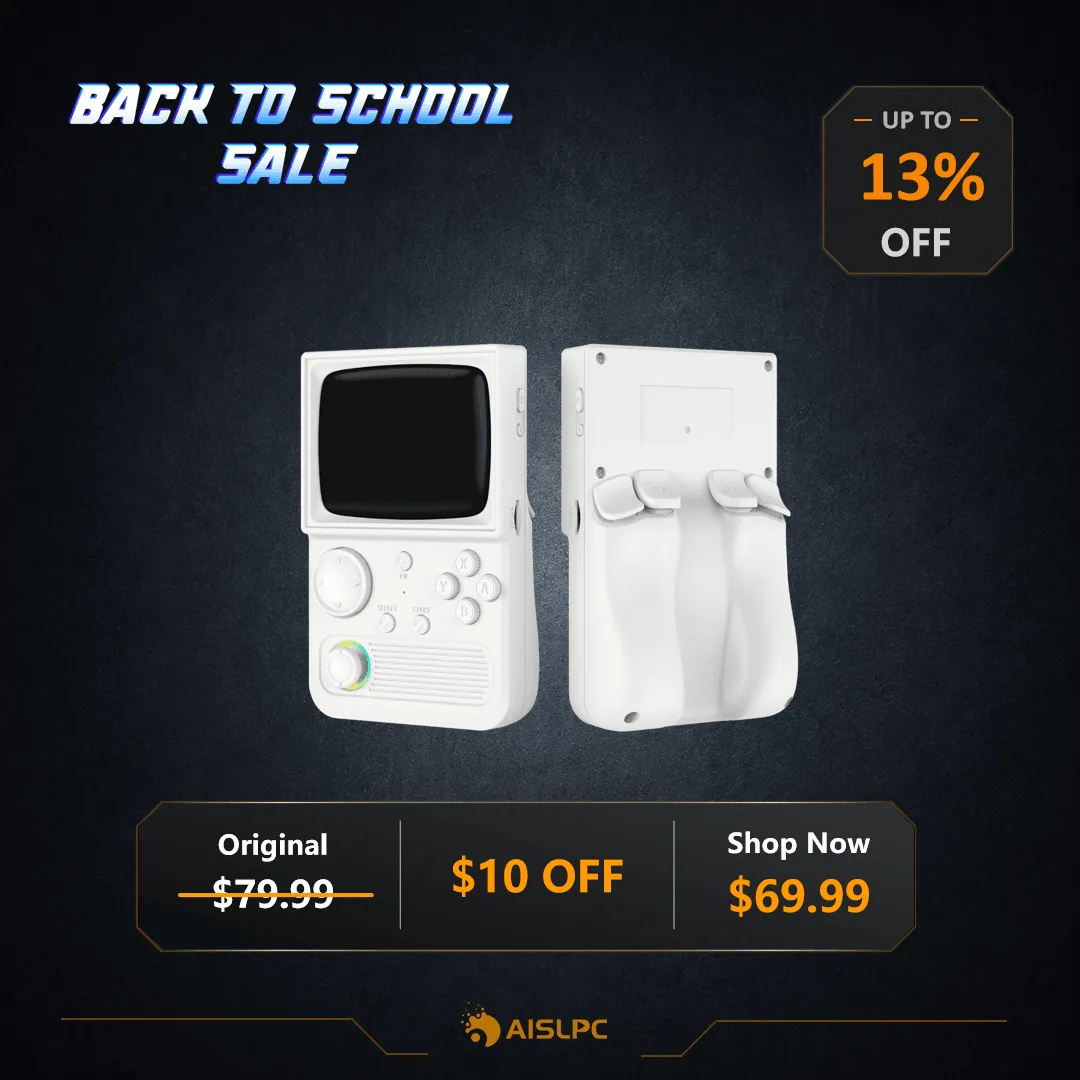
- https://aislpcexh.com/products/r36t-wifi-retro-handheld-game-console-93fd8ae07207c77c60c85807-654356AISLPC® - R36T Retro Handheld Game Console - WiFi Version: Preloaded with over 18,000 classic games on a powerful EmuELEC/Linux system. With such a large preloaded library, you'll quickly need extra storage for your own additions, making a microSD card essential.
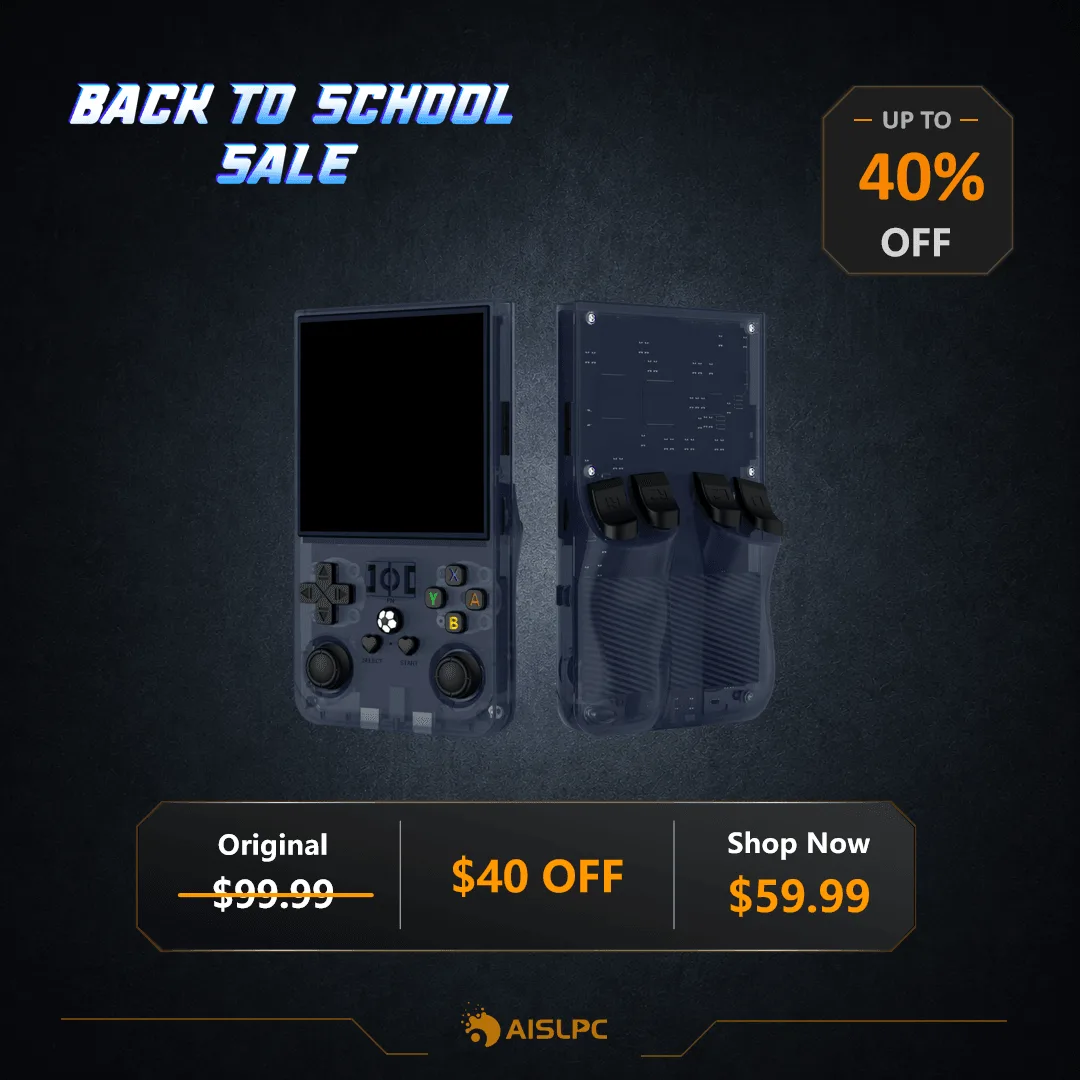
- AISLPC® - R36 MAX Retro Handheld Game Console: Retro Renaissance Engine: Relive 2000s gaming glory with 1,800+ handpicked cult classics - every title precision-optimized for 60 FPS smoothness on RetroMax OS. Even with 1,800+ games, you may want to expand the library; a 128GB or 256GB card gives you room to add more.
Which Card Fits You?
Best for
- Casual players who want a few dozen games and value simplicity: a 128GB card with U1 speed.
- Enthusiasts who like to have a large library of PS1 and other CD-based games: a 256GB card with U3 speed.
Not for
- Users who only play preloaded games and never add their own ROMs—you may not need an extra card at all.
- Those on a tight budget who only need a small number of games—a 64GB card might suffice, but ensure it's compatible.
Choosing the right microSD card for your retro handheld doesn't have to be complicated. Start by assessing your game library size and the types of games you play. For most people, a 128GB or 256GB card with U1 or U3 speed offers the best balance of capacity, performance, and cost. Always check your console's compatibility, and consider the AISLPC microSD card options that come with a storage case for added convenience. With the right card, you'll have plenty of room to enjoy your favorite classics and expand your collection.