Quick answer
A chromebook case with a built-in stand is worth it if you frequently use your device for presentations, video calls, or watching media without a desk. The integrated stand eliminates the need for a separate prop and adds shockproof protection in one package. However, if you rarely use your Chromebook hands-free or prioritize the thinnest possible profile, a slimmer sleeve may suit you better.
How a built-in stand changes your daily use
A built-in stand transforms a standard protective case into a mobile workstation. Instead of propping your Chromebook against a stack of books or carrying a separate kickstand, you can flip out the stand and start typing or watching immediately. This is especially useful in classrooms, coffee shops, or on public transit where flat surfaces are scarce.
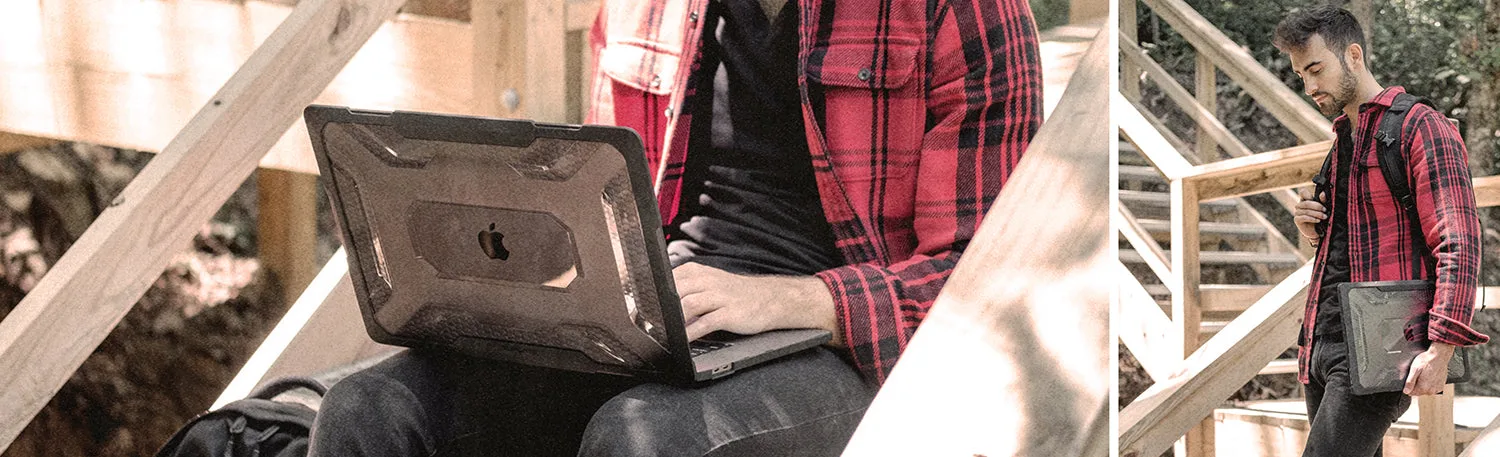
The trade-off is added bulk. Cases with integrated stands are thicker and heavier than basic snap-on covers. If you carry your Chromebook in a tight backpack or prefer a minimalist feel, the extra heft might be noticeable. The SUPCASE UB PRO 13-14 Inch Shockproof Chromebook Case with Built-in Stand, for example, adds rugged drop protection and a stable stand, but it does add measurable thickness to your device.
Who benefits most from a rugged chromebook case with stand?
Students and remote workers who move between locations get the most value. The stand allows quick hands-free viewing during group projects or video calls, while the shockproof shell protects against drops in hallways or backpacks. Parents buying for younger students also appreciate the extra durability.
On the other hand, if your Chromebook rarely leaves a desk or you already own a dedicated laptop stand, a simpler case may be enough. The built-in stand is a convenience feature, not a necessity for everyone.
Frequently asked questions
Will a built-in stand scratch my Chromebook?
Most rugged cases, including the UB PRO, have a soft inner lining or raised edges that keep the device away from the stand mechanism. As long as the case fits your specific model, the stand should not contact the screen or keyboard directly. Check that the case is designed for your exact Chromebook model to avoid fit issues.
Can I use the case without the stand?
Yes. The stand folds flush into the back of the case when not in use. You can carry and type with the stand closed, and it won't interfere with normal handling. The stand is there when you need it and out of the way when you don't.
Is a rugged chromebook case too heavy for a child?
Rugged cases add weight and thickness compared to slim shells. However, the trade-off is significantly better drop protection. For younger students who may drop devices frequently, the extra weight is usually worth the peace of mind. Consider the user's age and environment. For elementary school use, rugged protection often outweighs the bulk.
Product spotlight
- UB PRO 13-14 Inch Shockproof Chromebook Case with Built-in Stand: The SUPCASE UB PRO is a rugged, shockproof case designed to protect your 13-14 inch Chromebook while on the go. Its built-in stand offers convenient hands-free viewing. You get two functions in one product: drop protection and a stable viewing angle, so you don't need to buy or carry a separate stand.