Quick Answer
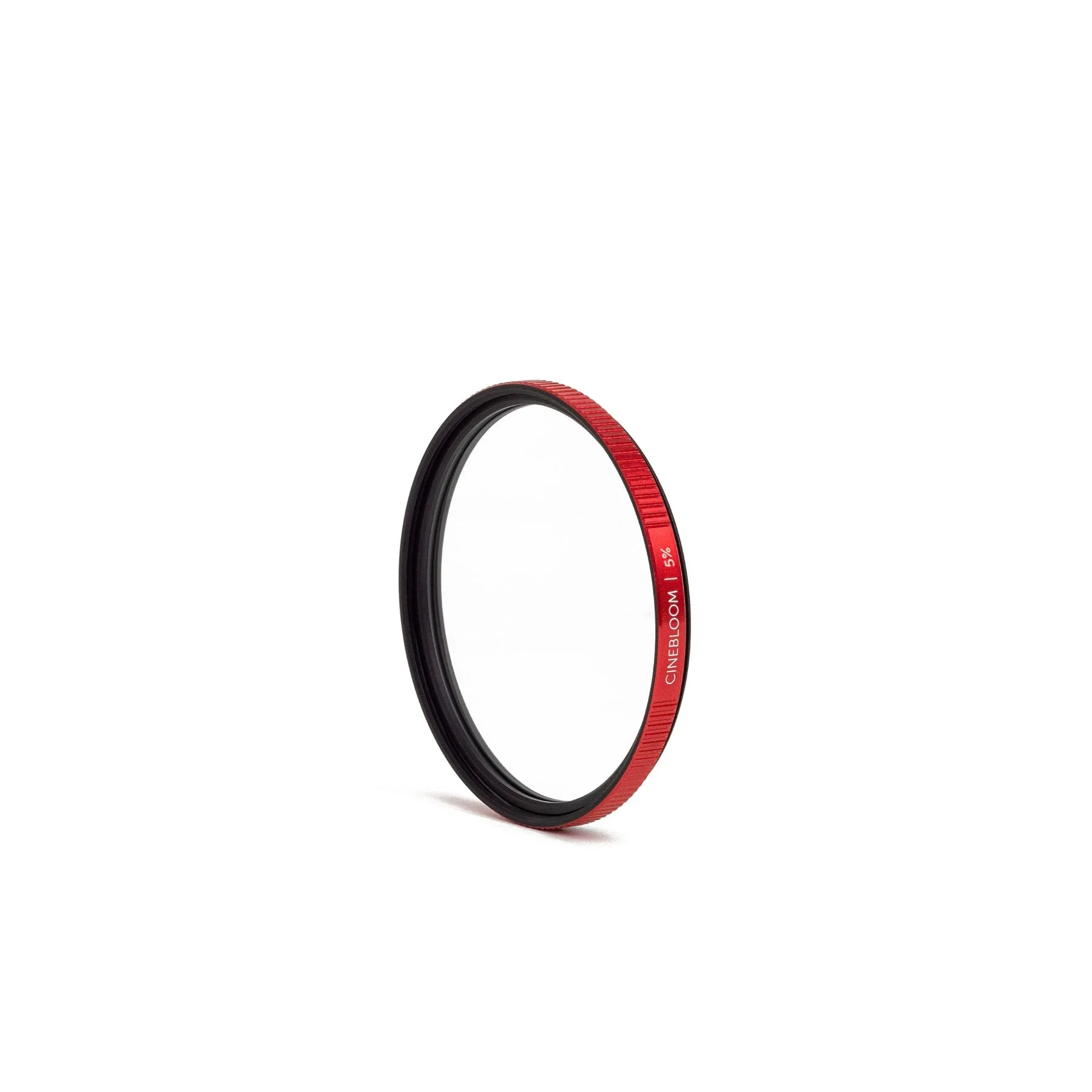
Choose the Moment CineBloom Diffusion Filter if you want a soft, dreamy look that blooms highlights and softens skin. Pick a CineFlare Streak Filter if you want controlled lens flares and streak effects without overall softening. They serve different creative purposes, so your choice depends on the mood you're after.
How They Affect Light Differently
The Moment CineBloom Diffusion Filter uses a diffusion layer that scatters light, creating a soft bloom around bright areas and reducing harsh digital sharpness. This effect mimics classic film aesthetics and is especially flattering for portraits because it softens blemishes. In contrast, a CineFlare Streak Filter uses etched lines to produce controlled flare streaks from light sources, adding a dramatic cinematic flair without softening the entire image. The CineBloom changes the overall texture of your footage, while the CineFlare only affects highlights in a patterned way.
When to Use Each Filter
Use the CineBloom when you want a consistently soft, romantic look straight out of camera—great for narrative films, music videos, or any project that benefits from a warm, nostalgic feel. It also works well for reducing the digital edge of modern cameras. Use a CineFlare when you want to add stylized lens flares for action sequences, sci-fi scenes, or any shot where you want light sources to leave streaks. The two can even be stacked if you own both, but be aware that combining them reduces light transmission and may introduce extra softness.
Tradeoffs at a Glance
- Overall Image Softness: CineBloom softens the entire frame, reducing sharpness and creating a dreamy look. CineFlare leaves most of the image sharp, only adding streak flares. Choose CineBloom if you want full-frame softening; choose CineFlare if you want sharp images with stylized flares.
- Skin and Blemish Handling: CineBloom naturally softens skin blemishes, making it a favorite for portraits. CineFlare does not affect skin texture. For portrait work, CineBloom is the better choice.
- Flare Control: CineFlare adds controlled streak flares from light sources, while CineBloom produces a general glow around highlights without streaks. If you want dramatic, directional flares, go with CineFlare. For a gentle glow, stick with CineBloom.
- Compatibility and Stacking: Both filters are available in standard filter thread sizes. You can stack them, but doing so reduces light and may increase softness. Stacking is possible but test exposure and look before committing.
Product Facts
- Moment CineBloom Diffusion Filter: The Moment CineBloom Diffusion Filter blooms light and softens hard edges, giving a soft, dream-like cinematic look that takes away the digital edge of modern cameras. It also softens blemishes on skin. If you want a consistent film-like softening across your entire frame, this filter delivers that effect without needing post-production. It's ideal for portraits and narrative work where a gentle, romantic mood is desired.
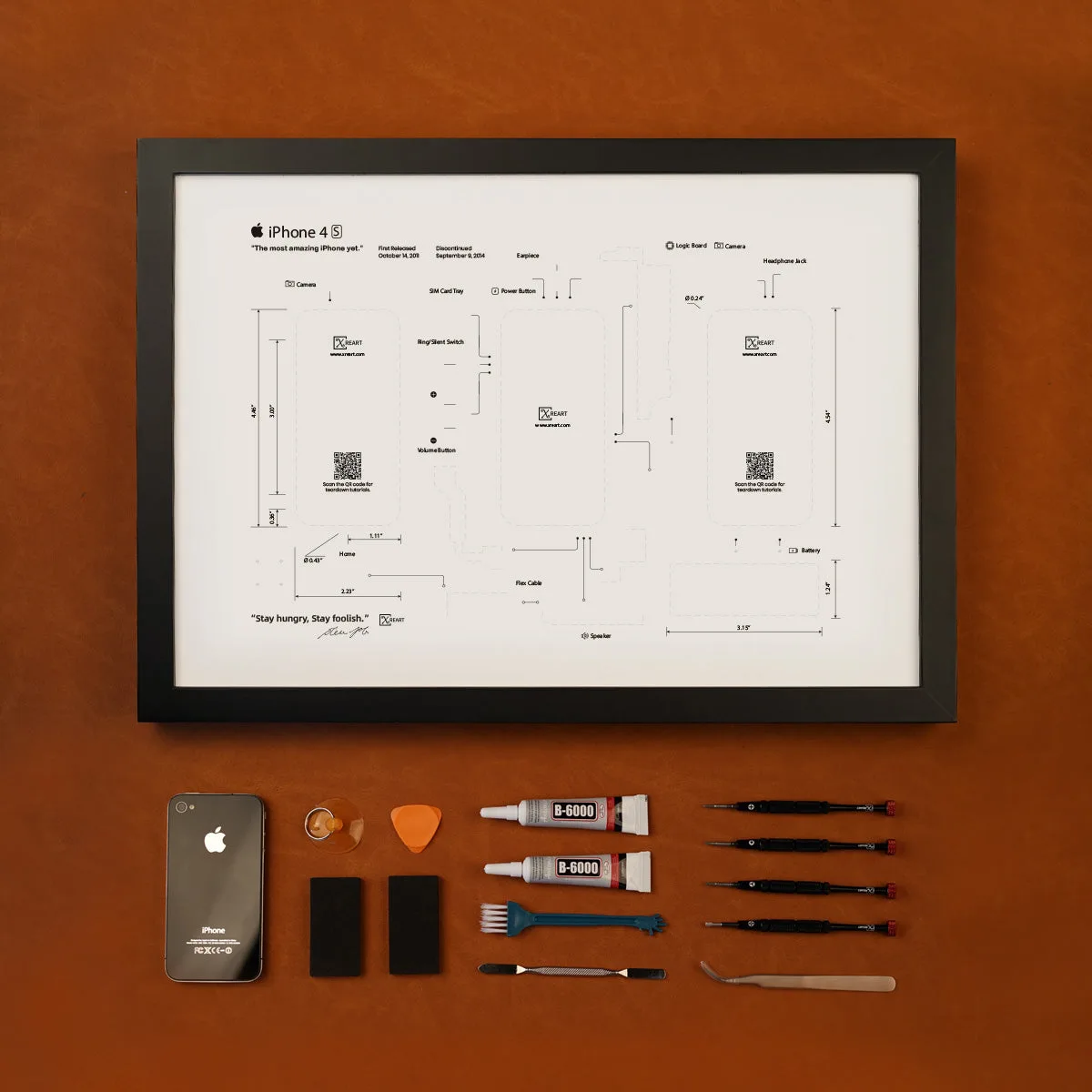
- XreArt DIY Combo iPhone 4S: The XreArt DIY Combo Kit for iPhone 4S includes everything needed to build your own XreArt creation, including the iPhone, templates, and tools. This kit offers a hands-on way to understand how classic devices are assembled, making it a unique creative project rather than a camera accessory. It doesn't affect your footage but provides a different kind of creative satisfaction.
Which Filter Fits Your Style?
Best For
- Filmmakers and photographers who want a consistent film-like softening across the entire image
- Portrait shooters who want to reduce skin blemishes in-camera
- Anyone seeking a dreamy, nostalgic look without post-production
Not For
- Those who need sharp, clinically clean images with no softening
- Creators who want dramatic, directional streak flares from light sources (choose CineFlare instead)