Quick Answer
The Circuit Cubes Bluetooth Upgrade Kit adds wireless control to your existing Circuit Cubes builds, so you can drive motors and LEDs from a phone or tablet instead of a wired battery box. It is worth adding if your child already builds with Circuit Cubes and wants remote control circuit cubes for cars, walkers, and moving projects. If you are starting from zero, buy a core kit first so you have motors, a battery box, and bricks to control.
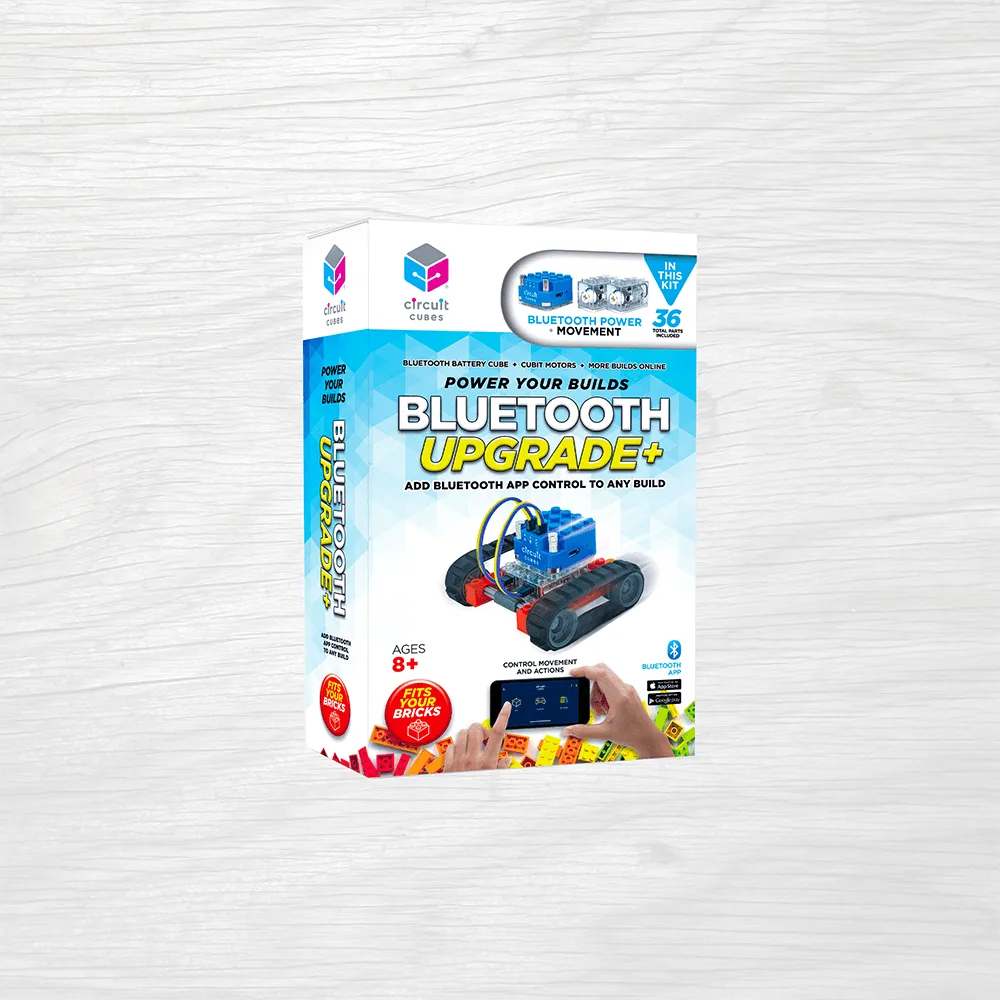
Bluetooth Upgrade Kit
The Bluetooth Upgrade Kit is the piece that turns a static Circuit Cubes build into something you steer from across the room. It does not replace your battery box, motor, or LEDs. It sits between them and adds a wireless link, so the same bricks your child already owns can be driven by an app.
This FAQ answers the questions buyers actually ask before adding it: what is in the kit, how circuit cubes bluetooth setup works, which builds benefit most, and where the limits are. If you want the short version, start with the Quick Answer above and read the sections that match your situation.
What Does the Bluetooth Upgrade Kit Add?
It adds wireless control. Before the upgrade, a Circuit Cubes build runs from a wired battery box with a physical switch. After the upgrade, the same motor and LED bricks respond to commands sent from a phone or tablet over Bluetooth, so the build can move, stop, and change direction without your child touching it.
That change matters most for builds that are meant to travel. A walker that crosses the floor, a car that turns, or a fan you want to pulse on and off all become easier to operate when the control is in your hand rather than on the chassis. Static builds still work fine without it.
- Add it when the build needs to move away from the person controlling it.
- Skip it for display-only builds that never leave the desk.
What Is in the Bluetooth Upgrade Kit?
The kit centers on the Bluetooth control module and the connection points that let it join your existing Circuit Cubes circuit. You still use your own motor, LED, and battery bricks. The module is the new part; everything else carries over from your current kit or parts bin.
Because the exact contents can change between kit versions, check the product page listing before you buy rather than assuming a specific brick count. If a part you expected is not shown, email the store and ask. That is faster than ordering and discovering a gap on build day.
- Confirm the module and connectors are listed before ordering.
- Keep your existing motor and battery bricks; the kit does not replace them.
How Do You Set Up Circuit Cubes Bluetooth Control?
Circuit cubes bluetooth setup follows the same order every time: build the circuit with the module in line between the battery box and the motor or LED, power the battery box on, then open the app and pair. Pairing works best when you are within a few feet of the build and no other Bluetooth devices are competing for the connection.
If the app does not see the module, power everything off, wait a few seconds, and start again in that same order. Most failed pairings come from turning the build on before the app is open, or from a battery box that is low. Fresh batteries solve a surprising number of connection complaints.
- Build first, power second, pair third.
- Move away from other active Bluetooth devices if pairing stalls.
Will It Work With the Circuit Cubes You Already Own?
Circuit Cubes are designed as a modular system, so the upgrade is meant to work with the motors, LEDs, and battery bricks from your existing kits and parts. That is the whole point of the platform: you add one new capability without replacing the collection.
Compatibility is about the bricks you already have, not about which custom character sits on top. A walker, a car, or a fan all use the same motor and battery bricks underneath, so the upgrade does not care what the build looks like. If a specific older part does not connect cleanly, contact the store before assuming it is broken.
- The upgrade controls motors and LEDs you already own.
- Build style does not affect compatibility; the underlying bricks do.
Which Builds Benefit Most From Wireless Control?
Moving builds benefit most. Anything that drives, walks, rolls, or spins is more fun when your child can steer it from a distance instead of chasing it with a hand on the switch. Remote control circuit cubes also make it easier to run two builds at once, since one person can hold the controls while another adjusts the model.
Builds that stay still gain less. A display model, a lit sign, or a stationary mechanism works the same with or without Bluetooth. If your child mainly builds to look at the result, spend the money on more parts instead and add the upgrade later when a moving project appears.
- Best for walkers, cars, and anything that crosses the floor.
- Less useful for models that never move.
What Are the Honest Limits?
Bluetooth is not infinite range, and walls and crowded rooms reduce it. Expect reliable control in the same room, not from another floor of the house. The app also needs a charged device, so a dead phone ends the driving session even if the build's batteries are full.
The upgrade adds control, not power. It will not make a motor stronger or a build faster; it changes how you command the build, not what the motor can do. If a build is too slow or too weak, the fix is gearing or a different motor, not the Bluetooth module.
- Plan on same-room control, not whole-house range.
- Keep a charged phone or tablet handy for app control.
Should You Buy the Upgrade or a Character Kit First?
Buy the upgrade if your child already owns a working Circuit Cubes kit and keeps asking to make things move on their own. Buy a character kit first if the collection is small, because the upgrade needs a motor, a battery box, and bricks to be useful at all.
The two purchases work well together. A custom character kit gives you a build with personality, and the Bluetooth upgrade gives you a reason to drive it around the room. If you are choosing one this month, match it to what your child does most: build new characters, or play with the ones already built.
- Upgrade first if you already have motors and a battery box.
- Character kit first if you are still building your parts supply.
Bluetooth Upgrade Kit FAQ at a Glance
What does the kit add?
Wireless control between your phone or tablet and the motor and LED bricks you already own. Buy it to make existing builds drivable, not to replace them.
What do you need before buying?
At least one motor, a battery box, and enough bricks to build something that moves. No motor and battery box means the upgrade has nothing to control.
How do you pair it?
Build the circuit with the module in line, power on, then open the app and pair within a few feet. If pairing fails, power off, wait, and repeat in that order with fresh batteries.
What are its limits?
Same-room range, app-dependent control, and no extra motor power. It changes how you command a build, not how strong the build is.
Product Facts
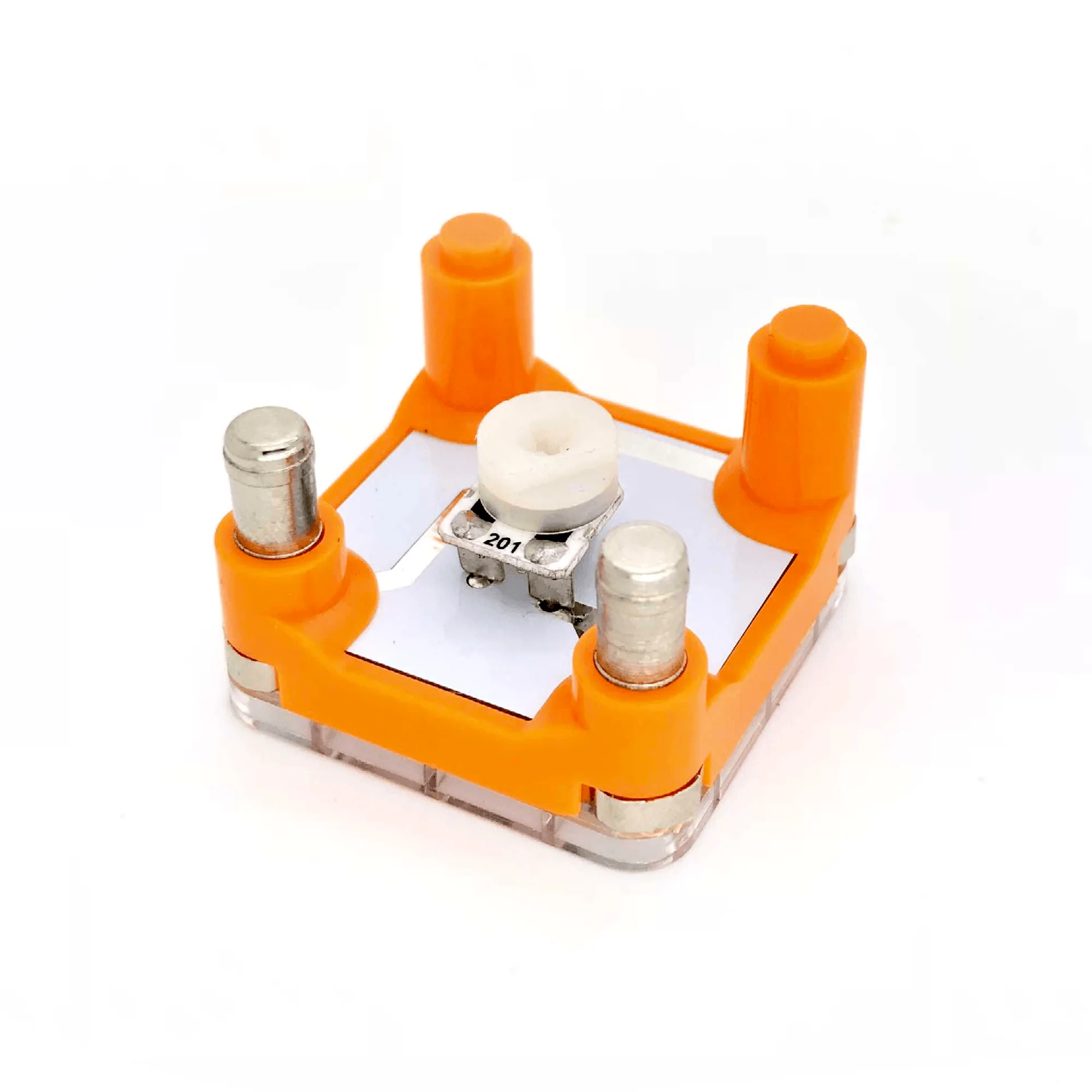
- Potentiometer Cube: It is a variable resistor, from 0 to 200 Ohms, that works like a dimmer switch: rotating the dial increases resistance, which reduces power to the LED or motor and gives a dimmer LED and slower motor. If you want speed or brightness control inside a build rather than from an app, this cube does it physically. It pairs naturally with a Bluetooth-controlled build when you want a manual throttle on the model itself.
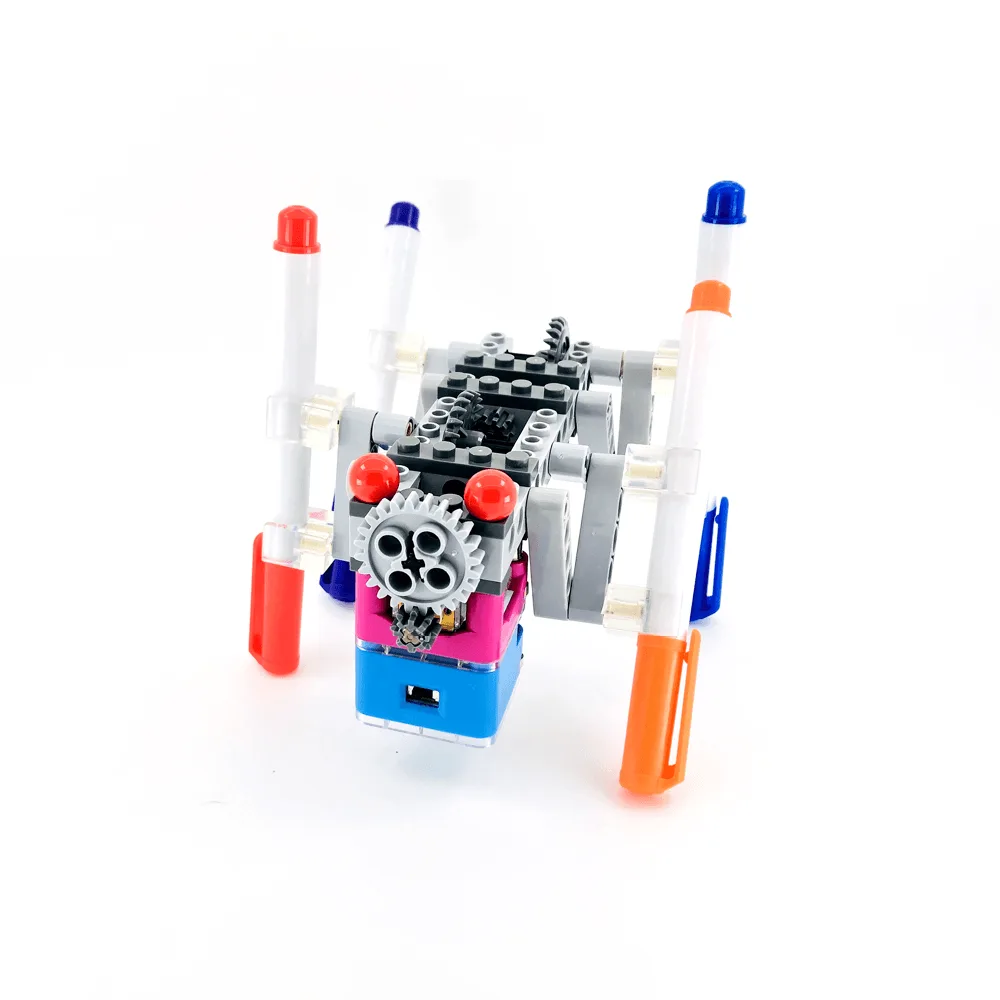
- ArT Walker: A STEM toy that brings building blocks to life, with build instructions available online. A walking build is one of the clearest cases for wireless control, because the model travels away from the person holding the switch. It is a good first project to pair with the Bluetooth Upgrade Kit.
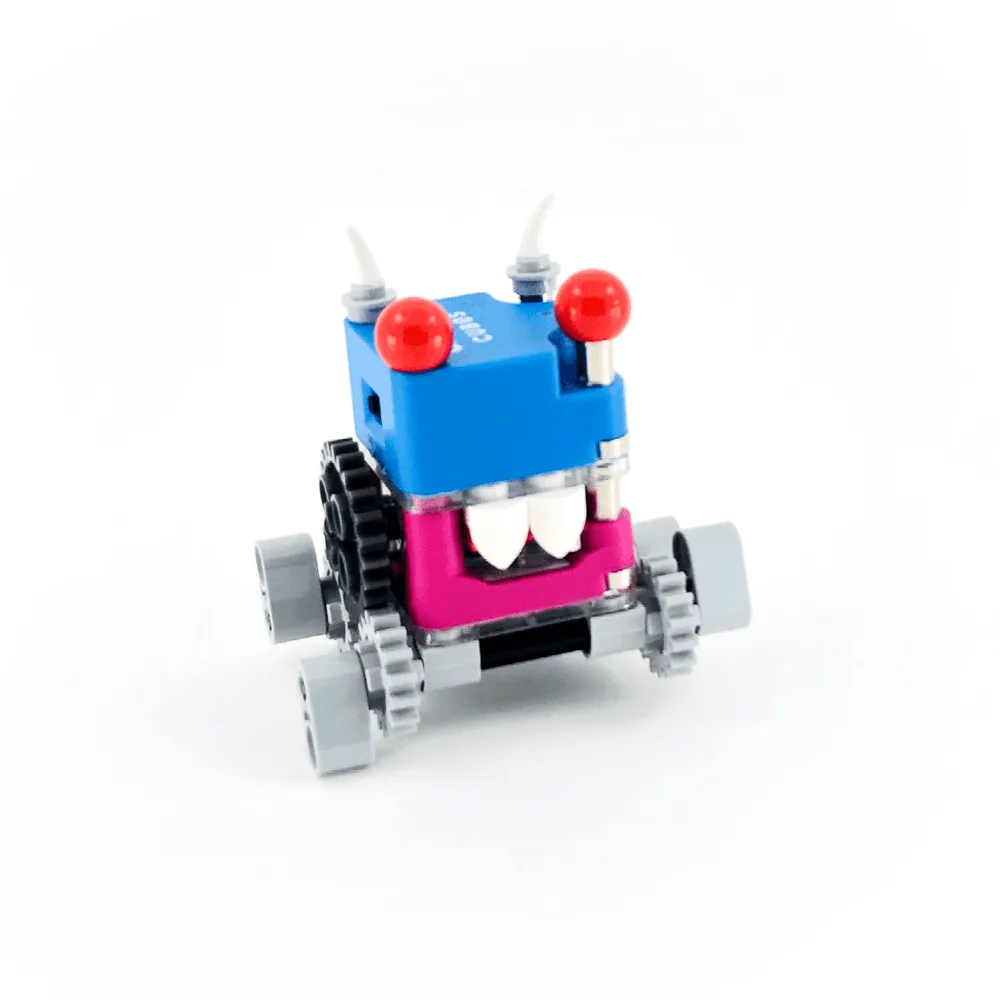
- Skippy: A STEM toy that comes with all parts pictured, with build instructions available online to reduce toy price and paper waste. A compact moving build like this is easy to test after pairing. If the app drives Skippy reliably across the floor, your setup is working correctly.
The Bluetooth Upgrade Kit is a focused add-on: it makes the Circuit Cubes your child already owns drivable from a phone or tablet. If you have a motor, a battery box, and a build that should move, it is a sensible next purchase. If not, start with a core kit or a character build and add wireless control when a moving project is ready for it.