Quick answer
Clean your LensCoat cover with a mild soap and cool water, then air-dry it away from direct heat. Most dirt, dust, and light stains come out with a gentle hand wash. Avoid machine washing, hot water, and harsh chemicals, which can break down the neoprene and shorten the cover's life.
Spot-Clean Loose Dirt and Dust First
Before you wash the whole cover, remove it from the lens and shake off loose dirt, sand, or grit. For light dust, wipe the surface with a soft, damp cloth. If you spot a stain, treat it right away with a drop of mild dish soap on a damp cloth, then rinse the area with clean water. This prevents stains from setting and keeps you from over-washing the entire cover.
Hand-Wash with Mild Soap and Cool Water
Fill a basin with cool water and add a small amount of mild liquid soap. Submerge the cover and gently squeeze it a few times to work the soapy water through the material. Do not scrub aggressively, wring it out, or use a brush, as this can stretch or damage the neoprene. Rinse thoroughly with cool water until no soap remains. If the cover has clear plastic windows, avoid rubbing them with anything abrasive; a soft cloth is enough.
Air-Dry Away from Heat and Sunlight
After rinsing, gently press the cover between two clean towels to remove excess water. Do not twist or wring it. Lay it flat or hang it in a well-ventilated area away from direct sunlight and heat sources. Never put it in a dryer, and do not dry it on a radiator or with a hair dryer. Heat can warp the neoprene and make the cover lose its shape, so patience is key. It usually takes several hours to dry completely.
Reinstall Only When Fully Dry
Putting a damp cover back on your lens can trap moisture against the barrel, which is bad for both the cover and the lens. Make sure the cover is bone dry inside and out before reinstalling. Once it is dry, stretch it back over the lens gently, aligning the clear windows over the autofocus controls and distance scale. If your cover has a hood piece, slide it over the barrel as designed.
When to Stop and Replace Instead
If the neoprene has lost its stretch, feels brittle, or the seams are coming apart, cleaning will not bring it back. At that point, a new cover is the better choice. Also, if the cover no longer fits snugly or the windows are too scratched to see through, replacement is more practical than repair. LensCoat covers are designed to protect your lens and break up its shape, and a worn-out cover cannot do that job well.
Diagnosis: Common LensCoat Care Issues
- Cover feels stiff or brittle: Likely cause: Repeated exposure to heat or harsh chemicals, or simply age. Corrective action: If it is still soft enough to stretch, hand-wash with mild soap and air-dry. If it cracks or tears when stretched, replace it. If it does not regain flexibility after washing, it is time for a new cover.
- Clear windows are cloudy or scratched: Likely cause: Abrasive cleaning or long-term wear. Corrective action: Try a gentle wipe with a damp soft cloth. If scratches remain, they cannot be polished out. Replace the cover if the windows obscure your view of the lens markings.
- Cover still smells after washing: Likely cause: Soap residue or mildew from drying in a damp place. Corrective action: Rinse again with cool water and air-dry in a well-ventilated area. If the smell persists, the neoprene may have absorbed odors. If odor remains after a second wash, consider replacement.
Product facts
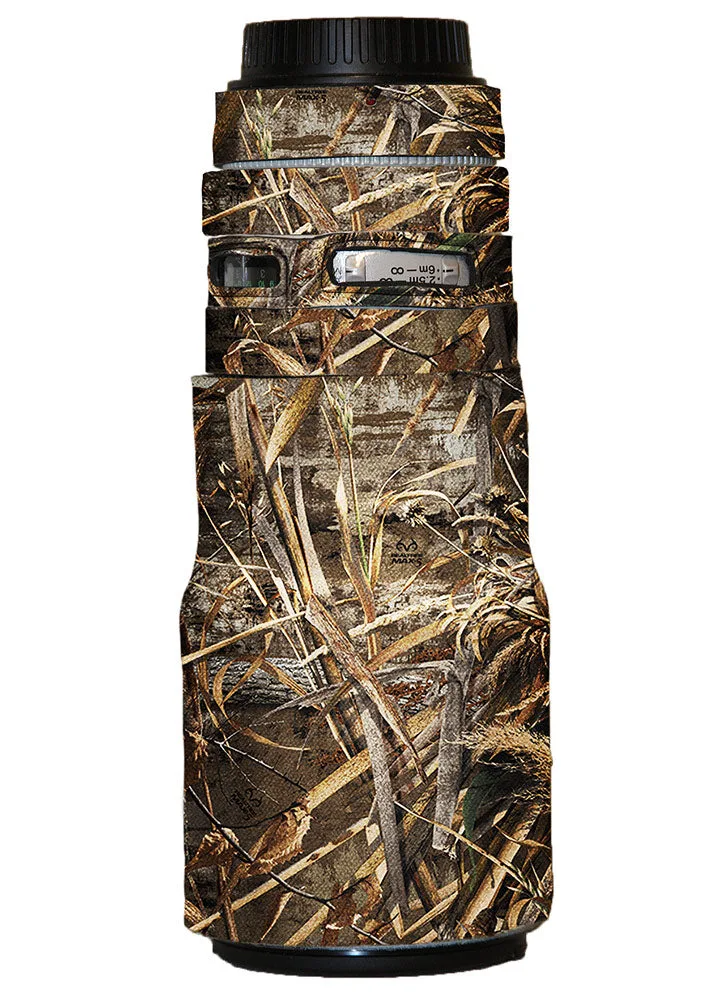
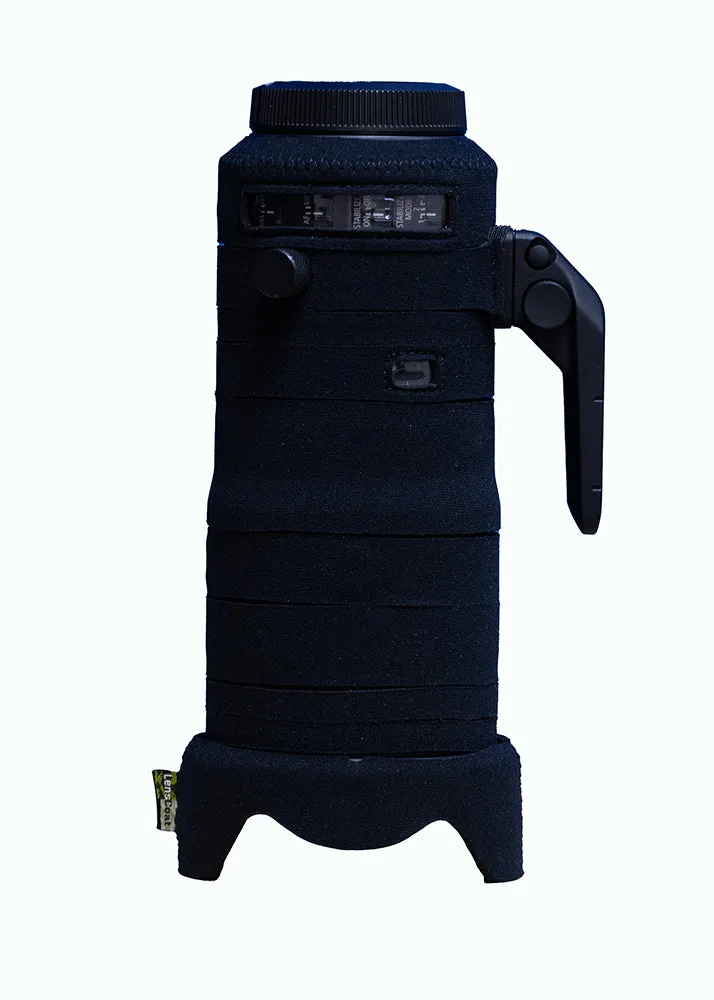
- LensCoat® Canon 300 NO IS f/4: LensCoat® Canon 300 NO IS f/4 features clear plastic windows over the auto focus and distance scale. The hood piece is designed to slide over the barrel. When cleaning, take care around the clear windows to avoid scratching them, and make sure the hood piece is fully dry before sliding it back on.
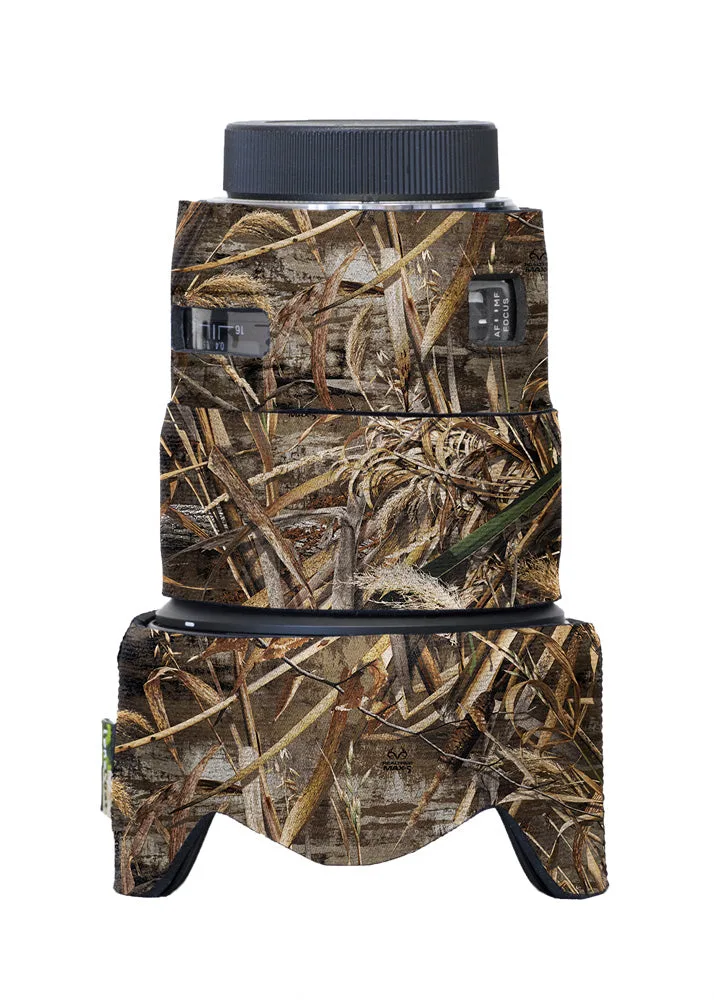
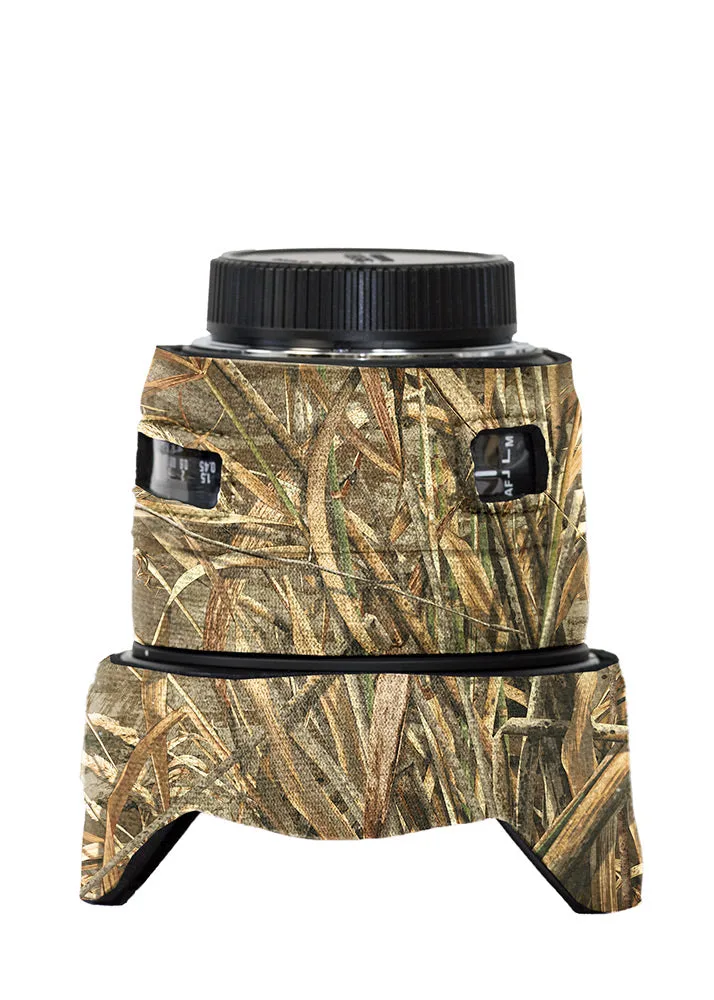
- LensCoat® Sigma 50 f1.4 DG HSM Art: LensCoat® Sigma 50 f1.4 DG HSM Art has clear plastic windows over the auto focus controls and distance scale. The windows are a key part of the cover's function, so clean them gently with a soft cloth to keep them clear.
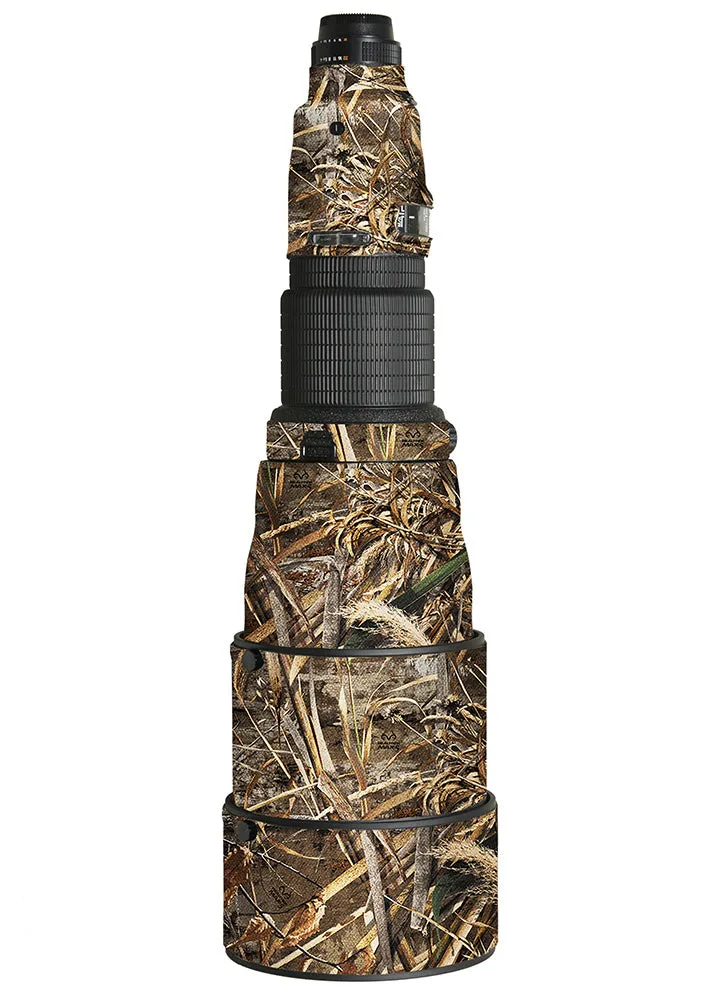
- LensCoat® Nikon 600 AFS I: LensCoat® Nikon 600 AFS I features clear plastic windows over the auto focus controls and distance scale. A small hole on the last segment lines up with the... The small hole is a functional detail; ensure it is not blocked or damaged during cleaning so it continues to serve its purpose.