Quick answer
For the best stereo experience from your CLP-150 2-Pack, pair the two speakers using WaveSync™, place them at ear level and a few feet apart, and adjust the volume on both to balance the sound.
Why the CLP-150 2-Pack is a great outdoor companion
The CLP-150 2-Pack combines two different speakers: the full-size CLP-150 with rich stereo sound and the ultra-light CLP-10 Yellow that clips onto your gear. This mix gives you flexibility—use the CLP-150 for main audio and the CLP-10 for close-range listening or as a secondary fill.
Both speakers are waterproof, so you don't need to stress about splashes at the beach or a sudden rain shower. That said, waterproof doesn't mean indestructible: avoid submerging them and always dry the charging ports before plugging in.
How to set up your CLP-150 2-Pack
- Charge both speakers: Fully charge the CLP-150 and CLP-10 Yellow before first use. Connect each to a USB power source and wait until the indicator shows a full charge. A common mistake is using them immediately out of the box, which can lead to low volume or unexpected shutdowns. Check the charging status before heading out—low battery will ruin your setup.
- Power on and enable pairing mode: Turn on both speakers. On each, press the Bluetooth button (or the designated pairing control) to enter pairing mode. You'll hear a tone or see a blinking light. Ensure no other device is connected, as that can prevent pairing. Make sure both speakers are in pairing mode simultaneously; otherwise, they won't find each other.
- Pair the speakers using WaveSync™: Activate WaveSync™ stereo pairing on both units. The speakers will automatically discover each other and establish a stereo link. Once connected, one speaker acts as the left channel and the other as the right. A common mistake is trying to pair while one speaker is already connected to your phone—disconnect first. After pairing, you should hear a confirmation tone. If not, restart both speakers and try again.
- Connect your phone or music player: With the speakers paired, go to your device's Bluetooth settings and select the primary speaker (usually the CLP-150). Your audio will stream to both. If you don't hear sound from both, check that the volume is up on the source device and on each speaker. Keep your source device within 30 feet for a stable connection, and avoid placing it behind obstacles.
- Place the speakers for optimal stereo imaging: Position the two speakers at ear level, facing your listening area. For a wide soundstage, place them 6 to 10 feet apart at the same distance from you. Avoid corners or walls that can muddy the bass. A common mistake is placing them too close together, which collapses the stereo effect. If you're using the CLP-10 as a clip-on, clip it to your backpack or bike—just remember it's the smaller speaker, so it won't deliver the same bass as the CLP-150.
- Adjust volume and EQ: Set the volume on both speakers to the same level to avoid an uneven sound field. Use the EQ on your source device to fine-tune bass and treble for the outdoor environment. A common mistake is maxing out the volume on one speaker, which can cause distortion. Start at 70% volume and adjust up—this leaves headroom for louder tracks and prevents clipping.
In this guide
-
CLP-150 2 PACK: The CLP-150 2-Pack includes the CLP-150 full-size speaker and the CLP-10 Yellow clip-on speaker, both with WaveSync™ stereo pairing and waterproof protection. This bundle lets you set up a stereo pair for wider sound or use the clip-on speaker for on-the-go listening, all without worrying about wet conditions.
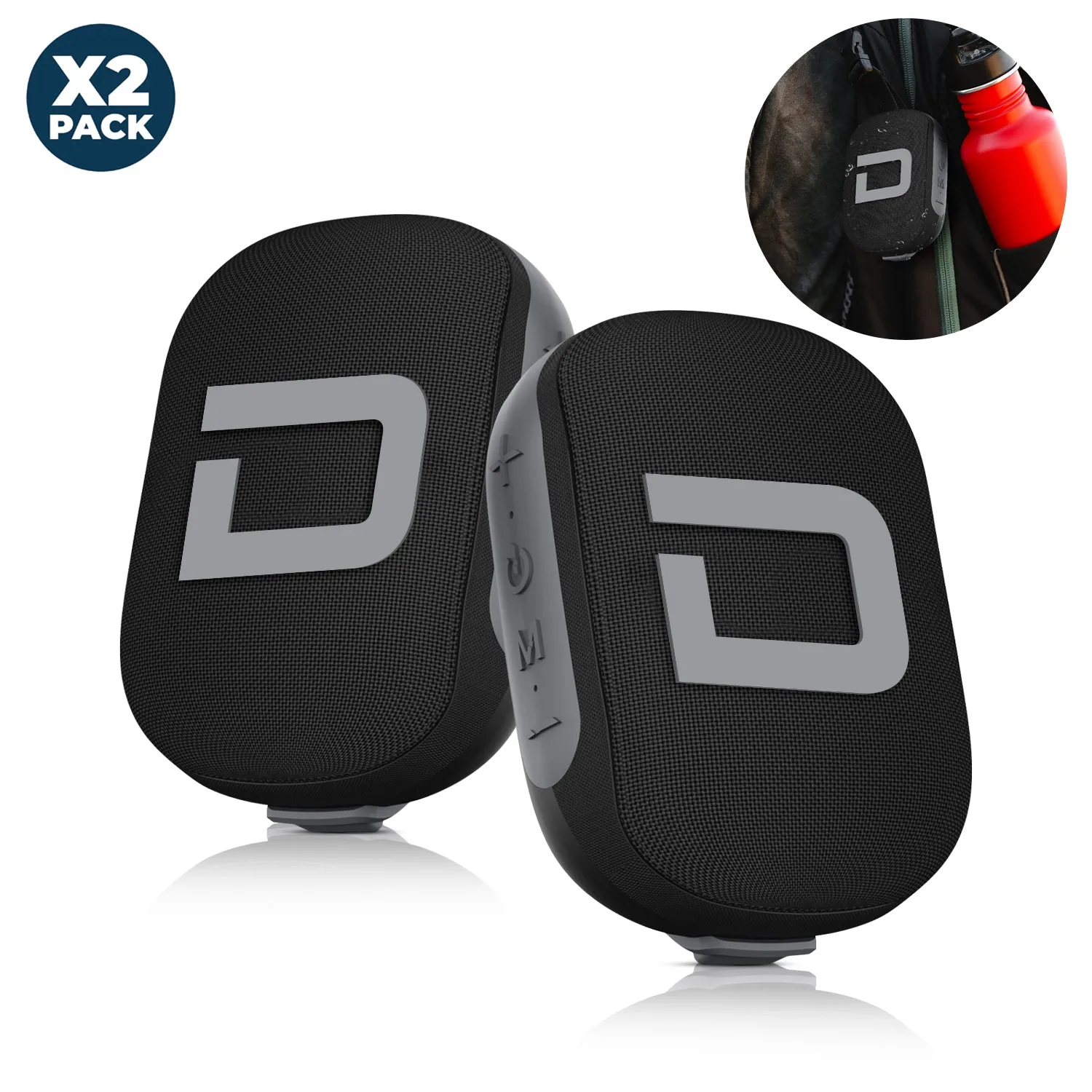
CLP-150 2 PACK


