Quick answer
For most photographers, the Datacolor SpyderCHECKR 24 is the practical choice for camera profiling, while the Calibrite ColorChecker Studio adds monitor and printer profiling in one package if your budget allows.
What each tool does differently
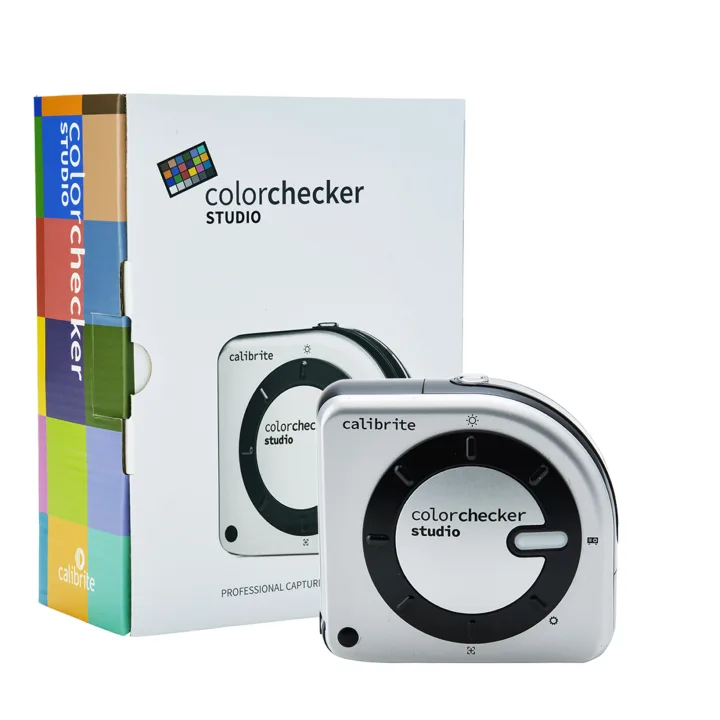
The Datacolor SpyderCHECKR 24 focuses on creating a consistent color reference for your camera. It includes a 24-patch target and software that builds a custom camera profile, so raw files open with accurate, repeatable color across different lighting conditions. The Calibrite ColorChecker Studio goes further by combining a color target, monitor calibration, and printer profiling into one software interface. It is designed for users who want a single solution from screen to print.
The key trade-off is scope versus cost. The SpyderCHECKR 24 costs significantly less and excels at camera profiling alone. The ColorChecker Studio costs more but replaces separate tools for monitor and printer calibration, which can simplify a color-managed workflow.
When to choose the SpyderCHECKR 24
If you shoot in mixed or unpredictable lighting—events, travel, or studio work with multiple strobes—the SpyderCHECKR 24 helps you neutralize color shifts quickly. It works with most raw converters and does not require a perfectly calibrated monitor to be useful. You can shoot the target once per lighting setup and apply the profile later.
When to choose the ColorChecker Studio
The ColorChecker Studio is a better fit if you print your own work or deliver files to clients who expect a screen-to-print match. It includes printer profiling that lets you create custom output profiles for different paper types and even emulate looks like cold tone or black and white. The trade-off is the higher price and the need to confirm availability before ordering.
Trade-offs at a glance
-
Price vs scope: The SpyderCHECKR 24 costs about USD 209 (catalog comparison USD 295) and focuses on camera profiling. The ColorChecker Studio costs about USD 702 (catalog comparison USD 1065) and adds monitor and printer profiling. If you only need camera profiling, the SpyderCHECKR 24 saves you money. If you need screen-to-print control, the ColorChecker Studio may be cheaper than buying separate tools.
-
Workflow simplicity: The SpyderCHECKR 24 works with most raw converters and does not require a calibrated monitor to produce a camera profile. The ColorChecker Studio requires you to use its software for the full screen-to-print pipeline. Choose the SpyderCHECKR 24 for a lightweight, camera-first workflow. Choose the ColorChecker Studio if you want one interface for the entire color chain.
-
Replacement and longevity: The SpyderCHECKR 24 uses replaceable cards (sold separately as DataColor SpyderCHECKR Replacement Cards) so you can swap a worn target without buying a new kit. The ColorChecker Studio's target is integrated into the kit; replacement options are not listed separately. If you shoot frequently in harsh conditions, the replaceable cards of the SpyderCHECKR 24 may extend the life of your investment.
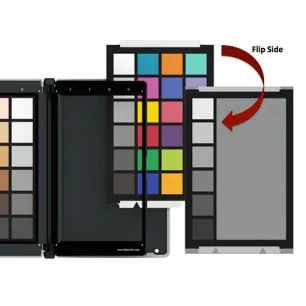
DataColor SpyderCHECKR Replacement Cards
Product facts
-
Datacolor SCK200 SpyderCHECKR 24: Every camera make, model, and individual chip records color differently. The SpyderCHECKR 24 provides a color reference tool to account for these differences. This means you can create a custom camera profile that makes raw files consistent across different cameras and lighting conditions, saving time in post-production.
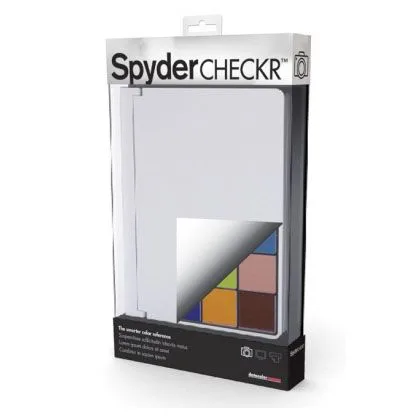
Datacolor SCK200 SpyderCHECKR 24
-
Calibrite ColorChecker Studio: An all-in-one solution with an easy-to-use software interface that includes screen to print color match and printer profiling for different looks. It replaces multiple calibration tools, making it ideal if you need consistent color from capture through editing to print without juggling separate software.
Which one fits you?
Best for
- Photographers who shoot in varied lighting and want a dedicated camera profiling tool without extra features
- Budget-conscious users who need reliable color reference cards and replaceable targets
Not for
- Users who need a single solution for camera, monitor, and printer calibration without managing multiple tools