Quick Answer
Most Lume Cube tube light setup problems come from app connection hiccups, incorrect color settings, or power delivery issues—and you can fix them in minutes without replacing your gear.
Why App Connection Drops Are the Most Common Issue
With app-controlled RGB tube lights, the Bluetooth link between your phone and the light is the first thing to fail. Interference from other devices, a weak phone battery, or an outdated app version can all cause the connection to drop mid-setup.
The good news: you don't need to reset the light every time. A simple power cycle—turning the light off and on—often re-establishes the connection faster than digging into the app's settings.
If the app still won't find the light, check that your phone's Bluetooth is on and that no other lighting app is actively holding the connection. Closing background apps can free up the link.
Color Mismatch: When the Light Doesn't Match Your App
You set a specific color in the app, but the tube light shows something different. This usually isn't a hardware fault—it's often a calibration issue or a mismatch between the app's color profile and the light's firmware.
First, make sure the light's firmware is updated through the Lume Control app. Outdated firmware can cause color inaccuracies. If that doesn't help, try resetting the light to its factory defaults and re-pairing it.
Remember that RGB tube lights display colors differently depending on the surrounding light and the tube's brightness setting. A dim tube may make colors look washed out, so bump up the brightness before judging the color.
Power and Mounting: The Overlooked Setup Killers
A tube light that won't turn on or keeps flickering is often a power issue, not a broken light. Check that the power adapter is firmly seated and that the cable isn't damaged. If you're using batteries, make sure they're fully charged.
Mounting problems are just as common. The magnetic mounts and tripod legs that come with many tube lights need a clean, flat surface to grip properly. Dust or paint texture can weaken the hold, causing the light to sag or fall.
When mounting, always secure the light before connecting power. It's easier to adjust the position without cables in the way, and it prevents accidental strain on the power port.
Diagnosis Guide: Fix Each Problem Step by Step
- Symptom: App won't connect or keeps dropping: Turn the light off and on. Then close the Lume Control app, restart your phone's Bluetooth, and reopen the app. If the light still isn't found, move closer to the light and remove any metal obstacles between your phone and the tube. If you've done this twice and the app still won't connect, try pairing the light with a different phone to rule out a phone-side issue.
- Symptom: Colors look wrong or don't match the app: Check the light's brightness setting—dim tubes wash out colors. Then update the light's firmware through the app. If colors are still off, reset the light to factory defaults and re-pair it. If colors remain inaccurate after a reset, the issue may be the app's color profile, not the light—try a different color preset to confirm.
- Symptom: Light won't power on or flickers: Verify the power adapter is fully plugged into both the wall and the light. Inspect the cable for damage. If using batteries, replace them with fresh ones. If the light still flickers, unplug it and plug it back in after 10 seconds. If the light still doesn't power on after trying a different outlet and a known-good cable, the power port may be faulty—stop troubleshooting and contact support.
- Symptom: Light won't stay mounted or falls off: Clean the mounting surface and the light's mount with a dry cloth. Make sure the surface is flat and non-textured. If using tripod legs, tighten all locks and check that the legs are spread evenly. If the light still slips, use a different mounting point or add a safety tether to prevent damage—don't force a weak mount.
Product Facts
-
Lume Cube RGB Tube Light Large 4-Pack App Controlled 2ft. LED Tube Lights: The Lume Cube RGB Tube Light Large 4-Pack includes two 2ft full-color RGB tube lights with Bluetooth app control via Lume Control and over 16 million colors. With this kit, you can fine-tune colors and brightness from your phone, but you need a stable Bluetooth connection and updated firmware to get the full range of 16 million colors working smoothly.
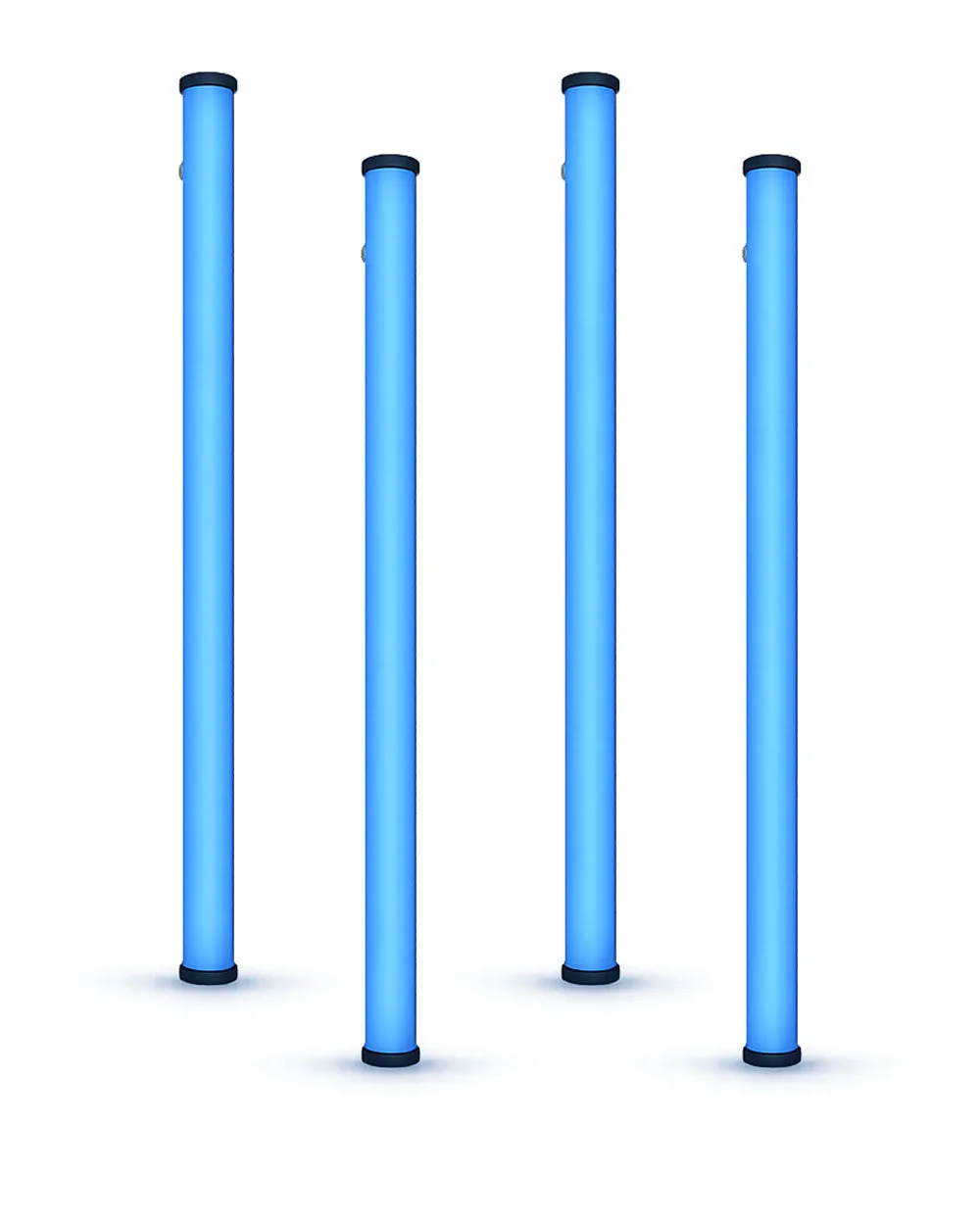
Lume Cube RGB Tube Light Large 4-Pack App Controlled 2ft. LED Tube Lights