Quick answer
Most stamping problems come down to four things: uneven pressure, the wrong ink for your card, a dirty stamp, or a slippery surface. Press straight down and hold for a few seconds, match quick-dry dye ink to porous card and pigment ink to non-porous surfaces, clean stamps between colours, and let each impression dry fully before adding anything on top.
A stamp that skips, smudges, or ghosts can make a simple card feel like a fight. The good news is that stamping problems are almost always traceable to one of a handful of causes, and each has a clear fix.
This guide walks through the most common stamping mistakes, what they look like, why they happen, and what to do next. Work through the symptom that matches your project, make one change at a time, and stop when the impression is clean.
Patchy or incomplete impressions
If your stamped image has missing areas or looks faded in patches, the stamp probably is not making full contact with the card. This often happens when you press with your fingertips instead of applying even pressure across the whole design. Try placing the stamp face-up on your craft mat, lowering the card onto it, then pressing firmly and evenly with your palm or a brayer-like tool.
Another cause is a stamp that has never been conditioned. New stamps can have a manufacturing residue that repels ink. Ink the stamp and stamp it a few times on scrap paper until the image starts to transfer evenly. If the problem continues, check that your inkpad itself is not drying out, especially if it has been stored uncovered.
- Press straight down, then hold for a slow count of three before lifting.
- Stamp on a firm, flat surface such as a craft mat rather than a soft tablecloth.
- Condition new stamps by stamping several times on scrap paper first.
Ink smudging and ghosting
Smudging usually means the ink was still wet when you touched it, or you used a slow-drying ink on a glossy surface. Dye inks dry quickly on porous card, while pigment inks stay workable longer, which is useful for embossing but risky if you plan to colour immediately. If you see a faint double image, the stamp shifted slightly when you lifted it, often because you rocked the stamp instead of pulling it straight up.
For smudging, switch to a quick-dry dye ink for everyday stamping and give each impression a few seconds before handling. If you are stamping on coated or glossy card, choose an ink formulated for non-porous surfaces and allow extra drying time. Keep a clean scrap of paper under your hand to avoid transferring oil or ink from your fingers.
- Lift the stamp straight up rather than tilting it to one side.
- Let each impression dry fully before layering or colouring over it.
- Use a heat tool on a low setting only if your ink and card are suitable for it.
Stamp cleaning tips that prevent repeat problems
Ink buildup on a stamp is one of the most overlooked causes of poor impressions. When ink dries in the fine lines of a stamp, those lines stop transferring properly, so your image looks broken even when your technique is fine. Clean stamps after every use, especially when switching between light and dark colours, to stop cross-contamination.
For routine cleaning, stamp off onto scrap paper, then wipe the surface gently with a stamp cleaner or a damp cloth. Avoid soaking wooden stamps in water, and do not scrub the rubber with anything abrasive. If you are working with several colours in one session, clean between each one so your light inks stay true.
- Clean immediately after use, before ink has a chance to dry in the details.
- Work from light colours to dark colours to reduce contamination.
- Store stamps away from direct sunlight and heat to protect the rubber.
When the card or surface is the problem
Sometimes the stamp and ink are fine, but the surface is working against you. Textured or heavily coated card can stop ink from absorbing evenly, which shows up as a mottled or patchy impression. If you are stamping on fabric, canvas, or a slick surface, standard dye ink may bead up instead of sitting flat.
Test your ink and card combination on a scrap before committing to a finished project. If the impression is still inconsistent after adjusting pressure and cleaning the stamp, the surface is likely the limiting factor. In that case, switch to a card with a smoother, more absorbent finish or choose an ink designed for the material you are using.
- Always test a new ink and card pairing on scrap first.
- Smooth, uncoated card generally gives the cleanest stamped impressions.
- If a surface resists every ink you try, change the surface rather than forcing the technique.
Stamping problem diagnosis
- Symptom: patchy, faded impression: Likely cause is uneven pressure or a dry, unconditioned stamp. Correct it by stamping face-up on a firm mat, pressing evenly, and conditioning the stamp on scrap paper. Stop adjusting once the image transfers fully; if it still skips, check the inkpad and card surface.
- Symptom: smudged or doubled image: Likely cause is slow-drying ink or a stamp that shifted on lifting. Switch to a quick-dry dye ink, lift straight up, and allow a few seconds before handling. If smudging continues on glossy card, choose an ink made for non-porous surfaces instead of forcing dye ink to work.
- Symptom: fine lines dropping out: Likely cause is dried ink clogging the stamp's detail. Clean the stamp after every use, avoid soaking wooden stamps, and store them away from heat and sunlight. If cleaning does not restore the detail, the stamp itself may be worn and it is time to replace it.
Products that solve common stamping problems
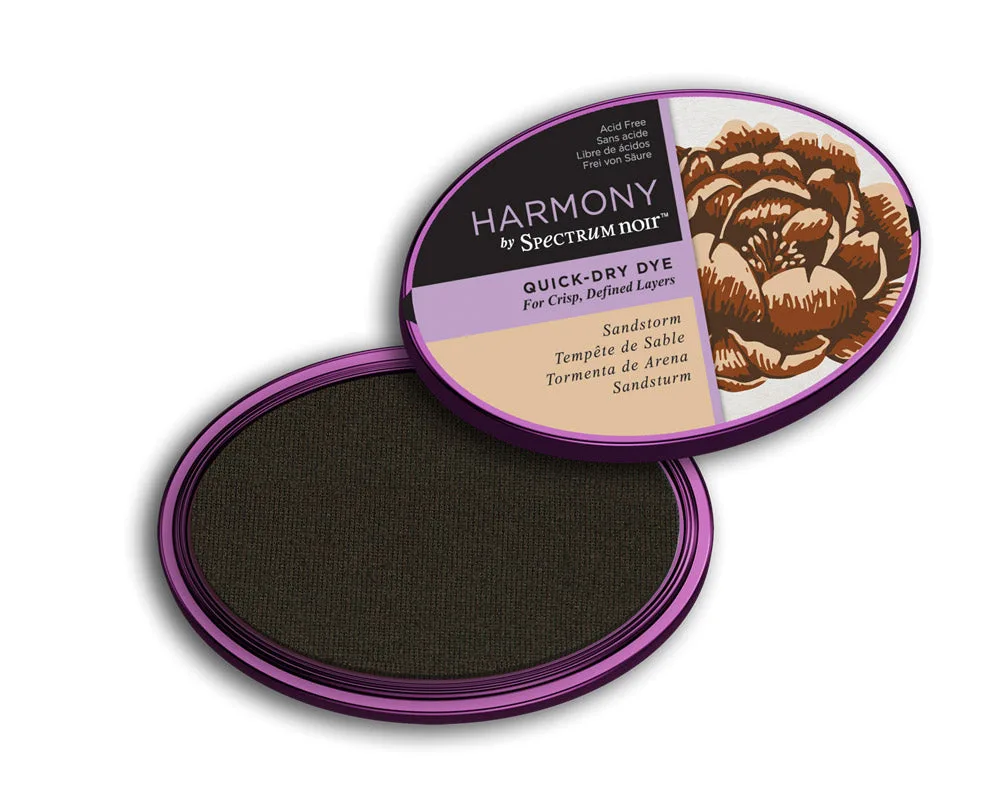
- Spectrum Noir Harmony Quick-Dry Dye Inkpad - Sandstorm: These inkpads promise crisp, punchy and flawless colour every time, with a super-fast drying time that sets within seconds of applying the ink. Fast drying reduces the smudging and ghosting that slow-drying inks cause, which makes it a practical choice for everyday stamping on card.
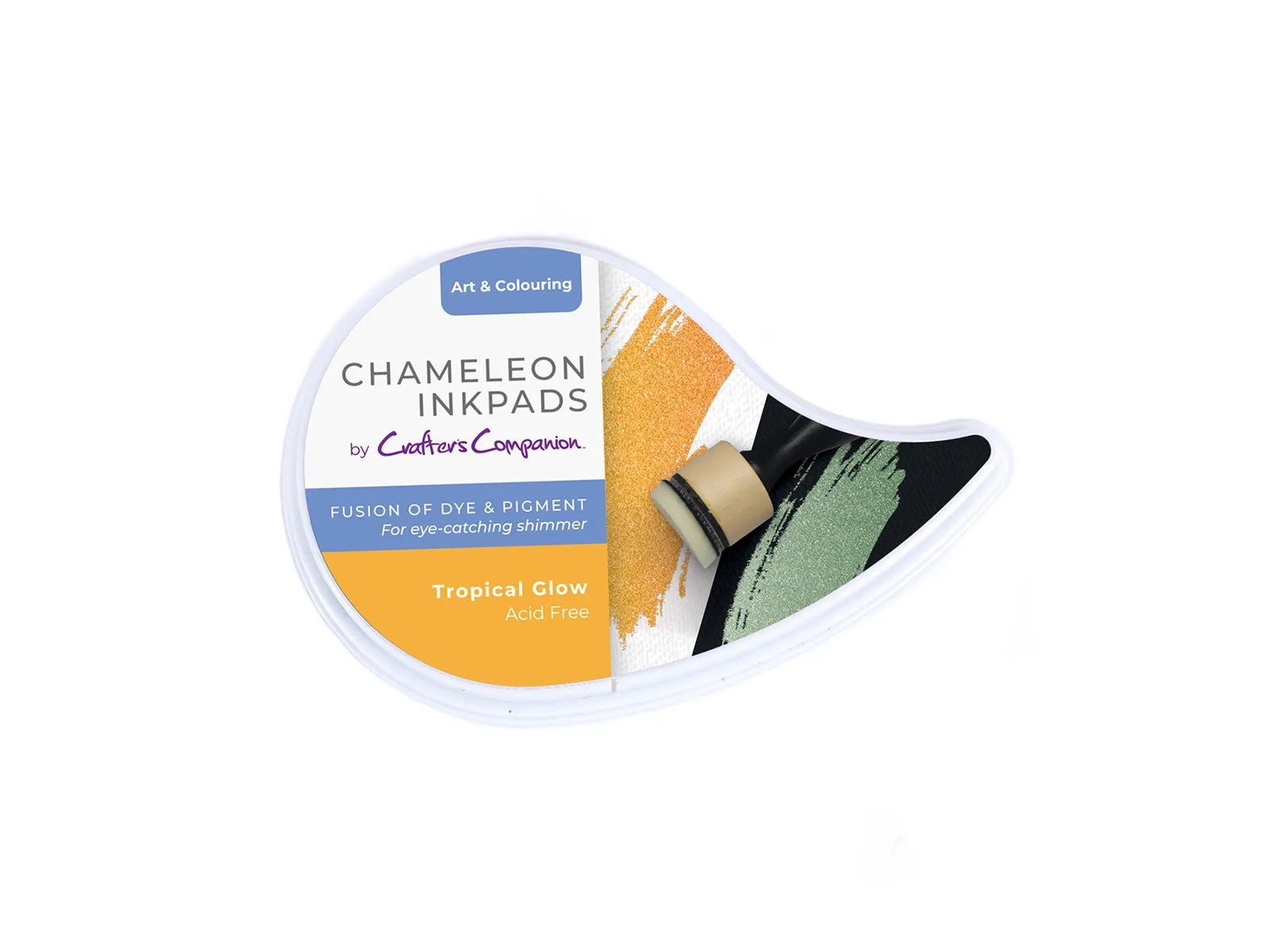
- Crafter’s Companion - Chameleon Inkpad - Tropical Glow: Each shimmering inkpad has an innovative fusion of dye and pigment to create a different colour when used on black card and white card; Tropical Glow appears as rich gold on white card and a deep green on black card. If your stamp looks flat or disappears on dark card, a colour-shifting ink gives you a visible, high-contrast impression without changing your technique.
- Crafter's Companion 6" x 6" Black Card & White Envelopes - 100 Pc: This pack includes 50 pre-scored 6" x 6" black cards and 50 white envelopes, with the cards left blank for your personalised design. Pre-scored, blank cards let you test stamp placement and ink behaviour on the actual surface you will use, so you can spot absorption problems before committing to a final design.
Most stamping problems are fixable with one adjustment at a time. Match your ink to your surface, press evenly, clean between colours, and test on scrap before a final project. If a stamp or card keeps failing after those steps, switch the material rather than fighting it.