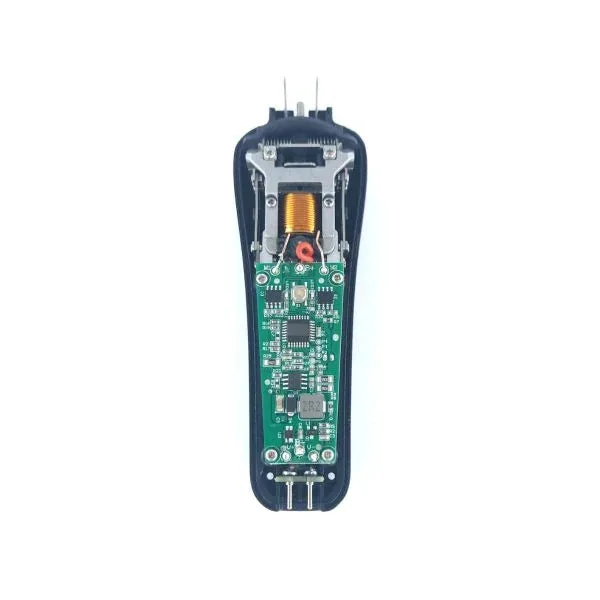
Your cordless clipper is an essential tool, and its battery is the heart that keeps it running. Over time, batteries naturally degrade, but with the right care, you can significantly extend their lifespan and keep your clipper performing like new for years. This guide covers the best practices for cordless clipper battery maintenance, from charging habits to storage and cleaning.
Whether you're a professional barber or a home user, understanding how to care for your clipper's battery not only saves you money on replacements but also ensures consistent power and performance. Let's dive into the tips that will help you get the most out of your cordless clipper.
Understanding Your Clipper's Battery
Most modern cordless clippers use lithium-ion (Li-ion) batteries, which are known for their high energy density and lack of memory effect. Unlike older nickel-cadmium batteries, Li-ion batteries don't require full discharges to maintain capacity. However, they do have a limited number of charge cycles (typically 300-500) before their capacity noticeably diminishes.
Knowing your battery type is the first step in proper care. For example, the XCeed Professional Metal Hair Clipper and Rebel 2.0 Professional Hair Clipper both feature advanced Li-ion batteries that benefit from specific charging practices. Always refer to your clipper's manual for manufacturer recommendations, but the following general tips apply to most cordless models.
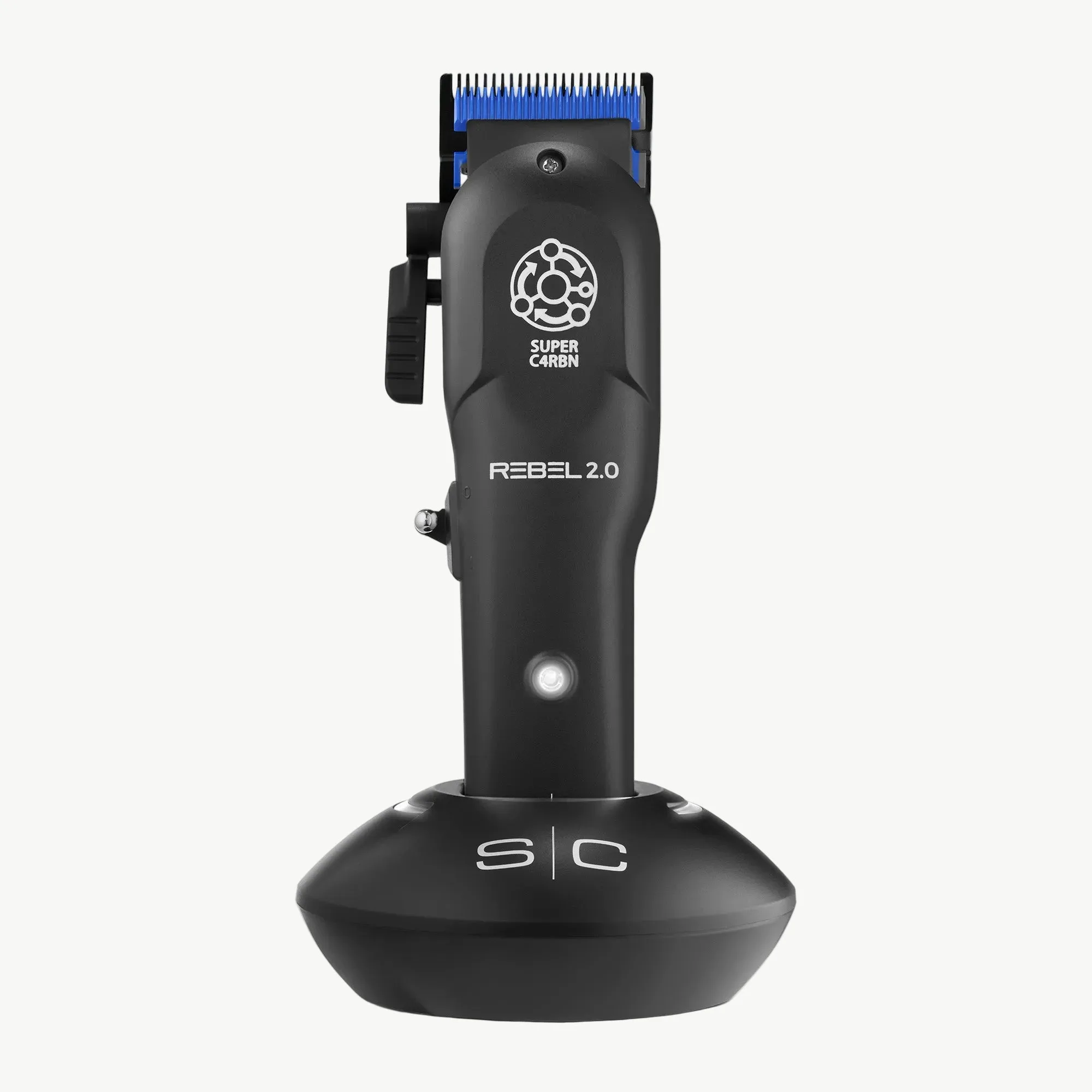
Rebel 2.0 Professional Hair Clipper
- Li-ion batteries have no memory effect, so partial charges are fine.
- Avoid completely draining the battery regularly; it stresses the cells.
- Check your clipper's manual for the recommended charging time.
Optimal Charging Habits
One of the most common mistakes is leaving your clipper plugged in overnight. While modern chargers have overcharge protection, consistently keeping the battery at 100% for extended periods can accelerate degradation. Instead, charge your clipper only when the battery is low (around 20-30%) and unplug it once it reaches full charge.
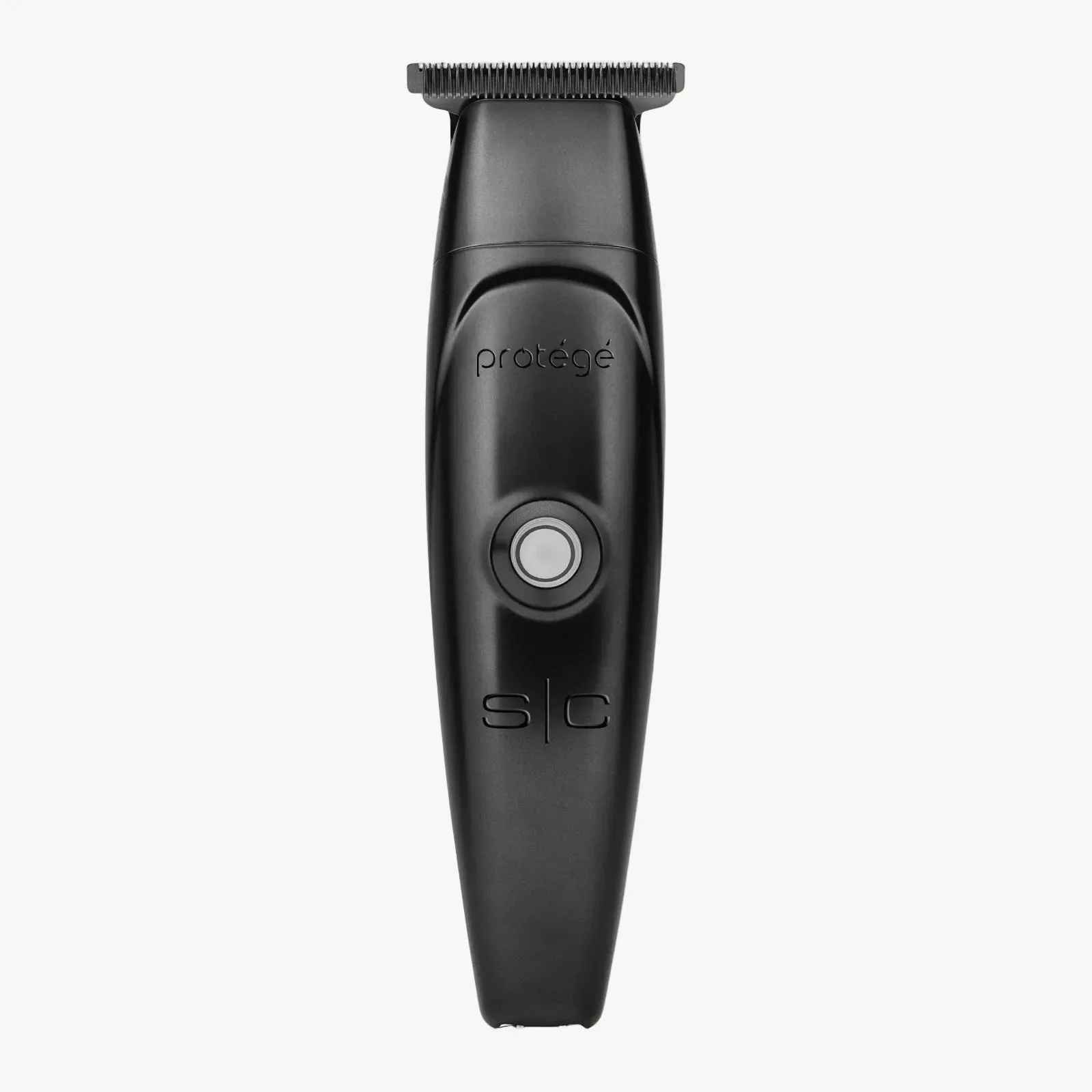
If you use your clipper daily, a good practice is to charge it after each use for about 30-60 minutes, rather than waiting for a full discharge. This 'top-up' approach keeps the battery in the 'sweet spot' of 20-80% charge, which is ideal for Li-ion longevity. For example, the Protégé Professional Hair Trimmer has a quick-charge feature that gives you a full use from a short charge, making it easy to maintain healthy battery habits.
- Avoid overnight charging; unplug once fully charged.
- Keep the battery between 20% and 80% for daily use.
- Use the clipper's quick-charge feature when you're in a hurry.
Storage and Temperature Considerations
Batteries are sensitive to extreme temperatures. Heat is the enemy of Li-ion batteries; leaving your clipper in a hot car or near a heat source can permanently reduce capacity. Conversely, cold temperatures can temporarily lower performance. Store your clipper in a cool, dry place, ideally at room temperature.
If you don't plan to use your clipper for several weeks, store it with a 40-50% charge. This is the optimal storage level that minimizes stress on the battery. When you take it out again, charge it fully before use. For travel, consider using a protective case or travel organizer bag to keep your clipper safe from temperature fluctuations and physical damage.
- Store at room temperature, away from direct sunlight and heat sources.
- For long-term storage, keep the battery at about half charge.
- Use a padded travel bag to protect the clipper during transport.
Cleaning and Maintenance for Battery Health
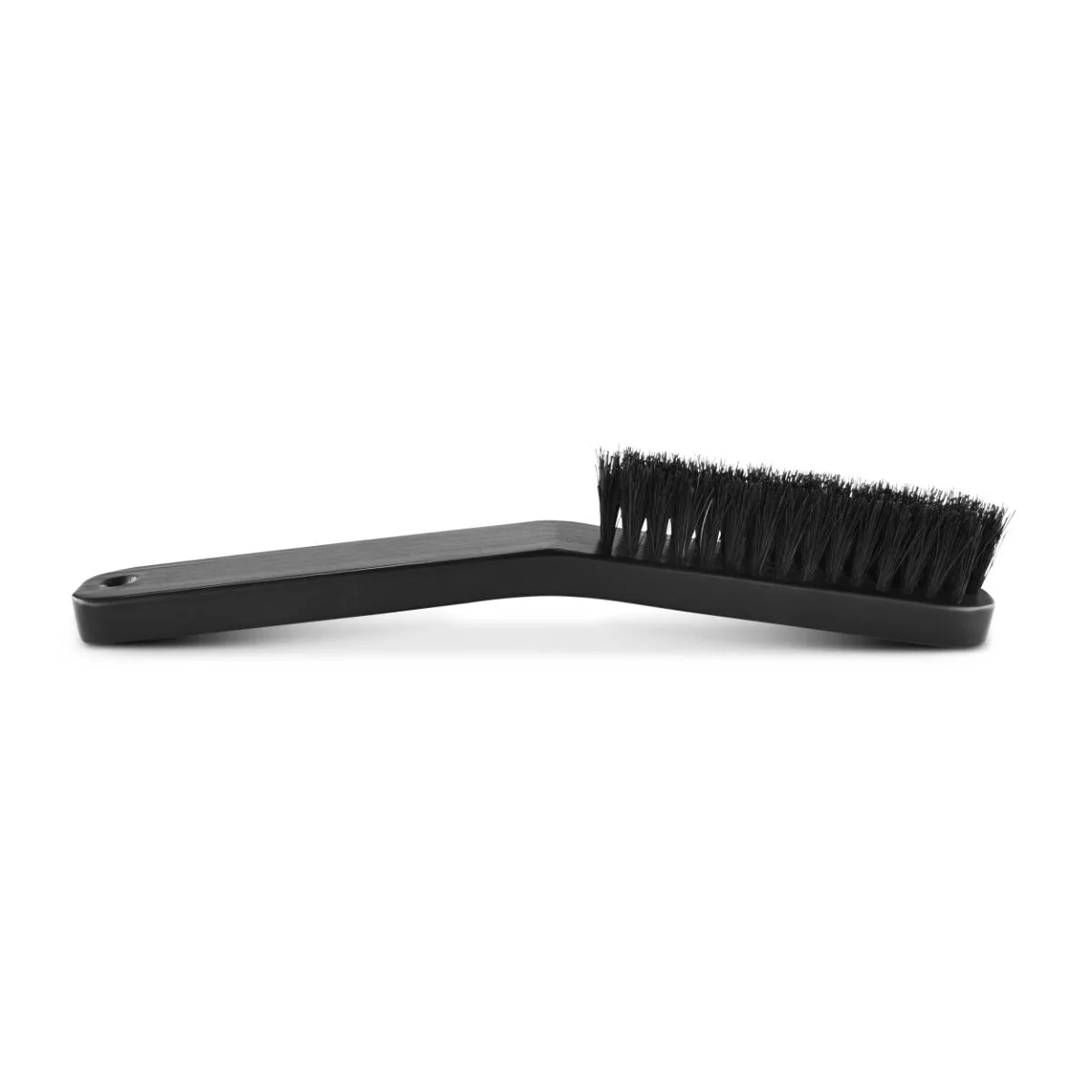
A clean clipper runs more efficiently, which reduces strain on the motor and battery. Hair and debris can clog the blades and vents, forcing the motor to work harder and drain the battery faster. After each use, brush away hair from the blades and body using a cleaning brush like the No Knuckles Curved Fade Hair Brush, which is designed to reach tight spaces without damaging the blade.
Periodically, you should also clean the battery contacts. Over time, dust and oil can accumulate on the metal contacts, leading to poor connectivity and inefficient charging. Use a dry cloth or a cotton swab with a little rubbing alcohol to gently clean the contacts on both the clipper and the charging base. This simple step ensures a solid connection and optimal charging.
- Brush off hair and debris after every use.
- Clean the charging contacts monthly with rubbing alcohol.
- Ensure the clipper is completely dry before charging.
Recognizing When to Replace the Battery
Even with the best care, batteries will eventually wear out. Signs that your battery needs replacement include significantly reduced run time, longer charging times, or the clipper shutting off unexpectedly even when the indicator shows a charge. When this happens, you have two options: replace the battery if your model allows, or consider purchasing a new clipper.
For many professional clippers, replacement parts are available. For instance, the Replacement Rear Housing for Instinct Metal Trimmer is an example of a component that can be swapped out. However, if your clipper's battery is not user-replaceable, you might consider upgrading to a newer model with better battery technology. The Ace Bald Head 7X Foil Shaver, for example, offers efficient battery management for long-lasting performance.
- Watch for reduced run time and longer charge times.
- Check if your model has a replaceable battery.
- Consider upgrading if battery replacement isn't feasible.
By following these cordless clipper battery care tips, you can extend the life of your battery, save money, and ensure your clipper performs at its best every time. Remember, a little attention to charging habits, storage, and cleaning goes a long way. For professional-grade clippers with reliable batteries, explore the XCeed Professional Metal Hair Clipper, designed for durability and consistent power.