Quick answer
Black and white processing is not a rescue operation for weak color photos, and desaturating an image is not the same as converting it. The photographers who get consistently strong monochrome results choose subjects with clear tonal separation, decide early what the image is about, and treat the conversion as a creative rewrite rather than a cleanup. If you want to build that skill deliberately, start with a class that walks through full conversions instead of collecting presets.
Why monochrome conversions fail before editing starts
Most disappointing black and white images were never good candidates for conversion. If the original scene depends on color to separate the subject from the background — a red flower against green leaves, a warm sunset over cool water — removing color collapses that separation and leaves a flat gray mass. Before you open the image in an editor, ask whether the scene has tonal contrast: light against dark, texture against smoothness, or a clear bright subject against a darker surround. If it doesn't, no amount of slider work will invent it. That's why the strongest monochrome work often starts with a deliberate choice of subject and light, not with a preset.
What tonal contrast actually means in practice
Tonal contrast is the range of light and dark values in an image and how they sit next to each other. In color photography, hue differences can mask weak tonal contrast; in black and white, those values are all you have. A scene with a bright sky and dark foreground rock reads as dramatic. A scene with mid-gray foliage against mid-gray stone reads as muddy, even if the color version looked pleasant. When you evaluate a potential black and white landscape, squint at it or view it small — if the main shapes don't separate into distinct light and dark zones, the conversion will struggle. This is also why photographers who shoot for monochrome often expose for the highlights and let shadows go deep; they're protecting the separation they'll rely on later.
The conversion is a decision, not a filter
Desaturating an image removes color evenly. A real black and white conversion lets you control how each color maps to a gray value, which is where creative intent enters. A blue sky can become nearly black or almost white depending on how you weight the blue channel. Skin tones can be smoothed or made gritty. This is why two photographers can convert the same file and produce completely different images — and why 'which preset is best' is the wrong question. The right question is what you want the viewer to feel, then which tonal relationships support that. If you're new to this, work on one image at a time and change only the color mixing before touching contrast or curves. You'll learn faster than by cycling through presets.
When to convert and when to walk away
Not every image deserves a monochrome version, and forcing one is the fastest way to produce forgettable work. Convert when the scene's structure, texture, or light is the point. Walk away when the image relies on color relationships you can't replicate tonally, or when the subject is only interesting because of its hue. A useful discipline: make a black and white copy, then compare it side by side with the color original at full size. If the monochrome version doesn't say something the color version can't, delete it. That single habit will improve your portfolio faster than any processing technique.
Myths and verdicts
- Myth: Black and white processing can save a weak photo: Converting a poorly composed or flatly lit image doesn't add structure. It removes the color that might have been distracting you from the lack of structure. Verdict: false. Fix the capture or choose a different frame.
- Myth: Desaturating is the same as converting: A true conversion lets you control how individual colors map to gray values. Desaturation treats all colors equally and throws away that control. Verdict: false. Use color mixing, not a saturation slider.
- Myth: You need a specific preset to get good monochrome results: Presets apply someone else's tonal decisions to your image. They can be a starting point, but the decisions that matter — what to emphasize, what to suppress — are yours. Verdict: misleading. Learn the decisions, then use presets if they help.
- Myth: Any scene works in black and white: Scenes that depend on color to separate subject from background often collapse into flat gray. Scenes with strong tonal contrast and texture tend to work. Verdict: false. Evaluate tonal separation before you convert.
- Myth: More contrast always means more impact: Pushing contrast can clip highlights and crush shadows, destroying the detail that gives an image depth. Impact comes from the relationship between tones, not from maximum contrast. Verdict: false. Aim for separation, not extremes.
Where to learn these skills
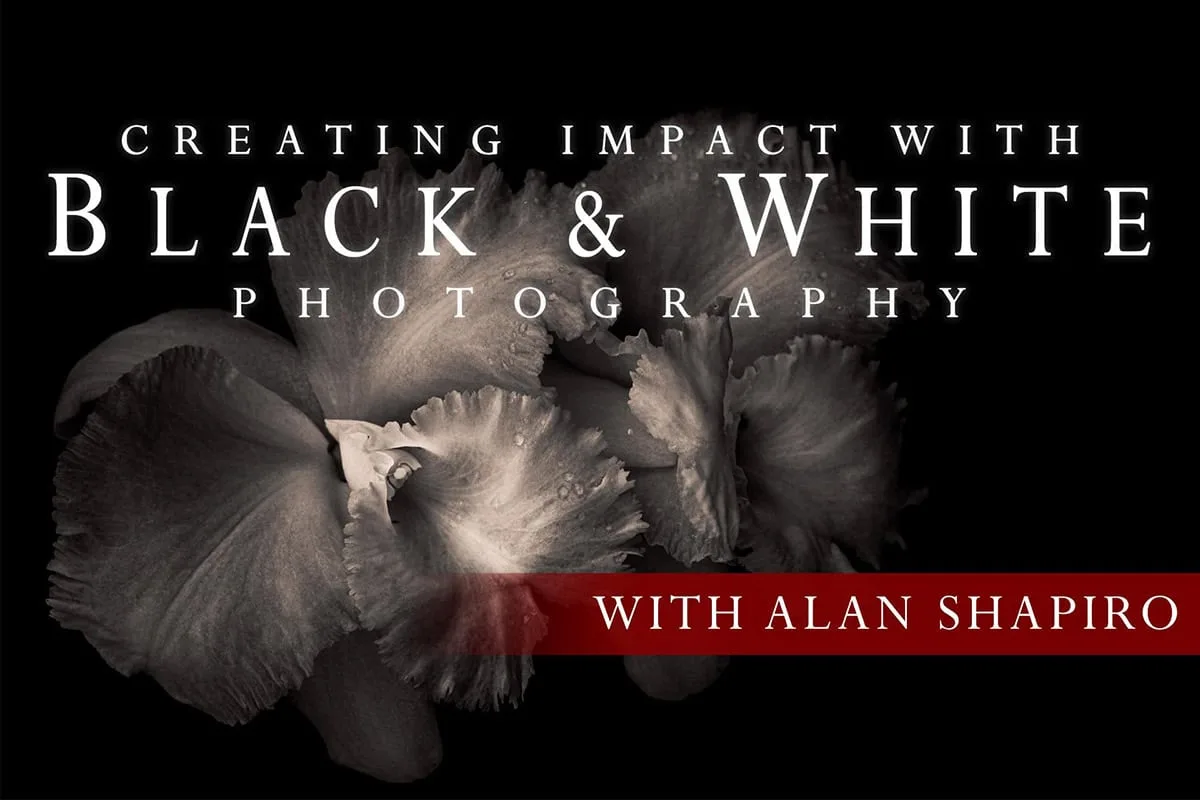
- Creating Impact with B&W Processing: Discover an incredible amount of drama and beauty that is revealed when floral images are converted to black and white. Flowers are a useful training subject for black and white processing because petal structure and light falloff become the story once color is removed. Working through floral conversions teaches you to read tonal contrast in scenes where you'd normally rely on color.
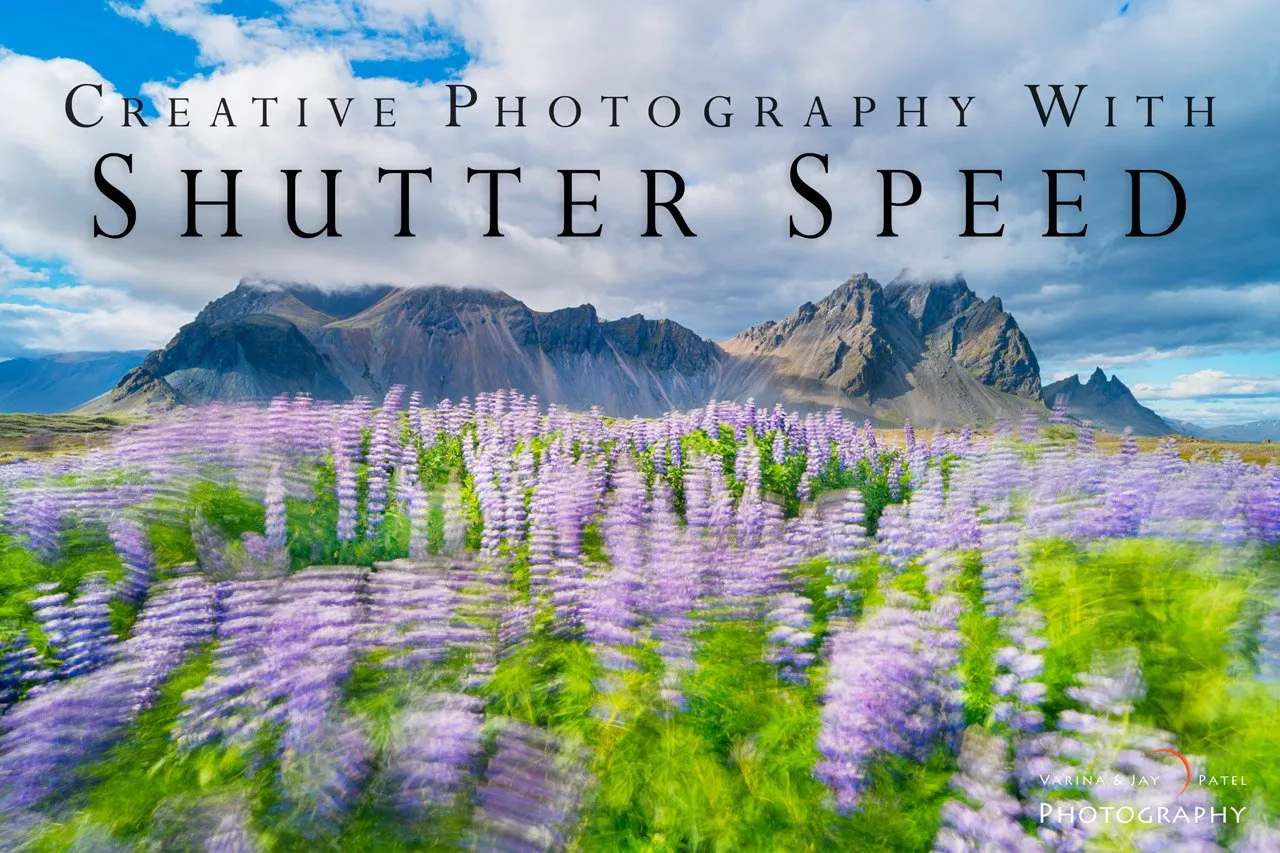
- Creative Photography with Shutter Speed: Master the art of using shutter speed to create stunning, dynamic, and artistic nature photos that inspire. Shutter speed decisions affect the tonal structure of moving subjects — water, wind-blown foliage, clouds — which in turn determines how much separation you have to work with in a black and white conversion. Getting the capture right makes the processing stage far less of a rescue operation.