Quick Answer
To customize your CRKD Gibson Les Paul controller with a faceplate skin, clean the surface, align the skin carefully, and press from the center outward to avoid bubbles. Reusable adhesive lets you reposition, but a slow, steady application gives the best result.
Why Faceplate Skins Beat Paint or Vinyl Wraps
Faceplate skins are a reversible way to change your controller's look without permanent modifications. Unlike paint, they don't void warranties or risk damaging the shell, and they add a layer of scratch protection.
The CRKD Gibson Les Paul Faceplate Skins use premium polycarbonate with a reusable adhesive backing. That means you can remove and reapply them if you change your mind—something a vinyl wrap or spray paint can't offer.
Trade-Offs to Know Before You Apply
The reusable adhesive is a double-edged sword: it's forgiving during installation, but it may lose stickiness after many removals. If you reposition repeatedly, the skin might not adhere as firmly.
Also, while the polycarbonate protects against scratches and light impacts, it won't guard against drops or heavy bumps. For full protection, pair the skin with a carrying case or bumper.
Step-by-Step Application Guide
- Clean and Dry the Faceplate: Wipe the controller faceplate with a microfiber cloth to remove dust, oil, and fingerprints. For a deeper clean, use a lightly dampened cloth and let it dry completely. Checkpoint: Any dust or oil left behind will create bumps or prevent adhesion, so inspect under bright light before moving on.
- Align the Skin Before Peeling the Backing: Hold the skin over the faceplate and line up the cutouts for buttons, joysticks, and the D-pad. Do not peel the adhesive backing yet—just position it visually. Checkpoint: Misalignment is the most common mistake; take a few extra seconds to ensure all cutouts match.
- Peel and Apply from One Edge: Peel a small portion of the backing, align that edge with the controller, and press it down. Gradually peel the rest while smoothing the skin with your fingers or a soft card. Checkpoint: Press from the center outward to push air bubbles toward the edges—don't press from the outside in.
- Smooth Out Bubbles and Wrinkles: If bubbles appear, gently lift the skin back to that area and reapply slowly. The reusable adhesive allows this, but avoid stretching the skin, which can cause permanent wrinkles. Checkpoint: If bubbles persist, use a soft cloth to press them out toward the nearest edge; never use a sharp object that could scratch the skin.
- Let It Set Before Use: Wait at least 30 minutes after application before playing. This lets the adhesive bond fully and reduces the chance of the skin shifting during intense gameplay. Checkpoint: If you notice edges lifting after a few days, press them down firmly—the adhesive may need a second press to stick well.
Product Facts
-
CRKD Gibson Les Paul Faceplate Skins: The CRKD Gibson Les Paul Faceplate Skins feature a Union Jack design, crafted with premium polycarbonate and easy-apply reusable adhesive backing. The durable polycarbonate shields your controller from scratches while the reusable adhesive lets you reposition for a perfect fit without leaving residue.
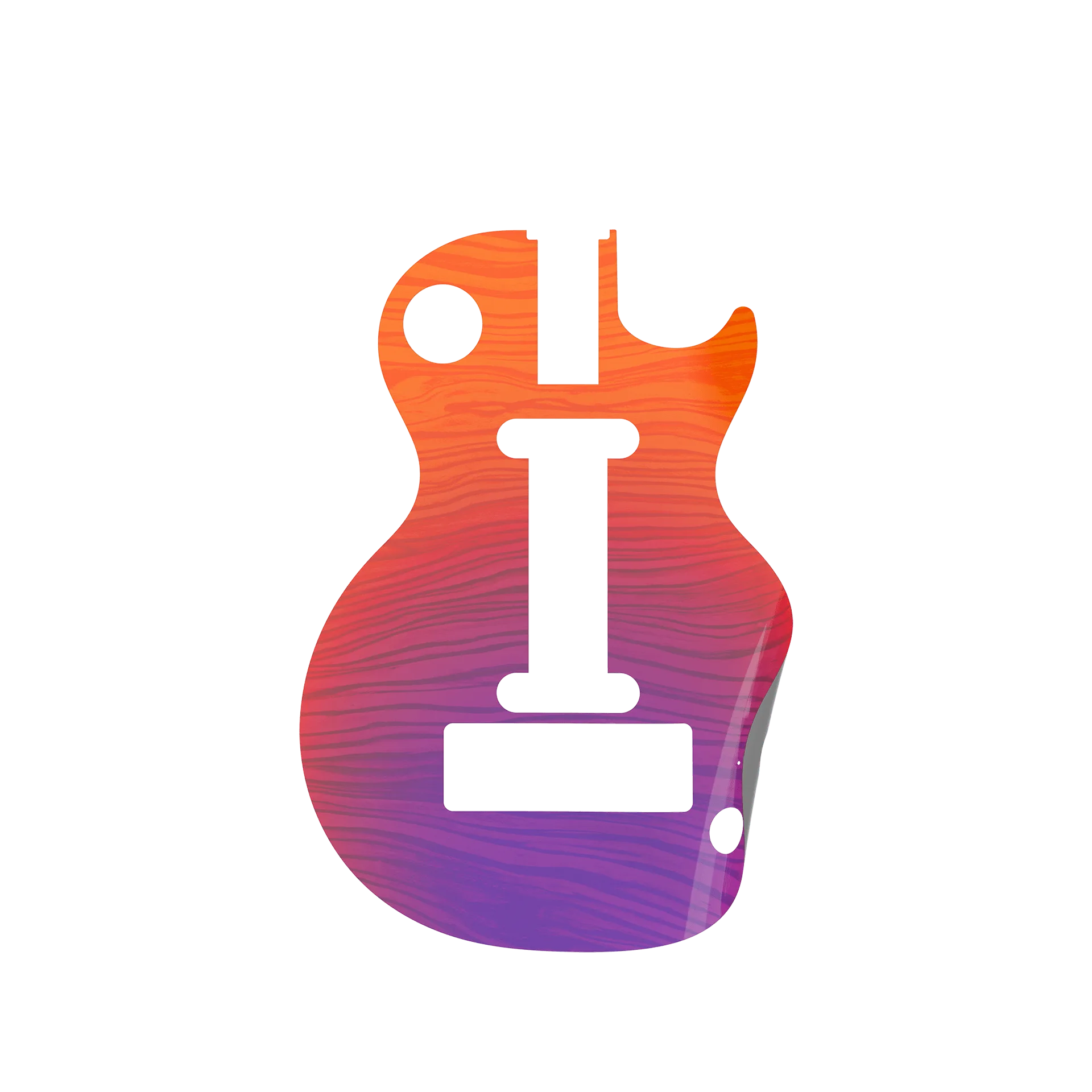
CRKD Gibson Les Paul Faceplate Skins


