Quick answer
Start with Crusher Bass at roughly 40 to 50 percent, keep your EQ flat or slightly reduced in the low bands, and raise the Crusher slider only after you have a clean seal and a comfortable fit. Most listeners get more usable bass from a moderate slider position plus a small sub-bass boost than from maxing the Crusher dial with the EQ already pushed up.
Crusher Bass is a physical, adjustable bass driver, not just a software slider, so the settings that sound best depend on how you combine the slider, your EQ, and your fit. If your low end sounds muddy or your battery drains faster than expected, the fix is usually a sequence of small adjustments rather than one dramatic change.
This guide walks through that sequence in order. Work through the steps with any Crusher model you own, and use the product notes below to see how the same habits apply across the Skullcandy lineup.
Get the fit right before you touch any setting
Bass response depends on a consistent seal between the earpads and your head. Before you open any app, put the headphones on, adjust the headband so the pads sit evenly over both ears, and press gently to check that the seal is even on both sides. If one side feels looser, the Crusher driver will sound unbalanced no matter what you do in the EQ.
This is also the step where you decide whether the stock pads suit you. If you wear glasses, thick frames can break the seal and thin out the low end. Try repositioning the arms of your glasses above the pads rather than under them before you assume the headphones lack bass.
- Check the seal on both ears separately by pressing each cup gently inward.
- Give new pads a few sessions to soften before judging the bass.
Set Crusher Bass to a neutral starting point
The most common mistake is starting at maximum. Begin with the Crusher slider low, around 20 to 30 percent, and listen to a track you know well for a full minute. Then move the slider up in small increments until the bass feels present but the mids and vocals still sit clearly in front of it.
For most listeners that landing zone is somewhere in the middle of the slider's range. The exact number matters less than the relationship: if you have to strain to hear lyrics, you have gone too far. Write down or remember the position you settle on so you can return to it after experimenting.
- Change one variable at a time so you can tell what actually helped.
- Recheck the slider after switching tracks, since some mixes carry far more low end than others.
Clean up your EQ instead of boosting everything
A common habit is to raise every bass band at once, which stacks on top of the Crusher driver and produces a bloated, one-note low end. Instead, try a small boost in the lowest band and a slight cut in the upper bass or low-mid region. That combination adds weight without smearing vocals and drums.
If your player has a preset labeled bass boost, compare it against your manual settings rather than assuming it is better. Presets are tuned for general use, not for a headphone with its own adjustable bass hardware. Trust your ears over the label.
- Boost one low band, cut one adjacent band, and leave the rest flat.
- Test with a track that has both deep bass and quiet vocals so problems show up quickly.
Match your source and volume to the music
The Crusher effect changes character with volume. At low listening levels you may need more slider travel to feel the bass, while at higher levels the same setting can overwhelm the mix. Adjust the slider when you change volume significantly rather than leaving it fixed all day.
Source quality matters too. Heavily compressed streaming audio can distort before the Crusher driver ever reaches its limit, which makes people blame the headphones for a problem that starts upstream. If a track sounds harsh, try a higher-quality stream or a downloaded file before you change settings.
- Recheck the slider after big volume changes.
- If distortion appears, lower the source volume first, then the slider.
Protect battery life while keeping your bass
Active noise canceling and heavy bass reproduction both draw power, so battery life depends on how you use them together. If you need maximum runtime, use ANC only in genuinely noisy places and switch it off in quiet rooms. That single habit often buys back more listening time than any other change.
Charging habits matter as well. Top up before the battery is completely flat rather than running it to zero every cycle, and store the headphones somewhere cool and dry. Heat is harder on battery health than almost anything else you do day to day.
- Turn ANC off in quiet environments to stretch runtime.
- Avoid leaving headphones in a hot car or direct sun.
Keep the pads and ports clean
Bass performance degrades quietly as earpads collect oil and dust, because the seal weakens and the driver has to work harder for the same result. Wipe the pads with a dry or very slightly damp cloth after heavy use, and keep the charging port free of lint. Never submerge the headphones or run water into the cups.
If your model has a backup cable, inspect the jack and plug for debris before assuming a wired connection has failed. A surprising number of "broken" connections are just a dirty plug or a loose seat in the socket.
- Clean pads weekly if you use the headphones daily.
- Let the headphones air dry fully before charging if they get damp.
Your Crusher bass setup checklist
- Step 1: Confirm the seal: Adjust the headband and reposition glasses arms so both earpads sit evenly and press lightly against your head. Checkpoint: if one side sounds weaker, fix the fit before changing any setting.
- Step 2: Start the Crusher slider low: Begin around 20 to 30 percent and raise it in small increments until bass is present but vocals stay clear. Common mistake: starting at maximum and then trying to EQ your way back to balance.
- Step 3: Shape the EQ with one boost and one cut: Add a small boost in the lowest band and a slight cut in the upper bass or low-mid region instead of raising every bass band. Checkpoint: if the mix sounds bloated, reduce the boost rather than adding more.
- Step 4: Recheck the slider after volume changes: The Crusher effect shifts with loudness, so adjust the slider when you move between quiet and loud listening. Common mistake: leaving one slider position locked in for every volume and every track.
- Step 5: Manage ANC and charging for runtime: Switch noise canceling off in quiet rooms, top up before the battery hits zero, and keep the headphones out of heat. Checkpoint: if runtime drops noticeably, review ANC use and charging habits before assuming a fault.
- Step 6: Clean pads and ports regularly: Wipe earpads after heavy use, keep the charging port lint-free, and never submerge the headphones. Next step: repeat this checklist monthly, or sooner if the bass starts to sound thin.
How these habits apply across Crusher and Skullcandy models
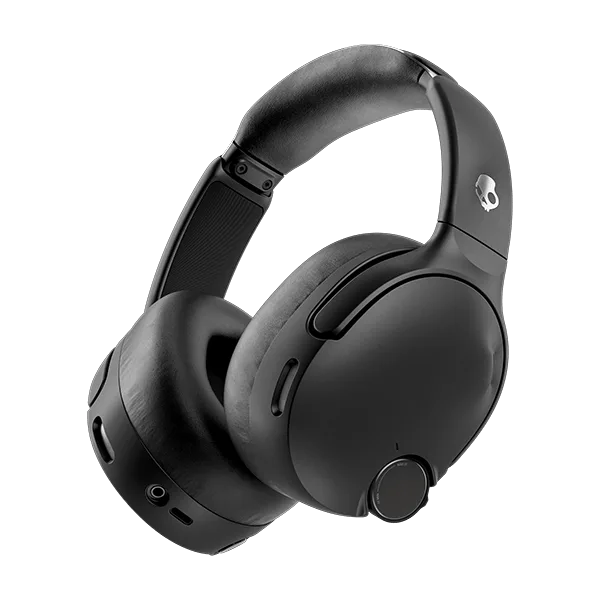
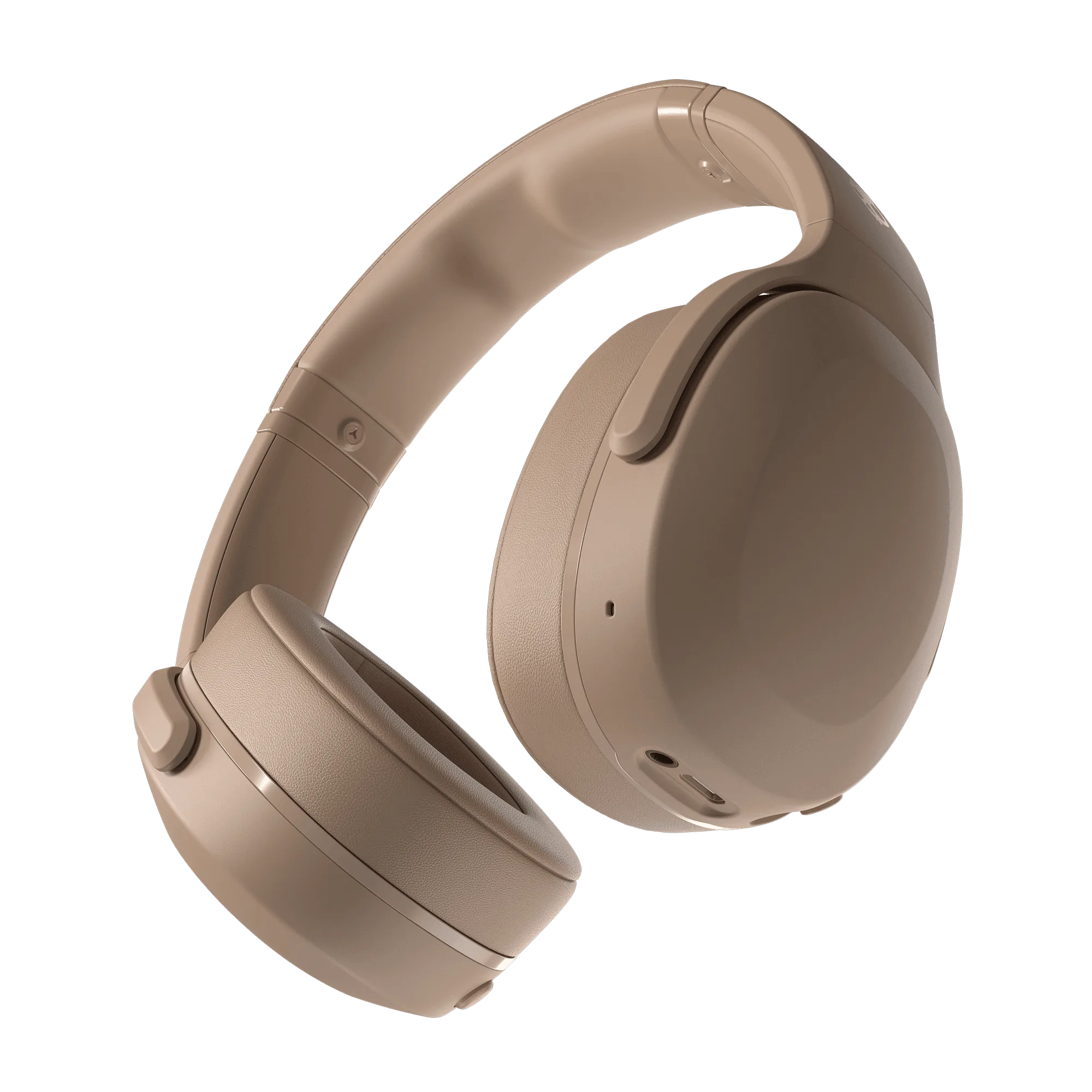
- Crusher® Evo: Crusher Evo brings adjustable Crusher Bass with up to 40 hours of battery life and Rapid Charge, plus Personal Sound tuning. Because the bass is adjustable and the tuning is personalized, the slider and EQ steps above matter more here than on a fixed-bass headphone, and Rapid Charge means a short top-up can cover a commute.
- Crusher® 1080 ANC: Crusher 1080 ANC combines patented adjustable Crusher Bass with premium Sound By Bose audio technologies, powerful noise canceling, and immersive spatial audio. With noise canceling and spatial audio both active, battery drain is higher, so the ANC and volume habits in this guide have an outsized effect on runtime.
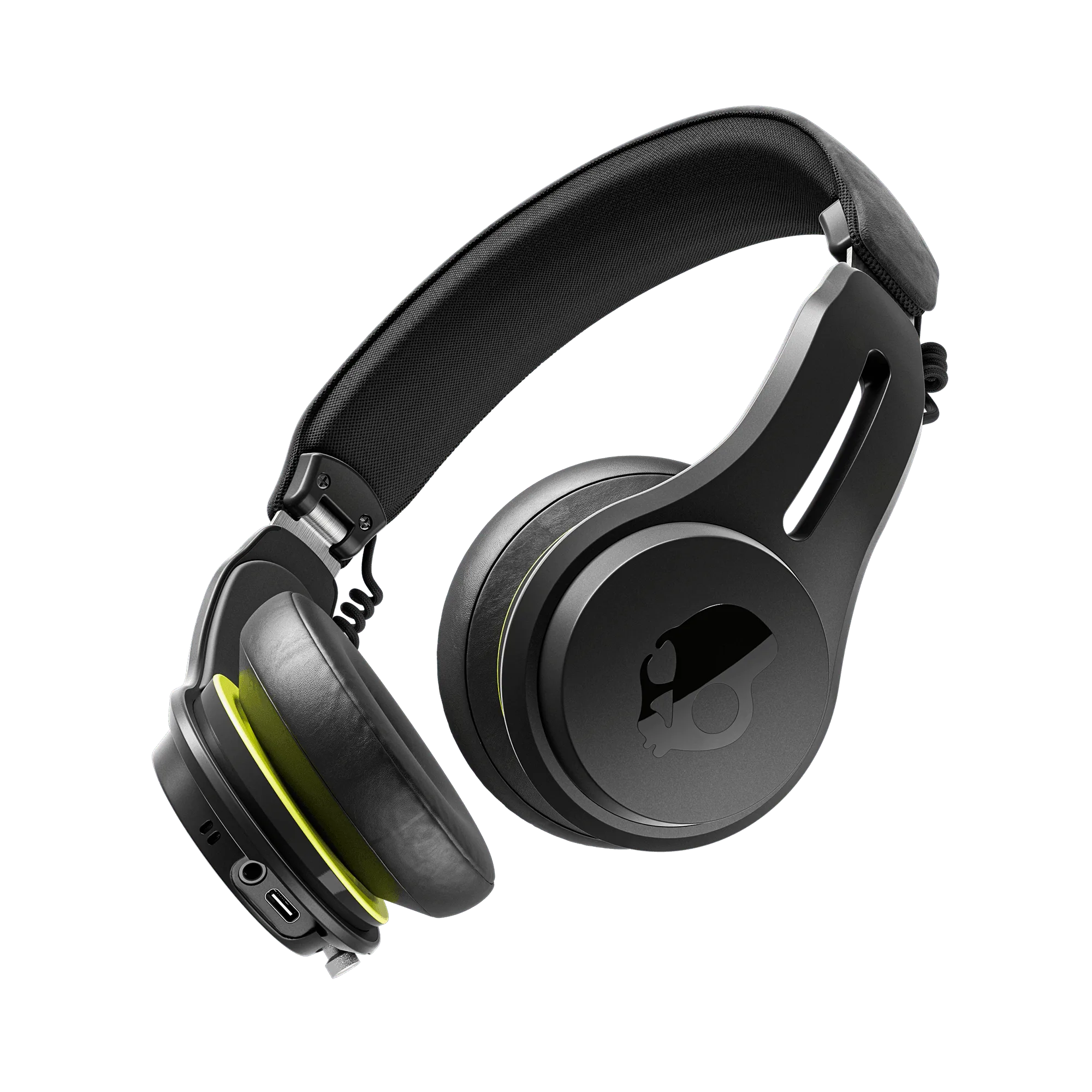
- Icon® ANC: Icon ANC offers active noise canceling, sweat- and water-resistance, and up to 60 hours of battery time. If you use your headphones for workouts, the sweat resistance makes cleaning and drying after sessions a realistic routine rather than a risk.
Bass you can feel comes from a clean signal path, a good seal, and settings that work together rather than fight each other. Work through these steps in order, revisit them when you change tracks or environments, and your Crusher headphones will keep sounding the way you intended for years.