Quick Answer
If the whole print is uniformly too dark or too light, the enlarger exposure is wrong: make a stepped test strip on the same paper and developer, then adjust time or aperture in half-stop steps. If the print is dark only in shadows or light only in highlights, the problem is contrast rather than exposure, so change the contrast filter or paper grade instead of the timer. Only reach for a different developer when a correctly exposed test strip still looks flat or muddy.
Read the Symptom Before You Touch the Enlarger
Hold the wet or dried print at arm's length and decide which of three patterns you have: everything too dark, everything too light, or only part of the tonal range wrong. Uniform darkness or lightness points to exposure. Heavy black shadows with blown highlights points to too much contrast. Grey, lifeless shadows with dull highlights points to too little contrast. This single judgement stops you from changing the timer when you actually need a filter, or swapping filters when you only need more time.
Make a Test Strip That Actually Tells You Something
Cut a strip of the same paper you intend to print on and expose it in overlapping steps across the most important part of the image — usually a face or a mid-tone area with detail you care about. Keep the lens aperture, filtration and developer temperature constant. Develop for the full recommended time, stop, fix and check under the same light you will use for the final print. If the correct-looking step falls between two exposures, split the difference rather than guessing a whole new time.
Change One Variable at a Time
Exposure time, lens aperture, contrast filtration and developer dilution all affect density, so changing two at once makes the next test strip meaningless. Work in this order: exposure first, then contrast, then chemistry. Write the settings on the back of each test strip so you can repeat a good result instead of rediscovering it. If your enlarger has a stabilised power supply or a known warm-up time, respect it — lamp output can drift in the first minutes and make a good exposure look wrong.
When Contrast, Not Exposure, Is the Culprit
A print that is too dark in the shadows and too light in the highlights is over-contrasty: drop to a lower contrast filter grade or a softer paper. The reverse — flat, grey shadows and weak highlights — calls for a higher grade or a harder filter. Varigrade papers let you change grade without changing paper stock, which keeps your exposure testing valid. Make a new test strip after every filter change, because filtration alters the effective exposure.
Chemistry and Paper Handling That Mimic Exposure Faults
Exhausted or cold developer produces weak, light prints that look under-exposed even when the enlarger is correct. Check developer temperature and capacity before you blame the timer. Fogged or outdated paper produces an overall dark cast that no exposure change will fix; test a fresh sheet from a sealed pack. Safelight leaks and white-light contamination are common causes of mysterious dark prints, so run a coin test on a scrap of paper to rule them out.
Diagnosis: Match the Symptom to the Fix
- Whole print too dark: Exposure is too long or the aperture is too wide. Reduce time or stop down in half-stop steps and re-test on the same paper and developer. If a correctly exposed test strip is still dark, check for paper fog or safelight leaks before changing anything else.
- Whole print too light: Exposure is too short, the aperture is too small, or the developer is cold or exhausted. Correct exposure first, then verify developer temperature and capacity. If fresh chemistry and a longer exposure still give a weak print, the paper may be outdated — test a sheet from a new pack.
- Dark shadows, blown highlights: Too much contrast. Lower the contrast filter grade or switch to a softer paper, then make a new test strip because filtration changes effective exposure. If the lowest grade still blocks up shadows, the negative itself is too contrasty — consider a different film development time next roll.
- Flat, grey shadows and dull highlights: Too little contrast. Raise the filter grade or use a harder paper, and re-test exposure after the change. If the highest grade still looks flat, the negative is under-developed or under-exposed; no printing filter will recover missing detail.
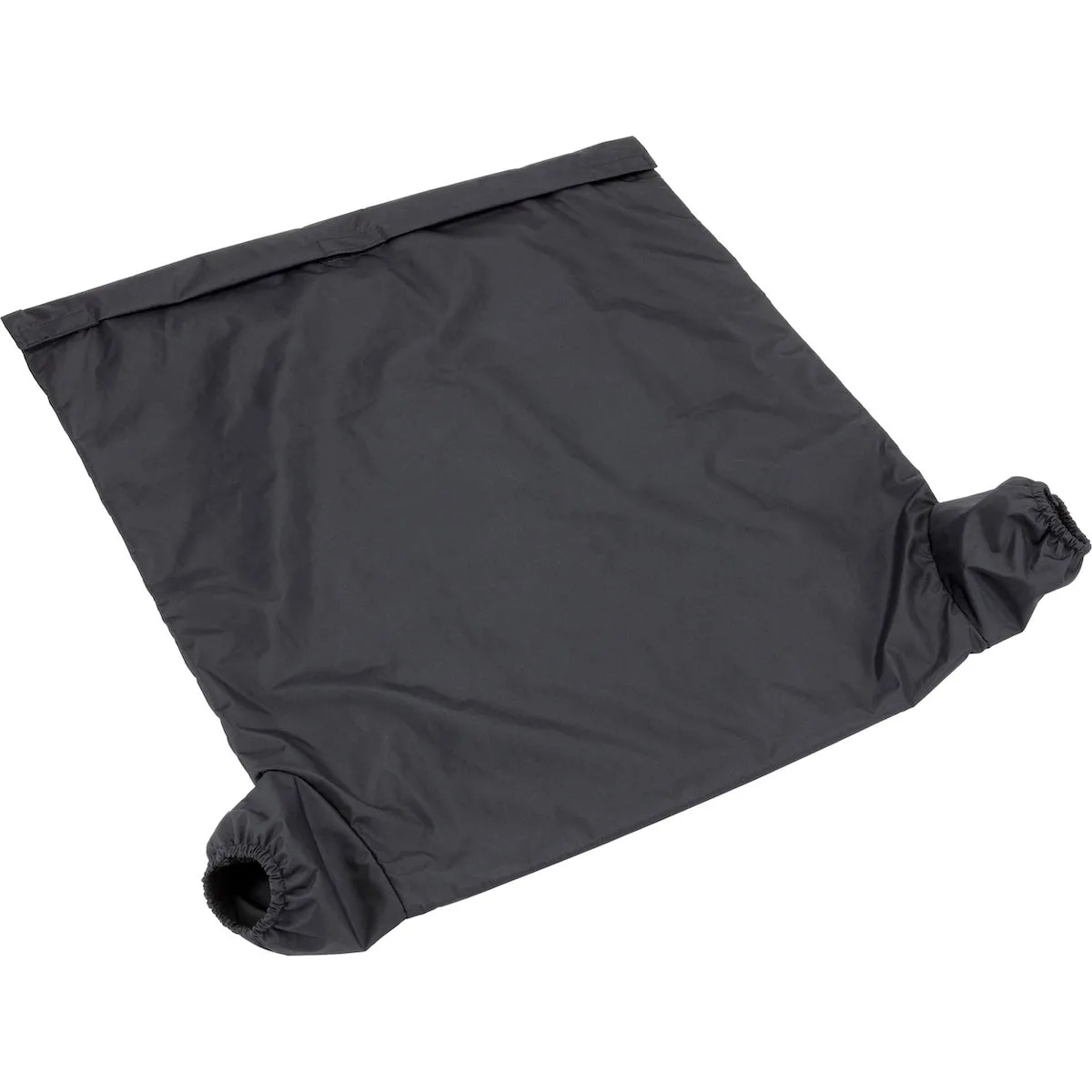
- Uneven density across the print: This is usually an enlarger or handling fault, not exposure: check for uneven lamp output, a drifting power supply, or light leaks in a changing bag. Stop adjusting the timer once density varies across the frame — fix the light path or the loading method instead.
Products That Help You Diagnose Exposure
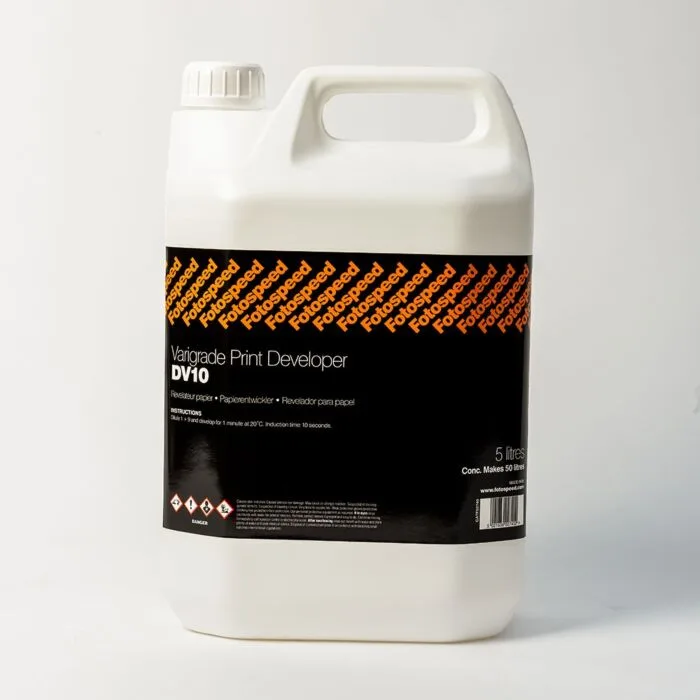
- Fotospeed DV10 Varigrade Developer 5 Litre: Fotospeed DV10 Varigrade Developer is a PQ dish developer with a short induction time, formulated for rapid processing of resin coated papers with development completed in 60 seconds. A consistent 60-second development time removes one variable from your exposure testing, so a too-dark or too-light test strip reflects enlarger settings rather than uneven development.
- Firstcall Light-Tight Changing Bag Large: Firstcall Light-Tight Changing Bag Large uses a lightweight black nylon outer with a rubberised nylon/cotton inner, double-lined and double-zippered. If you load and unload paper in a changing bag, a light leak there can fog sheets and make every print look too dark, so a genuinely light-tight bag protects your exposure tests.