Quick answer
For most 70mai dash cams, a high-endurance micro SD card with 128GB or 256GB capacity is the sweet spot. Choose a card rated for continuous write cycles to avoid corruption. If you have a multi-channel setup, lean toward 256GB or higher for more buffer.
Your dash cam is only as reliable as the memory card inside it. A cheap or worn-out card can cause dropped frames, failed recordings, or a camera that won't start. This guide cuts through the jargon to help you pick the right micro SD card for your 70mai dash cam.
We'll cover the key specs that matter, how card size affects recording time, and which cards pair best with specific 70mai models. You'll also learn why high-endurance cards are worth the extra cost and how to avoid common pitfalls.
Why high-endurance matters for dash cams
Dash cams write and rewrite data constantly, often in loops. Standard memory cards are designed for photos and occasional video, not the relentless cycle of a dash cam. High-endurance cards use better flash memory and controllers to handle this workload without failing prematurely.
A regular card might last a few months in a dash cam before errors appear. High-endurance cards are built to withstand years of continuous use. They cost a bit more but save you from losing footage when you need it most.
- Look for 'high endurance' or 'endurance' on the card label.
- Avoid standard cards even if they're cheaper—they're false economy.
Capacity: how much do you need?
Capacity determines how many hours of footage you can store before the oldest files are overwritten. A 64GB card might hold 4-6 hours of 4K video from a single channel, while a 128GB card doubles that. If you run a dual or 3-channel setup, you'll want at least 128GB, preferably 256GB.
For most drivers, 128GB strikes a good balance between price and recording time. If you park your car in a busy area and rely on parking surveillance, a larger card gives you more buffer before old footage is erased.
- Single-channel 1080p: 64GB is often enough.
- Dual-channel 4K: 128GB minimum, 256GB recommended.
- 3-channel: 256GB or higher for ample coverage.
Speed ratings and compatibility
Speed class matters less than endurance for dash cams, but you still need a card that can keep up with high-bitrate 4K recording. Look for UHS Speed Class 3 (U3) or Video Speed Class 30 (V30) or higher. These ratings ensure the card can sustain the write speeds needed for smooth 4K video.
70mai dash cams generally work with micro SD cards up to 256GB, but always check your model's manual for the maximum supported capacity. Using a card that's too large can cause compatibility issues, while a card that's too slow may result in dropped frames.
- Choose U3 or V30 for 4K recording.
- Format the card in the dash cam before first use.
- Check your camera's max supported capacity—often 256GB.
How to spot a fake or worn-out card
Counterfeit cards are common online. They may claim high capacity but actually hold far less, causing overwriting and corruption. Buy from reputable sellers and test new cards with software like H2testw. If your dash cam shows 'card error' or frequently stops recording, the card may be worn out or fake.
Even genuine cards wear out over time. Most high-endurance cards last 2-3 years in dash cam use. If you notice missing files or the card feels hot, replace it. Regular formatting can help, but it won't revive a dying card.
- Test new cards with free tools to verify capacity.
- Replace cards every 2-3 years or after errors.
- Format the card monthly to maintain performance.
Decision rules for buying a 70mai micro SD card
- Match card to channel count: Single-channel: 64-128GB high-endurance. Dual-channel: 128-256GB. 3-channel: 256GB or more. More channels mean more data; size up accordingly.
- Prioritize endurance over speed: A U3/V30 high-endurance card beats a faster non-endurance card for dash cam longevity. Endurance prevents corruption and data loss.
- Buy from trusted sources: Counterfeit cards are rampant. Purchase from reputable retailers or directly from 70mai. Avoid marketplace sellers with suspiciously low prices.
- Format regularly and replace when needed: Format the card in the dash cam every month. Replace it every 2-3 years or if errors appear. Proactive maintenance saves footage.
70mai bundles that include memory cards
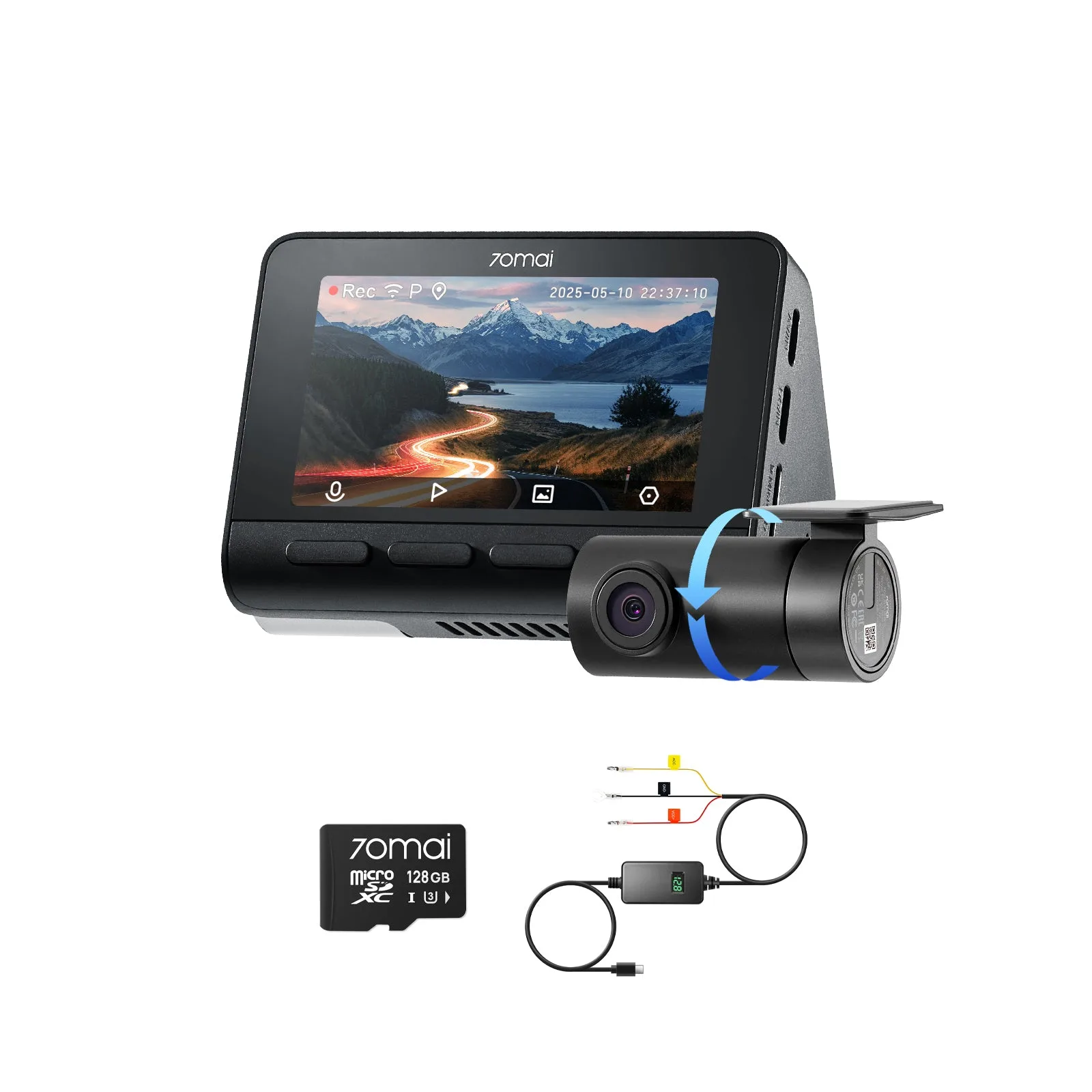
- 4K A800SE Flash Bundle: Front Cam + Rear Cam + Memory Card + Hardwire Kit: Comes with a 128GB micro SD card. Provides ample storage for dual-channel 4K recording without needing to buy a card separately.
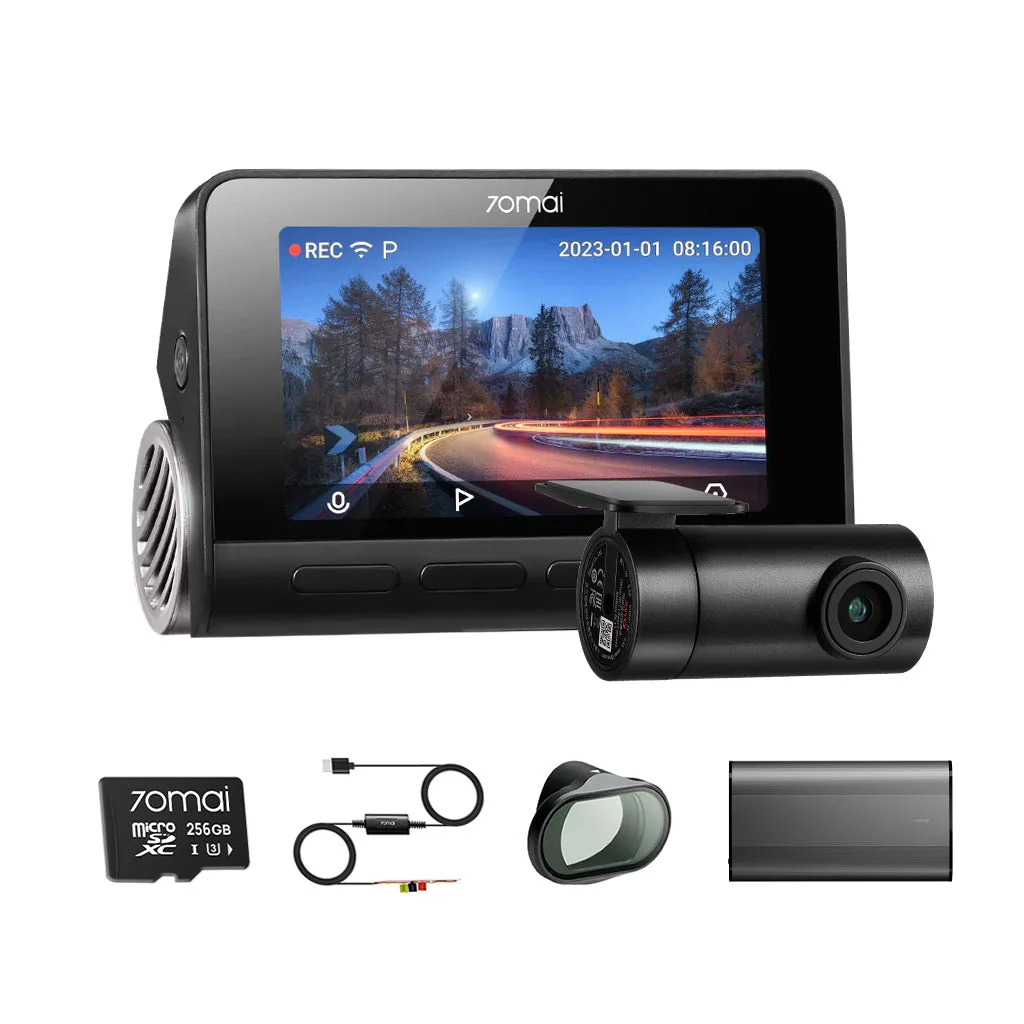
- 4K A810 Bundle: Front Cam + Rear Cam + Memory Card + Hardwire Kit + CPL Filter + Battery Pack: Includes a 256GB micro SD card. Offers double the storage for longer recording times, ideal for frequent drivers or those using parking mode.
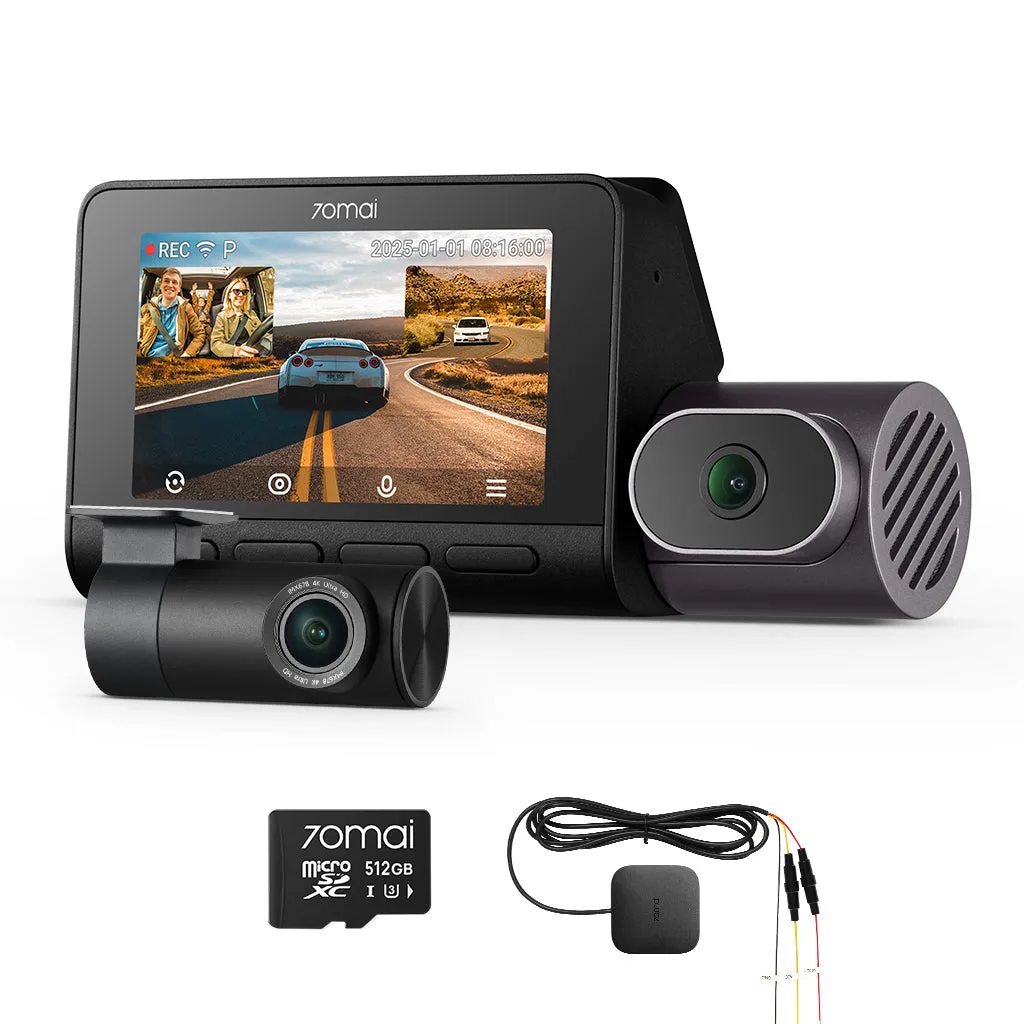
- 3-Channel Pro Setup: 4K T800 Front Cam + Rear Cam + Memory Card + Hardwire Kit: Includes a 512GB micro SD Card. Massive capacity supports 3-channel 4K recording and extended parking surveillance without frequent overwrites.
Is a high-endurance card right for you?
Best for
- Drivers who rely on their dash cam for insurance or liability evidence
- Anyone using parking surveillance or 24/7 recording
- Multi-channel setups with high data throughput
Not for
- Casual users who only record occasionally and remove the card often
- Those on a very tight budget willing to risk reliability
Choosing the right micro SD card for your 70mai dash cam is about balancing capacity, endurance, and compatibility. High-endurance cards in 128GB or 256GB are the safe bet for most drivers. If you're buying a new 70mai bundle, check if it already includes a card—many do, saving you a step. Always format new cards in the camera and replace them every few years to keep your recordings reliable.