Quick answer
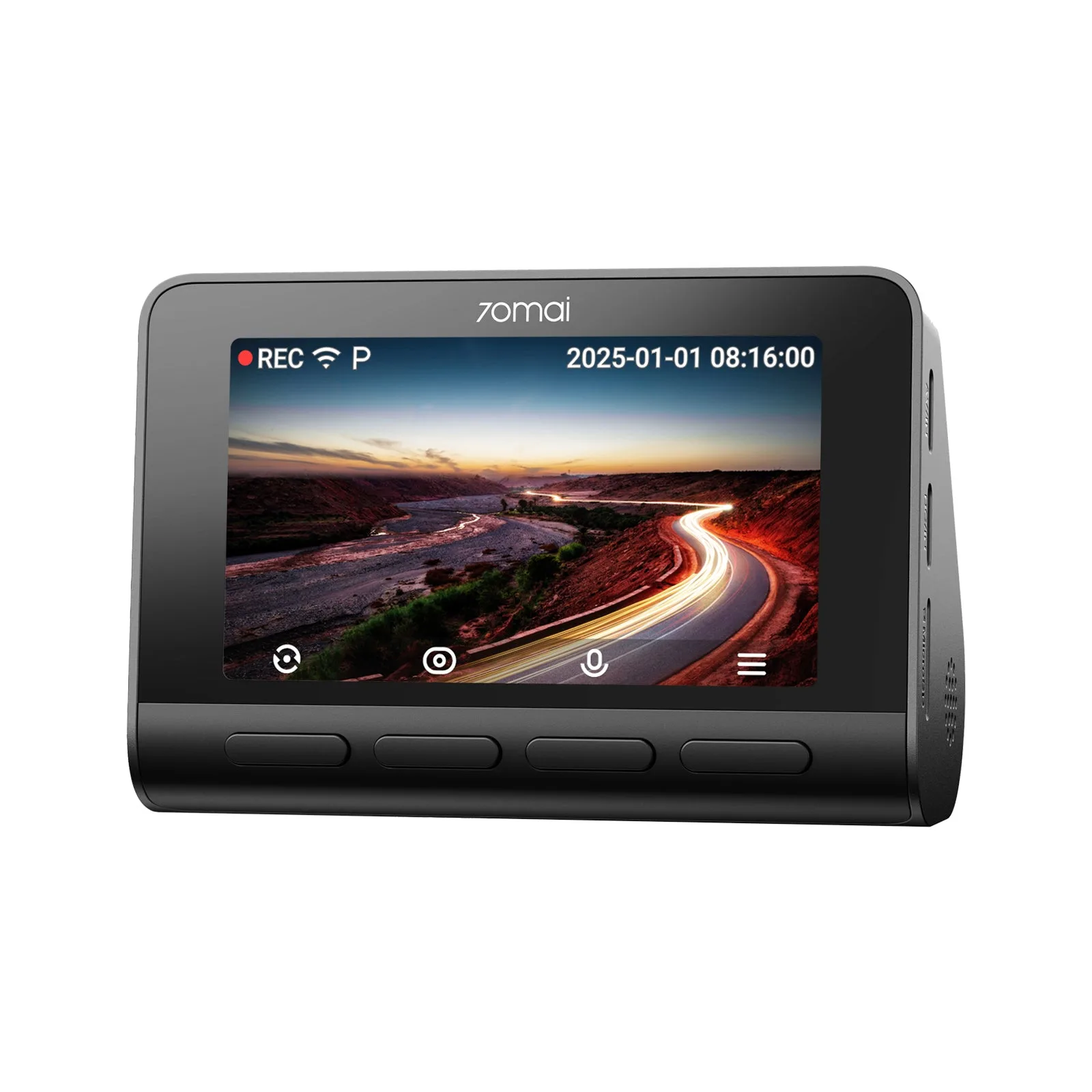
Most dash cam overheating shutdowns are caused by a combination of direct sunlight, a battery-based power source, and poor ventilation. The fix is to park in shade when possible, use a supercapacitor model like the 70mai Dash Cam 4K A810S, and lower the resolution or disable parking mode in extreme heat. If your camera still shuts down after these steps, it may have a hardware fault and should be replaced.
Why heat shuts a dash cam down
Dash cams are small computers with image sensors, processors, and power components that generate their own heat. When you add summer sun through a windshield, interior temperatures can easily exceed 140°F (60°C). Most cameras have a thermal protection threshold—often around 158°F (70°C)—and will automatically shut down to prevent permanent damage. This is a safety feature, not a defect. However, frequent shutdowns mean you lose recording coverage exactly when you might need it.
Battery vs supercapacitor: the biggest hardware factor
Lithium-ion batteries are sensitive to heat and can swell, degrade, or fail after repeated exposure to high temperatures. Supercapacitors, on the other hand, store energy using electrostatic fields and tolerate extreme temperatures far better. They also charge and discharge faster, which is useful for buffered parking modes. If you live in a hot climate, a supercapacitor dash cam is the more reliable long-term choice. The 70mai Dash Cam 4K A810S uses a supercapacitor and is designed to handle high heat without the swelling risks of a battery.
Mounting and parking habits that reduce heat
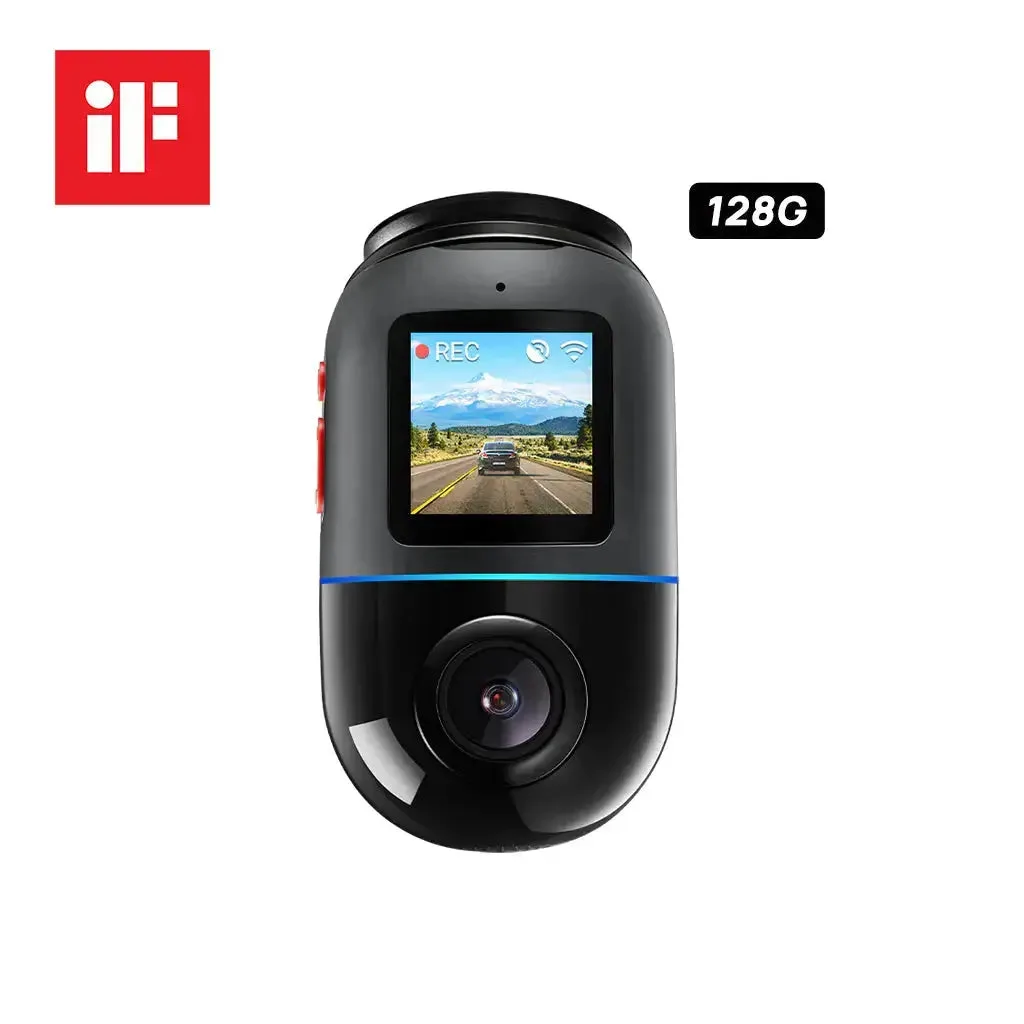
Where and how you park makes a measurable difference. A reflective sunshade on the windshield can lower interior temperatures by 20–30°F. Parking in a garage or under a tree whenever possible is even better. If you use a dash cam with a display, turning it off or setting it to turn off after a few seconds reduces internal heat. Also, avoid mounting the camera directly behind a dark tint band at the top of the windshield—that area absorbs more solar heat. For 360° models like the 70mai Dash Cam Omni, the rotating lens can be positioned to face away from direct sun when parked, though the base unit still gets hot.
Settings you can change right now
Lowering the recording resolution from 4K to 1080p reduces processor load and heat generation. Disabling parking mode during a heatwave prevents the camera from running for hours in a hot car. If your camera supports it, set a lower frame rate (e.g., 30fps instead of 60fps). Some 70mai models let you adjust the thermal cutoff threshold, but lowering it means the camera shuts down sooner—so only do this if you accept shorter recording windows. Check your model's manual for specific menu options.
When to stop troubleshooting and replace
If you have tried shade, a supercapacitor model, lower resolution, and disabled parking mode, but the camera still shuts down within minutes on a mild day (below 85°F), the issue is likely a failing internal component. Repeated overheating can damage the image sensor or processor. At that point, further fixes are unlikely to help. Consider replacing the unit, especially if it is more than two years old or has a battery that shows any sign of swelling.
Diagnose your overheating issue
- Camera shuts down only on very hot days (above 95°F) and restarts after cooling: This is normal thermal protection. Try parking in shade, using a sunshade, and lowering resolution to 1080p. If it still happens, consider a supercapacitor model like the 70mai Dash Cam 4K A810S. If shutdowns are rare and only in extreme heat, no repair is needed—adjust your habits.
- Camera shuts down within 10–15 minutes even on mild days (below 85°F): Check for a firmware update, ensure the camera is not in direct sun, and try a different power source (12V socket vs hardwire). If the problem persists, the internal battery or processor may be failing. If these steps fail, stop troubleshooting and replace the unit.
- Camera battery is swollen or the casing is deformed: A swollen battery is a fire risk. Stop using the camera immediately and dispose of it properly. Do not attempt to replace the battery yourself unless the manufacturer provides an official kit. Replace the camera with a supercapacitor model to avoid future battery issues.
Product facts that matter for heat
- 70mai Dash Cam 4K A810S with Sony STARVIS 2 IMX678, License Plate Enhancement, Buffered Emergency Record, Supercapacitor & 4G LTE: Uses a supercapacitor instead of a lithium battery. Supercapacitors tolerate high temperatures without swelling or degrading, making this camera more reliable in hot climates.
- 70mai Dash Cam Omni 360° Full View with Built-In eMMC, AI Detection & 4G LTE Supported: Features a 360° full view design with a rotating 340° stepping motor and 140° lens FOV. The rotating lens can be aimed away from direct sun when parked, reducing heat buildup on the sensor, though the base still requires ventilation.