Quick answer
If your instant camera stops printing, first check the film pack and battery, then clean the rollers and lens. For ongoing date night camera maintenance, store film in a cool dry place, avoid extreme temperatures, and replace batteries before they fully drain. If the camera still fails after these steps, stop troubleshooting and contact the manufacturer or consider a replacement.
Common symptoms and what they usually mean
An instant camera that won't print, produces blank frames, or jams often points to one of three areas: film, power, or mechanical parts. A dead battery is the most frequent culprit—if the camera doesn't power on or the flash is weak, replace the batteries with fresh ones. Blank or dark prints usually mean the film pack is expired or was loaded incorrectly. Jams and streaks often come from dirty rollers or a film pack that wasn't seated properly.
- No power: check battery orientation and charge.
- Blank prints: verify film pack is fresh and correctly aligned.
- Streaks or spots: clean the rollers and lens.
- Film won't eject: do not pull the film; open the film door in a dark room and reseat the pack.
Step-by-step fixes you can try at home
Start with the simplest fix: replace the batteries. Use the type and quantity specified in your camera manual—usually AA or CR2—and avoid mixing old and new batteries. Next, remove the film pack and inspect it. If the dark slide is still in place or the pack is misaligned, reload it according to the arrows. Clean the rollers with a soft, dry cloth or a cotton swab lightly dampened with isopropyl alcohol; let them dry completely before closing the film door. For lens smudges, breathe on the lens and wipe gently with a microfiber cloth. If the camera has a built-in flash that won't fire, check the flash setting and battery level.
Film storage and handling for reliable prints
Instant film is sensitive to heat, cold, and moisture. Store unused film packs in a cool, dry place—ideally between 55°F and 82°F (13°C–28°C)—and away from direct sunlight. If you're shooting outdoors in cold weather, keep the film and camera close to your body to maintain temperature. After loading a pack, shoot all frames within a reasonable time; leaving a pack in the camera for months can affect performance. When you're ready to use a cold pack, let it reach room temperature before loading to avoid condensation.
When to stop troubleshooting and seek help
If you've replaced the batteries, tried a fresh film pack, cleaned the rollers and lens, and the camera still won't print or consistently jams, the issue may be internal. At that point, continuing to force film or disassemble the camera can cause more damage. Check your camera's warranty and contact the manufacturer's support. If the camera is out of warranty and repairs are costly, replacing it may be more practical—especially if you rely on it for date nights. For bundle owners, remember that the camera is only one part; the challenge cards themselves don't require a working camera to enjoy, though photos add to the memories.
Diagnosis: match the symptom to the fix
- Camera won't turn on: Likely cause: dead or incorrectly inserted batteries. Action: replace with fresh batteries, ensuring correct polarity. Takeaway: if it still won't power on, the issue may be internal—stop and contact support.
- Prints are blank or too dark: Likely cause: expired film, film pack loaded incorrectly, or extreme temperatures. Action: try a fresh film pack stored at room temperature. Takeaway: if new film doesn't fix it, the camera's exposure system may need service.
- Film jams or streaks appear: Likely cause: dirty rollers or misaligned film pack. Action: clean rollers with a dry cloth and reseat the pack. Takeaway: if jams continue after cleaning, stop forcing film and seek professional repair.
Camera bundles that pair with these care tips
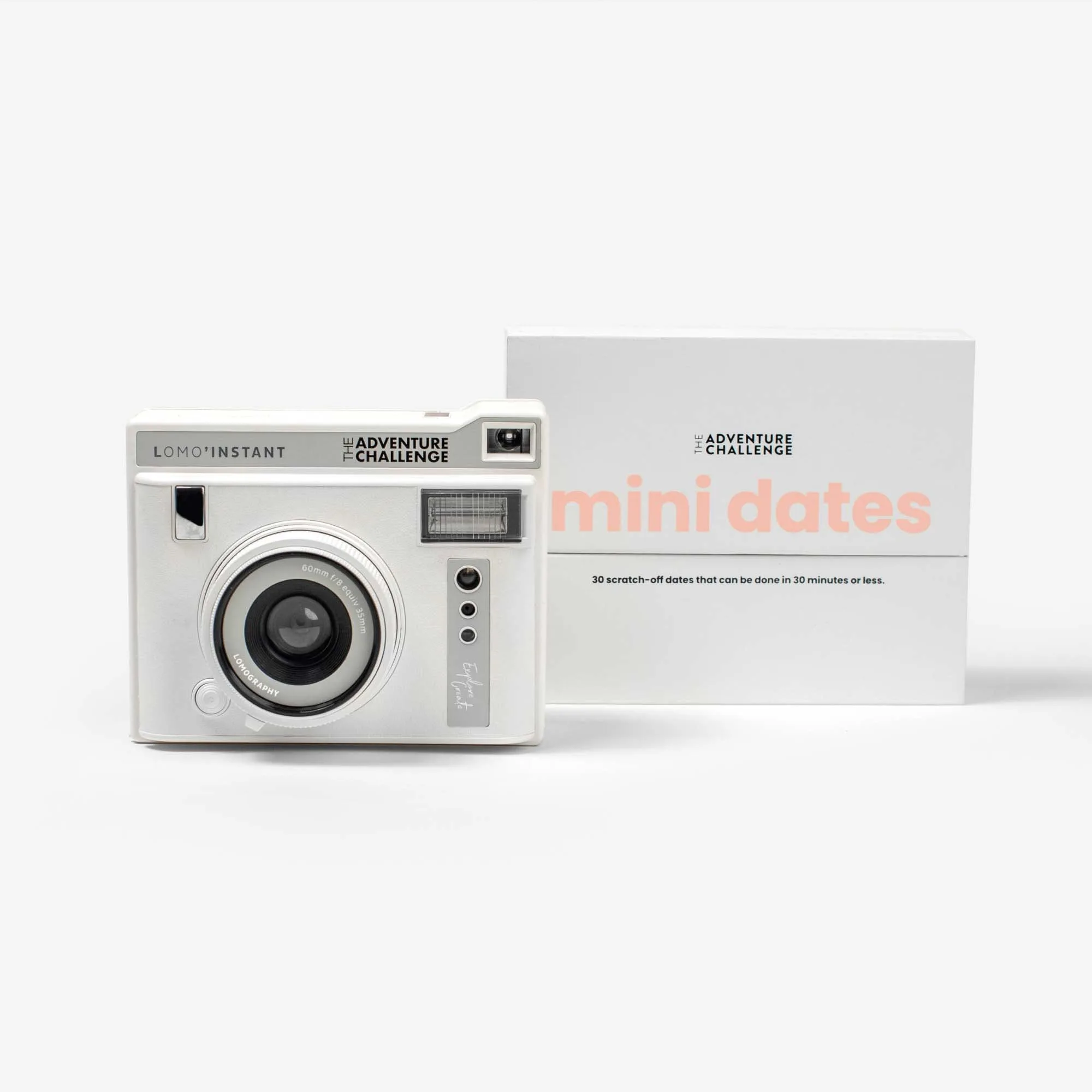
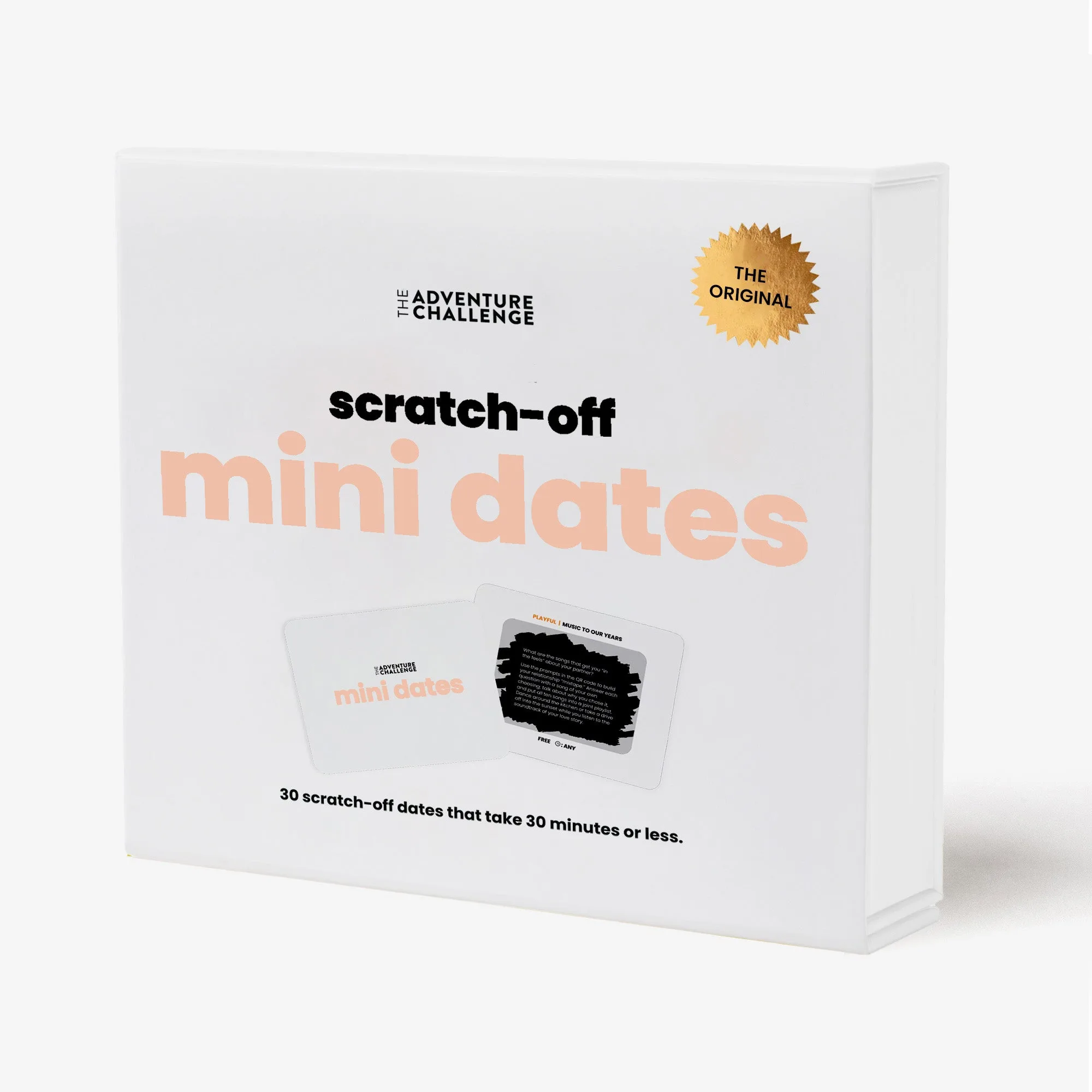
- Mini Dates Camera Bundle: Mini Dates Camera Bundle includes scratch-off challenge cards for at-home dates across four categories: food, games, playful moments, and intentional conversations. The camera in this bundle is designed for close-to-home use, so keeping it maintained ensures you can capture those small moments without interruption.
Mini Dates
- Quickies Camera Bundle: Quickies Camera Bundle features 30 fun and sexy challenges that can be completed in 30 minutes or less. Because these dates are quick, a camera that's ready to go—with fresh batteries and film—helps you capture the moment without delay.
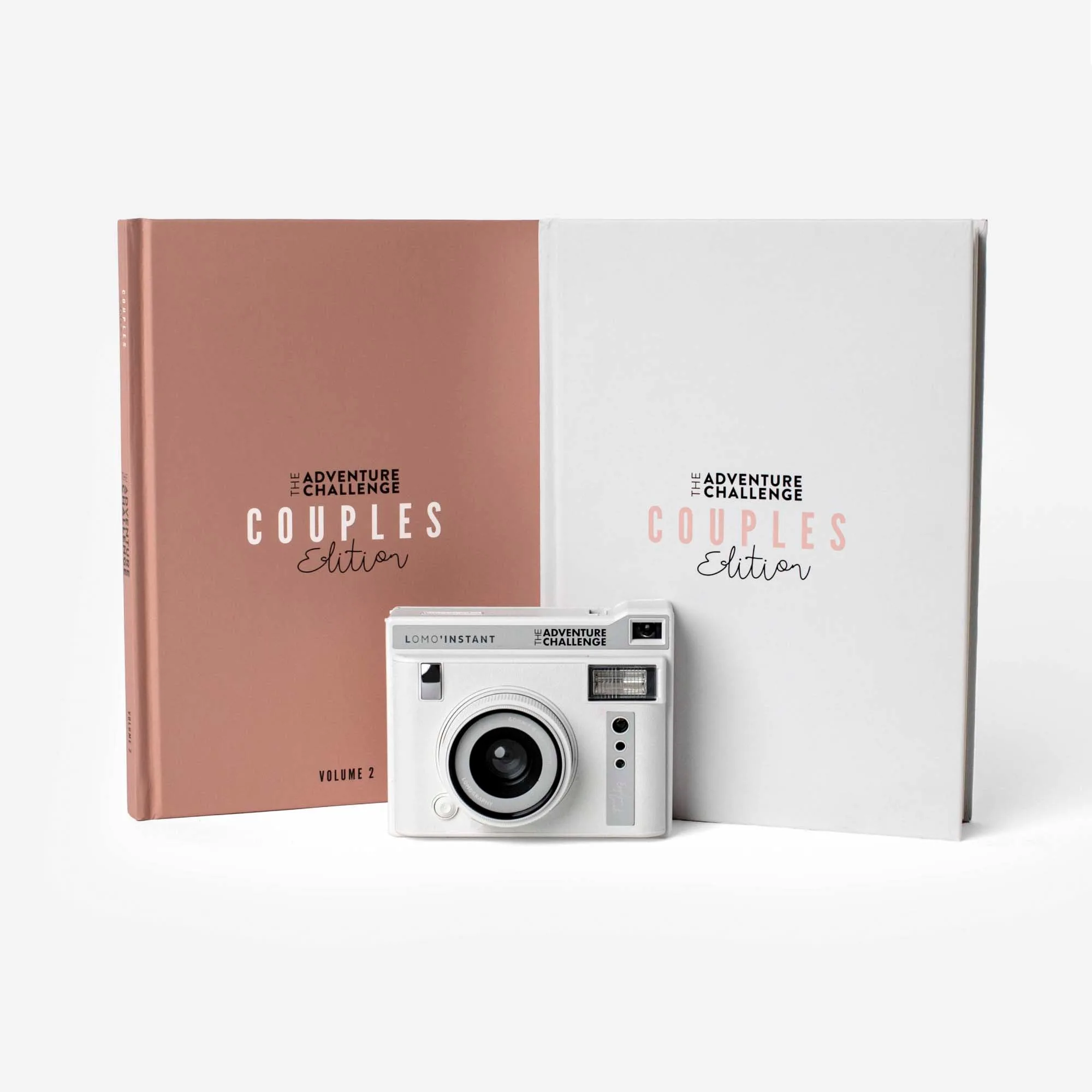
- Quickies and Couples Camera Bundle: Quickies and Couples Camera Bundle combines the Quickies challenges with additional couples content. If you own this bundle, regular camera maintenance means you won't miss documenting a range of date experiences, from quick to extended.