Quick Answer
Measure your desk's usable width and depth first, then choose a mat that covers the area where your keyboard and mouse actually sit. For most setups, a 35x16 inch mat offers a good balance of coverage and fit.
Why Size and Surface Matter
The right desk mat size isn't just about looks—it affects your comfort and precision. A mat that's too small leaves your mouse running off the edge, while one that's too large can crowd your desk or curl at the edges. Surface material also plays a role: rubber-backed mats stay put better, while foam-backed ones are lighter but may slide more.
Think about what you place on the mat. If you only need a mouse pad, a smaller option saves space. If you want a unified surface for your keyboard and mouse, a larger mat gives you a consistent glide and protects your desk from scratches.
Matching Mat Size to Desk Type
Standard office desks are usually 60 inches wide and 30 inches deep, but your usable space might be less if you have a monitor stand or other gear. Measure the area between your keyboard and the edge of your desk, and add a little extra for mouse movement.
For compact desks or shared spaces, a smaller mat like a 24x14 inch play mat can fit neatly without overwhelming the surface. For larger setups, a 35x16 inch mat provides generous coverage for both keyboard and mouse.
Trade-Offs: Large vs. Small Mats
Large mats give you more room to move your mouse and create a cohesive look, but they can be harder to clean and may not fit on smaller desks. They also cost more and can be tricky to ship or store.
Small mats are budget-friendly, easy to swap, and fit almost anywhere. The downside is that you might run out of mouse space, especially if you use a low sensitivity setting in games.
How to Choose the Right Desk Mat Size
- Measure your desk: Measure the width and depth of the area where you want the mat. Subtract space for a monitor stand or other items. This gives you the maximum mat size that will fit. Write down your usable dimensions before shopping.
- Consider your mouse usage: If you play fast-paced games with low sensitivity, you need more mouse space. A 35x16 inch mat gives you ample room. For casual browsing, a smaller mat may be enough. Think about your gaming style to decide how much mouse area you need.
- Check the backing material: Rubber backing grips better on most surfaces, reducing movement. Foam backing is lighter but may slide. Choose rubber for stability if your desk is smooth or you move your mouse quickly. Test the mat on your desk surface to ensure it stays put.
- Think about desk space: If your desk is small or shared, a compact mat like 24x14 inches can fit without crowding. For larger desks, a full-size mat creates a unified look and protects more surface. Balance coverage with available space to avoid a cluttered setup.
Desk Mats Compared
-
Headspace Desk Mat: This official OMORI desk mat measures 35x16 inches across with a 3 mm rubber backing. The large size covers both keyboard and mouse, and the rubber backing keeps it stable during intense gaming sessions.
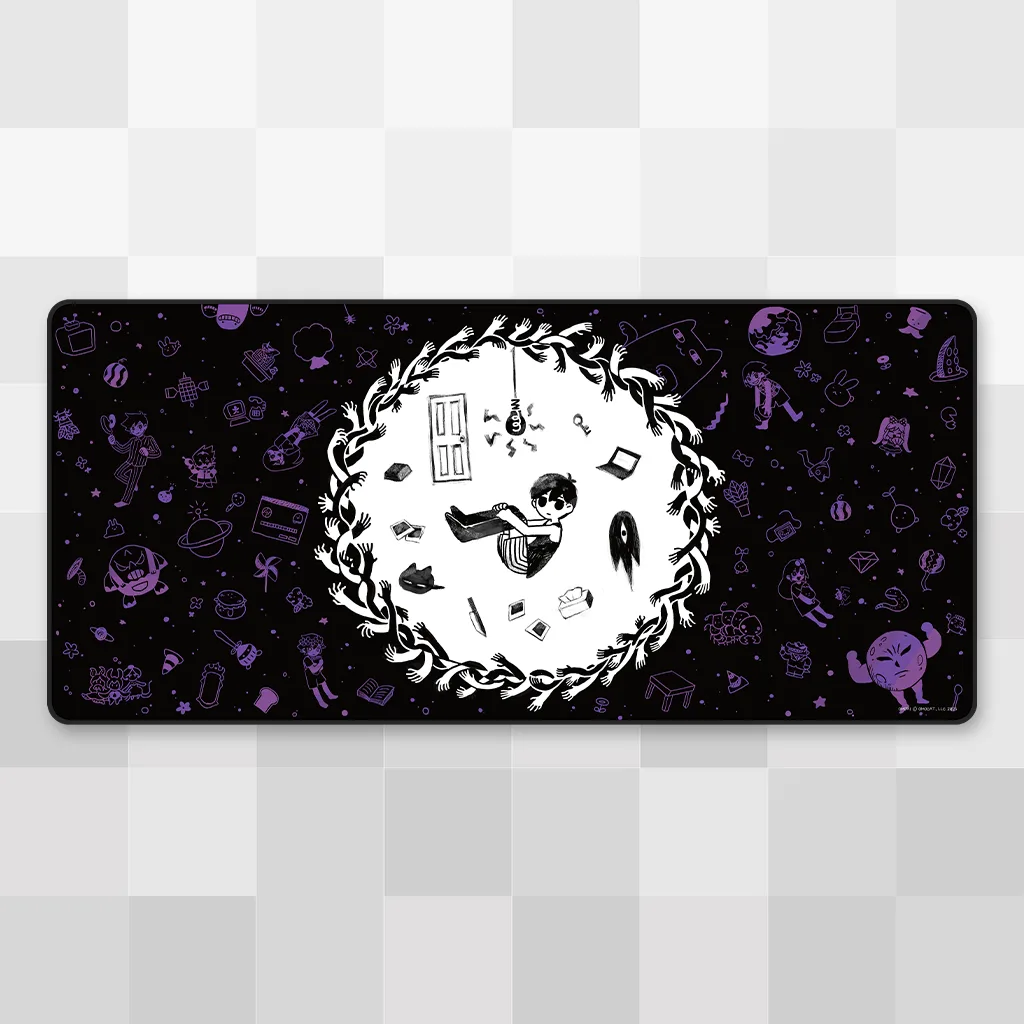
Headspace Desk Mat
-
Celestial Skies Desk Mat: This official Celeste desk mat measures 35x16 inches across with a 3 mm rubber backing. It offers the same generous surface and grip, making it a great choice if you want a full-size mat with a different design.
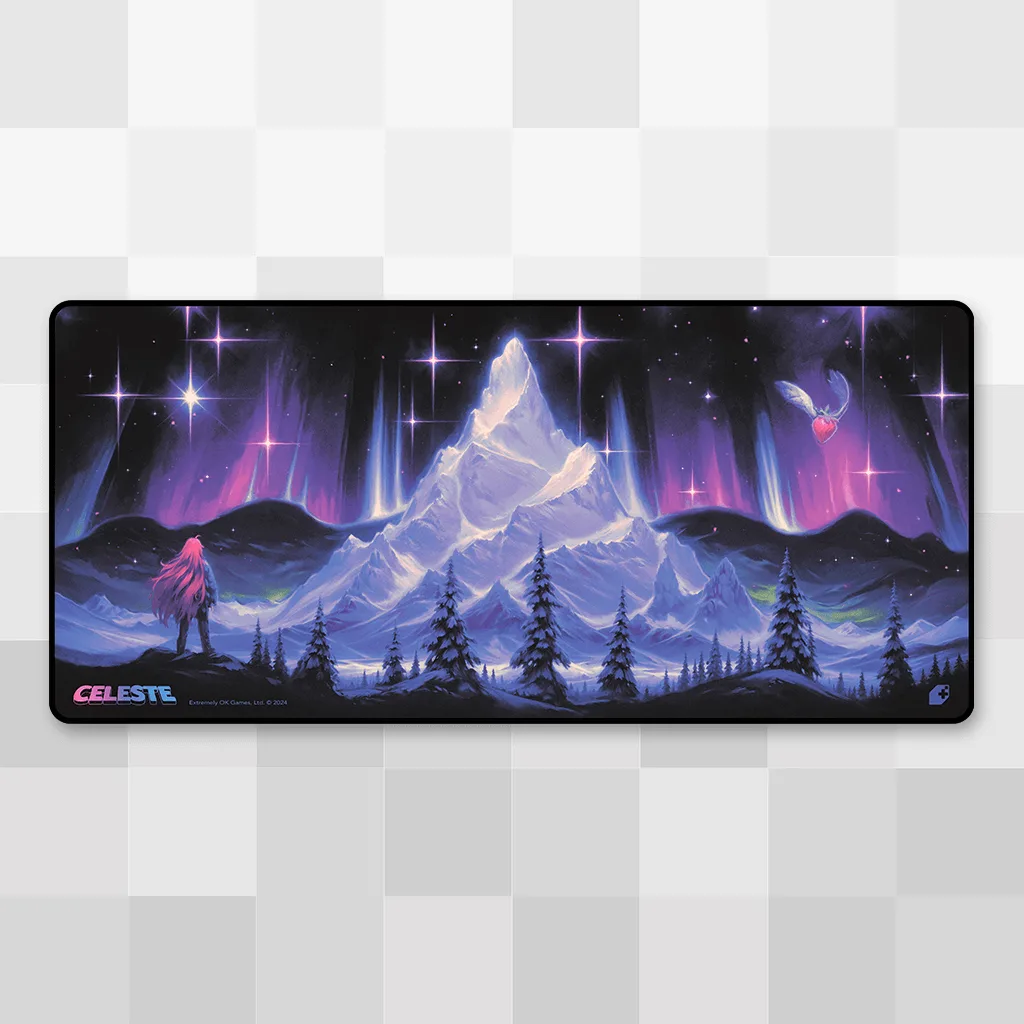
Celestial Skies Desk Mat
-
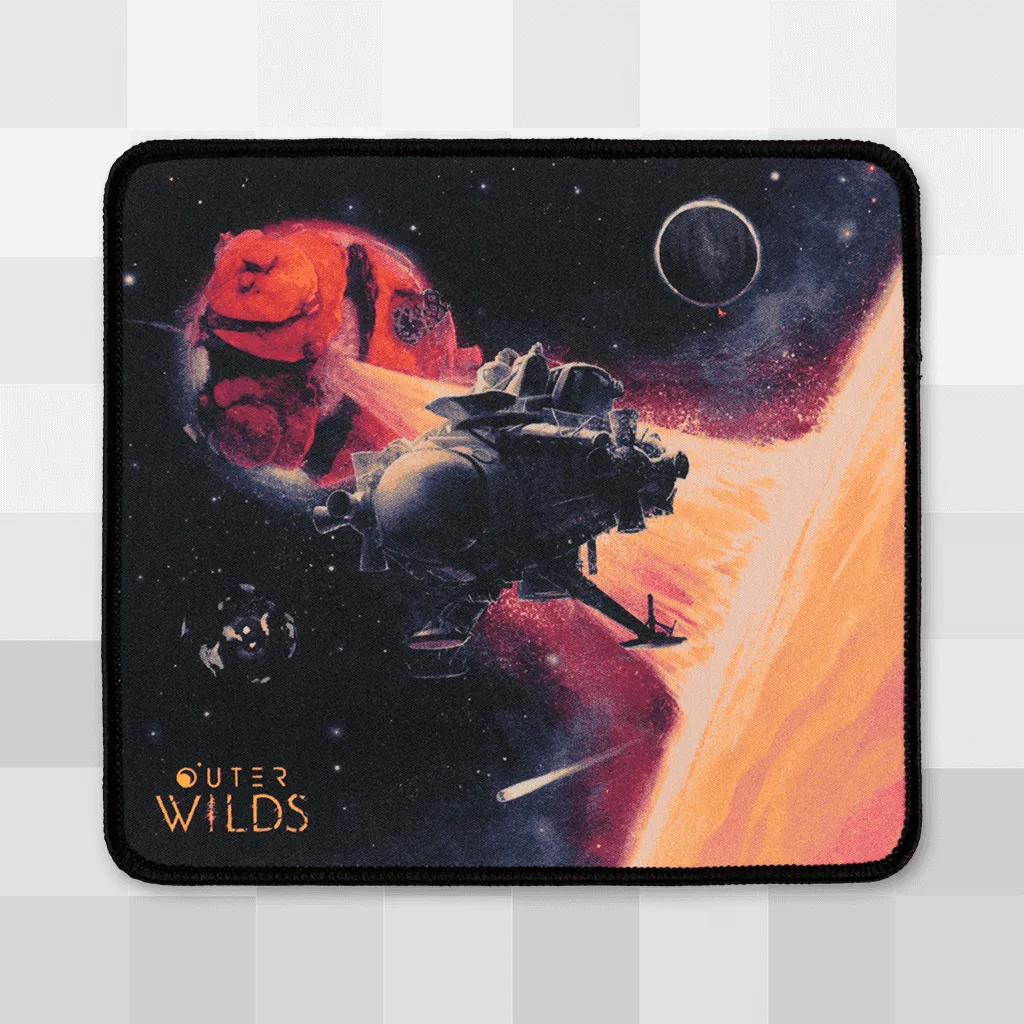
Stellar Sandscape Mousepad: This official Outer Wilds mousepad is about 8.5 inches wide by 7.75 inches tall with a 3mm foam backing. Its compact size fits small desks or tight spaces, but the foam backing may not be as grippy as rubber on smooth surfaces.
-
Clairvoyance Play Mat: This official Balatro play mat is 24 inches wide by 14 inches tall with a 3 mm rubber backing. It's a middle-ground size—larger than a mousepad but smaller than a full desk mat—good for keyboard-only setups or as a play surface.
Who Should Choose Which Size
Best for
- Gamers with low mouse sensitivity who need a large, stable surface
- Users with spacious desks who want a unified keyboard and mouse area
Not for
- Compact desks or shared workspaces where a large mat won't fit
- Users who only need a mouse pad and prefer to save desk space