Quick answer
Not always. Many eufy cameras record to a microSD card or built-in storage and work without a HomeBase. A HomeBase becomes worth it when you want centralized local storage, fewer monthly fees, or a hub for multiple cameras and sensors. If you already own a HomeBase-compatible eufy camera, adding one is optional but useful.
What a HomeBase actually does for eufy cameras
A HomeBase is a hub that stores video locally on a built-in drive and can also manage compatible eufy cameras, doorbells, and sensors in one place. It keeps recordings on your property instead of a cloud server, which means no required subscription for basic local recording. The HomeBase also acts as a central point for notifications and automation, so you don't have to check each camera separately. If you already have a eufy camera that supports HomeBase pairing, adding one changes where your footage lives and how you manage it, not what the camera can see.
When you can skip the HomeBase
If you only have one or two eufy cameras and you're comfortable with a microSD card or built-in storage, you don't need a HomeBase. Cameras like the SoloCam E30 can record locally on their own, and the https://eufydu.com/products/t8214111-ca31ae734a0767f62503888f-563400Video Doorbell E340 (Battery Powered) can operate without a hub. For a single-camera setup, a HomeBase mainly adds another device to manage. The tradeoff is that you won't get centralized storage across multiple cameras, and you'll need to check each camera's storage separately if you want to review clips.
When a HomeBase makes sense
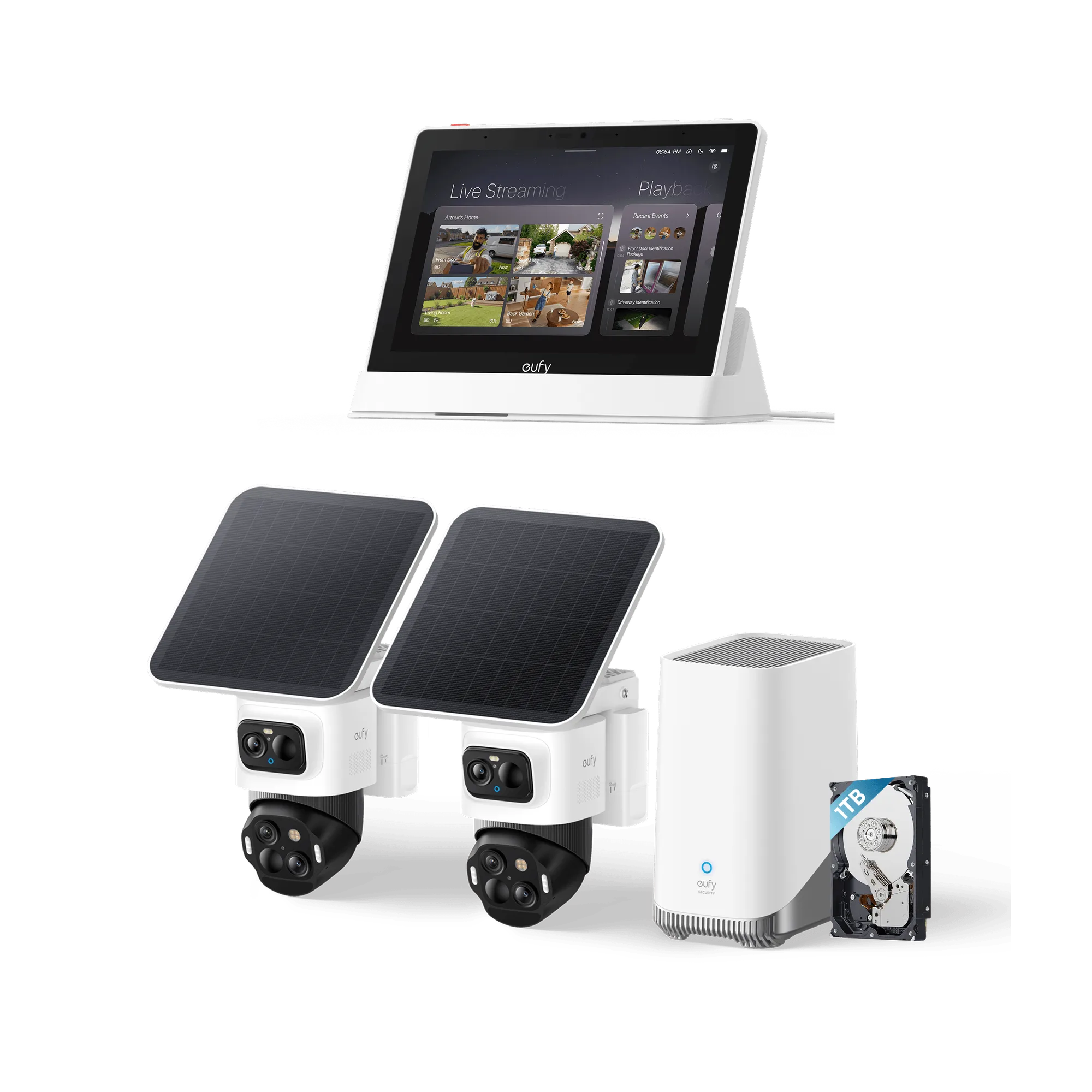
A HomeBase is most useful when you have three or more eufy cameras, want one place to review footage, or prefer local storage without relying on a microSD card in each camera. It also helps if you want to add sensors or expand your system later. The eufyCam E40 4-Cam Kit (HomeBase S380) is a clear example: it bundles four cameras with a HomeBase so you get centralized local storage out of the box. If you already own compatible cameras, buying a HomeBase separately can unify them.
HomeBase vs cloud storage for eufy
HomeBase local storage keeps clips on a drive you control and typically avoids a monthly fee for basic recording. Cloud storage, when offered, can be convenient for remote access if your HomeBase is offline, but it usually requires a subscription and stores footage on someone else's servers. For most people, HomeBase local storage is the more private and cost-effective choice for everyday recording. If you need off-site backup, you can often add cloud storage as a supplement, not a replacement.
Compatibility: which eufy cameras work with HomeBase
Not every eufy camera pairs with every HomeBase. Compatibility depends on the camera model and the HomeBase generation. The eufyCam E40 4-Cam Kit includes HomeBase S380, which supports that kit's cameras. The SoloCam E30 and Video Doorbell E340 (Battery Powered) can work as standalone devices, but if you want them on a HomeBase, check the official compatibility list for your specific model and HomeBase version. If a camera isn't listed as compatible, plan to use its own local storage instead.
Storage options if you don't use a HomeBase
Without a HomeBase, your eufy camera records to a microSD card or built-in memory, depending on the model. The eufy 4K NVR S4 Max (No HDD) takes a different approach: it's a PoE NVR system that requires a hard drive (not included) for local recording, and it manages multiple cameras through the NVR rather than a HomeBase. That's a good fit if you want a wired, centralized setup and don't mind installing a drive. For battery cameras, microSD storage is simpler but can fill up faster and may be harder to review across multiple cameras.
HomeBase decision checklist
How many eufy cameras do you have?
One or two cameras usually work fine without a HomeBase. Three or more cameras benefit from centralized local storage. If you're at three or more, a HomeBase is worth considering.
Do you want to avoid monthly fees?
HomeBase local storage typically avoids a subscription for basic recording. Cloud storage usually requires one. Choose HomeBase if no-fee local storage is a priority.
Is your camera HomeBase-compatible?
Check the official compatibility list for your exact camera model and HomeBase generation before buying a HomeBase separately. If it's not compatible, use the camera's own microSD or built-in storage.
Would a PoE NVR fit better?
The eufy 4K NVR S4 Max (No HDD) stores locally on a drive you install and manages multiple wired cameras without a HomeBase. Consider NVR if you want a wired, centralized system and don't mind adding a hard drive.
eufy products that show the difference
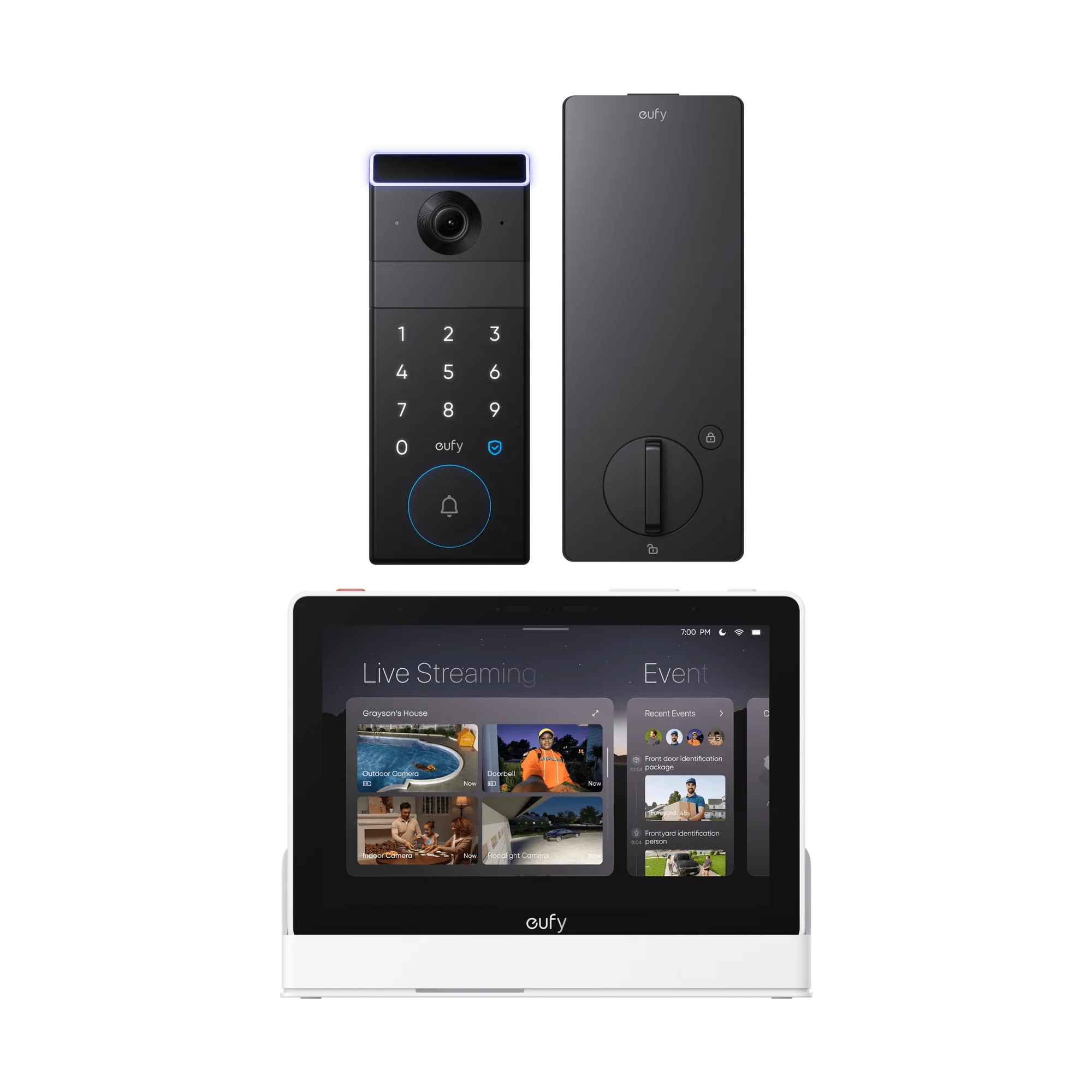
- eufy SoloCam E30 + HomeBase™ S380 + Video Doorbell E340 (Battery Powered): eufy SoloCam E30 + HomeBase S380 + Video Doorbell E340 (Battery Powered) includes a HomeBase S380 along with a SoloCam E30 and a battery-powered Video Doorbell E340. This bundle gives you a HomeBase for centralized local storage, while the SoloCam E30 and doorbell can also work without one if you prefer standalone setup.
- eufyCam E40 4-Cam Kit (HomeBase™ S380): eufyCam E40 4-Cam Kit (HomeBase S380) bundles four eufyCam E40 cameras with a HomeBase S380 for local storage. A four-camera kit is where a HomeBase pays off most, since you get one place to manage and review footage instead of checking four separate cameras.
- eufy 4K NVR S4 Max (No HDD): eufy 4K NVR S4 Max (No HDD) is a PoE NVR system that requires a hard drive (not included) for local recording. This is an alternative to HomeBase for wired setups: you supply your own drive, but you get centralized local storage without a HomeBase.