Quick Answer
Yes, you can use a screen protector with a MagSafe case, and most people should. The case protects the back and edges; the protector guards the glass you actually touch. They only conflict when the protector is too thick for the case lip or when a misaligned protector lifts at the edges. Choose both for the same model and install the protector first.
Why a Case Alone Does Not Cover the Screen
A Snap Case or COVERT case wraps the back, corners, and sides, but the display stays exposed. That is the surface you tap, swipe, and set face-down on tables. A screen protector adds a sacrificial layer that takes scratches and minor impacts instead of the glass underneath. If you use a folio or flip style that covers the screen when closed, your need drops, but for a standard case the protector is still the part that saves you from a scratched display.
Will a Screen Protector Stop MagSafe From Working?
MagSafe magnets live in the case or the phone back, not the screen, so a front protector does not interfere with magnetic accessory fit. The exception is a thick protector combined with a case that has a very tight lip: the raised edge can make the phone sit slightly differently in a car mount or wallet, but the magnet itself still aligns. If you use a MagSafe car mount or charger, test the fit after installing both. If the mount feels loose, check that the case is seated fully before blaming the protector.
How to Check Case and Protector Compatibility
Start with the model, not the brand. A protector cut for a Pixel 10 Pro Fold will not fit an iPhone 17, and a case built for one size can pinch a protector made for another. Look for a case with a raised lip around the screen; a lip that is too tall can catch the protector edge when you slide the phone in. Install the protector first, let it settle, then put the case on and check that no corner lifts. If a corner lifts, the protector is slightly too large or the case lip is too tight, and a thinner protector or a different case is the fix.
When You Can Skip the Screen Protector
You can reasonably skip it if you always use a closed folio, keep the phone in a dedicated pouch, or replace your device often enough that cosmetic scratches do not matter to you. You can also skip it if you dislike the feel of a film or glass layer and accept the risk. For everyone else, the cost of a protector is far below the cost of a screen repair, so the default should be to use both.
FAQ: Screen Protector and MagSafe Case
Do I need a screen protector if I already have a MagSafe case?
The case covers the back and sides, not the display, so a protector is still the only layer guarding the glass you touch. Use both unless you always keep the screen covered. Default to both; skip only with a closed folio or pouch.
Can a screen protector block MagSafe accessories?
No, because the magnets are in the case or phone back, not the screen. A very thick protector plus a tight case lip can change how the phone sits in a mount, so test your car mount or wallet after installing. If a mount feels loose, reseat the case before removing the protector.
Which should I install first, the protector or the case?
Install the protector first and let it settle. Then fit the case and check each corner for lifting. If a corner lifts, the protector is too large for that case lip, so switch to a thinner protector or a case with more clearance. Corner lift means a fit mismatch, not a defective protector.
Does a screen protector work with a foldable like the Pixel 10 Pro Fold?
Use a protector designed for that exact foldable, such as the Ghostek set for the Pixel 10 Pro Fold. Generic sheets may not match the fold and coverage, and they can interfere with the hinge area. Match the protector to the model, not just the brand.
Products That Fit This Setup
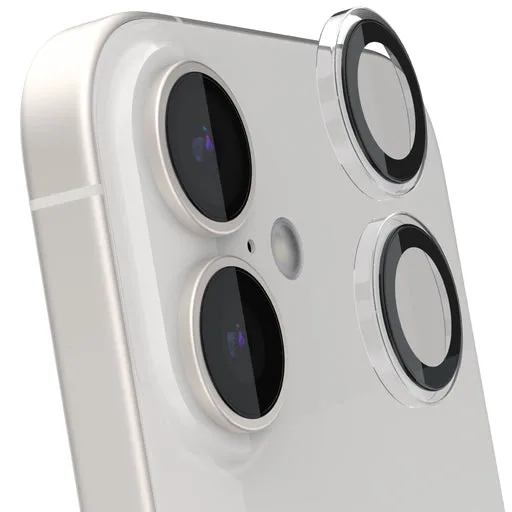
- Pixel 10 Pro Fold Screen Protectors — Screen Protection: Ghostek screen protector set designed specifically for the Pixel 10 Pro Fold, includes multiple protectors for full coverage, and maintains touch sensitivity and clarity. A model-specific set means the cutouts and coverage match the foldable display instead of a generic sheet that may not cover the full screen.
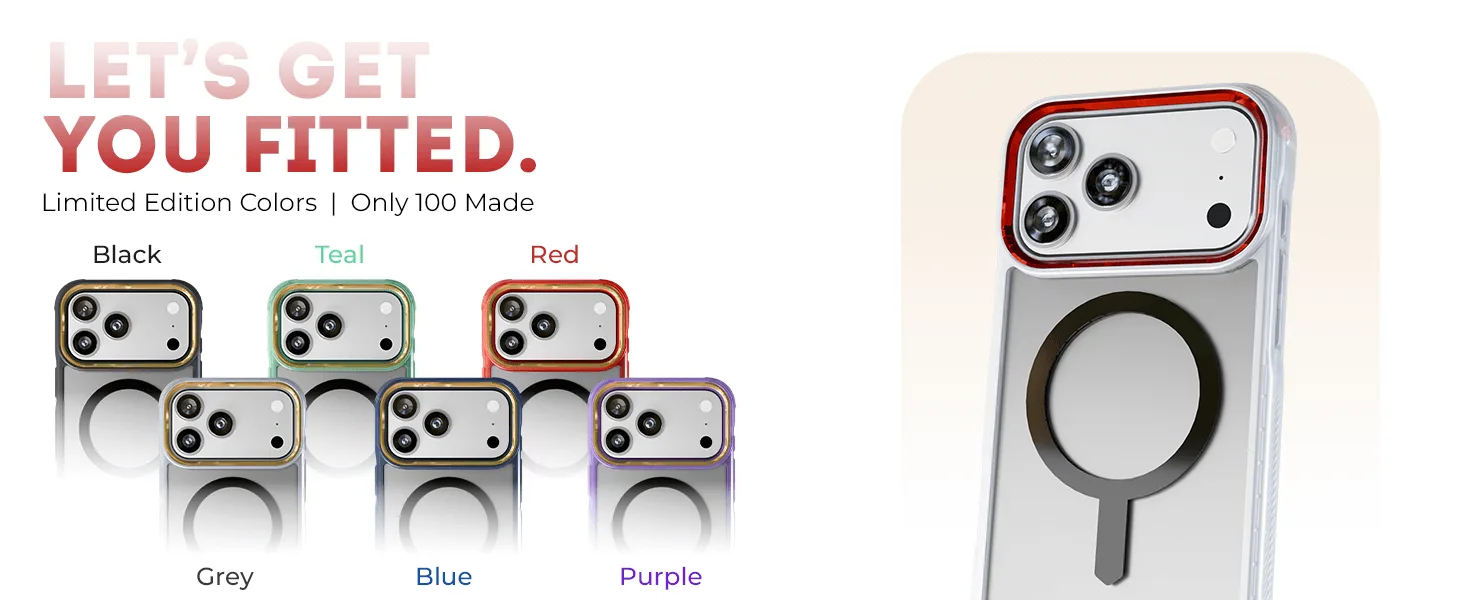
- iPhone 17 / Air Series Protective Clear MagSafe Cases — COVERTiPhone 17e / Smoke Matte: COVERT Snap Case for iPhone 17 and Air Series models, including the iPhone 17e, with a clear design, smoke matte finish, and built-in MagSafe compatibility. If you want to show the phone color while keeping MagSafe accessory fit, this case pairs with a front protector without blocking the magnet.
- iPhone 17 / Air Series Protective Clear MagSafe Cases — COVERTiPhone 17 Pro / Smoke: COVERT Clear MagSafe Case for iPhone 17 Pro and Air series models, with a smoke-tinted clear design and durable construction for everyday protection. A Pro-specific fit keeps the case lip aligned with the screen edge, which reduces the chance of a protector lifting at the corners.