Quick answer
Buy a Sphero educator guide when you already own the matching robot and want ready-to-run, standards-aligned lessons instead of building your own. Skip it if you are still choosing hardware or only need a few one-off activities. Match the guide to your robot and grade band first: RVR+ for grades 6 and up, Computer Science Foundations Course 3 for BOLT and BOLT+ classrooms.
RVR+
What an educator guide actually changes in your week
An educator guide is a planning shortcut, not a robot upgrade. It gives you a sequence of lessons, pacing, and standards alignment so you spend prep time adapting rather than inventing. The trade-off is rigidity: a guide written for eight lessons will not cover every elective, club, or testing week you face.
Before buying, count the minutes you currently lose to lesson design. If you are rebuilding activities every Sunday night, a guide usually pays for itself in one term. If you already have a district curriculum map that covers coding, a guide may duplicate work.
Match the guide to the robot you own
Guides are written for specific hardware, so the robot in your closet decides the purchase. The RVR+ Educator Guide assumes RVR+, described in the catalog as the most customizable robot for beginner through advanced programmers. The Computer Science Foundations Course 3 guide is built around BOLT, and the catalog notes that almost all lessons are fully compatible with BOLT+, Sphero's latest round robot.
That compatibility note matters if your school is mid-refresh: you can run CSF Course 3 with a mixed cart of BOLT and BOLT+ without rewriting lessons. It does not mean the guide works with every Sphero robot, so check your model before checkout.
Grade band and programming level decide the fit
The RVR+ guide targets grades 6 and up and includes eight ready-to-run, cross-curricular lessons. CSF Course 3 ends with students developing complex programs on the Block Canvas and rewriting simple block programs in JavaScript, which suits upper-elementary and middle-school coders who have already met blocks.
If your students are new to coding, a Course 3 endpoint may be too far ahead. If they are ready for JavaScript, a beginner guide will bore them. Read the endpoint, not the cover, before you buy.
When professional development beats a guide
A guide tells you what to teach; professional development builds the confidence to teach it. The BOLT+ Self-Guided Professional Development course is a six-hour online option for educators teaching grade 3 and up, covering Sphero Central lessons and resources. It is the better first purchase if you have never run a robotics lesson and feel shaky on classroom management with devices.
Pairing both is reasonable when budget allows: complete the course before the term, then lean on a guide for daily pacing. If you must choose one, pick PD for new robotics teachers and a guide for teachers who already manage a device cart.
Budget and reuse: what to check before you buy
Educator guides are licensed curriculum, so confirm whether your purchase covers one teacher, one school, or a grade-level team. Reuse across years is where the value compounds; a guide used once is an expensive packet. Also confirm the guide's robot generation matches your spares, because a lesson that needs a specific sensor will stall a class if half your cart lacks it.
Finally, check whether your district requires standards alignment documentation. Both guides are described as standards-aligned, which can shorten your approval paperwork compared with homegrown lessons.
Decision rules for buying a Sphero educator guide
- Rule 1: Robot first, guide second: Identify your exact model before shopping. RVR+ lessons need RVR+; CSF Course 3 is written for BOLT and works with BOLT+ for almost all lessons. If your robot model is unclear, pause the purchase and inventory your cart.
- Rule 2: Buy for the grade band you teach this year: The RVR+ guide serves grades 6 and up; CSF Course 3 targets students ready to move from blocks to JavaScript. A guide one grade band too high becomes a shelf item.
- Rule 3: New to robotics? Start with PD: The six-hour BOLT+ Self-Guided Professional Development course covers Sphero Central lessons and resources for grade 3 and up. Take PD first, then add a guide when you know your pacing.
- Rule 4: Count lessons against your calendar: The RVR+ guide includes eight ready-to-run lessons. Map them to your term before buying to see whether you need one guide or several. One guide rarely covers a full year; plan for a second purchase or supplemental activities.
Guides and PD that match common classroom setups
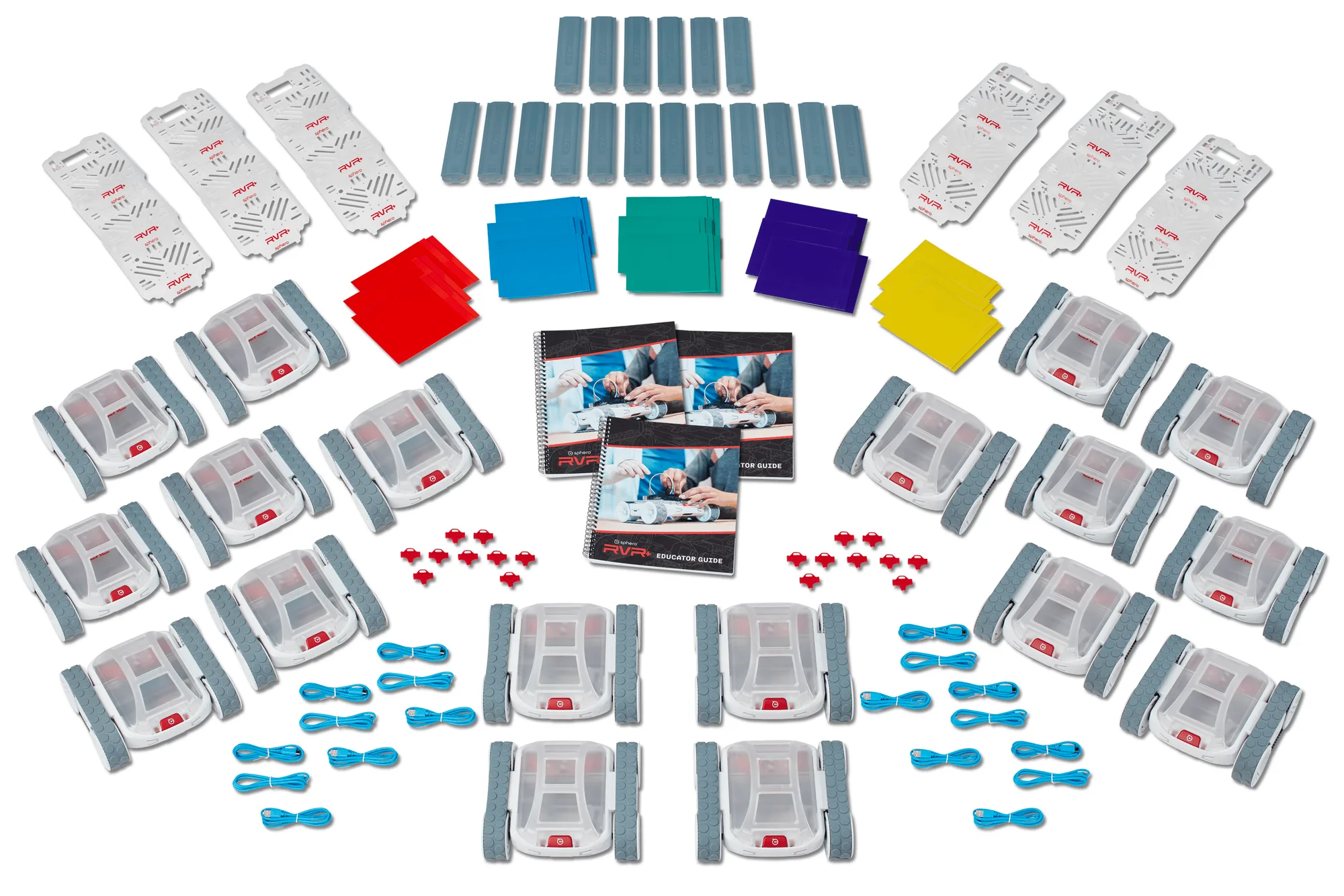
- RVR+ Educator Guide: The RVR+ Educator Guide is a standards-aligned guide for RVR+ that includes eight ready-to-run, cross-curricular lessons for grades 6 and up. Best fit when you own RVR+ and teach middle or high school students who need cross-curricular coding projects without building lessons from scratch.
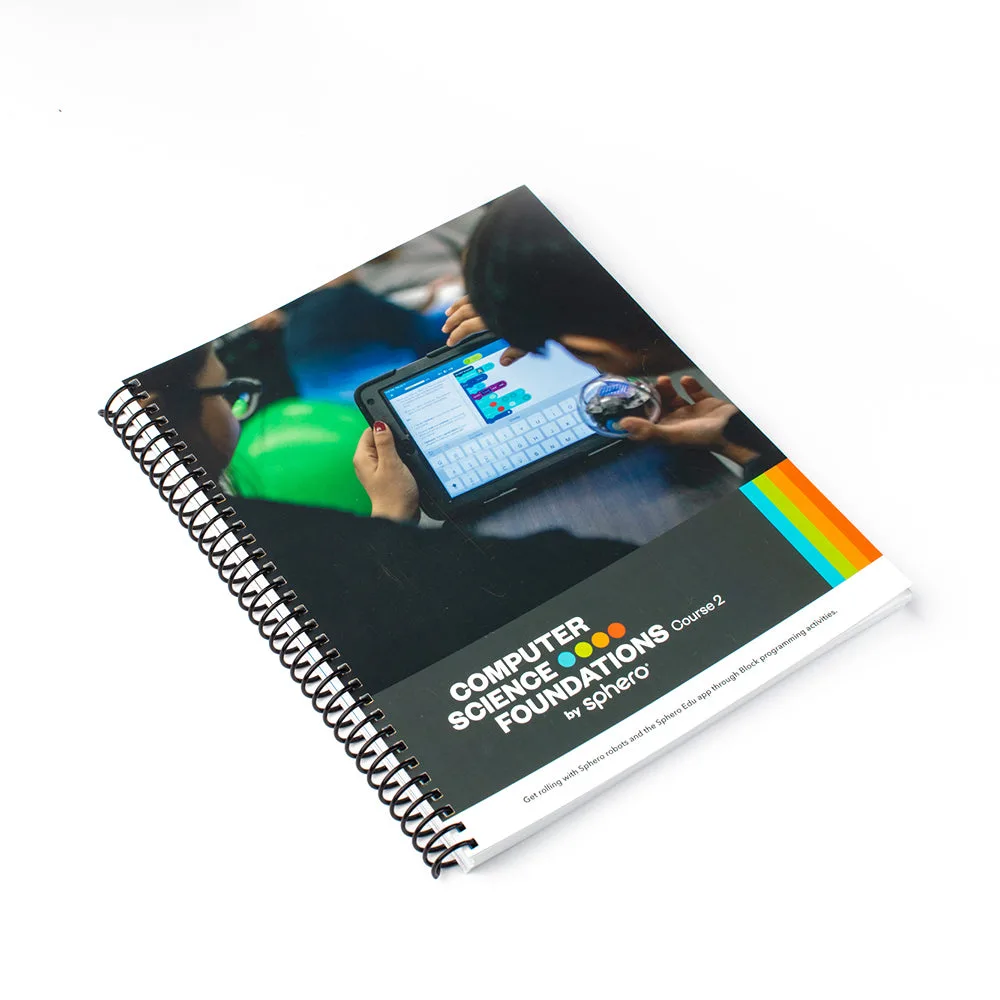
- Computer Science Foundations Educator Guide (Course 3): Computer Science Foundations Course 3 is a supplemental, standards-aligned curriculum taught alongside BOLT, with almost all lessons fully compatible with BOLT+; by the end, students develop complex Block Canvas programs and rewrite simple block programs in JavaScript. Choose this if your classroom runs BOLT or a BOLT/BOLT+ mix and you want a progression that ends in text-based coding.
- BOLT+ Self-Guided Professional Development: BOLT+ Self-Guided Professional Development is a six-hour online course for educators teaching grade 3 and up, covering Sphero Central lessons and resources. Buy this before a guide if you are new to teaching with robots and want to build confidence with BOLT+ and Sphero Central first.
Who should buy a Sphero educator guide
Best for
- Teachers who already own the matching robot and want standards-aligned lessons ready to run
- Middle and high school classrooms using RVR+ for cross-curricular coding projects
- BOLT or BOLT+ classrooms that want a progression ending in JavaScript
Not for
- Buyers still choosing between robots, who should decide hardware first
- Teachers who only need a few one-off activities and already have lesson plans
- New robotics teachers who have not yet built basic classroom management confidence, who should start with professional development