Quick answer
Check the air filter and thermostat settings first; a clogged filter or incorrect temperature setpoint often stops cooling. For water leaks, verify the drain hose is correctly positioned and the internal tank isn’t overfilled. Reduce noise by placing the unit on a stable, level surface and cleaning any dust from the fan blades.
DREO portable AC units are designed for convenience, but they can run into three common problems: no cooling, water leakage, and excessive noise. This guide walks you through dreo portable ac troubleshooting steps so you can get your space comfortable again without a service call.
Each section follows a simple pattern – symptom, likely cause, corrective action, and a clear point where you should stop and consider professional help if the issue persists.
No Cooling
When the unit runs but the air feels warm, the most frequent cause is a dirty or blocked air filter. DREO’s filters capture dust that can restrict airflow, reducing the evaporative cooling cycle. Another common cause is an incorrect thermostat setting – the unit may be set to a temperature higher than the room’s current temperature.
Start by turning off and unplugging the AC. Remove the front panel, take out the filter, and rinse it under warm water. Let it dry completely before reinstalling. Next, check the remote or app temperature setting; set it a few degrees lower than the room temperature and ensure the mode is set to “Cool.” If the unit still doesn’t chill, the refrigerant level or internal sensor may be faulty, which is beyond DIY repair.
- Clean filter every 2‑4 weeks in humid climates
- Reset thermostat via the DREO app after filter cleaning
Water Leak
Leaks usually stem from an improperly positioned drain hose or an overfilled internal water tank. The portable AC extracts moisture from the air; that water collects in a reservoir that must be emptied or routed to a drain. If the hose kinks or the tank is full, water can spill onto the floor.
First, locate the drain hose outlet on the back of the unit. Ensure it’s securely attached and runs downhill without bends. Empty the water tank by sliding it out and pouring the collected water into a sink. If you prefer continuous drainage, attach a hose and secure it with the provided clamp, then verify the hose tip sits lower than the tank level.
- Check hose daily during high‑humidity days
- Use a drip tray if the unit sits on carpet
Excessive Noise
A rattling or buzzing sound often indicates that the unit is not sitting level or that dust has built up on the fan blades. Vibrations can also be amplified by a loose front panel or a worn bearing inside the fan motor.
Place the AC on a flat, sturdy surface and use the built‑in leveling feet to adjust. Remove the front panel, gently clean the fan blades with a soft brush, and inspect for any loose screws. Tighten any that are wiggling. If the noise persists after these steps, the motor bearing may need replacement – a task best left to a qualified technician.
- Clean fan blades monthly to prevent dust buildup
- Avoid placing the unit on uneven rugs or soft furniture
Diagnosis Summary
- No Cooling: Clean or replace the air filter, verify thermostat is set lower than room temperature, and reset via the app. If cooling still fails after these steps, the internal sensor or refrigerant system likely needs professional service.
- Water Leak: Ensure the drain hose is straight and securely attached; empty or continuously drain the water tank. If water continues to pool despite a clear hose and empty tank, the internal pump may be faulty and should be inspected by a technician.
- Noise: Level the unit, clean fan blades, and tighten any loose panels or screws. Persistent grinding or buzzing after cleaning suggests a worn motor bearing – replace only with authorized service.
Related DREO accessories that can help
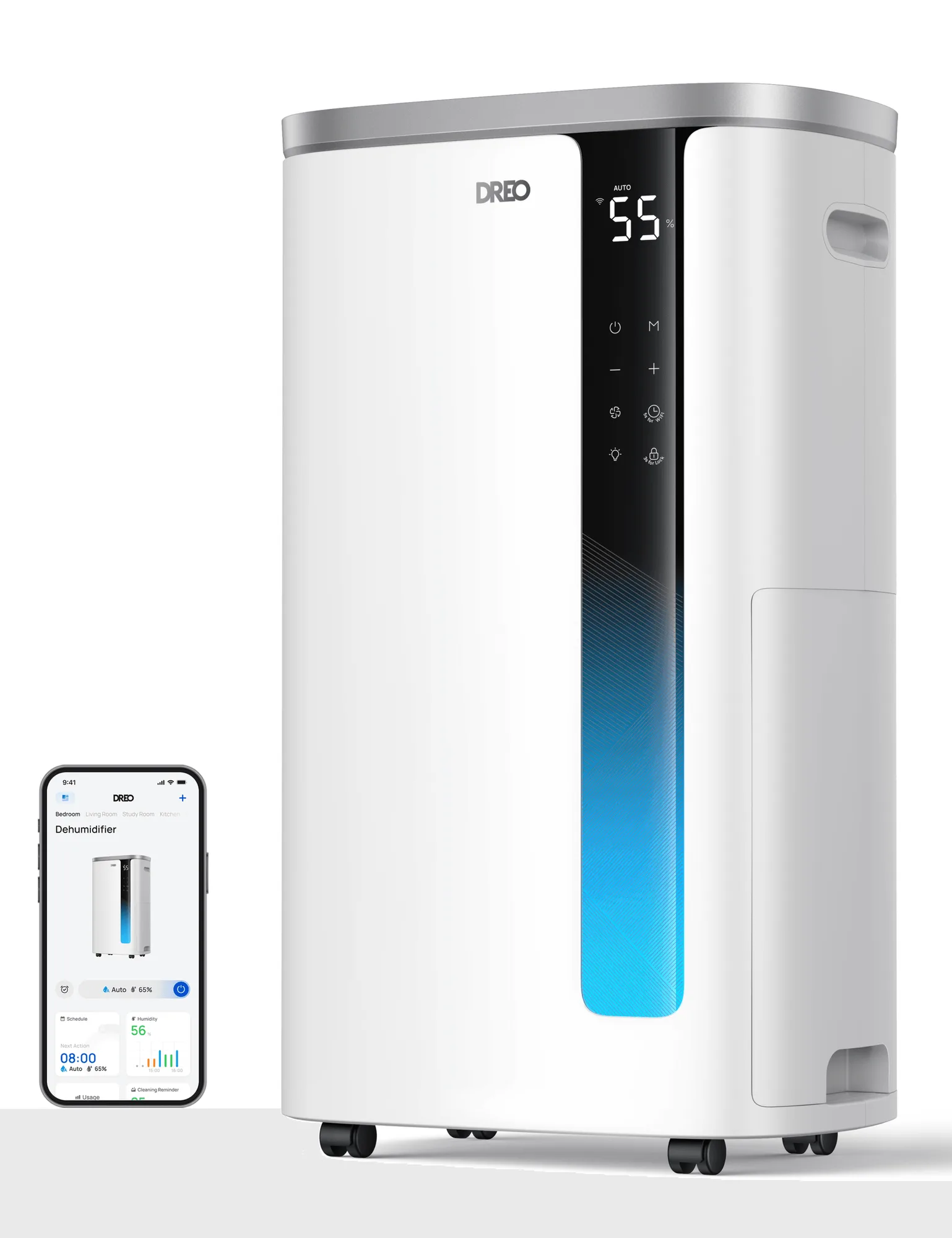
- Dehumidifier 733S: 73‑pint or 95‑pint daily moisture removal; Up to 25% humidity reduction per hour; ENERGY STAR 6.0 certified; 30% less energy use; 42dB quiet performance; Large 7L water tank; Continuous drain with hose; Smart control with DREO app; Real‑time energy and cost tracking If your portable AC leaks frequently, a dehumidifier can capture excess moisture while you resolve the drain issue, keeping floors dry and improving overall indoor comfort.
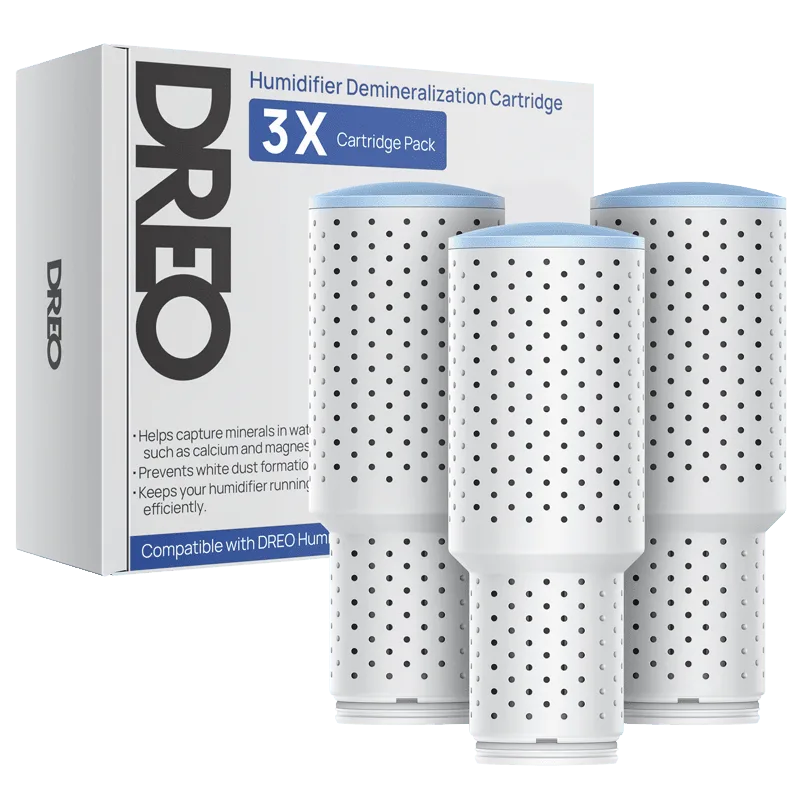
- Clean Mist Cartridge - 3-Pack, Compatible with Dreo Humidifiers 311/311S/524/524S/306/306S/409S/420S/321/312: Three‑layer cleaning system and large silver ion pellets clean more water before it is released; reduces contaminants for healthier mist; ideal for people with sensitive sinuses or respiratory problems While not an AC part, using a clean mist cartridge in a DREO humidifier can balance humidity after an AC leak, preventing over‑humid conditions that might encourage mold growth.
By following these straightforward steps, most DREO portable AC issues—whether they involve cooling, leaks, or noise—can be resolved at home. Keep filters clean, monitor water collection, and ensure a stable setup to enjoy reliable comfort year after year.