Quick Answer
Choose educational toys if you want open-ended play that builds curiosity, motor skills, and early problem-solving without screens. Choose coding toys if your child is ready to follow steps, test ideas, and learn block-based or Python programming. Many families start with an educational toy, then add a coding robot once the child shows interest in how things work.
The toy aisle labels almost everything as educational, so the real question is what kind of learning you want to support. Educational toys usually focus on broad development through play, while coding toys teach a specific skill set: sequencing, logic, and debugging. Both can be excellent, but they ask different things from your child and from your budget.
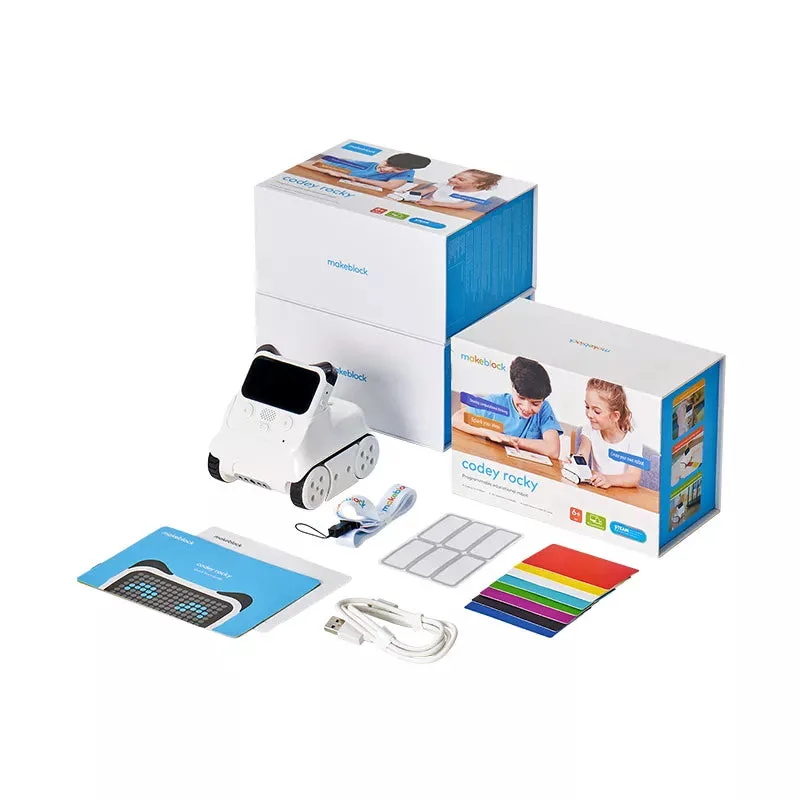
This comparison looks at the practical differences using real products from Makeblock, including the Codey Rocky robot and the mBot2 kit. You will see where each type shines, where it falls short, and how to decide based on your child's age, patience, and interest in technology.
What Counts as an Educational Toy vs a Coding Toy
Educational toys are designed to teach through play, often without a screen. They might build spatial reasoning, hand-eye coordination, or early literacy. The learning is broad and open-ended, so a single toy can serve many ages and interests. Coding toys, by contrast, are a subset of educational toys with a clear goal: teaching programming concepts. They typically include a robot or device, a visual coding app, and structured projects.
The difference matters because coding toys require more setup and adult guidance at first. A child who is not ready to follow a sequence may get frustrated. An educational toy with no coding element lets that same child explore at their own pace. Neither is better; they serve different stages and temperaments.
- Educational toys: broad skills, low setup, often screen-free.
- Coding toys: specific skills, moderate setup, usually app-connected.
How the Learning Goals Differ
Educational toys aim to develop general cognitive and motor skills. A building set or a pattern game teaches persistence and spatial thinking, but it does not teach a programming language. Coding toys aim to develop computational thinking: breaking a problem into steps, testing a solution, and fixing errors. That is a narrower but deeper skill that transfers to math, science, and eventually software work.
If your goal is school readiness across many areas, an educational toy covers more ground. If your goal is to introduce programming before middle school, a coding toy is the direct route. Many families use both: an educational toy for daily play, and a coding robot for weekly project time.
- Pick educational toys for breadth and open-ended discovery.
- Pick coding toys for depth in logic and programming.
Age, Patience, and Screen Time
Coding toys work best when a child can follow multi-step instructions and tolerate trial and error. Most coding robots are recommended for ages 6 and up, but readiness varies. A patient 6-year-old may thrive with a simple block-based robot, while an impatient 9-year-old may prefer a building toy first. Educational toys often have a lower entry barrier because there is no app to learn.
Screen time is another trade-off. Coding toys require a tablet or computer to program, though the robot itself is physical. If you want to limit screens, choose an educational toy that runs on hands-on play. If you want screen time to be productive, a coding toy turns it into a programming session.
- Consider a coding toy when your child can follow 3-5 step directions.
- Choose an educational toy if you want screen-free learning.
Cost and Long-Term Value
Educational toys range from a few dollars to over a hundred, and many stay useful for years. Coding toys often cost more because they include electronics, sensors, and software. The Makeblock Codey Rocky is priced at USD 78.00, while the mBot2 kit is USD 89.00. Both offer block-based and Python programming, so they grow with your child. The mBot2 Rover Robotics Kit at USD 155.00 adds three build forms and outdoor capability.
The trade-off is that a coding toy may sit unused if the child loses interest. An educational toy is easier to pass down or repurpose. If you are unsure, start with a lower-cost coding option like Codey Rocky, or borrow one before investing in a classroom bundle.
- Coding toys cost more but teach a specific, durable skill.
- Educational toys are easier to reuse across siblings and ages.
Which Type Fits Your Child Right Now
If your child is curious about how things work and enjoys taking things apart, a coding toy will likely hold attention. The Codey Rocky requires no building and works as a 1-2-3 setup, which suits beginners. If your child prefers open-ended art or building without instructions, an educational toy is a better starting point. You can always add a coding robot later.
For families who want both, the mBot2 Inspire Activity Bundle combines coding with competitive gameplay like sorting and stacking cubes. It is a bigger investment at USD 1075.99, so it makes more sense for a school or a committed club than for a single child at home.
- Start with a coding toy if your child asks how apps and games work.
- Start with an educational toy if your child avoids step-by-step tasks.
Trade-Offs to Weigh Before You Buy
- Breadth vs depth: Educational toys build many skills through open play; coding toys build deep logic and programming skills. Choose breadth for young children; choose depth when your child shows a clear interest in coding.
- Screen-free vs screen-based: Most coding toys need a tablet or computer to program, while educational toys often work without screens. If screen time is a concern, start with an educational toy and add a coding robot for limited, purposeful sessions.
- Upfront cost vs long-term skill: Coding toys like Codey Rocky and mBot2 cost more than many educational toys, but they teach a skill that grows with your child. Set a budget and consider a lower-cost coding robot first; upgrade to a bundle only if your child stays engaged.
Product Facts That Matter
- Makeblock Codey Rocky: Smart Robot Toy for Interactive Playing and Learning: Interactive robot toy with 10+ electronic modules for emotional expression; no building needed; teaches block-based and Python programming. A low-friction entry to coding because kids can start playing immediately, and the emotional feedback keeps younger children engaged.
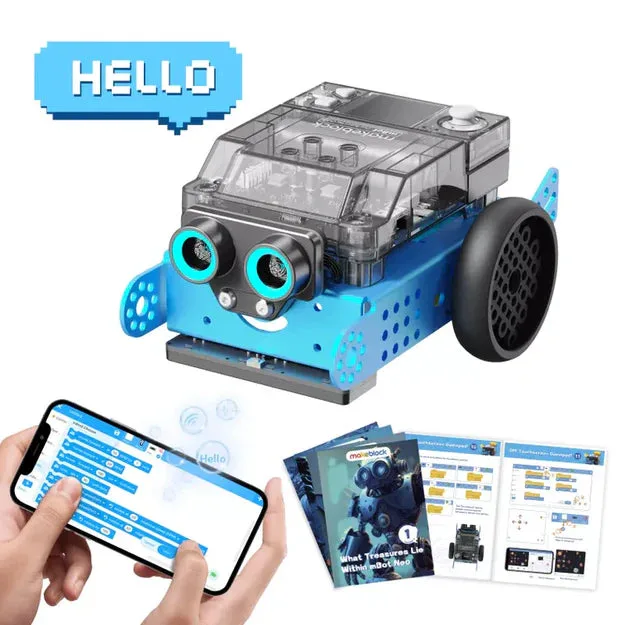
- Makeblock mBot2: STEM Education Coding Robot Kit for AI Learning: Aluminum robot for long-term classroom and homeschool use; controlled by smartphone, gamepad, or auto-program; supports Bluetooth and Wi-Fi; sensors for projects from easy to advanced. A durable option for multiple kids or a co-op, with a clear path from block coding to Python and enough sensors for advanced projects.
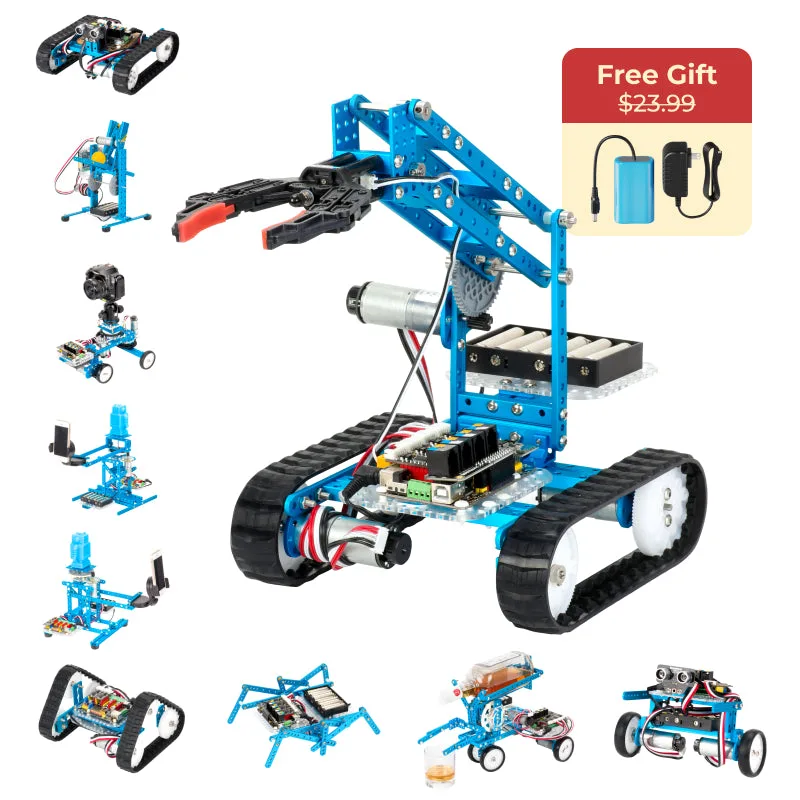
- Makeblock mBot2 Rover Robotics Kit: Kid's Interactive Emo Robot for Coding Learning and Outdoor Play: 3 build forms: mBot2 (coding robot), mBot2 Rover (robot tank with DIY emojis), mBot2 Ranger (robot tank with robotic arm); full-color display for custom emojis; shock-resistant track for multi-terrain outdoor use. Best for kids who want to rebuild and take coding outside; the three forms extend the challenge without buying a new robot.
Which Should You Buy?
Best for
- Families who want screen-free, open-ended play for toddlers and early elementary kids.
- Parents whose child already asks how games and apps are made and can follow multi-step directions.
- Homeschool or classroom settings that need a durable robot for multiple students (mBot2).
Not for
- Children under 6 who still put small parts in their mouths or cannot follow simple sequences.
- Families who want a single toy to cover all subjects without any screen time.
- Buyers who are not ready to supervise initial setup and occasional troubleshooting.
Educational toys and coding toys solve different problems. If you want broad, screen-free development, start with an educational toy. If you want to teach programming, choose a coding toy like Codey Rocky for beginners or mBot2 for a longer classroom or homeschool path. You can always begin with one and add the other as your child's interests become clearer.