Quick answer
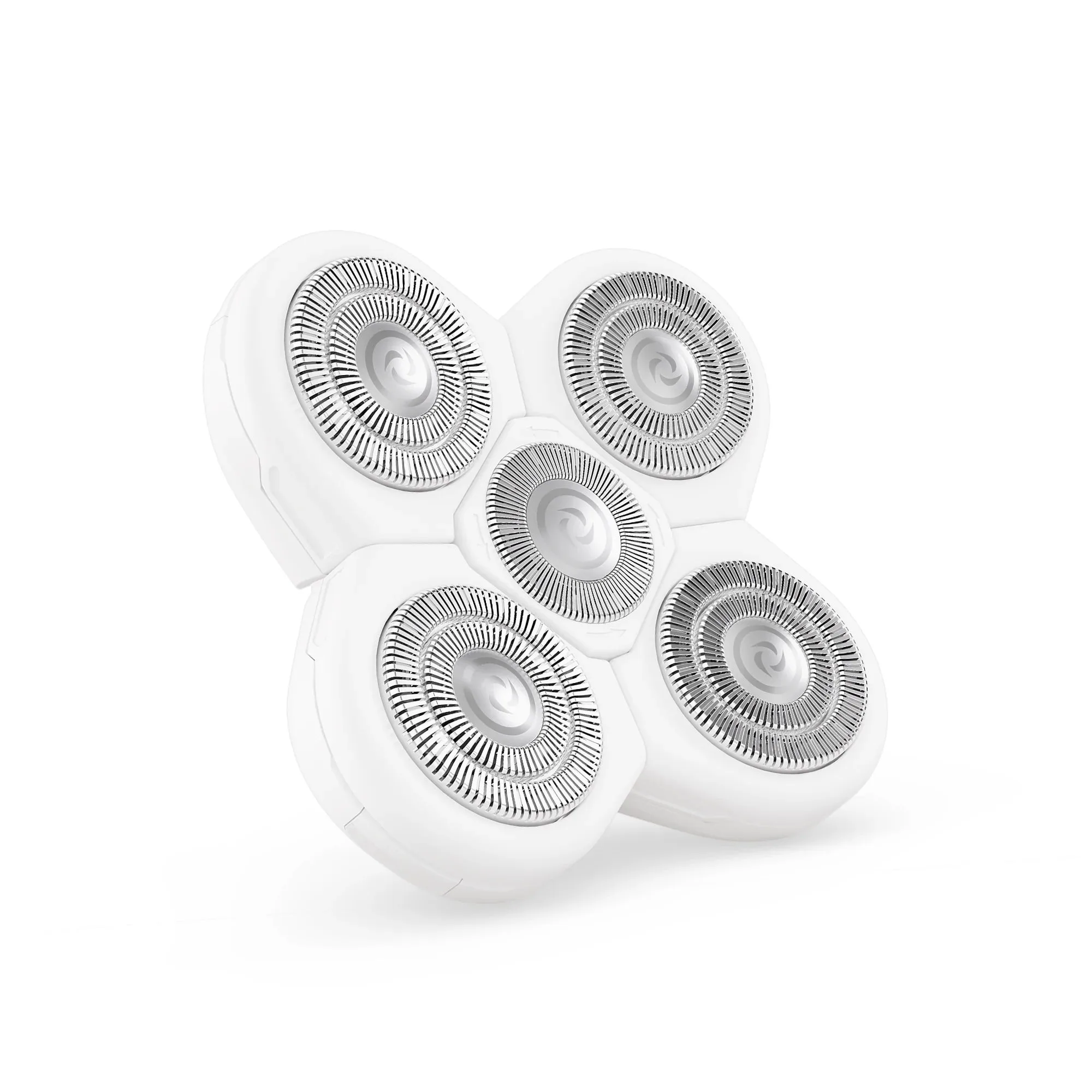
Most electric shaver pulling comes from dull or damaged blades, trapped hair and debris in the cutting head, or shaving too fast. Clean the head first, then check the blades for wear. If the pull continues after cleaning, replace the blade refill. For most users, a fresh FlexSeries Pro Blade Refill restores a smooth, irritation-free shave quickly.
Check the cutting head before blaming the motor
Before you assume the shaver is broken, remove the cutting head and look at the blades and foil. Hair, dead skin, and fine dust pack into the gaps and stop the blades from meeting the foil cleanly. When that happens, the shaver grabs hair instead of slicing it. Brush out the head after every few shaves, and rinse it if your model allows. If you shave over longer stubble, clean it more often. A clean head is the fastest fix for shaver tugging and pulling.
Slow down and stretch the skin
Speed is a common cause of pulling. Pressing hard and moving fast forces hair into the head before the blades can cut it. Use short, slow strokes and let the shaver do the work. Pull your skin tight with your free hand so hair stands up. For beard hair, shave after a warm shower when hair is softer. If you still feel tugging, the blades are likely worn, not your technique.
When to replace the blade refill
Blades dull gradually, so the pull gets worse over weeks rather than all at once. If cleaning and slower strokes do not help, replace the refill. A new blade cuts hair at the base instead of dragging it, which also reduces irritation and ingrown hairs. Keep a spare refill on hand so you are not stuck mid-shave. The FlexSeries Pro Blade Refill is designed for every skin and hair type and aims for a smooth, quick shave in about 90 seconds.
Keep the rest of the tool in shape
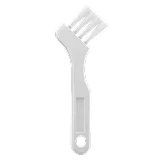
A worn-out cleaning brush leaves debris behind, which speeds up blade wear. The FlexSeries Pro Micro Cleaning Brush has longer, stronger bristles and an ergonomic handle to clear hairs from the shaver more easily. If you trim before shaving, a sharp clipper reduces the load on the shaver. The FlexSeries Pro Precision Clipper uses stainless steel for durability and control, and it works well for pre-shave stubble reduction. None of these steps fix a cracked foil or a failing motor. If the shaver still pulls after a new blade and a deep clean, the unit itself may need service or replacement.
Diagnose your shaver pull
- Symptom: Pulling starts gradually over weeks: Blades are dull. Hair is being dragged instead of cut. Replace the blade refill.
- Symptom: Pulling with visible hair in the head: Debris blocks the blades from meeting the foil. Clean the head with a brush and rinse if allowed. If pull continues, replace blades.
- Symptom: Pulling only on longer hair: The shaver is being asked to cut more than it can handle in one pass. Trim first with a clipper, then shave. If still pulling on short hair, replace blades.
- Symptom: Pulling after new blades and cleaning: The motor, foil, or internal mechanism may be worn or damaged. Stop using the shaver and consider repair or replacement.
Parts that solve common pulling problems
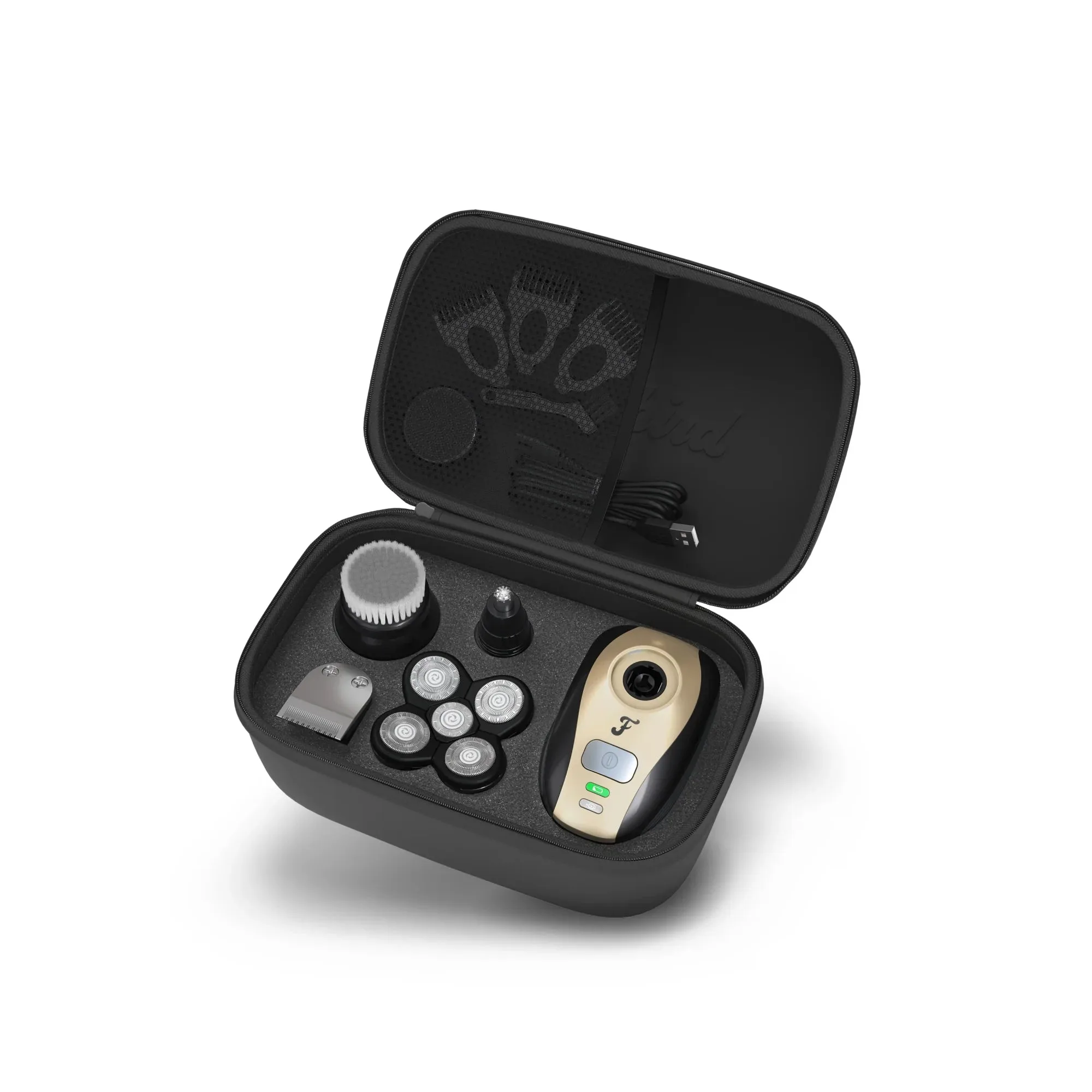
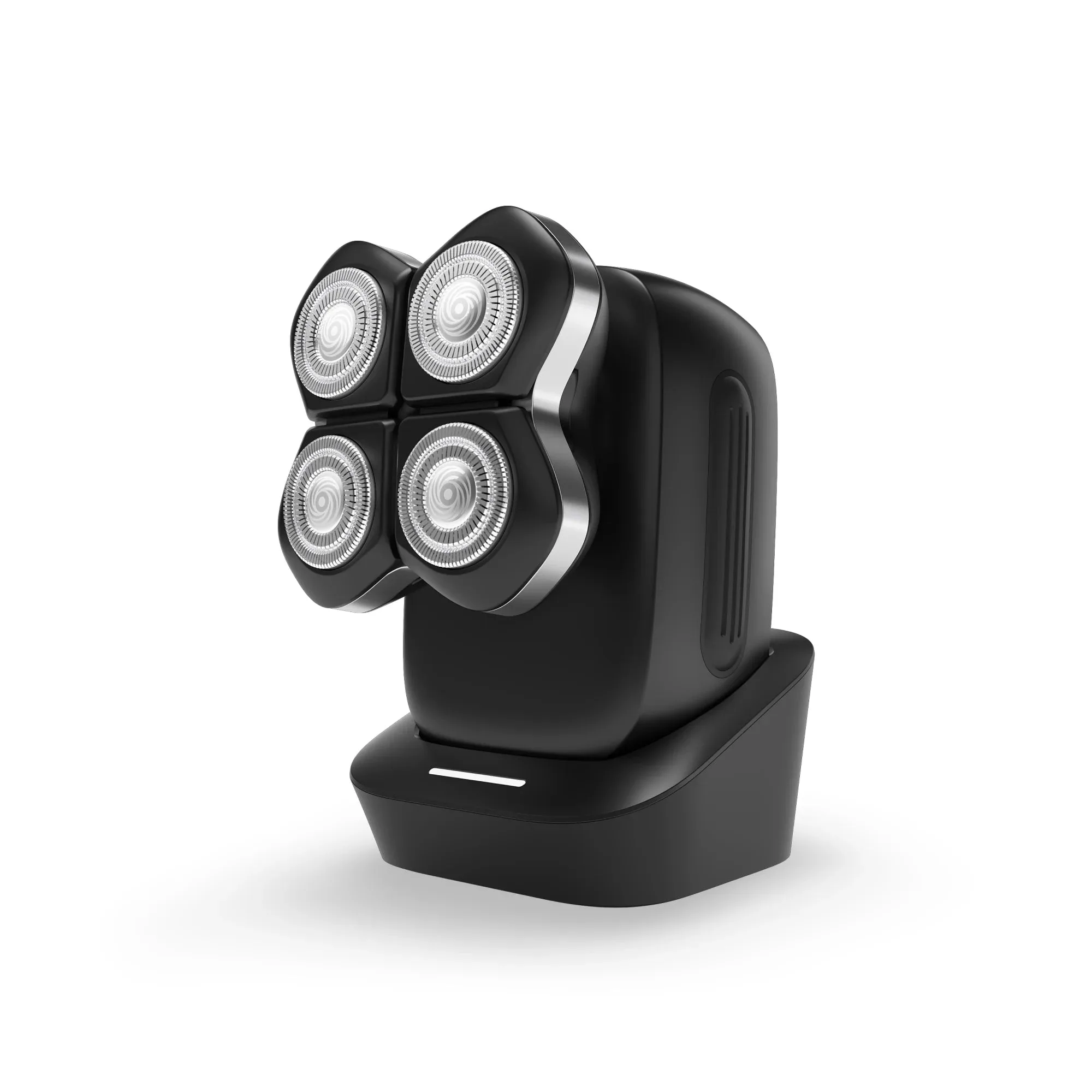
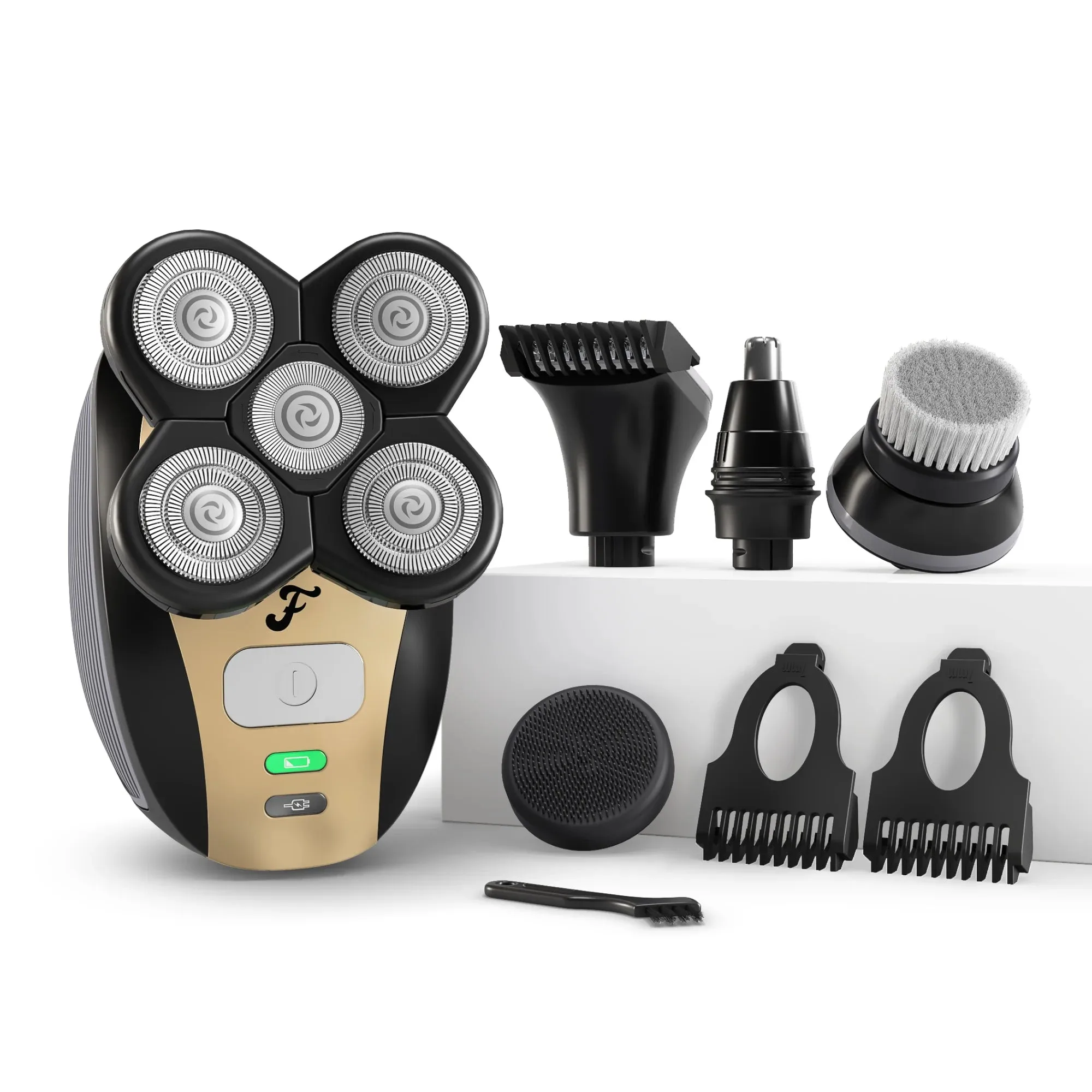
- FlexSeries® Pro Blade Refill: Four-Blade System designed for a smooth, irritation-free shave in about 90 seconds, for every skin and hair type. A fresh refill restores cutting performance when dull blades are the cause of pulling.
- Micro Cleaning Brush: Upgraded with longer, stronger bristles and an ergonomic handle to clean hairs out of the shaver. Regular cleaning prevents trapped hair from making the blades tug.
- Pro Precision Clipper: High-quality stainless steel clipper for detailed grooming and pre-shave stubble reduction. Trimming longer hair first reduces the load on the shaver and lowers the chance of pulling.