Quick answer
Choose the EPOMAKER NEX Pro if you are right-handed and want a 65 g ergonomic shape that supports a palm or relaxed claw grip for long sessions. Choose the EPOMAKER CarbonX if you want a symmetrical carbon fiber shell and a PAW3950 sensor with adjustable DPI from 400 to 30,000 for high-sensitivity tracking. Both are wireless, so the real decision comes down to shape and sensor headroom, not connectivity.
Shape decides more than sensor specs
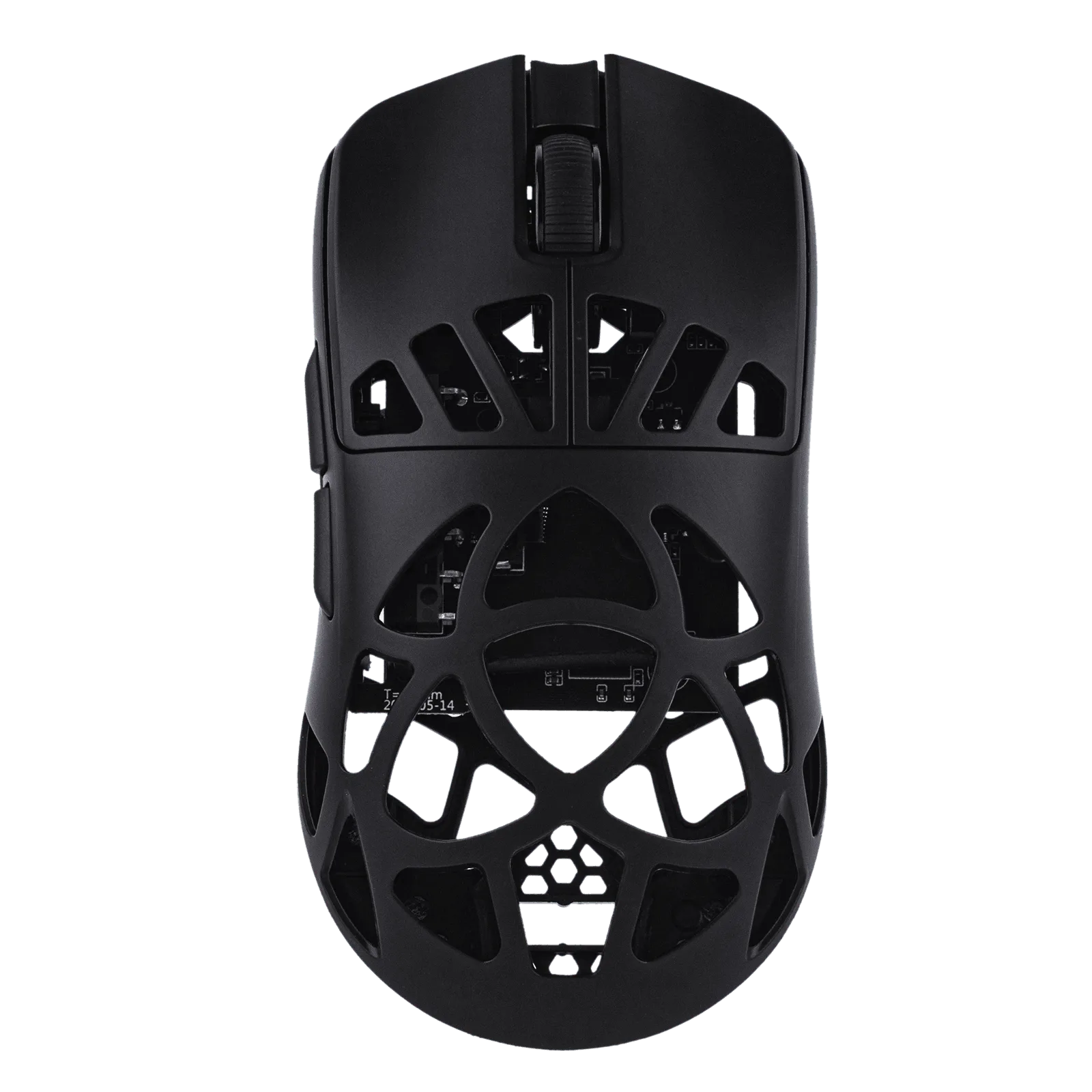
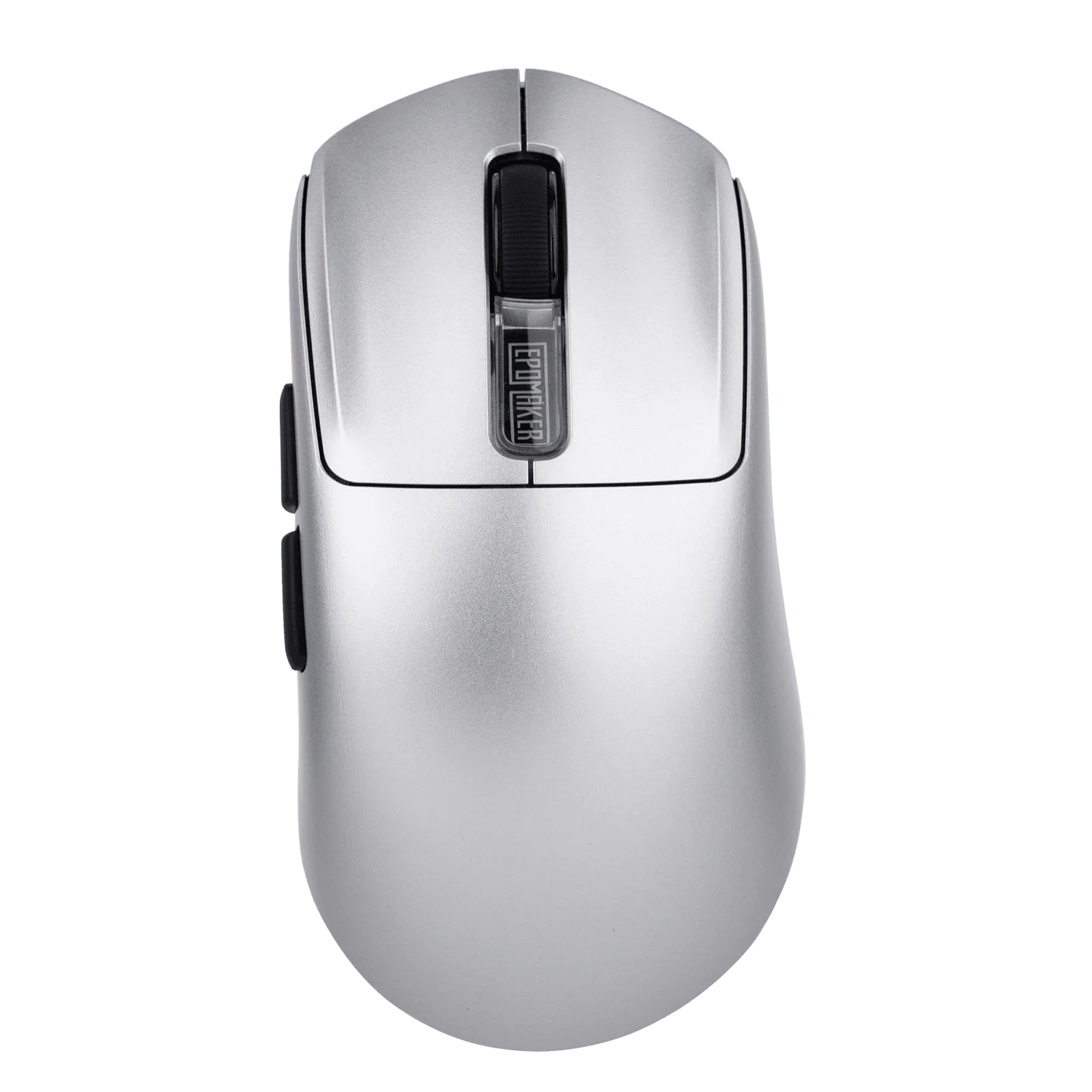
The NEX Pro is built for right-handed gamers: the shell fits your hand, supports your palm naturally, and keeps fingertip control smooth, which is why it reduces fatigue over long play sessions. That makes it the easier pick if you rest your palm on the mouse or use a relaxed claw grip. The CarbonX takes the opposite approach with a carbon fiber shell and a symmetrical, speed-first build. If you switch between grip styles or use a fingertip grip, the CarbonX shape gives you more room to adjust without fighting a molded palm rest.
Weight and hand size: the 65 g question
The NEX Pro weighs just 65 grams and is aimed at medium-to-large hands, so it stays agile without feeling hollow. If your hands are smaller, that same shell can feel like it is pushing your fingers forward, and a compact symmetrical mouse will usually be more comfortable. The CarbonX is described as lightweight as well, but the catalog does not list an exact weight for it. Treat that missing number as a decision limitation: if you need a specific gram target, the NEX Pro is the one with a published figure you can plan around.
Sensor headroom and DPI range
The CarbonX runs a PAW3950 sensor with adjustable DPI from 400 up to 30,000, so you can set a low, controlled sensitivity for tactical shooters or push it high for fast camera turns and large monitors. The NEX Pro's catalog entry focuses on ergonomics and weight rather than sensor model or DPI ceiling, so if maximum tracking headroom is your priority, the CarbonX is the safer bet. If you already play at a fixed sensitivity you like, that headroom matters less than how the shell feels after three hours.
Color options and pairing with a keyboard
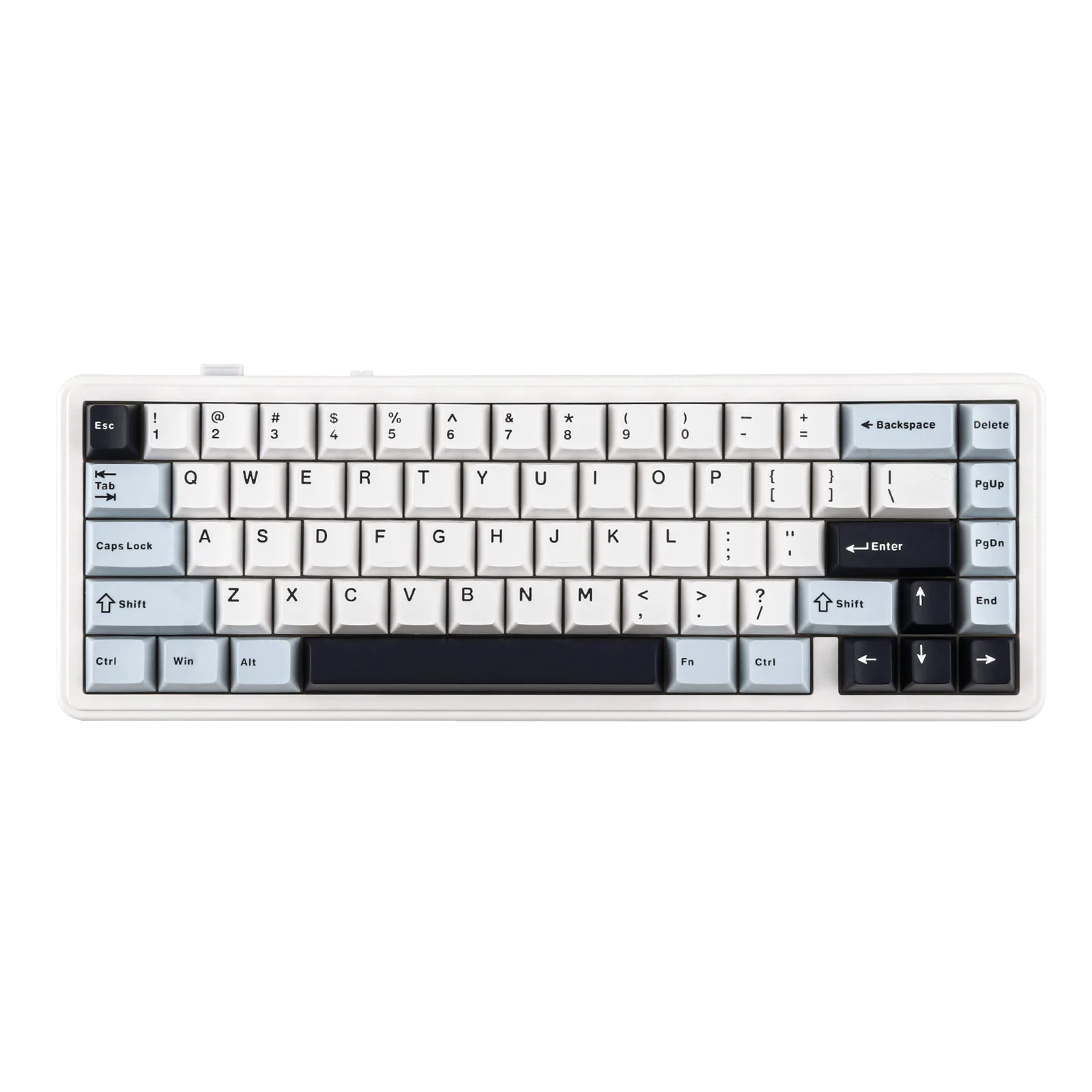
Both mice offer color as their only option type, so you are choosing a finish, not a spec tier. If you are building a matching desk setup, pair either mouse with a compact board like the EPOMAKER x AULA F65, whose 67-key 65% layout frees up the desk space a fast mouse needs, or the EPOMAKER RT98 if you want a repositionable numpad for data entry alongside gaming. Neither mouse changes how the keyboard performs, but a smaller board genuinely gives a low-sensitivity player more mouse room.
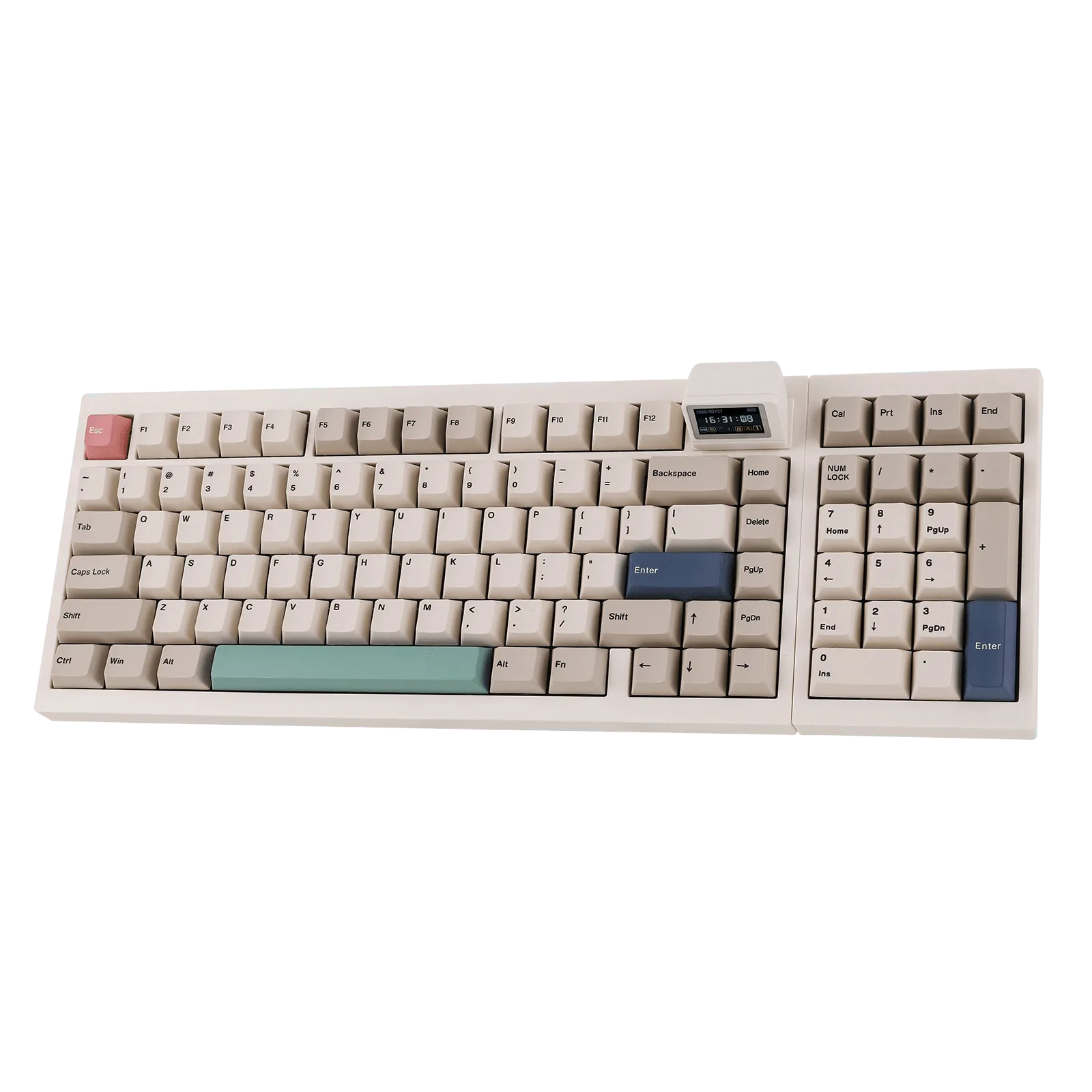
EPOMAKER RT98
Trade-offs to weigh before you buy
- Ergonomics vs adaptability: The NEX Pro's right-handed shape supports your palm and cuts fatigue, but that same molding gives you fewer ways to hold it. The CarbonX's symmetrical carbon fiber shell adapts to more grip styles. Pick the NEX Pro for one comfortable grip; pick the CarbonX if you change grips mid-session.
- Published weight vs unknown weight: The NEX Pro publishes 65 grams. The CarbonX is described as lightweight, but no exact figure appears in the catalog. If a specific weight target matters to you, the NEX Pro is the one you can plan around.
- Sensor headroom vs shape comfort: The CarbonX gives you a PAW3950 sensor and 400-30,000 DPI. The NEX Pro's listed strengths are ergonomics and weight, not sensor ceiling. Chasing high DPI? CarbonX. Playing at a settled sensitivity? Shape wins, so NEX Pro.
Product facts
- EPOMAKER CarbonX Mouse: PAW3950 sensor with adjustable DPI from 400 to 30,000, housed in a carbon fiber shell. You can dial in very low or very high sensitivity without changing mice, which suits players who tweak DPI per game.
- EPOMAKER NEX Pro Mouse: Right-handed ergonomic shape at 65 grams, designed for medium-to-large hands with palm support and smooth fingertip control. The molded shape reduces hand fatigue in long sessions, but it is less adaptable if you use a fingertip grip or have small hands.
- EPOMAKER x AULA F65: 67-key 65% layout with gasket mount structure that dampens vibration and reduces key noise. A compact board leaves more desk space for wide mouse sweeps, which matters most if you run low sensitivity.
Which mouse should you buy?
Best for
- Right-handed players with medium-to-large hands who rest their palm on the mouse
- Long sessions where hand fatigue is the main complaint
- Anyone who wants a published 65 g weight before ordering
Not for
- Left-handed players, since the NEX Pro is shaped for right-handed use
- Small-handed users who prefer a compact symmetrical shell
- Players who need a published high DPI ceiling and will choose the CarbonX instead