Quick answer
Choose the F75 Max for a compact, knob-and-screen setup that saves desk space, or the F99 Max if you need a full numpad and a larger TFT display for work or data entry.
Layout and desk footprint
The F75 Max uses an 80-key layout without a numpad, keeping your mouse closer and freeing up desk space. The F99 Max includes a 97-key layout with a full numpad, which is essential for number-heavy tasks but takes up more room.
Screen and controls
Both keyboards feature a customizable screen and a rotary knob. On the F75 Max, the screen is smaller and shows GIFs, battery level, and connectivity status. The F99 Max has a larger TFT smart screen that also displays time and vitals, plus the same knob for volume or backlight control.
Trade-offs at a glance
- Desk space: F75 Max saves significant desk space; F99 Max requires more room for the numpad.
- Numpad availability: F99 Max includes a full numpad; F75 Max omits it entirely. If you enter numbers frequently, the F99 Max is the clear choice.
- Screen size and info: F75 Max has a GIF-showing screen with battery and connectivity indicators; F99 Max has a larger TFT screen that also shows time and battery level.
- Price: F75 Max is priced at USD 56.79 (catalog comparison USD 79.99); F99 Max is USD 74.99 (catalog comparison USD 99.99). The F75 Max is the more budget-friendly option.
Product facts
-
EPOMAKER X AULA F75 Max: 80 programmable keys with a customizable screen and volume knob. You get a compact, desk-friendly keyboard with visual feedback and quick volume control.
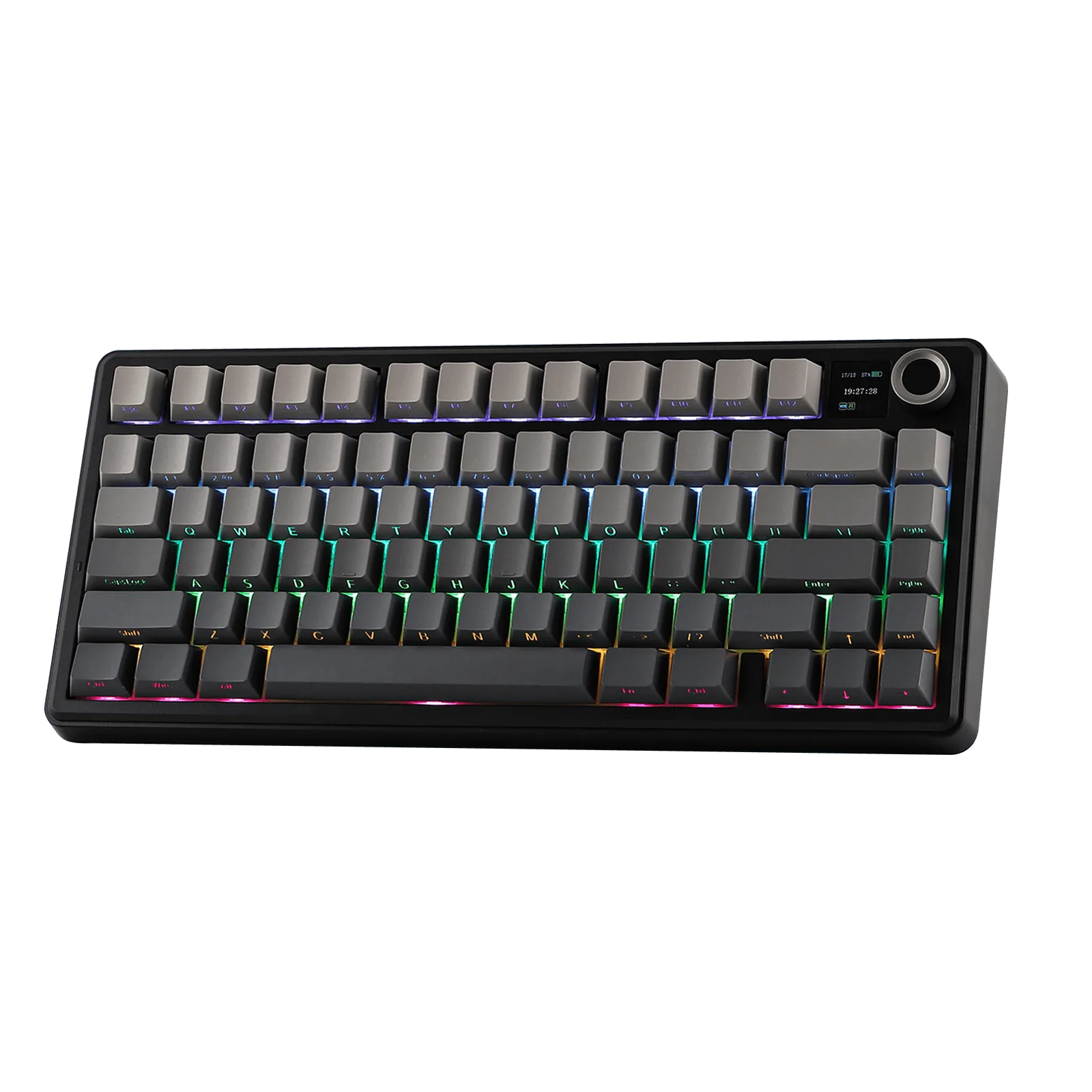
EPOMAKER X AULA F75 Max
-
EPOMAKER x AULA F99 Max: 97-key numpad-included layout with a TFT smart screen and rotary knob. The numpad speeds up data entry, and the larger screen shows more info at a glance.
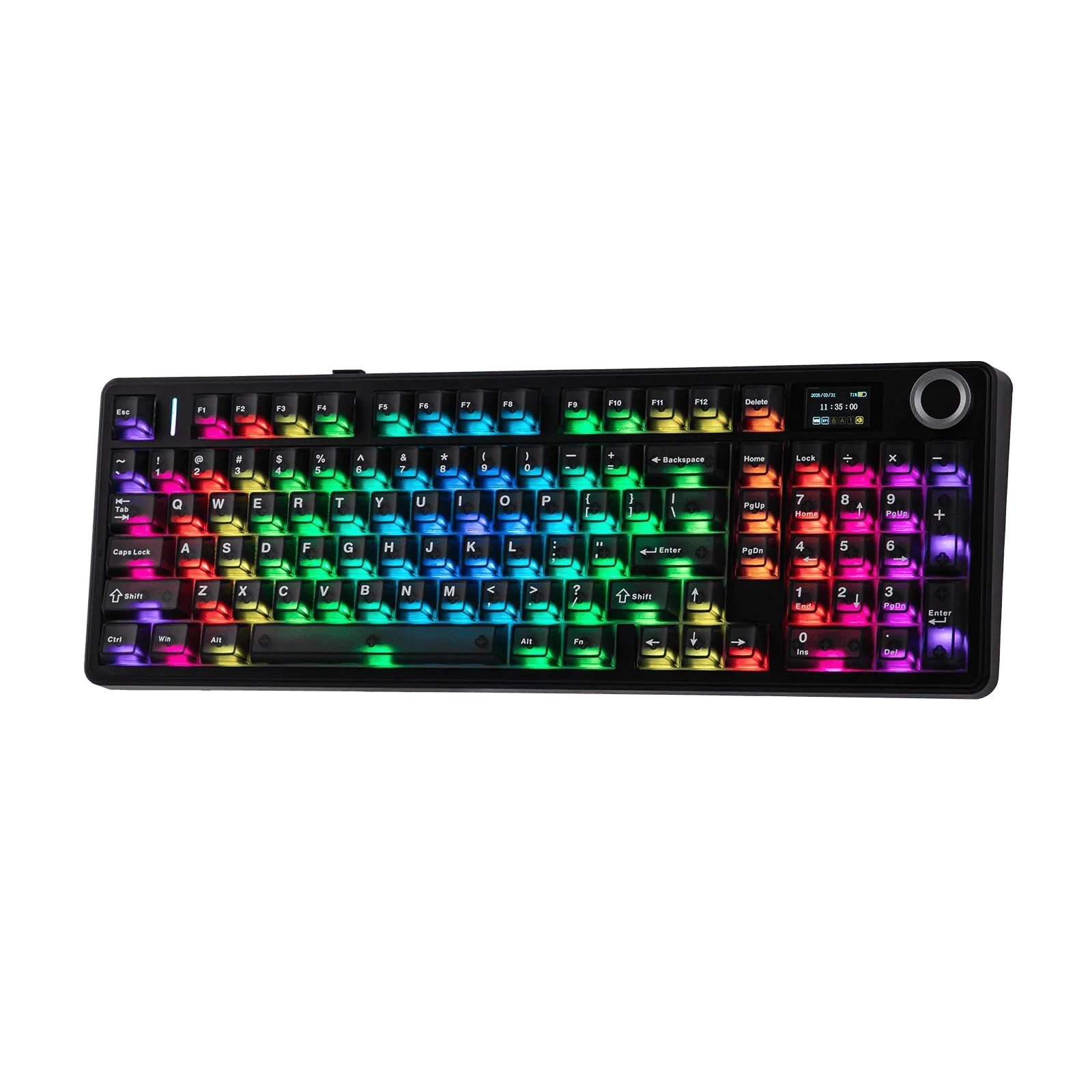
EPOMAKER x AULA F99 Max
Which one fits you?
Best for
- Gamers and minimalists who want a compact layout and a small desk footprint
- Typists who rarely need a numpad and prefer a lower price
Not for
- Data entry professionals or accountants who need a dedicated numpad every day
- Users who want the largest possible screen for system info and custom GIFs