The Nintendo GameCube may be a retro console, but its online capabilities are still a topic of interest for enthusiasts. While the official Broadband Adapter (BBA) is rare and expensive, the ETH2SP1 Ethernet Adapter has emerged as a practical alternative. This guide explains what the ETH2SP1 is, how it compares to the Swiss BBA, and how to set it up for online play.
Whether you want to play Phantasy Star Online or explore homebrew applications, the ETH2SP1 offers a cost-effective way to connect your GameCube to modern networks. Let's dive into the details and see why this adapter is gaining popularity among retro gamers.
What is the ETH2SP1 Ethernet Adapter?
The ETH2SP1 is a third-party Ethernet adapter designed for the GameCube. It plugs into the console's serial port 2 (SP2), which is typically used for the modem or broadband adapter. This adapter provides a standard Ethernet port, allowing you to connect your GameCube to a router or switch for network access.
Unlike the official Nintendo BBA, which is notoriously difficult to find and often sells for high prices, the ETH2SP1 is more readily available and affordable. It is compatible with homebrew software like Swiss, which can use the adapter to load games over the network and enable online features.
- Plugs into serial port 2 (SP2) on the GameCube
- Provides a standard RJ45 Ethernet port
- Works with Swiss and other homebrew applications
ETH2SP1 vs. Swiss BBA: Which Should You Choose?
The official Broadband Adapter (BBA) from Nintendo is the gold standard for GameCube online play, but its scarcity and high cost make it prohibitive for many. The ETH2SP1 serves as a viable alternative, offering similar functionality at a fraction of the price.
When comparing the two, the ETH2SP1 may not have the exact same hardware specifications, but for most practical purposes—like connecting to a network and playing online—it performs admirably. Swiss, the popular homebrew loader, supports the ETH2SP1, making it a seamless experience for users who already use Swiss for other purposes.
- ETH2SP1 is more affordable and easier to find than the official BBA
- Both allow network connectivity for online play and homebrew
- Swiss compatibility ensures a smooth setup with the ETH2SP1
Setting Up Your ETH2SP1 with Swiss
To get started with the ETH2SP1, you'll need a GameCube with Swiss installed (via a memory card exploit or a modchip). Insert the ETH2SP1 into SP2, connect an Ethernet cable from the adapter to your router, and power on the console.
Once Swiss loads, navigate to the network settings and configure the connection. Swiss can automatically detect the ETH2SP1, and you can assign an IP address via DHCP or manually. After configuration, you can use Swiss to load games from a networked server or even play online in compatible titles.
- Ensure Swiss is installed and up to date
- Connect the ETH2SP1 to SP2 and your router
- Configure network settings in Swiss (DHCP or static IP)
Compatibility and Limitations
The ETH2SP1 is designed specifically for the GameCube and does not work with other consoles. It is compatible with all GameCube models, including the DOL-001 and DOL-101, though the latter lacks the digital AV port, which may affect some video output options but not network functionality.
One limitation is that the ETH2SP1 does not support the GameCube's modem port, so it cannot be used for dial-up connections. However, for broadband internet, it works perfectly. Additionally, not all homebrew software supports the ETH2SP1, so check compatibility before relying on it for specific applications.
- Works with all GameCube models
- Requires broadband internet; no dial-up support
- Check individual homebrew software for ETH2SP1 compatibility
Enhancing Your Retro Gaming Setup
Adding an Ethernet adapter to your GameCube opens up a world of possibilities, from online gaming to easy file transfers. To complement your setup, consider using high-quality cables and accessories. For instance, the HD Retrovision YPbPr Component Video Female-to-Male RCA Extension Cable can improve your video connection, while the Retro Frog 75 Ohm Mini Coax Gold Plated AV Cable offers a reliable option for Genesis users.
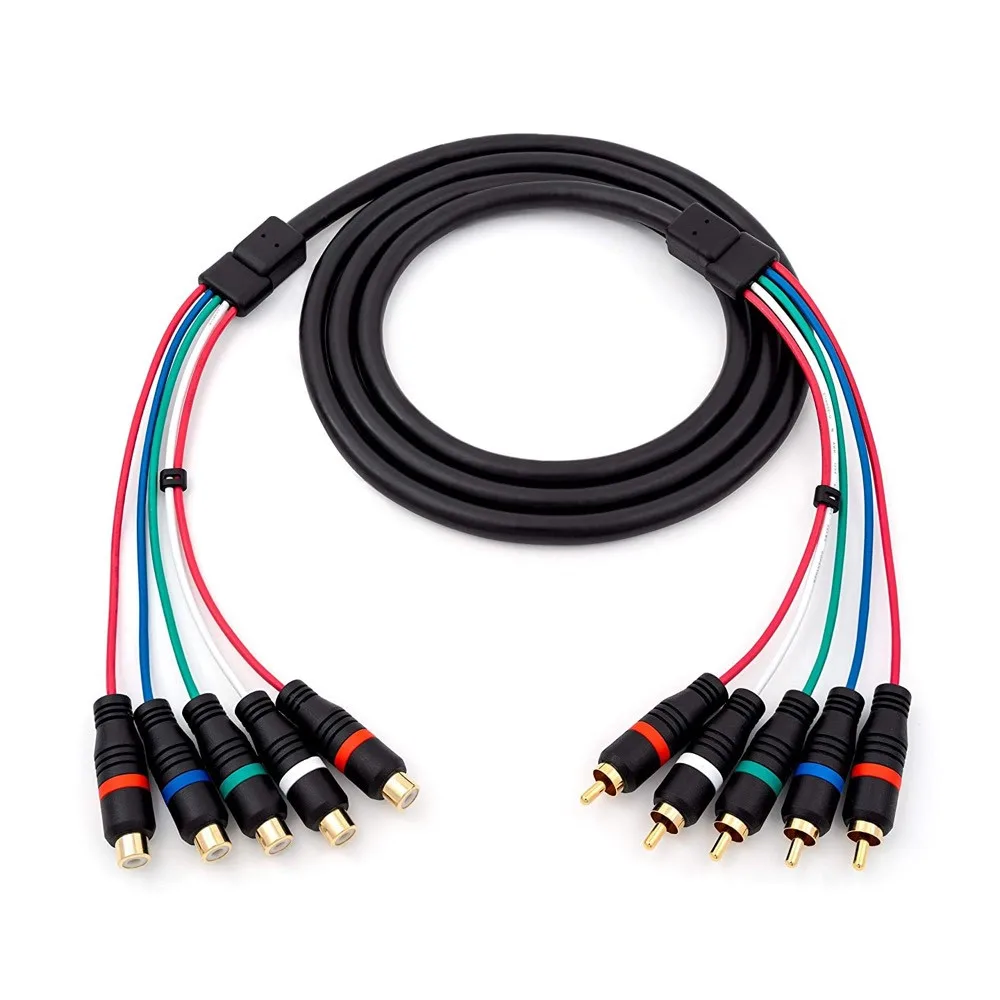
HD Retrovision YPbPr Component Video Female-to-Male RCA Extension Cable
If you're looking to expand your controller options, the 8BitDo Micro Bluetooth Gamepad (Blue) is a compact and versatile choice that works with multiple platforms. Pairing it with your GameCube via a BlueRetro receiver can modernize your retro gaming experience.
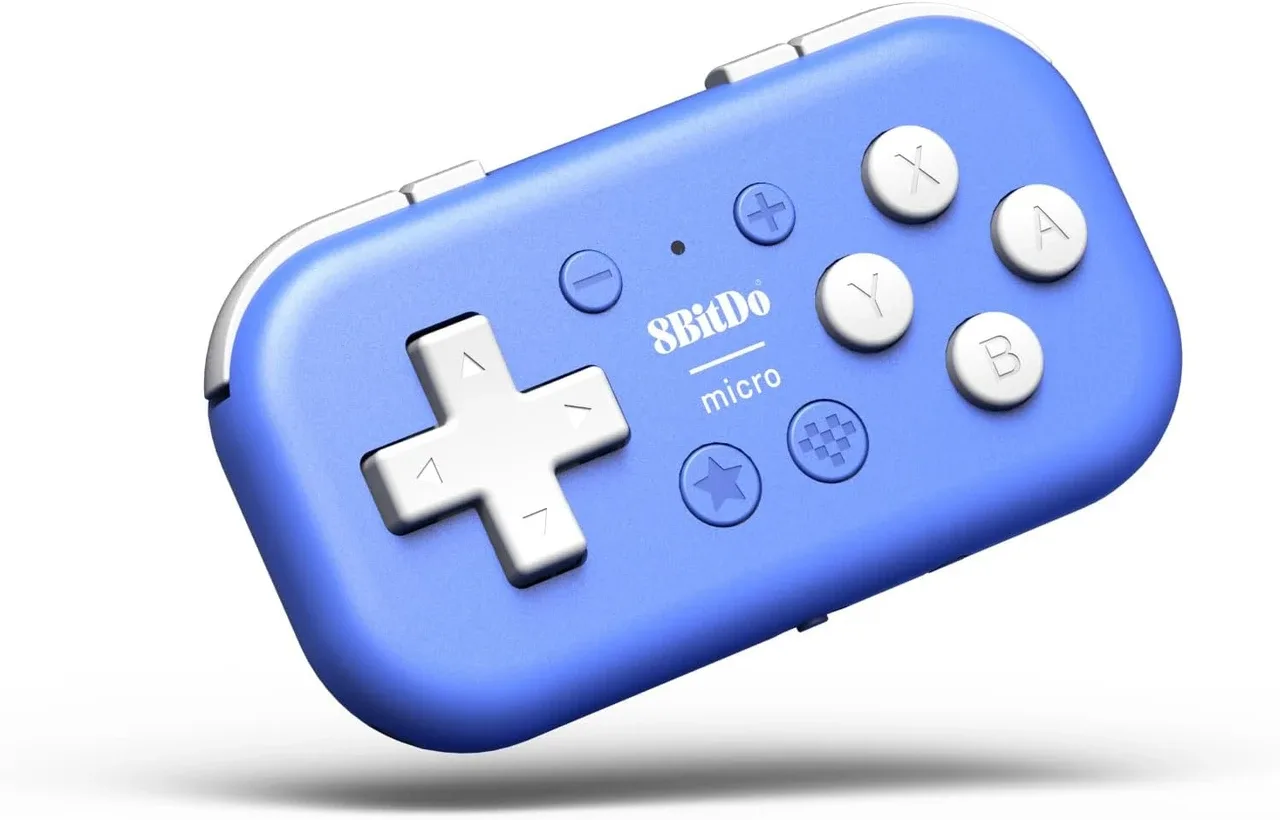
8BitDo Micro Bluetooth Gamepad (Blue)
- Invest in quality cables for better signal integrity
- Consider wireless controller solutions for convenience
- Explore other retro gaming accessories to enhance your setup
The ETH2SP1 Ethernet Adapter is a fantastic Swiss BBA alternative for GameCube owners who want to enjoy online play without breaking the bank. With its easy setup and broad compatibility, it's a must-have for retro gaming enthusiasts. Whether you're diving into Phantasy Star Online or using Swiss for networked game loading, the ETH2SP1 delivers reliable performance. Explore more retro gaming gear at 8BitMods to complete your setup.