Quick answer
Set up the https://eufydu.com/products/e8e00121-cc74a33da687bb792149c401-563421https://eufydu.com/products/e8e00122-071a3d9253ba7fc46ebb3990-563358eufy PoE NVR Security System S4 Max by mounting the NVR first, then running one Ethernet cable per camera to the NVR's PoE ports, installing and formatting the hard drive, and adding cameras one at a time through the eufy Security app. Most failed installs come from using non-PoE switches, skipping the hard drive format, or powering the NVR before the drive is seated.
Before you run any cable: plan the NVR location and power
Put the NVR near a power outlet and, ideally, near where your internet router lives. The S4 Max NVR needs a wired network connection to your router for remote viewing, and it needs to be close enough to the camera runs that you are not exceeding practical Ethernet cable distances. If you plan to add the eufy Security NVR System E50-4-Cam Kit later as a second location, keep its NVR separate rather than trying to merge both into one recorder.
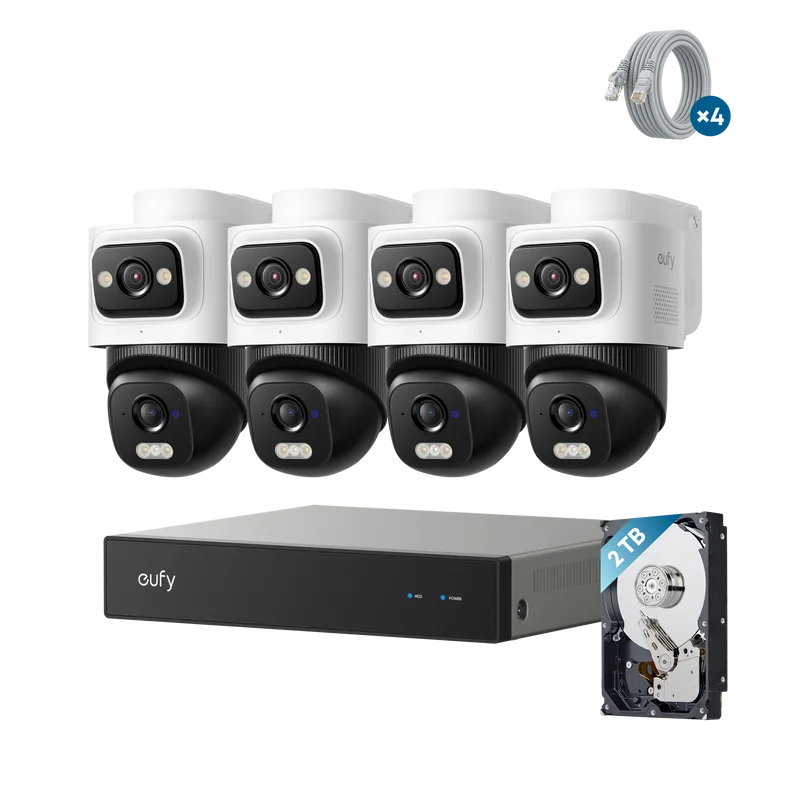
eufy Security NVR System E50-4-Cam Kit
Run PoE security camera wiring to each camera position
Each camera connects to the NVR with a single Ethernet cable that carries both power and data, which is the main advantage of PoE. Use solid copper Cat5e or Cat6 cable rated for the run length and environment. For outdoor runs, use cable rated for direct burial or UV exposure, and leave a service loop at both ends so you can re-terminate a connector if one fails.
Mount the cameras with the lens orientation in mind
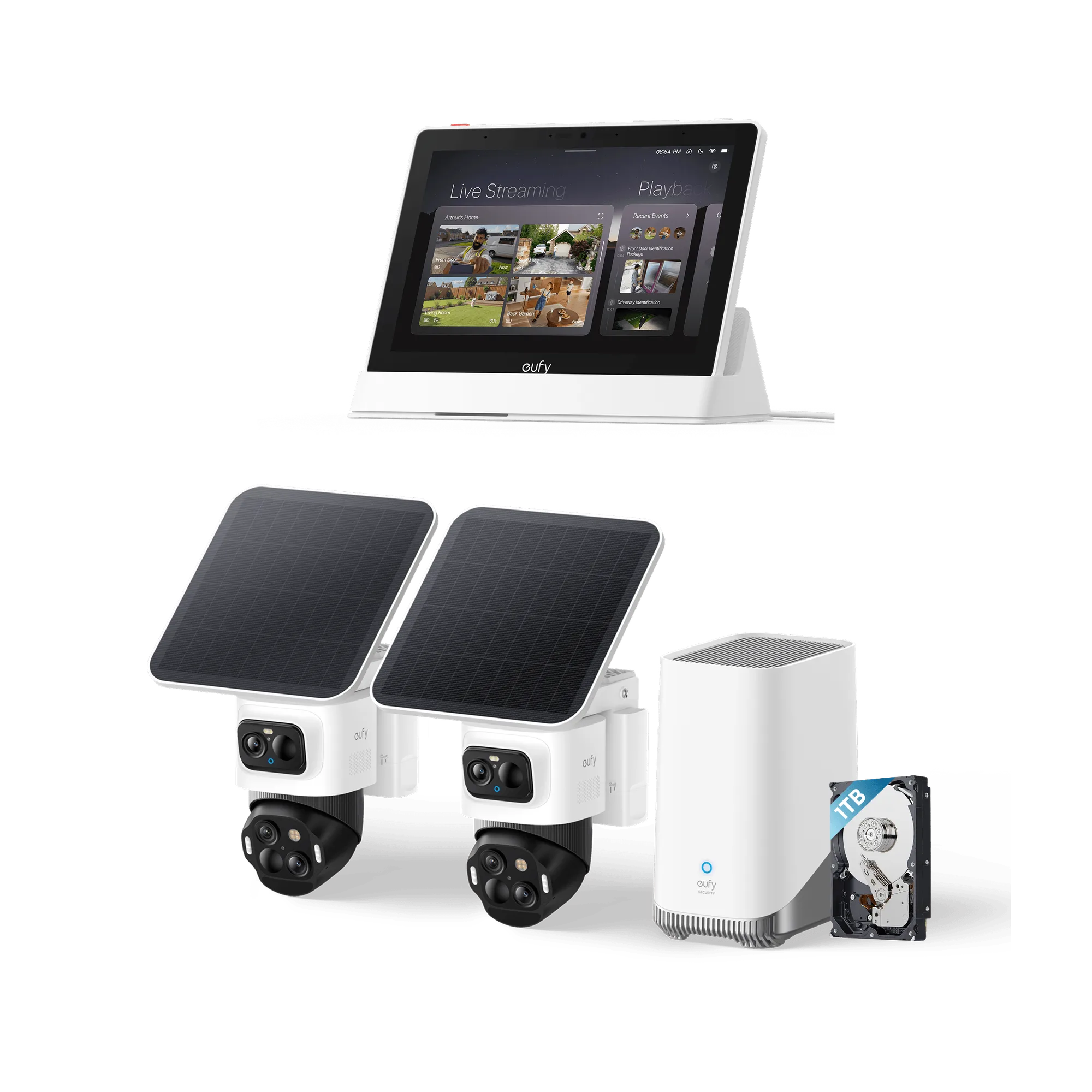
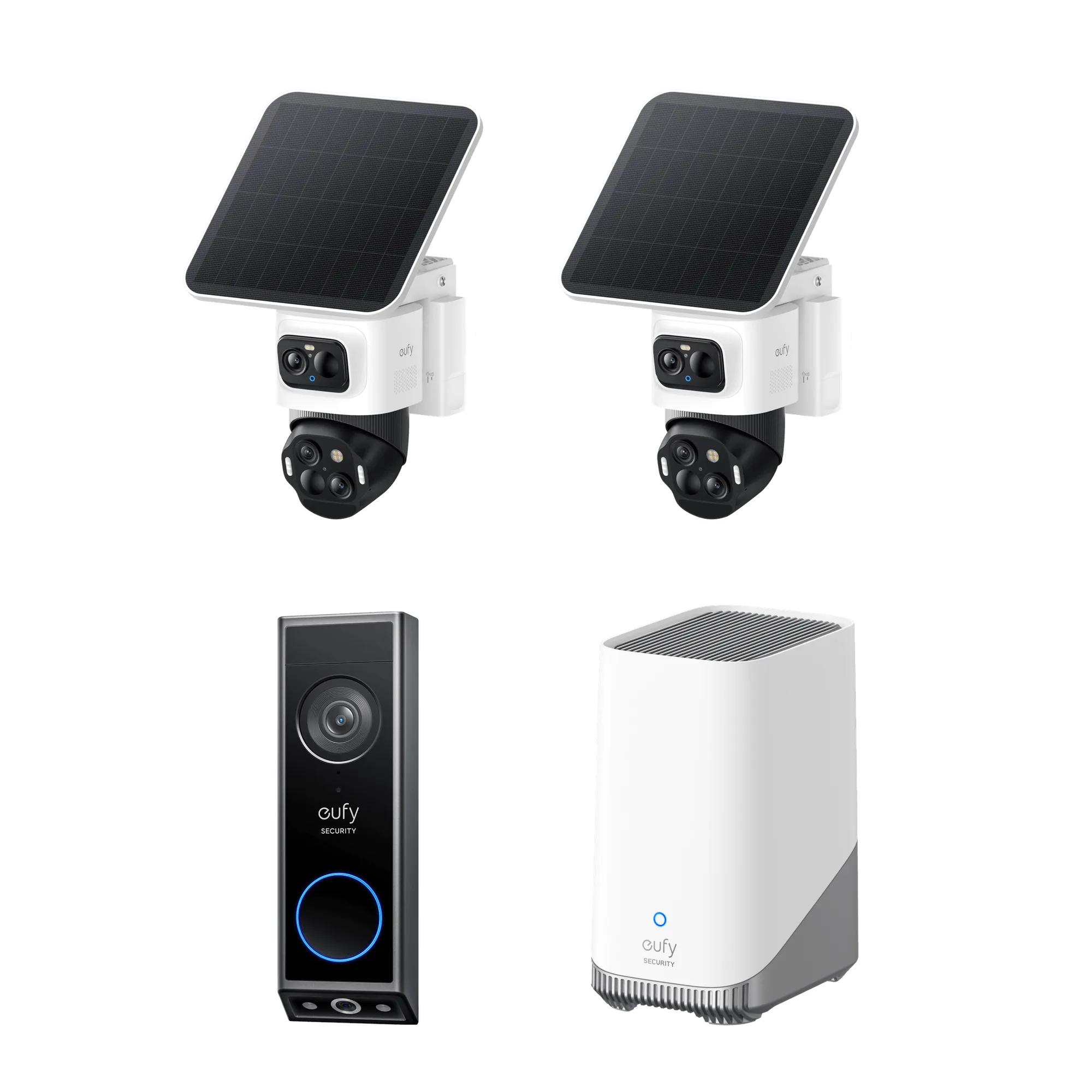
The S4 Max kit includes 4K Triple-Lens Bullet-PTZ cameras. The upper 4K wide-angle camera provides a 122° fixed view, while the lower 2K PTZ camera delivers 8× auto-zoom and 360° coverage. Mount the camera so the wide-angle lens covers the approach path and the PTZ lens has a clear arc to track subjects. Auto-framing and group tracking work best when the bullet camera can detect a subject before the PTZ locks on, so avoid aiming the wide lens at a wall or narrow gap.
Install and format the NVR hard drive before first boot
Open the NVR enclosure and seat the hard drive firmly in the drive bay, then secure it with the included screws. Connect the SATA and power cables before closing the case. Power on the NVR and complete the in-app format step. If you skip the format, the NVR may not record or may show a storage error. The S4 Max kit does not list a preinstalled drive capacity in the catalog, so check the drive you supply against the NVR's supported capacity before you rely on it for retention.
Add cameras and configure recording in the eufy Security app
Open the eufy Security app, add the NVR, and let it detect the connected PoE cameras. Add cameras one at a time so you can confirm each feed and rename it before moving on. Set motion zones per camera, then decide whether you want continuous recording or event-only recording based on how much storage you installed. If you later add PoE Cam S4 add-ons, connect them to open PoE ports on the same NVR and repeat the add-camera step rather than resetting the whole system.
Installation steps with checkpoints
- Step 1: Mount the NVR and connect it to your router: Place the NVR on a shelf or in a rack with airflow, plug in power, and connect the LAN port to your router with an Ethernet cable. Do not connect cameras yet. Checkpoint: the NVR power LED should come on and the network LED should show activity before you continue.
- Step 2: Install the hard drive and format it: Power down the NVR, open the drive bay, seat the hard drive, connect SATA and power, close the bay, then power on and run the format step in the eufy Security app. Common mistake: powering on before the drive is fully seated, which can cause the NVR to report no storage.
- Step 3: Run one Ethernet cable per camera to the PoE ports: Pull a single cable from each camera location back to the NVR. Terminate both ends to T568B, test each run with a cable tester, and plug them into the NVR's PoE ports. Checkpoint: each PoE port LED should light when a camera is connected and drawing power.
- Step 4: Mount and aim the cameras: Secure each camera, then aim the upper wide lens at the main approach and let the lower PTZ lens sit at a neutral angle. Confirm the wide view covers the detection zone before fine-tuning tracking. Common mistake: aiming the wide lens too narrowly, which leaves the PTZ with nothing to lock onto.
- Step 5: Add cameras in the app and set recording rules: In the eufy Security app, add the NVR, let it discover connected cameras, rename each one, then set motion zones and choose continuous or event-only recording. Next step: if you add PoE Cam S4 add-ons later, connect them to open PoE ports and repeat this step instead of resetting the NVR.
Product facts that affect your setup
- eufy PoE NVR Security System S4 Max + 4 PoE Cam S4 Add-Ons: 4K Triple-Lens Bullet-PTZ Camera: The upper 4K wide-angle camera provides a 122° fixed view of the entire scene, while the lower 2K PTZ camera delivers 8× auto-zoom and seamless 360° coverage for comprehensive monitoring. You need to mount the camera so both lenses have useful sightlines. A high corner mount with the wide lens covering the yard and the PTZ lens free to rotate gives you the coverage the hardware is designed for.
- eufy PoE NVR Security System S4 Max + 4 PoE Cam S4 Add-Ons: Auto-Framing and Group Tracking: When the bullet camera detects a subject, the PTZ locks on and auto-tracks them in sharp, centered close-ups from up to 164 ft away. Camera placement affects tracking distance. If you mount the camera too far from the area you care about, you may fall outside the tracking range even though the wide lens still sees motion.
- eufy Security NVR System E50-4-Cam Kit: Hybrid Bullet-PTZ Dual-Lens Camera: The upper 2K fixed lens (115°) continuously monitors your entire property, while the lower 4K PTZ lens provides 360° tracking with 5× digital zoom to capture details up to 65 ft (20 m) away. If you are adding a second NVR location or comparing kits, the E50-4-Cam Kit uses a different lens arrangement and a shorter detail range than the S4 Max, so plan camera positions around the kit you actually install.