Quick answer
Replace your stand mixer beaters when you see bent tines, wobbling, rust, flaking coating, or food that no longer mixes evenly. For everyday care, hand wash in warm soapy water right after use, dry completely, and store them so the tines don't get bent. If your beaters are still in good shape, a thorough clean often restores performance.
Symptoms That Point to Worn Beaters
If your mixer runs but the beaters leave unmixed pockets of flour or butter, the problem is often the beaters rather than the motor. Look for these specific symptoms: the beaters wobble or scrape the bowl, the tines are bent out of shape, the coating is chipped or peeling, or you see rust spots where the metal meets the shaft. Any of these means the beaters can no longer do their job properly.
Another sign is when the beaters no longer stay securely in the mixer's attachment hub. If they pop out during mixing or feel loose no matter how you insert them, the connection point may be worn. In that case, replacing the beaters is the fastest fix.
How to Clean Stand Mixer Attachments Without Damage
Hand washing is safest for most beaters. Rinse off excess batter or dough immediately, then wash in warm water with a mild dish soap and a soft sponge or bottle brush. Avoid abrasive scrubbers, steel wool, and harsh chemicals, which can scratch coatings or dull the metal. For dried-on dough, let the beaters soak in warm soapy water for 10–15 minutes before washing.
Dry the beaters completely with a towel right after washing. Air drying can leave water spots or lead to rust, especially around the shaft where water tends to collect. Once dry, store them in a drawer or container where the tines won't get bent or tangled with other tools.
When to Replace Mixer Beaters
Replace your beaters if you notice any of the following: bent tines that you cannot straighten, a wobbly or loose fit in the mixer, rust that won't come off, flaking or peeling coating, or cracks in the metal or plastic. These issues affect mixing performance and can also damage your mixer over time. If your beaters are still straight, securely fitting, and free of rust or coating damage, cleaning and proper storage are usually enough.
If you're unsure whether the problem is the beaters or the mixer itself, try a replacement set. If new beaters fix the issue, you've saved yourself a repair. If not, the mixer may need service.
Simple Habits for Longer Beater Life
Avoid using beaters for tasks they weren't designed for, like kneading stiff dough, which can bend tines. Stick to the speeds recommended in your mixer's manual. When you're done, don't toss beaters into a sink full of dishes where they can get knocked around. A quick rinse and wash right after use prevents most damage and keeps them ready for the next batch.
Diagnosis: Symptom, Cause, and Action
- Beaters wobble or scrape the bowl: The tines may be bent or the attachment hub could be worn. First, check if the tines are straight. If they are, the mixer's hub may need service. If tines are bent, replace the beaters. If straight, contact support for the mixer.
- Food isn't mixing evenly: Dull or misshapen beaters can't reach the bowl's edges properly. Inspect for bent tines or a loose fit. Replace beaters if they are bent or loose. Otherwise, scrape the bowl and continue mixing.
- Rust or flaking coating on beaters: Rust means the protective layer has failed. Flaking coating can chip into food. Do not use damaged beaters. Replace immediately. Hand wash and dry new beaters to prevent recurrence.
Replacement Options from Dash
- Everyday Stand Mixer Beaters: Compatible with your Everyday Stand Mixer, these Beaters make it easy to whip, mix, and beat with smooth, efficient results every time. If your current beaters are bent, rusty, or no longer mix evenly, this direct replacement restores full performance without guesswork.
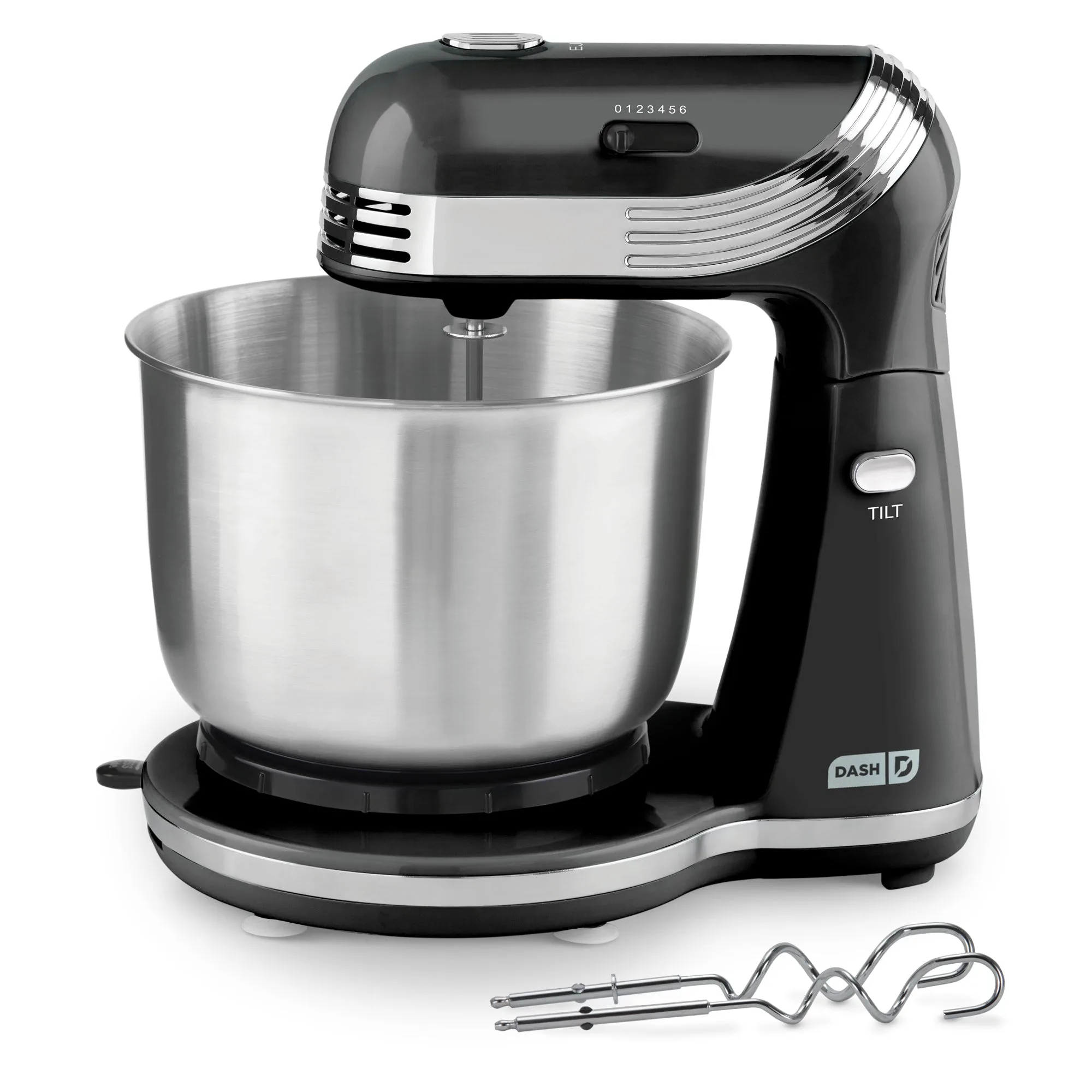
Everyday Stand Mixer