Quick Answer
To check expansion compatibility, confirm the expansion is designed for the exact base game edition you own, verify the product category (expansion vs. standalone), and look for any edition notes in the product description. If an expansion lists a specific base game name, it will not work with a different edition or a similarly themed game.
Buying an expansion that doesn't work with your copy of the base game is one of the most common and frustrating mistakes in the hobby. The good news is that a few quick checks before you buy will almost always prevent it.
This guide answers the most frequent questions about board game expansion compatibility, using real examples from our catalog so you can see exactly where to look. Whether you're wondering which expansion fits your game or trying to tell an expansion apart from a new edition, these answers will help you buy with confidence.
How do I know which expansion fits my base game?
Start by reading the expansion's product description. It will usually name the base game it supports, either directly or by mentioning the series. For example, Maximum Apocalypse: Kaiju Rising is described as adding a new Kaiju apocalypse deck and two survivor characters, which tells you it plugs into Maximum Apocalypse, not a different survival game. If the description does not name a base game, treat that as missing information and ask the seller before buying.
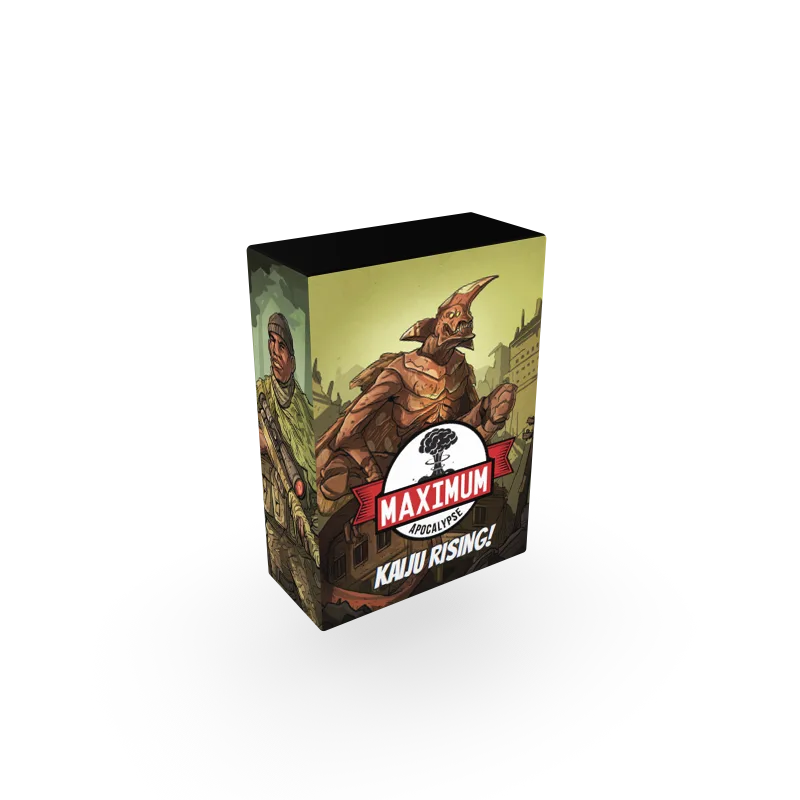
Maximum Apocalypse: Kaiju Rising
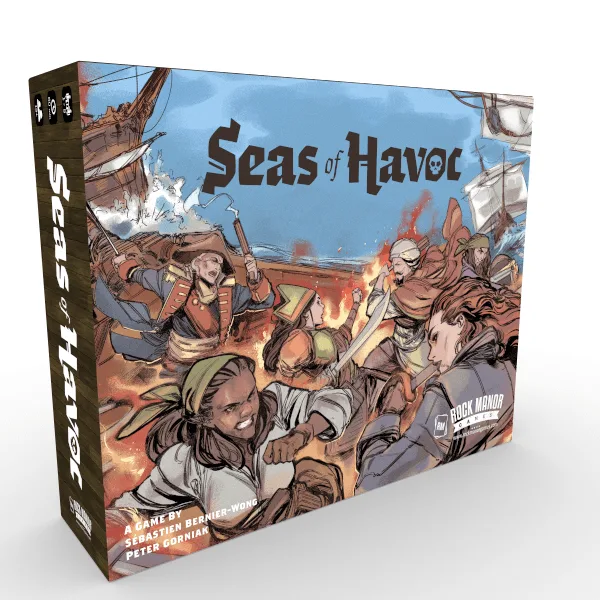
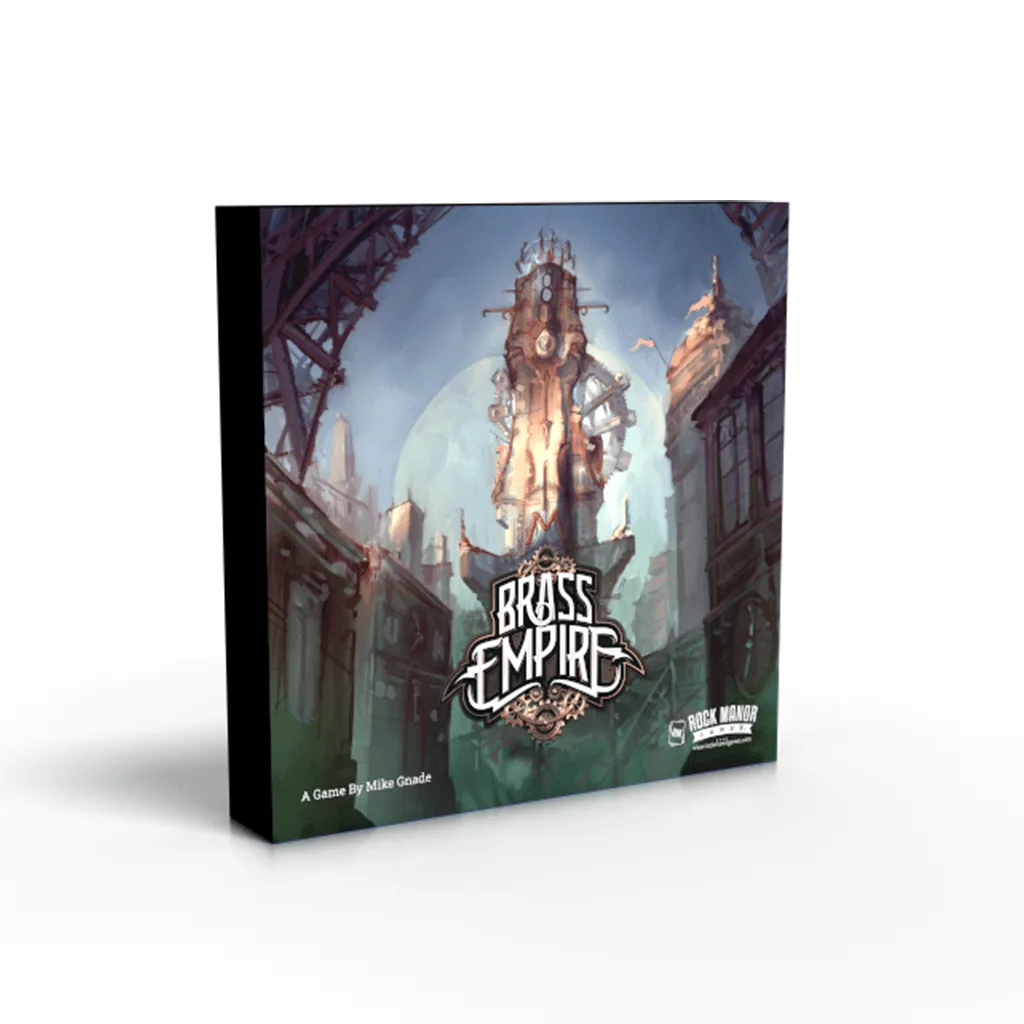
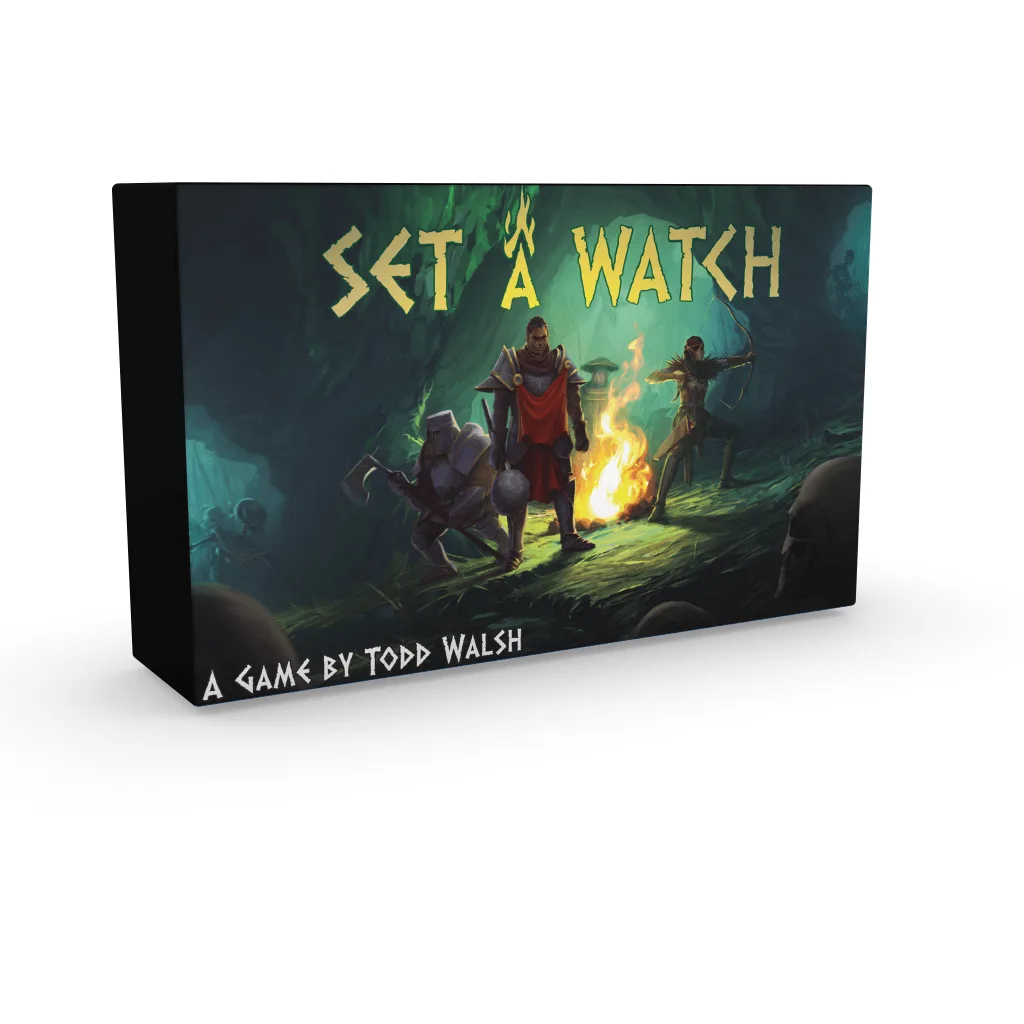
The expansion's category is another clue. In our store, Maximum Apocalypse: Kaiju Rising and https://rockmanorgamesdz.com/products/seas-of-havoc-sea-monster-expansion-ef9b2b48d309548fd0af05f8-1730812Seas of Havoc: Sea Monster Expansion are both filed under Expansion, while Brass Empire: 2nd Edition and Set a Watch are filed under Board Game. That category split exists precisely to help you tell add-ons from standalone products.
- Look for the base game name in the expansion description.
- Check whether the product is categorized as Expansion or Board Game.
- If the base game is not named, contact the seller rather than guessing.
What is the difference between an expansion and a new edition?
An expansion adds content to a base game you already own, while a new edition is a fresh printing of the base game itself, often with updated rules or components. Maximum Apocalypse 2E is a new core set that adapts rules learned along the way and includes miniatures and trays for faster setup. It is not an expansion, so you do not need a previous copy to play it.
This distinction matters because buying a new edition when you meant to buy an expansion leaves you with two copies of the same base game. Conversely, buying an expansion when you actually need an updated core set means you may be missing rules or components that only exist in the new edition.
- New edition = updated base game, playable on its own.
- Expansion = extra content that requires the base game.
- Check the product title for edition markers like 2E or 2nd Edition.
Do expansions work with older printings of the same game?
Sometimes, but not always. Publishers occasionally update card sizes, iconography, or component counts between printings, and an expansion built for the newest printing may not match an older copy perfectly. The safest approach is to compare the edition or printing information on your base game box with the edition the expansion was designed for.
If your base game is an older printing and the expansion description does not specify which edition it supports, that is a genuine compatibility question the product page cannot answer. Ask before you buy. It is a much better experience than discovering mismatched components after the fact.
- Check the printing or edition number on your base game box.
- Match it against any edition notes in the expansion listing.
- When in doubt, ask the seller which printing the expansion targets.
Can I use an expansion without owning the base game?
Generally no. Expansions are designed as add-ons and assume you already have the base game's components, rules, and setup. Maximum Apocalypse: Kaiju Rising, for instance, adds two survivor characters and a new apocalypse deck but does not include the core components needed to play Maximum Apocalypse on its own.
There are rare exceptions where a product is marketed as both an expansion and a standalone experience, but you should not assume that unless the description explicitly says so. If a listing does not state that the product can be played alone, treat it as requiring the base game.
- Assume an expansion needs its base game unless stated otherwise.
- Look for phrases like standalone or playable on its own.
- If the description is silent, ask the seller directly.
What should I check before buying a compatible expansion?
Run through a short checklist: the base game name matches, the edition or printing lines up, the product category is Expansion rather than Board Game, and the description does not mention any required product you do not own. This takes less than a minute and prevents most compatibility mistakes.
It also helps to think about how the expansion changes your game. Seas of Havoc: Sea Monster Expansion adds modular sea monster content, including the Kraken and Sea Serpent, plus sharks that obstruct worker placement spots. Knowing what it adds helps you confirm it is the kind of expansion you actually want, not just one that technically fits.
- Confirm base game name and edition match.
- Verify the category is Expansion.
- Read what the expansion adds to decide if it is right for your group.
Where can I find expansion compatibility answers if the listing is unclear?
If the product page does not answer your compatibility question, contact the seller before purchasing. A quick message asking which base game and edition the expansion supports is normal and expected in this hobby. Sellers would rather answer a question than process a return.
You can also check the publisher's website or the rulebook PDF, which often lists compatible products. Just be careful to match the exact edition, since older rulebooks may not reflect the current printing. When the information is genuinely absent, treat that as a limitation and do not guess.
- Message the seller with your specific base game edition.
- Check the publisher's site for a compatibility list.
- Do not assume compatibility when the information is missing.
Compatibility Checkpoints
Base game name
The expansion description should name the exact base game it supports. If no base game is named, ask before buying.
Edition or printing
Match the edition on your base game box with any edition notes in the expansion listing. Mismatched editions are the most common source of compatibility problems.
Product category
Expansion and Board Game are different categories; use them to tell add-ons from standalone products. A product filed under Board Game is usually playable on its own.
Standalone claims
Only assume an expansion can be played alone if the description explicitly says so. Silence means it requires the base game.
Catalog Examples for Compatibility Checks
- Maximum Apocalypse: Kaiju Rising: Adds two new survivor characters, the Army Ranger and Scientist, and a new Kaiju apocalypse deck. This is an expansion for Maximum Apocalypse, so you need the base game to use it. The description names what it adds, which confirms it is an add-on rather than a standalone product.
- Maximum Apocalypse 2E: A brand new core set that adapts rules learned along the way and includes miniatures and trays for fast setup and teardown. This is a new edition of the base game, not an expansion. If you already own an older core set, check whether the 2E content replaces or supplements it before buying.
- Seas of Havoc: Sea Monster Expansion: Adds two new captains and modular sea monster expansions, including the Kraken and Sea Serpent, plus sharks that obstruct worker placement spots. Categorized as an Expansion, it requires the Seas of Havoc base game. The modular content means you can mix and match, but compatibility still depends on owning the core game.
Checking expansion compatibility comes down to three things: the base game name, the edition, and the product category. Do that before you buy, and you will avoid the most common expansion mistake in the hobby.