Quick answer
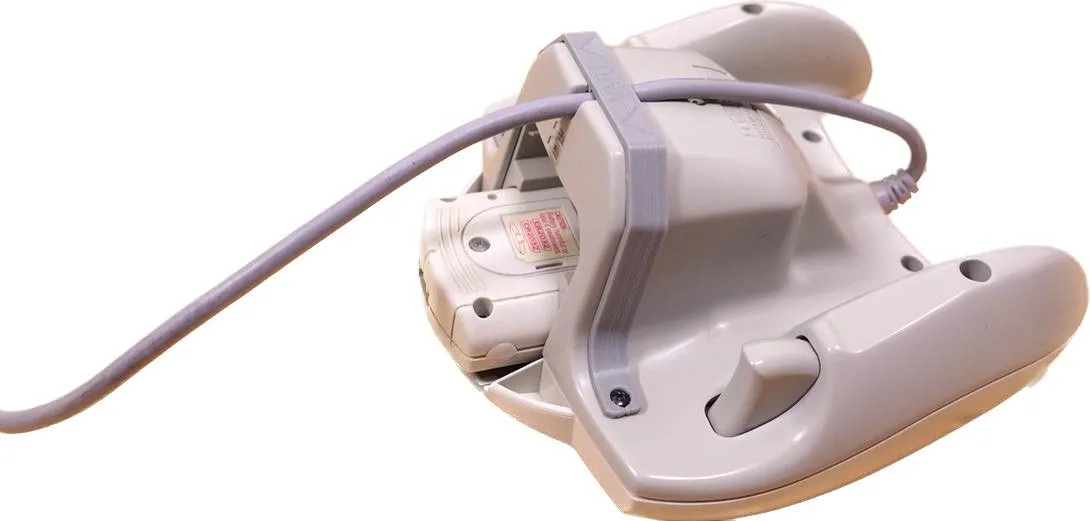
If you want to sit back and play GameCube games without a cable tethering you to the console, the Old Skool Falcon Wireless Controller is a low-cost way to do it. It is a practical pick for casual play and party sessions, but it is not a tournament-grade pad and it will not match the feel of a first-party controller. Buy it for freedom of movement, not for competitive precision.
What the Falcon controller actually gives you
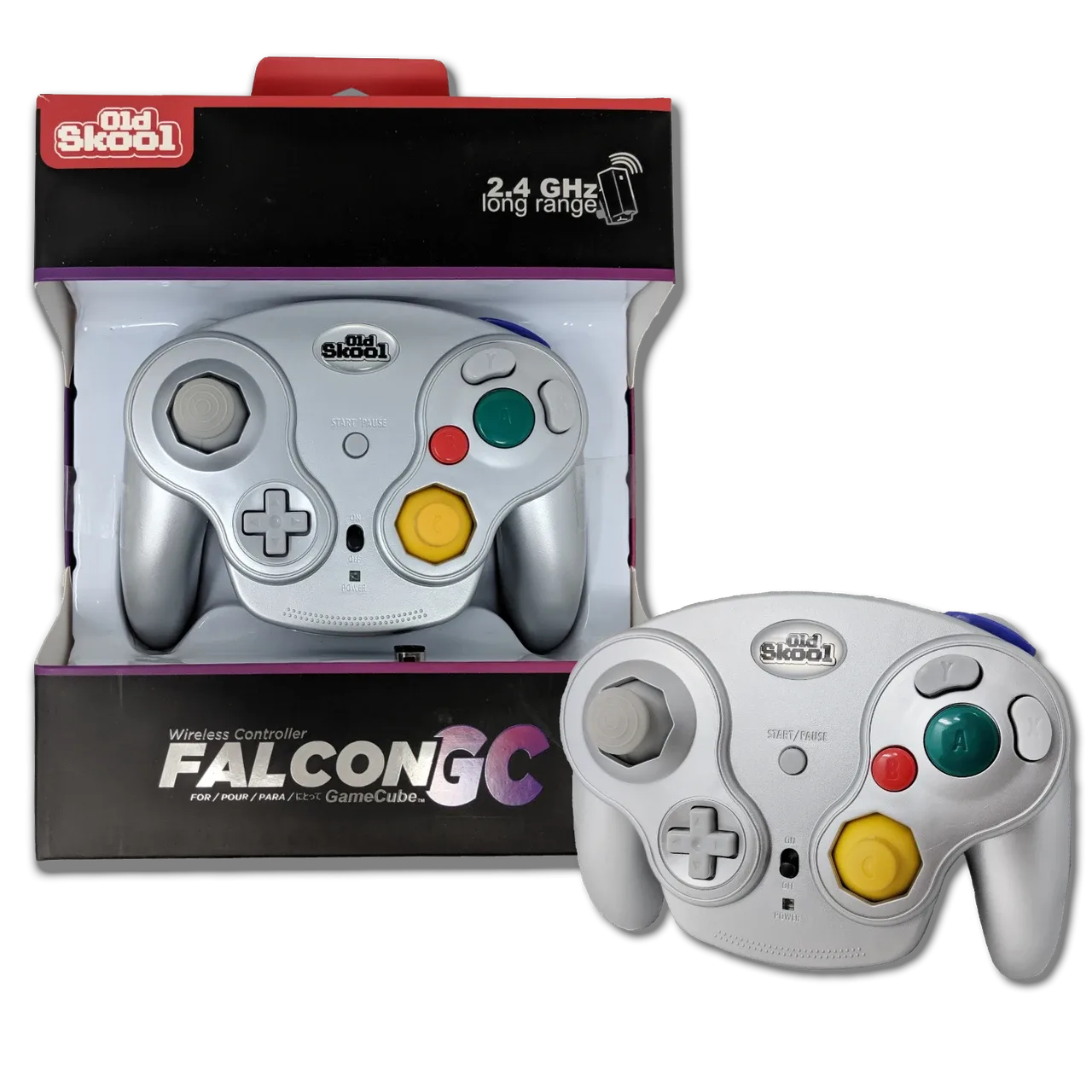
The Falcon Wireless Controller for GameCube from Old Skool is built around one clear idea: cut the cord. It uses a wireless connection so you can move around the room while playing, which matters more than you might think in a living room setup where the console sits across from the couch. The catalog describes it as a way to 'fly freely away into the immersive worlds of your favorite video games,' and that is the honest pitch. It is a convenience upgrade, not a performance upgrade.
Because the product listing does not publish detailed specs like battery type, exact wireless range, or rumble support, treat those as open questions rather than promises. If any of those features are deal-breakers for you, confirm them before buying. For a controller at this price, the sensible expectation is basic wireless play that works, not a feature list that competes with modern pads.
Where a wireless GameCube pad makes sense
Wireless controllers solve a specific annoyance: the short, stiff cable on original GameCube pads. If your console sits on a shelf and you sit on a couch, a wired pad either forces you to move closer or puts strain on the connector. A wireless pad removes that friction entirely, and for games like Mario Kart, Smash Bros., or party titles, being able to pass a controller around without untangling cables is a real quality-of-life win.
The trade-off is latency and battery management. Wireless is not the same as wired for frame-perfect inputs, and you will need to keep the pad charged or supplied with batteries. For most players, that is a fine trade. For players chasing competitive edge, it is not.
How it compares to other GameCube controller alternatives
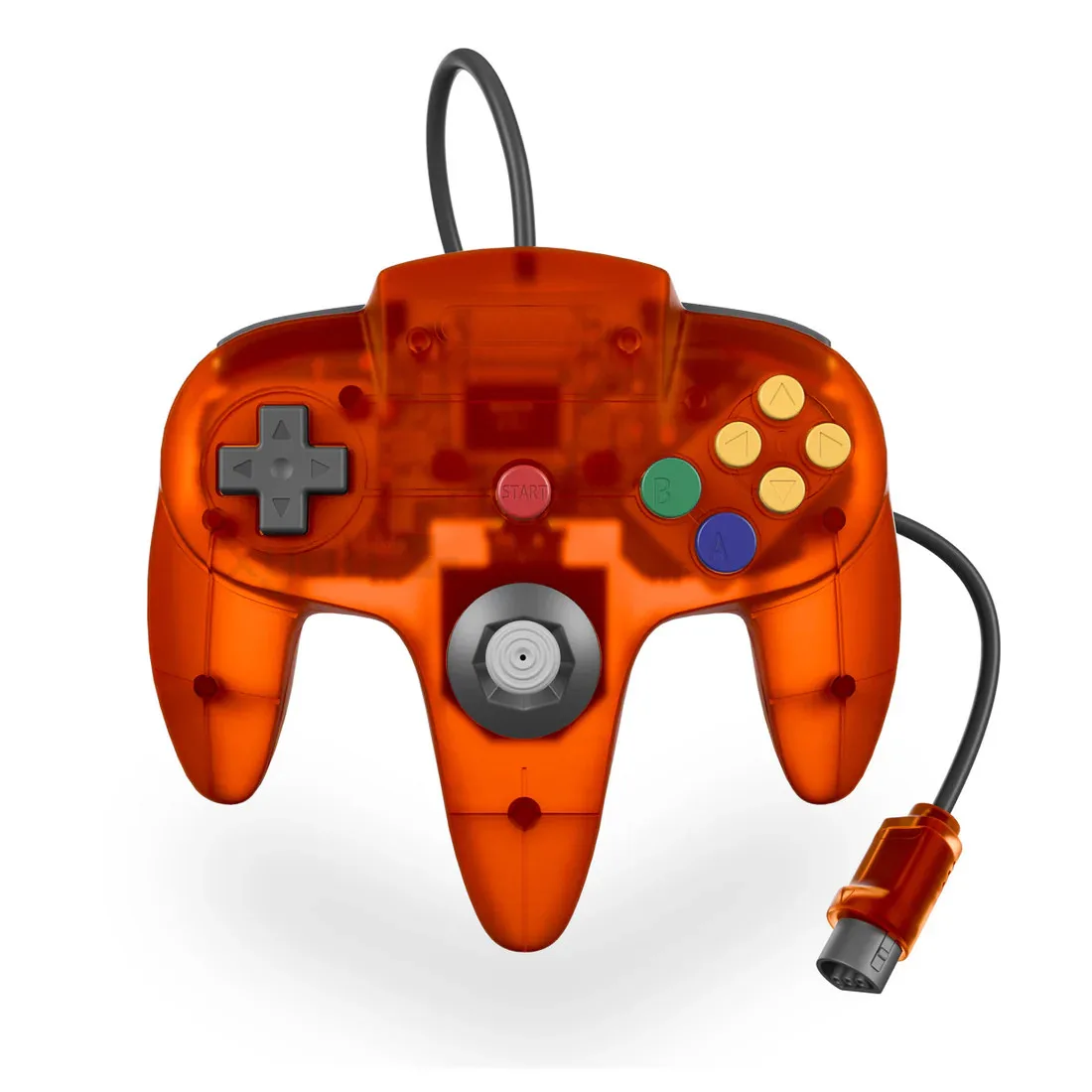
If your priority is authenticity and you mostly play at a desk or close to the TV, a wired replacement like the PROTO64 Wired Controllers for Nintendo 64 shows the value of a plug-and-play wired option with upgraded sticks and heavy-duty controls. That is a different console, but the principle applies: wired pads tend to be simpler and more predictable, while wireless pads trade a little responsiveness for freedom.
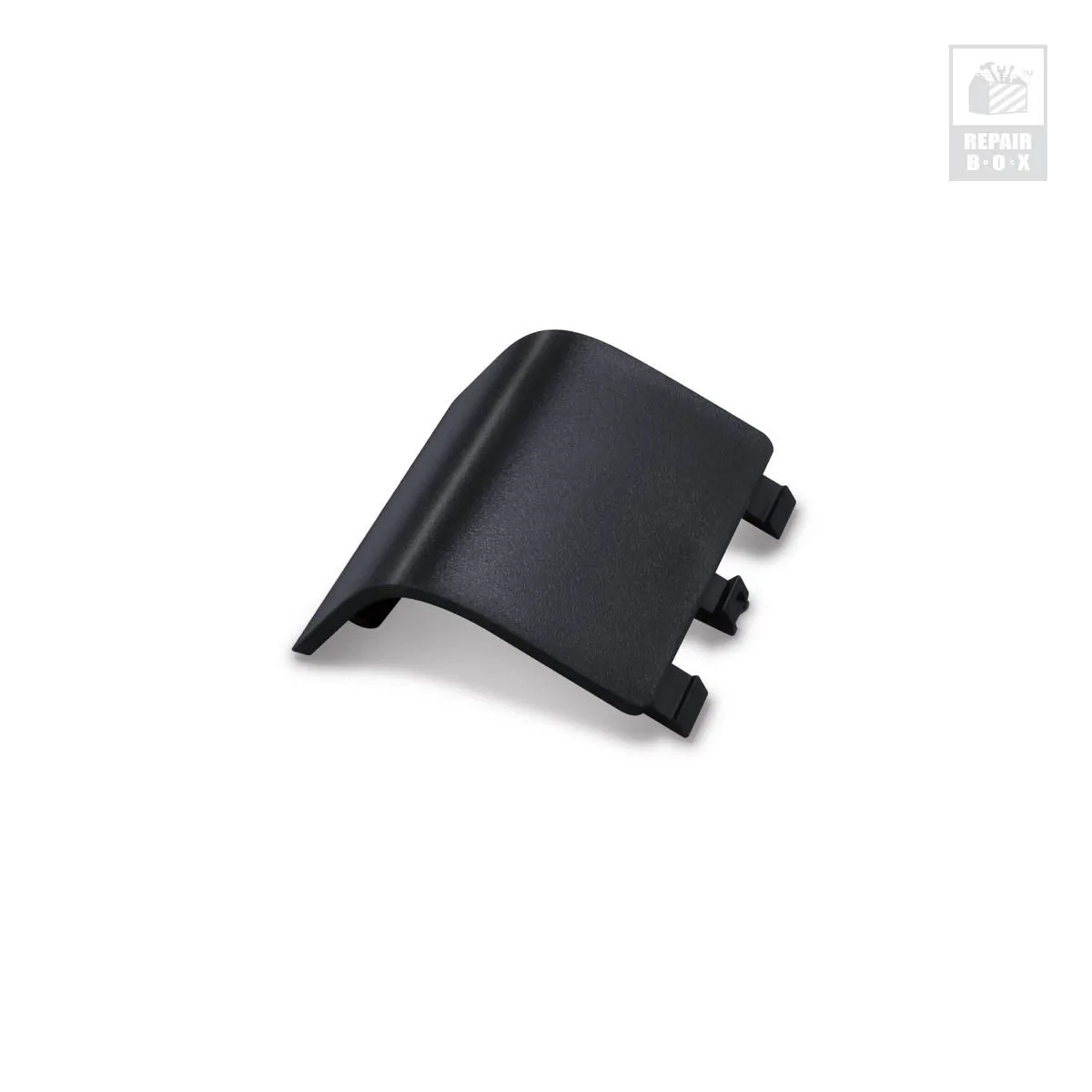
If your priority is keeping original hardware alive, small repair parts matter too. The RepairBox Battery Cover Door for Xbox One Controller is a reminder that controller maintenance is often about cheap replacement parts rather than full replacements. On GameCube, the equivalent move is often a new pad rather than a repair, because original wireless options are scarce and third-party wireless pads fill that gap.
Decision rules for buying the Falcon wireless pad
- Rule 1: Buy it if cable clutter is your main problem: If you play from a couch and the original cable is too short or always in the way, the Falcon solves that specific problem for a low price. Checkpoint: does the cable actually bother you? If yes, this is a reasonable buy.
- Rule 2: Skip it if you play competitively: Wireless adds latency and battery management. For tournament play or frame-perfect inputs, a wired controller is still the safer choice. Checkpoint: if you care about input timing, stay wired.
- Rule 3: Confirm unlisted specs before you commit: Battery type, range, and rumble are not published in the catalog. If any of those matter to you, ask before buying rather than assuming. Checkpoint: no spec sheet means you should verify, not guess.
- Rule 4: Treat it as a second controller, not your only one: A cheap wireless pad is great for guests and party games. Keep a wired original for solo sessions where feel matters most. Checkpoint: best value comes from using it alongside, not instead of, a main pad.
Product facts
- Falcon Wireless Controller for GameCube - Old Skool: Wireless controller for GameCube from Old Skool, catalog price USD 17.99 (comparison price USD 24.99). At under twenty dollars, it is one of the cheapest ways to go wireless on GameCube, so the risk of trying it is low.
- PROTO64 Wired Controllers for Nintendo 64: PROTO64 Wired Controllers offer an upgraded build, plug-and-play setup, heavy-duty reactive controls, OEM color match, and upgraded joysticks. If you prefer a wired connection or want upgraded sticks without wireless complexity, a wired replacement is the more predictable choice.
- Battery Cover Door (Black) for Xbox One Controller - RepairBox: RepairBox Battery Cover Door for Xbox One Controller replaces a broken or lost battery cover and is designed for a perfect fit. Shows that small, cheap parts can extend controller life; on GameCube, a wireless pad is often the simpler fix than hunting rare original parts.
Who should buy it
Best for
- Players who want to sit back on a couch and play GameCube games without a cable
- Party and multiplayer sessions where controllers get passed around
- Budget buyers who want a spare wireless pad for under twenty dollars
Not for
- Competitive players who need wired, low-latency input
- Collectors who only want original first-party hardware
- Players who need confirmed rumble or specific battery specs before buying