Quick answer
Most Godox studio flash trigger problems—no flash, intermittent misfires, short range, or sync errors—are caused by incorrect channel settings, outdated firmware, or physical interference. Follow the diagnosis below to isolate and fix each issue.
Why Godox triggers can act up in the studio
Wireless triggers rely on radio frequency (RF) communication, which can be disrupted by metal objects, other 2.4 GHz devices, or even the position of the trigger on the camera hot shoe. Godox triggers use a 2.4 GHz system with 32 channels, so a mismatch between transmitter and receiver is the most common source of failure.
Another frequent cause is outdated firmware. Godox regularly releases updates to improve compatibility with new camera models and fix known bugs. If your trigger works intermittently after a camera body swap, firmware is often the culprit.
When to consider a different trigger
If you have tried all the steps below and the trigger still fails to fire consistently, the hardware may be damaged. A pre-owned Godox unit, such as the Godox Studio Flash Trigger for Sale pre-owned (product ID 2046429), can be a cost-effective replacement—but only if you confirm it is from a trusted source and has been tested. Buying used saves money but carries the risk of latent damage; always test with your camera and flash before a paid shoot.
Diagnosis: Godox trigger issues
- Symptom: Flash does not fire at all: Check that both transmitter and receiver are set to the same channel and group. On the Godox X1T, press the CH button and rotate the dial to confirm the number matches the receiver. Also verify that the flash is in slave mode and the sync cable (if used) is fully seated. If the channel matches but the flash still does not fire, test with a different receiver or flash to rule out a dead unit.
- Symptom: Intermittent misfires or missed shots: Move the trigger away from metal objects, camera straps, or other 2.4 GHz devices (e.g., wireless microphones). Reduce the distance between transmitter and receiver. On Nikon cameras, ensure the hot shoe contacts are clean and the trigger is pushed all the way forward before tightening the locking ring. If misfires persist at close range (under 30 ft), update the trigger firmware using the Godox G2 app or USB connection.
- Symptom: Short triggering range: Hold the transmitter so its antenna is vertical and unobstructed. Avoid placing the receiver behind a metal light stand or inside a softbox with metal rods. For studio use, 30–50 ft is typical; if range is shorter, try changing the channel to one with less interference. If range does not improve after changing channel and antenna position, the receiver antenna may be damaged—consider a replacement unit.
- Symptom: Flash fires but sync speed is wrong: Check that the camera shutter speed is set to or below the camera's sync speed (usually 1/200s or 1/250s for most Nikon DSLRs). Godox triggers support high-speed sync (HSS) only when both the trigger and flash are HSS-capable and the mode is activated on the transmitter. If HSS is enabled but you still see a black band at the top of the frame, the flash may not support HSS, or the trigger firmware needs an update.
Product facts
-
GODOX STUDIO FLASH TRIGGER FOR SALE pre-owned: Godox is a well-known brand in the photography and lighting industry, and they offer a range of studio flash triggers for photographers to control and trigger their studio flashes and strobes wirelessly. A pre-owned Godox trigger from a reliable seller can restore reliable wireless control without the cost of a new unit, but verify channel and firmware compatibility first.
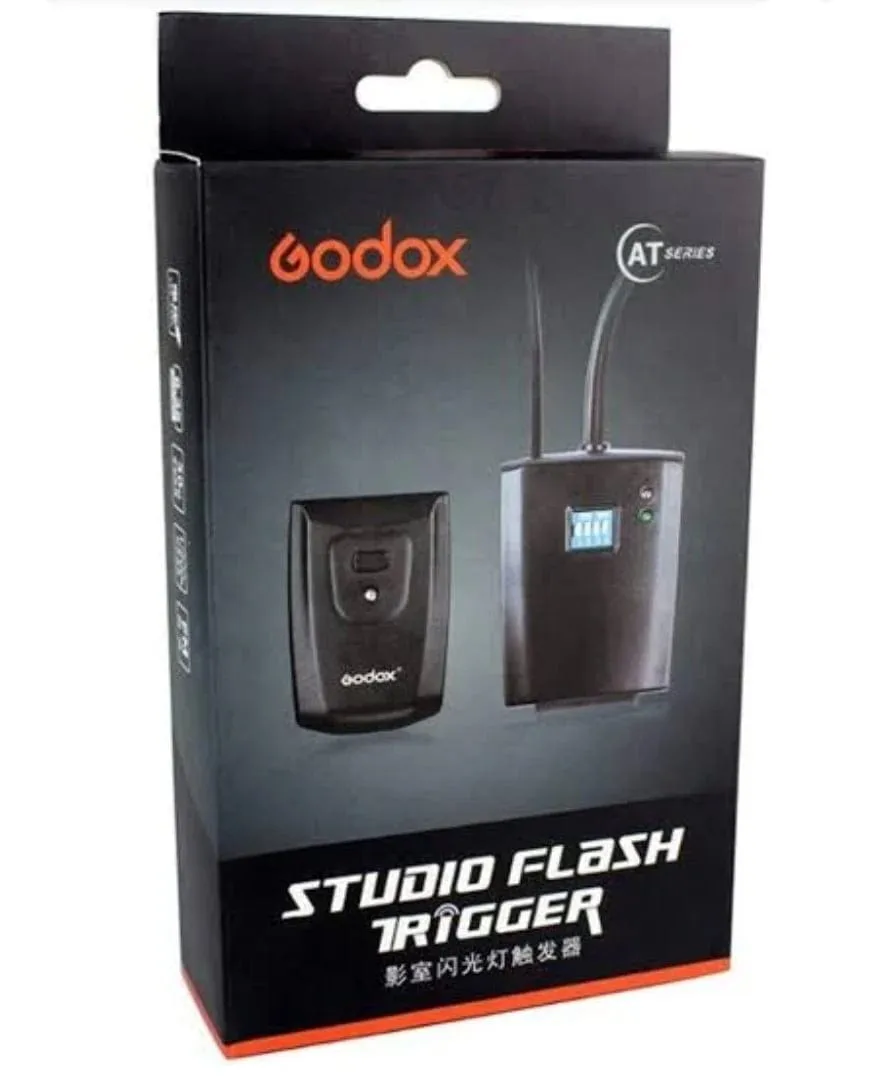
GODOX STUDIO FLASH TRIGGER FOR SALE pre-owned