Quick Fix
Turn the humidity setting down to 40‑45% and enable the low‑mist mode. Reduce the runtime or set a timer so the unit stops before the room reaches saturation.
When a DREO Smart Humidifier 306S runs in a compact bedroom or office, the mist can quickly exceed the room’s capacity, leading to visible condensation on windows and walls. This not only feels uncomfortable but can promote mold growth.
The good news is that most over‑humidification issues are resolved with a few adjustments to the device’s settings and placement. Below you’ll find a step‑by‑step guide to bring moisture back into balance.
Adjust Settings for Small Spaces
Open the DREO app and locate the humidity target slider. For rooms under 150 sq ft, aim for a 40‑45% relative humidity level. The 306S offers a low‑mist mode that reduces output to about 150 ml/hr—ideal for tight quarters.
If you prefer manual control, press the ‘Mode’ button on the unit until the low‑mist icon appears. Pair this with a 2‑hour timer to let the humidifier run only when needed, such as during sleep.
- Place the humidifier at least 2 ft from walls or windows to allow air circulation.
- Close doors to keep the mist contained, but keep a small vent open for fresh air exchange.
Prevent Condensation
Condensation forms when the surface temperature of windows or walls drops below the room’s dew point. Lowering the humidity target and using the low‑mist mode keeps the dew point higher, reducing the chance of water droplets appearing.
If condensation persists, consider using a dehumidifier for a short period after humidifier use, or switch to the warm‑mist function for a gentler rise in humidity.
Diagnosis Summary
- Symptom: Visible condensation on windows or walls after running the Humidifier 306S for more than an hour in a room under 150 sq ft. The room is becoming over‑humidified.
- Likely Cause: Humidity target set too high (above 50%) and the unit operating in high‑mist mode, delivering more moisture than the space can absorb. Settings exceed the room’s capacity.
- Corrective Action: Reduce target humidity to 40‑45%, switch to low‑mist mode, enable a timer, and relocate the unit away from walls. If condensation continues, stop using the humidifier and consider a small dehumidifier. Stop the humidifier when humidity reaches 45% or switch to a dehumidifier if moisture remains excessive.
Product Details That Matter
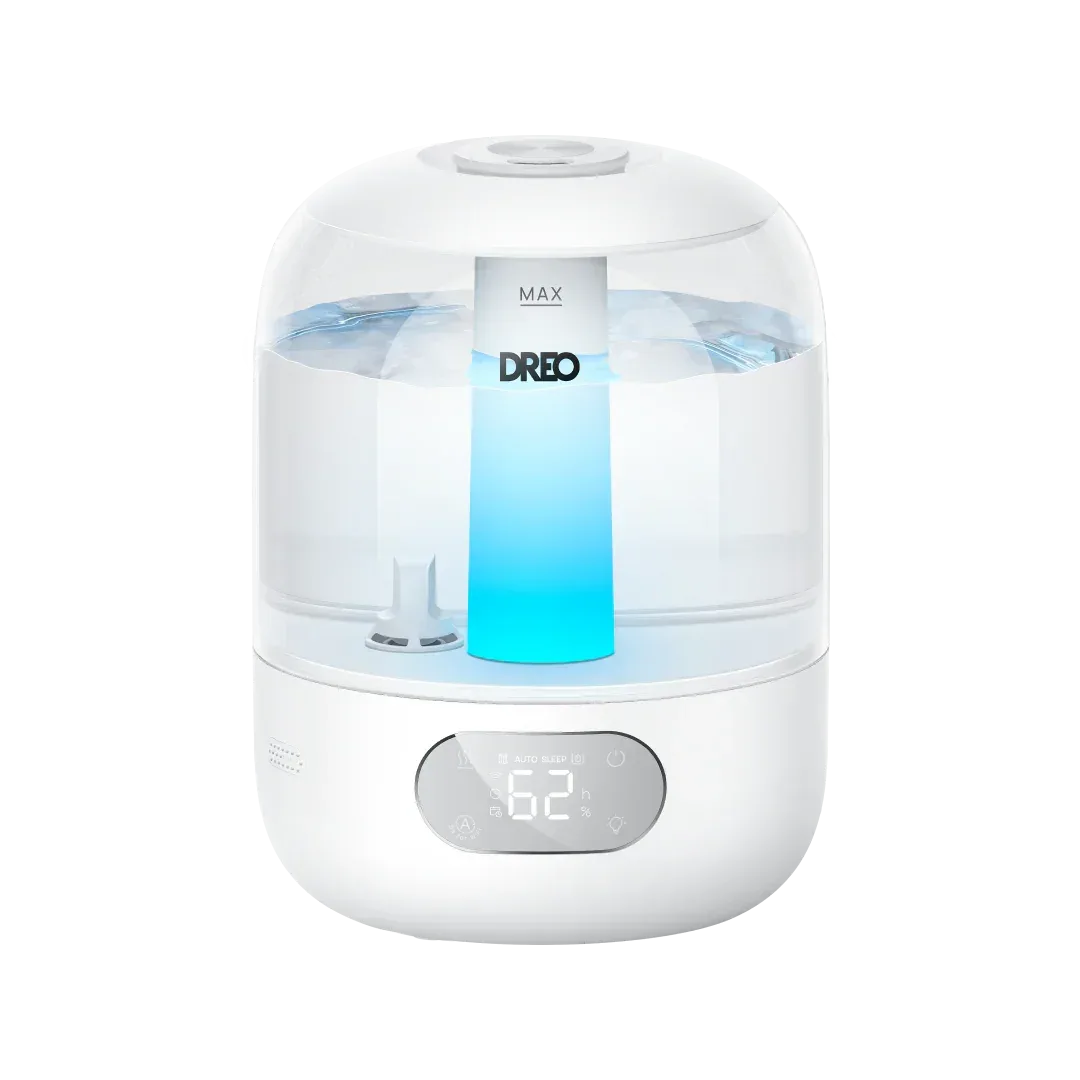
- Humidifier 306 3L: 3L tank, up to 30 hours of continuous mist in sleep mode. Covers 300 sq ft with 360° mist at 250ml/hr. Ultrasonic Tech ensures 5μm fine mist without dampening furniture. Whisper‑quiet at 26dB with adjustable lighting for peaceful sleep. Aroma tray for essential oils, creating a spa‑like experience. The modest 3 L capacity and fine mist make it easy to overshoot humidity in small rooms, so precise setting adjustments are essential.
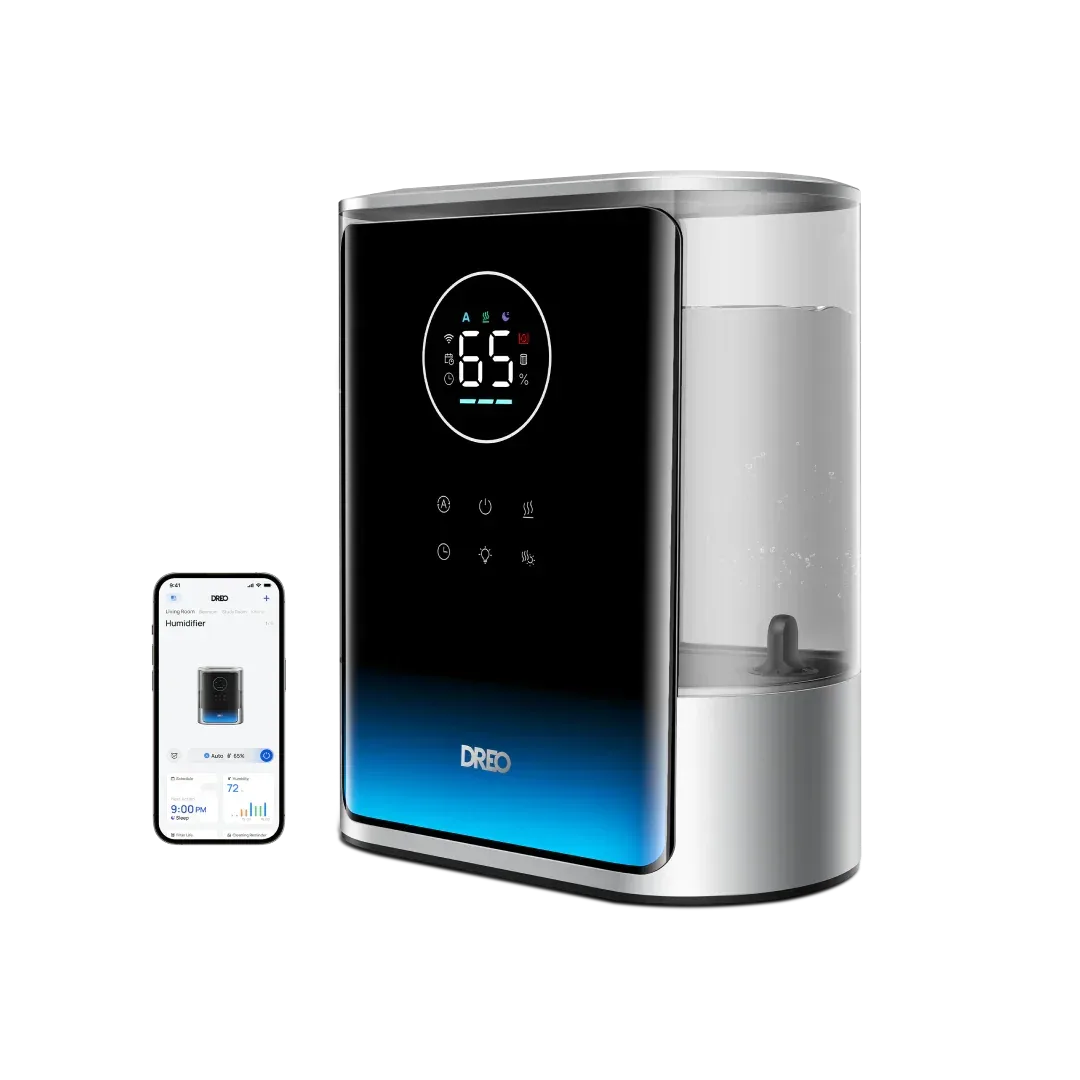
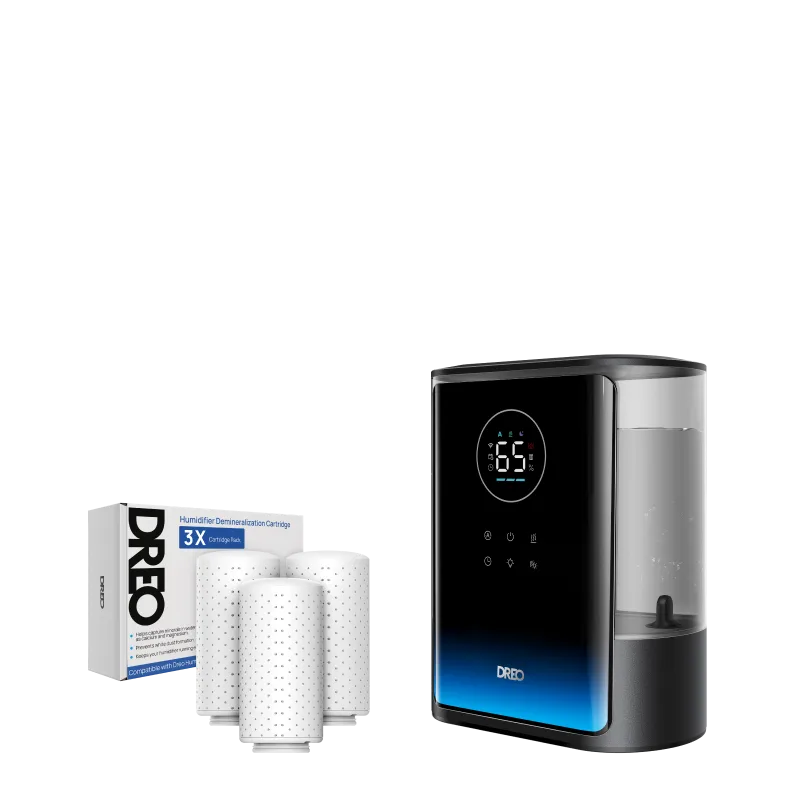
- https://dreoesx.com/products/smart-humidifier-717s-8l-with-demineralization-cartridg-88a0ec6e879f046e7e3f8c0d-2552608Smart Humidifier 717S 8L with Demineralization Cartridge: 8L Water Tank, 80H Max Runtime Warm & Cool. Triple demineralization cartridges purify the mist and reduce white dust for healthier breathing. The larger 8 L tank and dual warm‑cool mist options are better suited for larger spaces; using the 306S in a tiny room requires tighter control.
By fine‑tuning the humidity level, using low‑mist mode, and timing the run, you can keep your small room comfortable without unwanted condensation. If adjustments don’t help, a compact dehumidifier is the next logical step.